Sort Pandas Dataframe Column By List ProgrammingHunk Pandas DataFrame Introduction Select Columns Of Pandas DataFrame By Index In Python One Multiple Pandas Sort By Column Values DataFrame Spark By Examples Pandas Get Column Names From DataFrame Spark By Examples How To Sort Multiple Columns In Pandas DataFrame Spark By Examples Jul 22 2025 nbsp 0183 32 Fix 2 Check the headphone s cable Inspect the headphone s cable for wear and tear If you find any replacing it may fix the issue Fix 3 Use Windows 11 volume mixer
Oct 9 2024 nbsp 0183 32 Experiencing Bluetooth audio only in one channel is a common issue that can usually be resolved with a few simple troubleshooting steps By removing and re pairing your May 13 2025 nbsp 0183 32 Ensure your Bluetooth headphones are compatible with Windows 11 Most modern Bluetooth headphones should work without any problem but if your device is particularly old or
How To Sort Multiple Columns In Pandas DataFrame Spark By Examples How To Get Column Names In Pandas Dataframe ItsMyCode Drop Pandas DataFrame Column By Index In Python Delete One Multiple Pandas Create Conditional Column In DataFrame 2022 Remove Or Replace Any Character From Python Pandas DataFrame Column Replace Nan Values By Column Mean Of Pandas Dataframe In Python Riset Pandas Sort Dataframe On Category Column Data Science Parichay Count Unique Values By Group In Column Of Pandas DataFrame In Python Pandas Dataframe Drop Column If Exists Webframes
Sort Pandas Dataframe Column By List
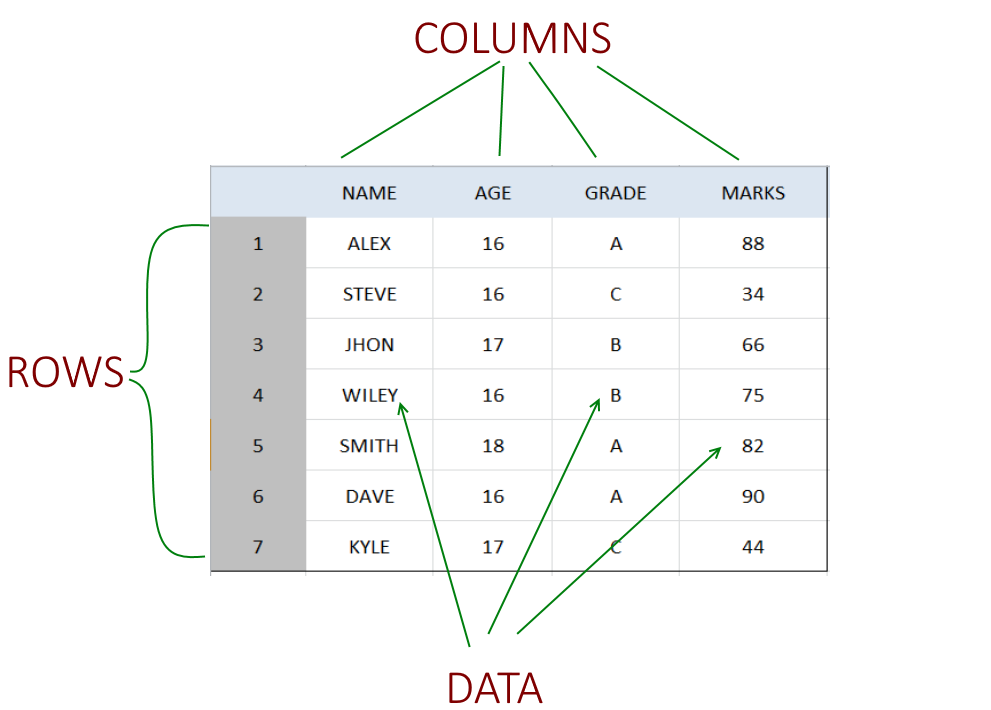 Sort Pandas Dataframe Column By List
https://1.bp.blogspot.com/-iDCBVemkdJQ/XvwkfTCHg3I/AAAAAAAAELI/oLWwAYFl1iAvu42iE9nQdNgYHaJX7CV6gCK4BGAsYHg/s991/PWANDAS%2BDATAFRAME.png
Mar 9 2025 nbsp 0183 32 Go to your device s Bluetooth settings Find your earbuds in the list of paired devices Select Forget Device and confirm Put the earbuds back into pairing mode and
Templates are pre-designed documents or files that can be used for numerous functions. They can save effort and time by supplying a ready-made format and layout for producing various type of content. Templates can be used for individual or expert tasks, such as resumes, invites, leaflets, newsletters, reports, discussions, and more.
Sort Pandas Dataframe Column By List

Quickest Ways To Sort Pandas DataFrame Values Towards Data Science

How To Get Column Names In Pandas Dataframe ItsMyCode

Drop Pandas DataFrame Column By Index In Python Delete One Multiple

Pandas Create Conditional Column In DataFrame 2022
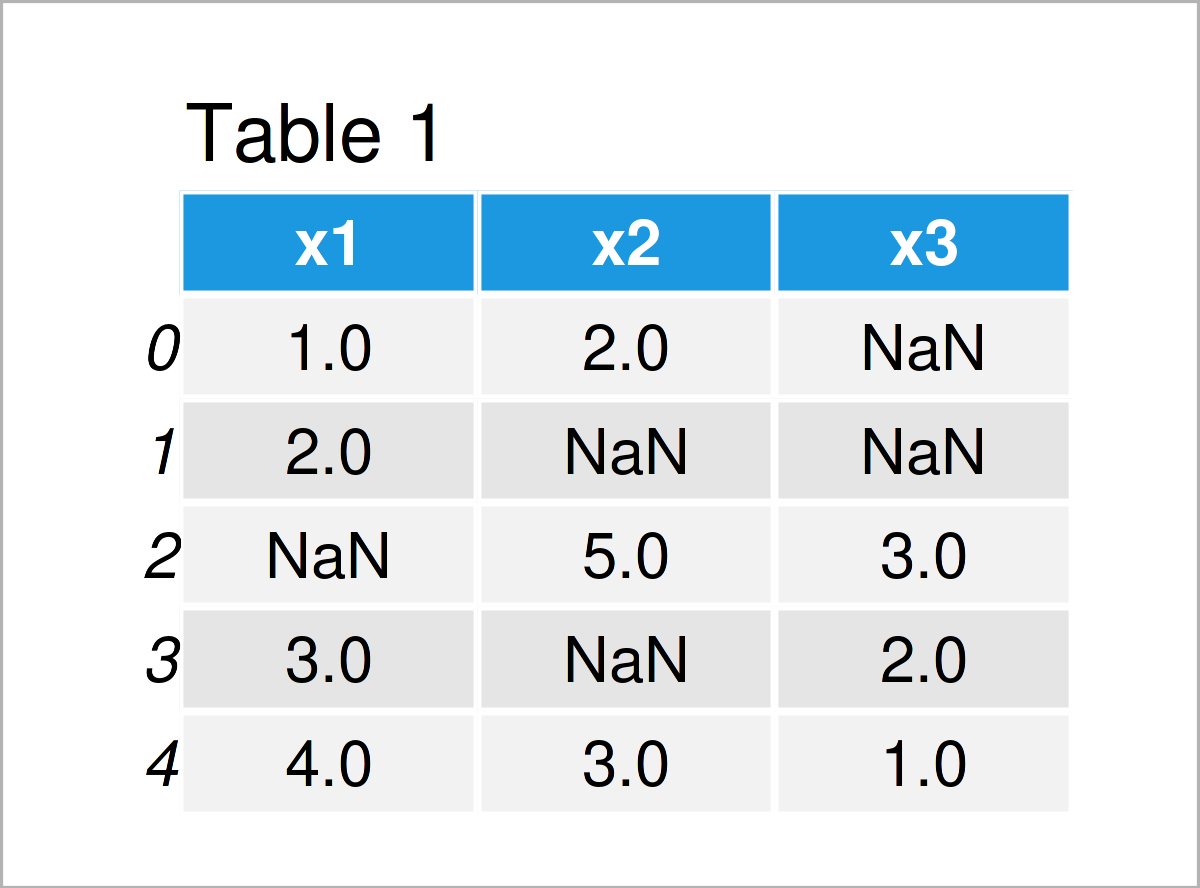
Replace Nan Values By Column Mean Of Pandas Dataframe In Python Riset
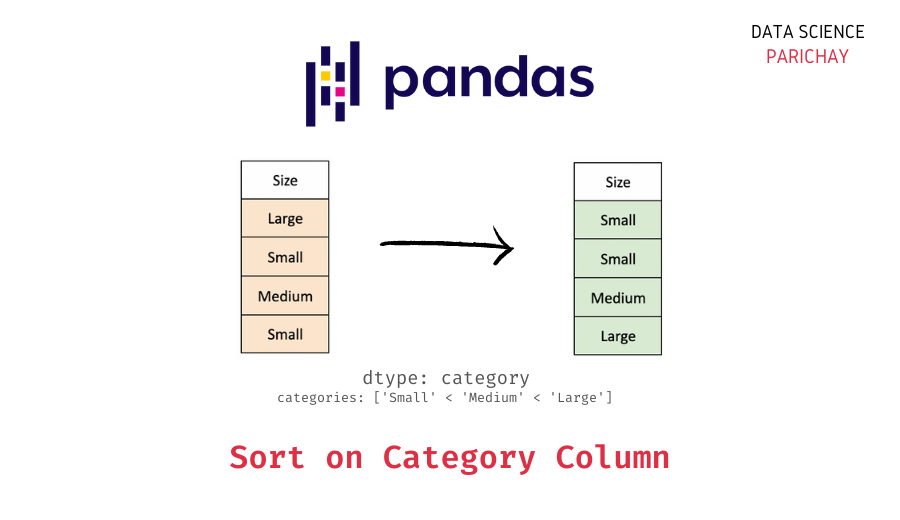
Pandas Sort Dataframe On Category Column Data Science Parichay
Dec 18 2023 nbsp 0183 32 On your Bluetooth headset long press the power button and wait for a few seconds When you see the LED light changing colors or show up differently compared to

Jul 24 2025 nbsp 0183 32 Find Bluetooth and Sound video and game controllers Right click each device and select Update driver Windows Update Make sure your system is up to date

Sep 16 2024 nbsp 0183 32 We explain how to fix Bluetooth audio issues on Windows 11 with easy step by step solutions

Feb 9 2022 nbsp 0183 32 Use the troubleshooting methods below to fix Bluetooth audio issues on Windows 11 Run the Bluetooth and Audio Troubleshooters Check if Windows 11 s built in

Apr 11 2022 nbsp 0183 32 Right click the Bluetooth icon in the Windows Taskbar near the clock and select the Add a Device option Windows will scan for nearby Bluetooth devices that are available for
[desc-11] [desc-12]
[desc-13]