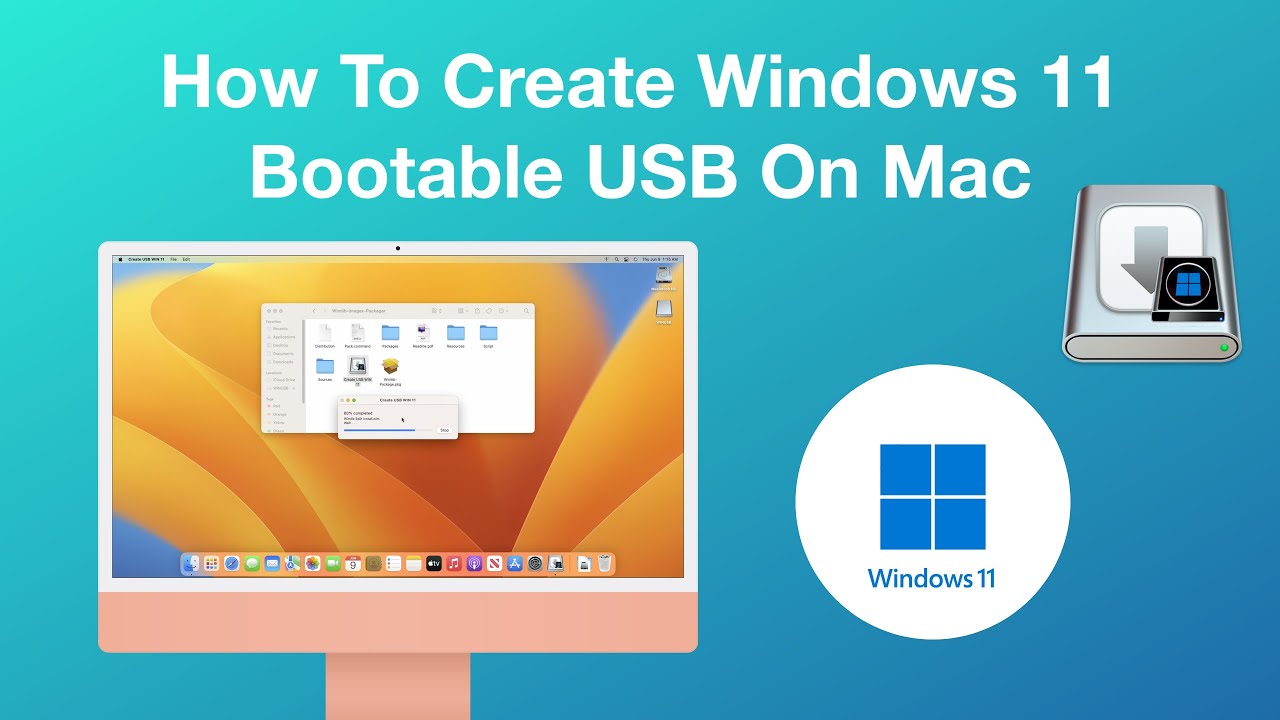
Software To Make Bootable Usb For Mac Download Mac Os Mojave To Make Bootable Drive Kurtlists Create A Bootable Usb For Mac How To Create A Bootable Macos Usb Leomaz How To Create Windows 11 Bootable USB On Mac MacOS Ventura Windows How To Make A Bootable Usb For Mac On A Windows Runbom To create a bootable USB drive with macOS use these steps Download and install TransMac on Windows 10 Quick note This is a paid piece of software but it gives you a 15 day trial which is more than enough time If this works and you want to support the developer purchase the full version Connect the USB flash drive
To create a bootable installer users need an external drive preferably a USB Flash Drive or a Thunderbolt drive with at least 15GB of storage and the macOS installation files Having a Why Choose UUByte ISO Editor for Mac Easily create bootable USB from Windows ISO on Mac Support macOS Sonoma Ventura Monterey Big Sur and more It is one of the best bootable USB creation software you could find on a Mac in 2023 Rufus for Mac Alternative 2 UNetbootin
How To Make A Bootable Usb For Mac On A Windows Runbom Iso To Bootable Usb Mac Software Safasest How To Make A Bootable Usb For Mac On Windows Philpum How To Make A Bootable Usb Mac Sierra On Windows Lasopapin How To Create A Windows 10 Bootable USB Using A Media Creation Tool Can You Create A Mac Bootable Usb On Windows Lasopastaffing How To Create A Bootable USB For Mac OS YouTube Tool For Make Bootable Usb Tools For Making Bootable Windows Usb Mac Software Supernalwireless
Software To Make Bootable Usb For Mac
 Software To Make Bootable Usb For Mac
https://www.stellarinfo.com/public/image/catalog/article/data-recovery/create-bootable-usb-for-mac/Disk-Utility-Step2-Image6.png
To get this software open the App Store and search for High Sierra After clicking on the entry you will either see an Open or Download button If you ve already downloaded the file
Templates are pre-designed files or files that can be used for different purposes. They can save effort and time by supplying a ready-made format and design for producing various sort of material. Templates can be used for personal or expert projects, such as resumes, invites, flyers, newsletters, reports, discussions, and more.
Software To Make Bootable Usb For Mac
Creating A Bootable Mac Usb On Windows 10 Heartsop
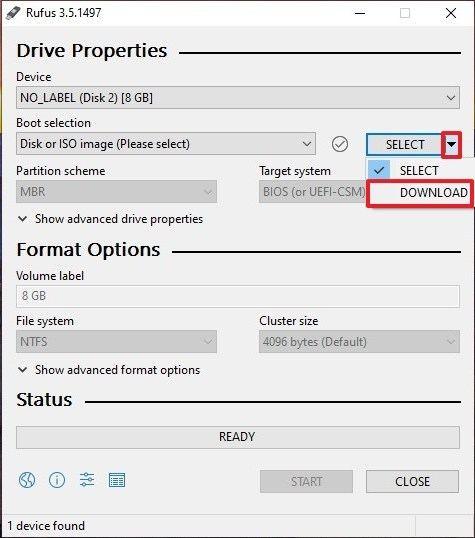
Iso To Bootable Usb Mac Software Safasest

How To Make A Bootable Usb For Mac On Windows Philpum
How To Make A Bootable Usb Mac Sierra On Windows Lasopapin

Can You Create A Mac Bootable Usb On Windows Lasopastaffing

How To Create A Bootable USB For Mac OS YouTube

Rufus for Mac does not exist but there are some great alternatives to Rufus on Mac to create a bootable USB drive If you want to install Windows on your Mac or reinstall and older version of macOS on your Mac creating a bootable USB allows you to do so even if you don t have the original installation disk

Step 1 Get macOS installer files Step 2 Create a bootable installer for macOS Step 3 Use the USB installer to update your Mac createinstallmedia commands
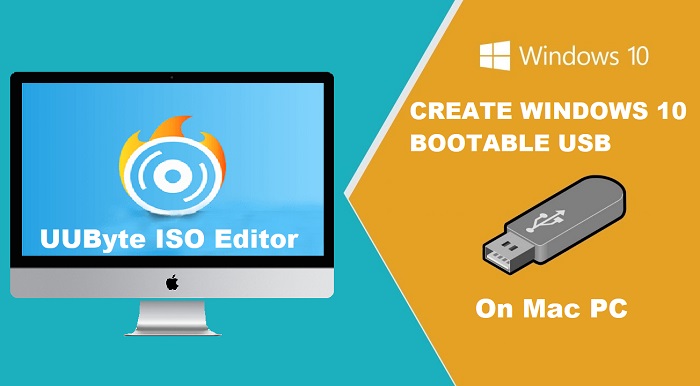
1 Createinstallmedia 2 Install Disk Creator 3 Twocanoes MDS Best USB Bootable Software for Mac to Create Windows Installation Disk 1 BootCamp 2 UUByte ISO Editor Best USB Bootable Software for Mac to Create Linux Installation Disk 1 Unetbootin 2 Balena Etcher How to Check If the USB is Bootable or Not Frequently Asked Questions
Rufus is a utility that helps format and create bootable USB flash drives such as USB keys pendrives memory sticks etc you need to create USB installation media from bootable ISOs Windows Linux UEFI etc Despite its small size Rufus provides everything you need A non exhaustive list of Rufus supported ISOs is also provided at the

A working Mac Of course you ll need a computer to create the macOS USB installer A flash drive You ll need it to store the selected macOS version The installation file You ll need to decide on the macOS version that you need and download the installation file
1 Prepare a USB Drive Prepare a USB flash drive that has at least 16GB of storage space Besides make sure there is no important data saved to this drive If yes back up the crucial files to another safe place You can do this thing via copy paste or use a piece of free backup software like MiniTool ShadowMaker Open System Settings and go to the General section Select Software Update 3 macOS will search for updates If there s a new version of macOS click Upgrade Now 4 As well as updating macOS your Mac will download an installer file to your Applications folder which you can use to create your bootable USB drive
Step 1 Connect a USB drive with at least 16 GB of storage space to your Windows PC and move all data from USB drive to a safe place as the drive will be erased while preparing macOS bootable USB Step 2 Visit this page of TransMac and download the latest version of TransMac software on your PC