Small Size Icon Windows Icon Size Windows 176351 Free Icons Library How To Make Desktop Icons Smaller In Windows 10 How To Change The Icon Size In Windows 10 YouTube What Size Is A Desktop Icon 81968 Free Icons Library Mobile Legends How To Change The Size Of Desktop Icons And More On Windows 10 ZOHAL Web Apr 16 2021 nbsp 0183 32 Hold Ctrl on the keyboard and scroll your mouse wheel forward and backward to change the size of the Windows 10 desktop icons Remember this does not change the font size or other
Web Nov 16 2023 nbsp 0183 32 What to Know Right click or tap and hold the desktop and select View Pick Large icons or another size option To change the icons from the keyboard select the desktop and press Ctrl Shift 1 or 2 3 or Web Oct 1 2021 nbsp 0183 32 With a simple registry tweak you can get small medium or large taskbar and icons
How To Change The Size Of Desktop Icons And More On Windows 10 ZOHAL Windows 10 How To Resize Change smaller Medium And Bigger Desktop Full Screen Icon 155157 Free Icons Library What Size Is A Desktop Icon 81957 Free Icons Library How To Change Taskbar Icons Size In Windows 11 Vrogue Desktop Icons Windows 10 How To Add Desktop Icons On Windows 10 Www Windows Minimize Icon 329270 Free Icons Library How To Make Taskbar Icons Smaller Windows 11 How To Change Icon Of Desktop Icons In Windows 10 Windows 10 Vrogue
Small Size Icon Windows
 Small Size Icon Windows
https://icon-library.com/images/icon-size-windows/icon-size-windows-12.jpg
Web Jun 9 2023 nbsp 0183 32 Step 1 Right click on your desktop and select the View option from the context menu You will see all available options Large icons Medium icons and Small icons
Templates are pre-designed files or files that can be utilized for various purposes. They can conserve time and effort by offering a ready-made format and layout for developing various kinds of content. Templates can be used for personal or professional projects, such as resumes, invitations, flyers, newsletters, reports, discussions, and more.
Small Size Icon Windows
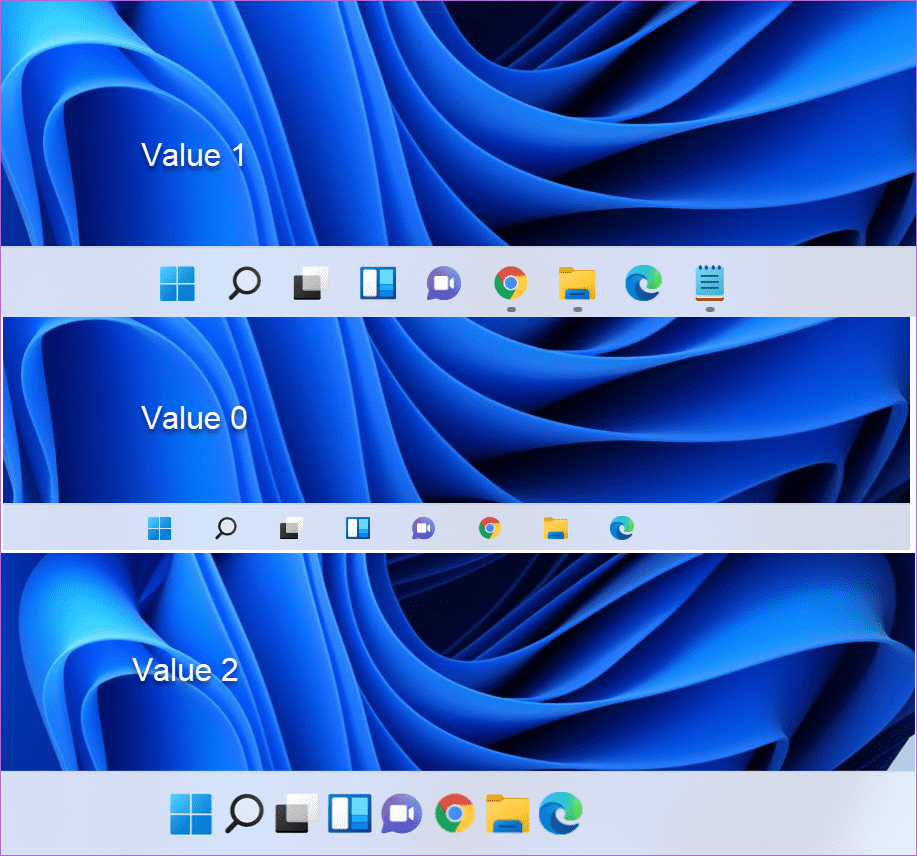
How To Resize The Taskbar Icons In Windows 11 Vrogue
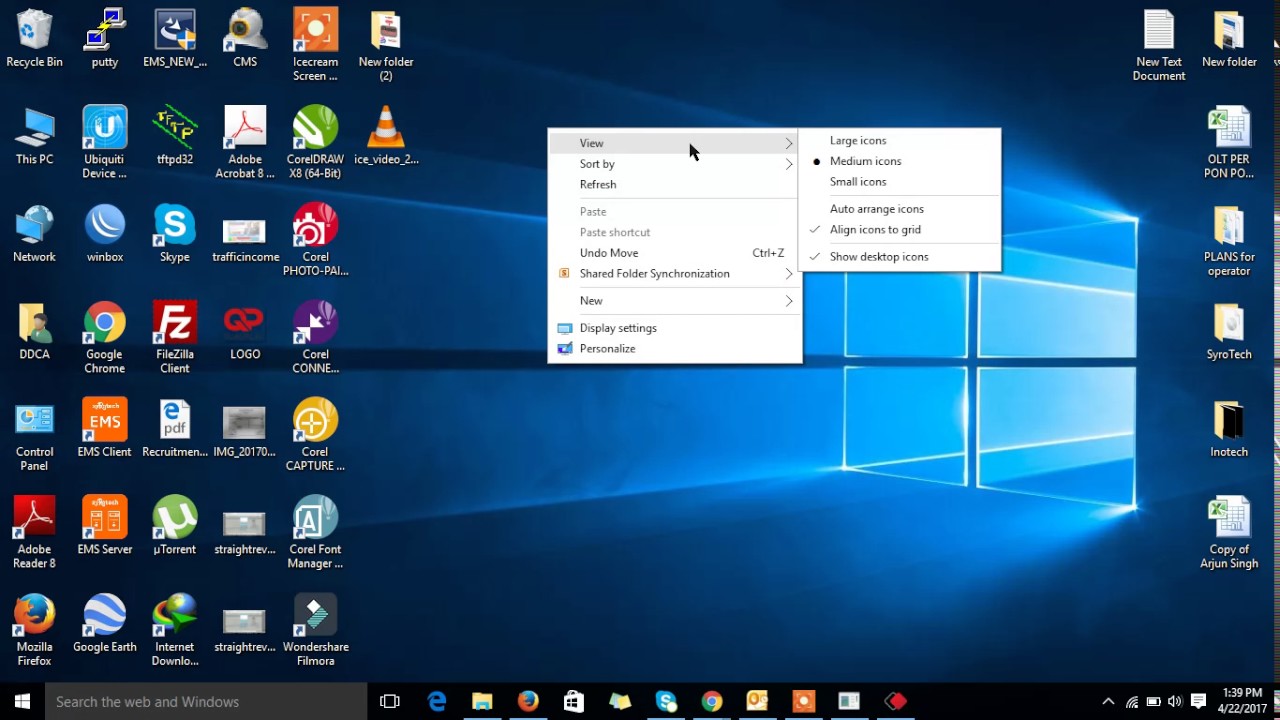
Windows 10 How To Resize Change smaller Medium And Bigger Desktop

Full Screen Icon 155157 Free Icons Library
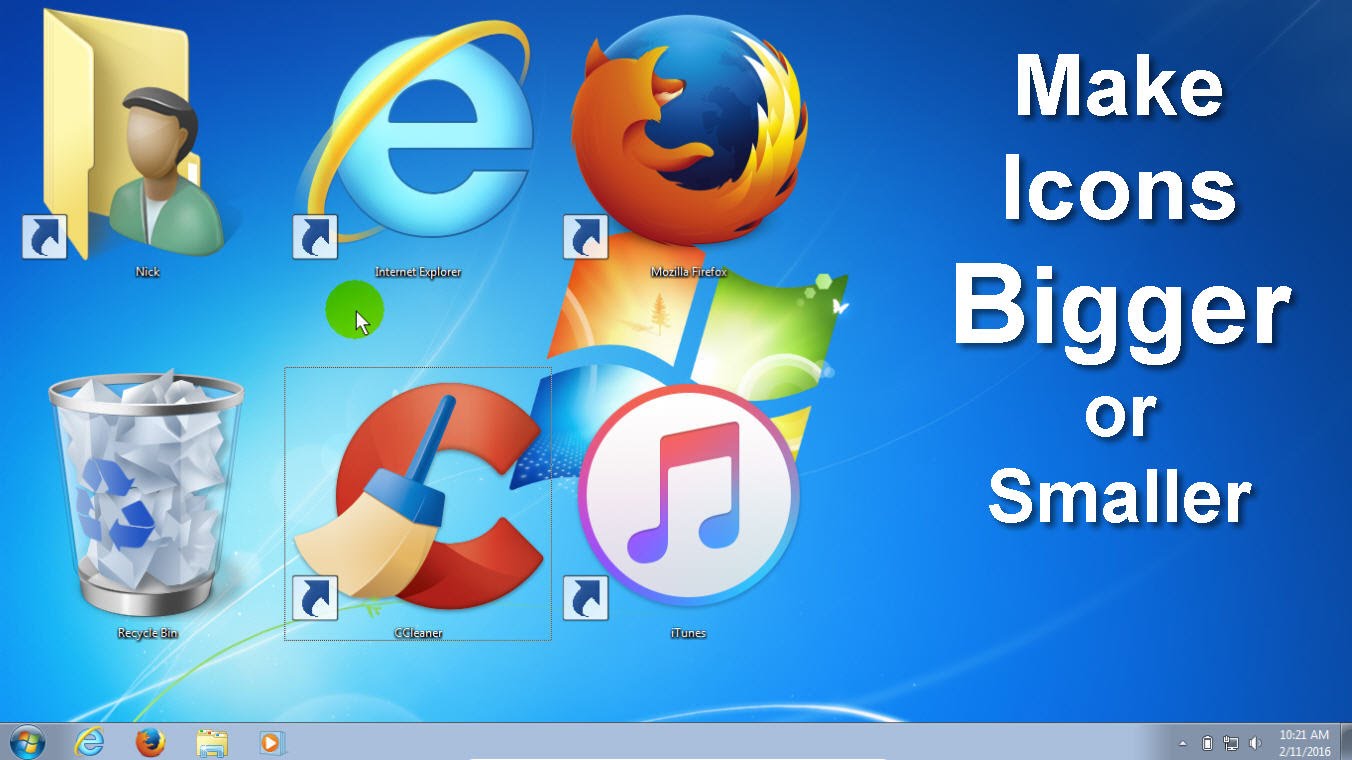
What Size Is A Desktop Icon 81957 Free Icons Library

Desktop Icons Windows 10 How To Add Desktop Icons On Windows 10 Www

Windows Minimize Icon 329270 Free Icons Library

Web Mar 29 2023 nbsp 0183 32 To change desktop icon size to small right click your desktop point to quot View quot and select quot Small Icons quot This works on both Windows 10 and Windows 11 as well as older versions of Windows like

Web Apr 8 2021 nbsp 0183 32 What to Know Change desktop icon sizes Right click on the desktop gt go to View gt choose an icon size Change file icon sizes Go to Start gt File Explorer gt View

Web Aug 23 2019 nbsp 0183 32 By Chris Hoffman Published Aug 23 2019 Windows desktop icons too large or too small You can choose from a much wider range of sizes with this hidden shortcut Windows lets you choose large medium
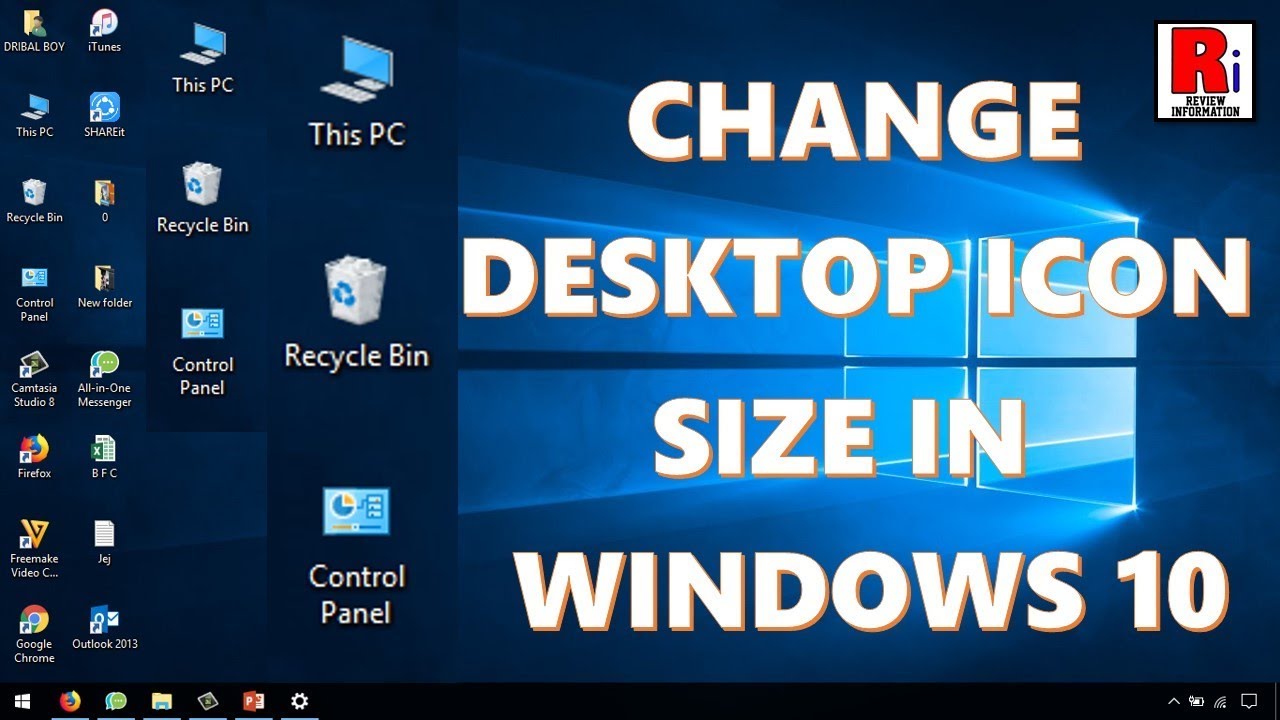
Web Feb 13 2019 nbsp 0183 32 1 How to make desktop icons smaller or bigger by using the right click menu 2 How to make desktop icons smaller or bigger by using your keyboard and mouse 3 How to make desktop icons smaller or
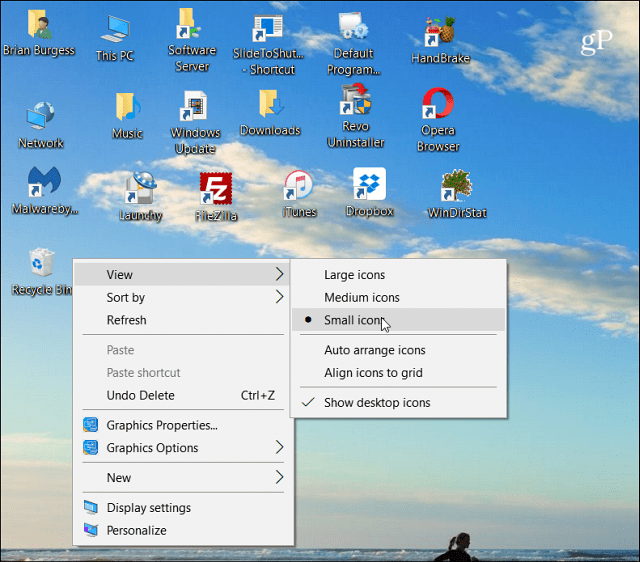
Web Apr 25 2022 nbsp 0183 32 1 Right click on an empty space on the desktop 2 Select View from the contextual menu 3 Select either Large icons Medium icons or Small icons The default is medium icons
Web Jun 16 2021 nbsp 0183 32 Hold Ctrl on your keyboard and scroll up or down to change the size of desktop or File Explorer icons You can also right click an empty desktop area and go to Web Dec 31 2023 nbsp 0183 32 Method 1 From the Desktop context menu Simply right click on the desktop and hover over the View option This will show the available size options Large icons
Web Jan 18 2022 nbsp 0183 32 2 To open icon sizing options select the View tab Click the View tab to open icon sizing options 3 From the Layout panel select an icon size extra large