Site Navigation Examples Website Navigation Tips Examples And Best Practices Website Navigation Trends 10 Tips Examples Top Digital Agency Website Navigation Tips Examples And Best Practices 5 Effective Website Navigation Examples Website Navigation Part 1 Introduction And The Basics Design One web 2011 1
How to install Chrome Important Before you download you can check if Chrome supports your operating system and other system requirements 04 bt
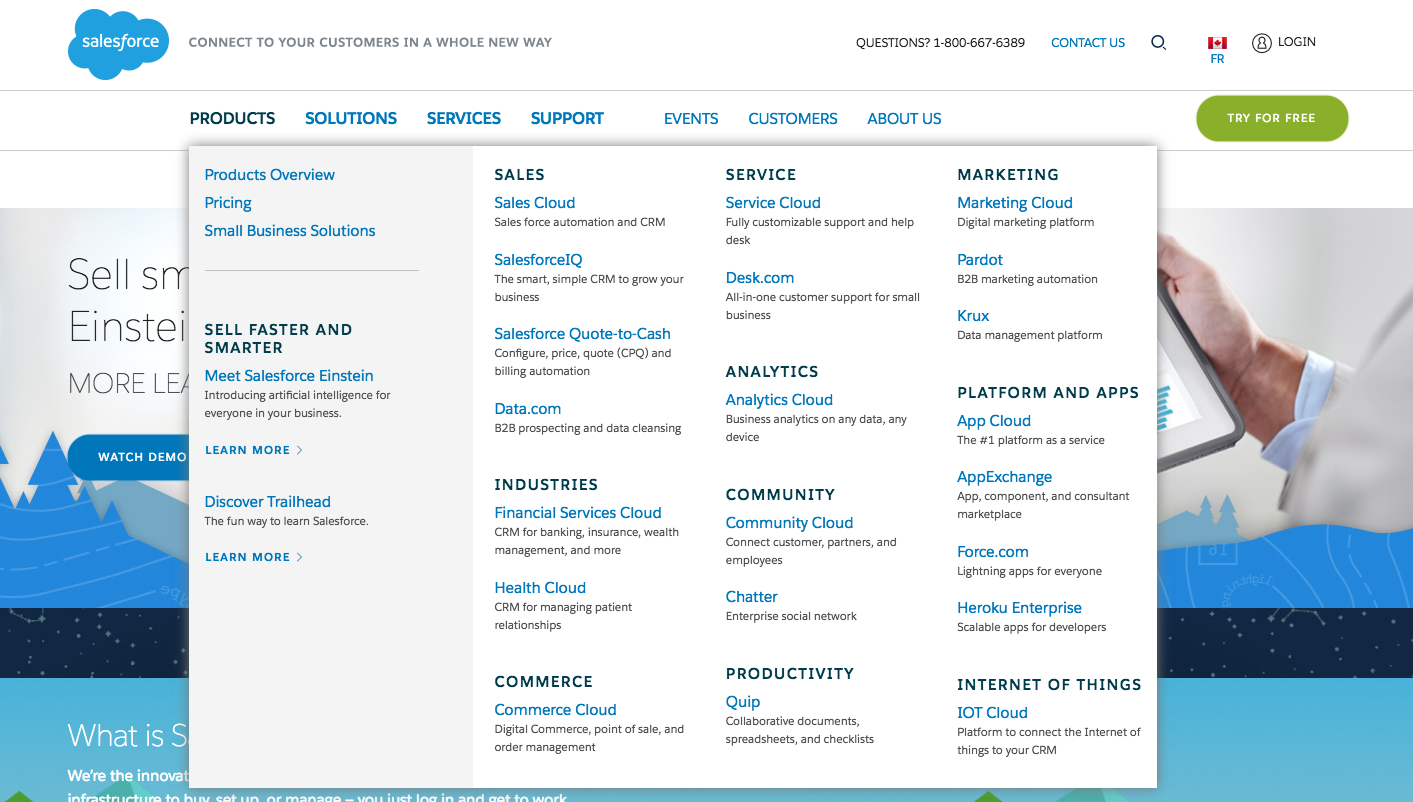
Website Navigation Part 1 Introduction And The Basics Design One web How To Improve Website Navigation Examples And Why You Should Do It 10 Great Examples Of Website Navigation Design AGENTE 10 Amazing Website Navigation Examples Justinmind 10 Amazing Website Navigation Examples Justinmind 10 Amazing Website Navigation Examples Justinmind How To Improve Website Navigation Examples And Why You Should Do It 7 Website Navigation Best Practices With Examples Navigation Examples
Site Navigation Examples
 Site Navigation Examples
https://s3.amazonaws.com/ceblog/wp-content/uploads/2013/08/25092517/website-navigation-6.png
Create amp name a Google site On a computer open Google Sites At the top under quot Start a new site quot select a template At the top left enter the name of your site Press Enter Add content to
Templates are pre-designed files or files that can be utilized for various purposes. They can save time and effort by providing a ready-made format and layout for producing various sort of material. Templates can be used for individual or professional projects, such as resumes, invites, leaflets, newsletters, reports, discussions, and more.
Site Navigation Examples
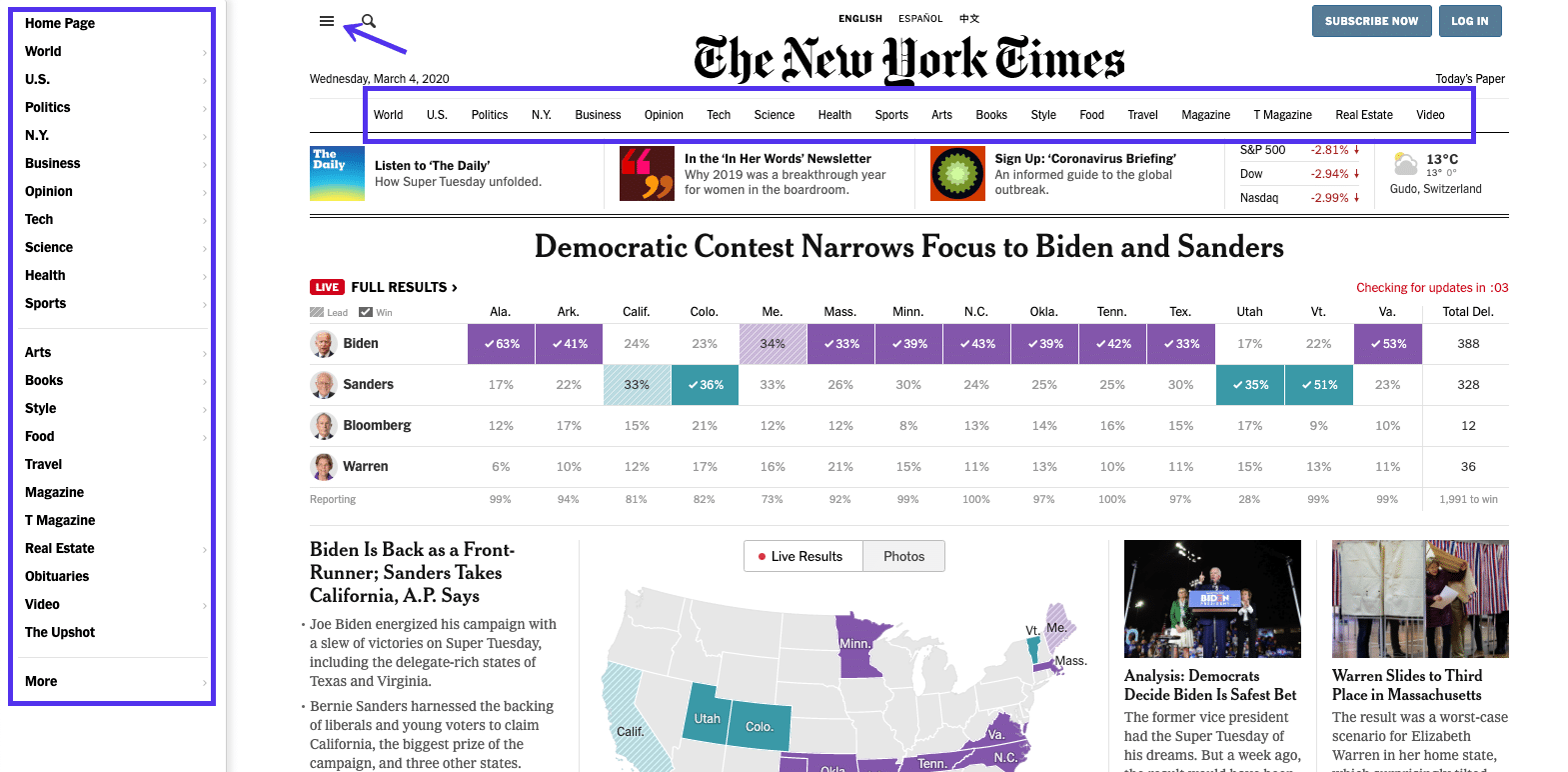
How To Improve Website Navigation Examples And Why You Should Do It
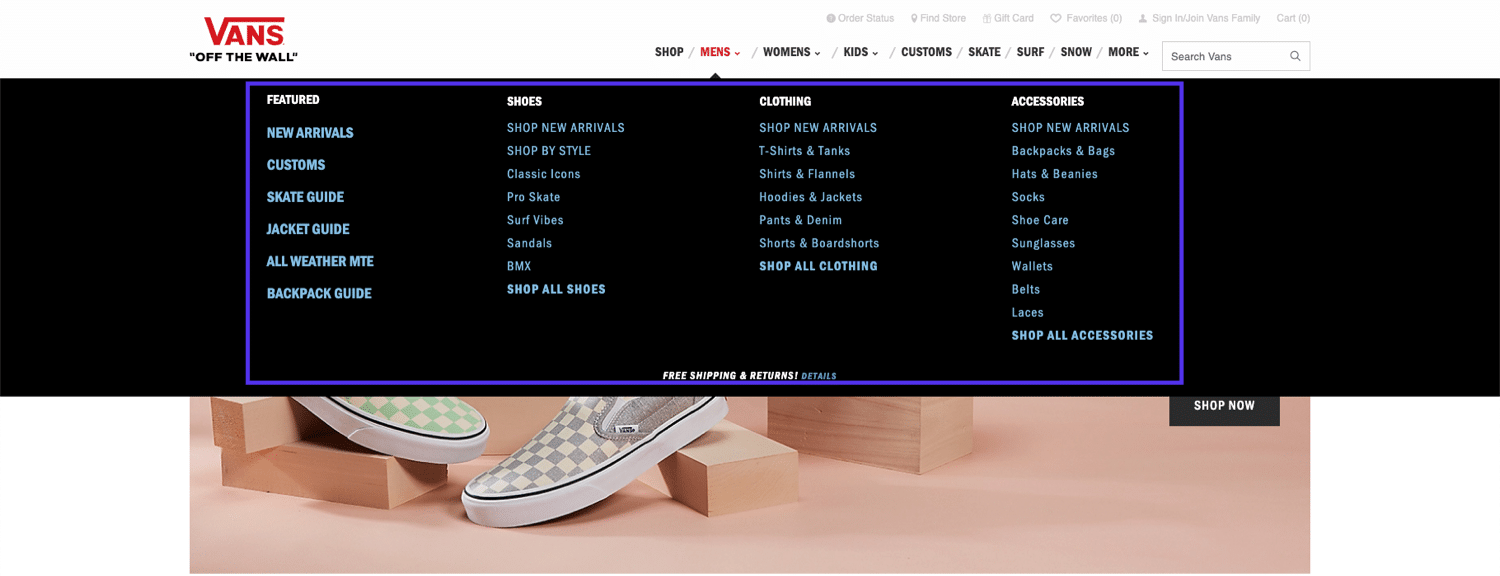
How To Improve Website Navigation Examples And Why You Should Do It

10 Great Examples Of Website Navigation Design AGENTE

10 Amazing Website Navigation Examples Justinmind

10 Amazing Website Navigation Examples Justinmind

How To Improve Website Navigation Examples And Why You Should Do It
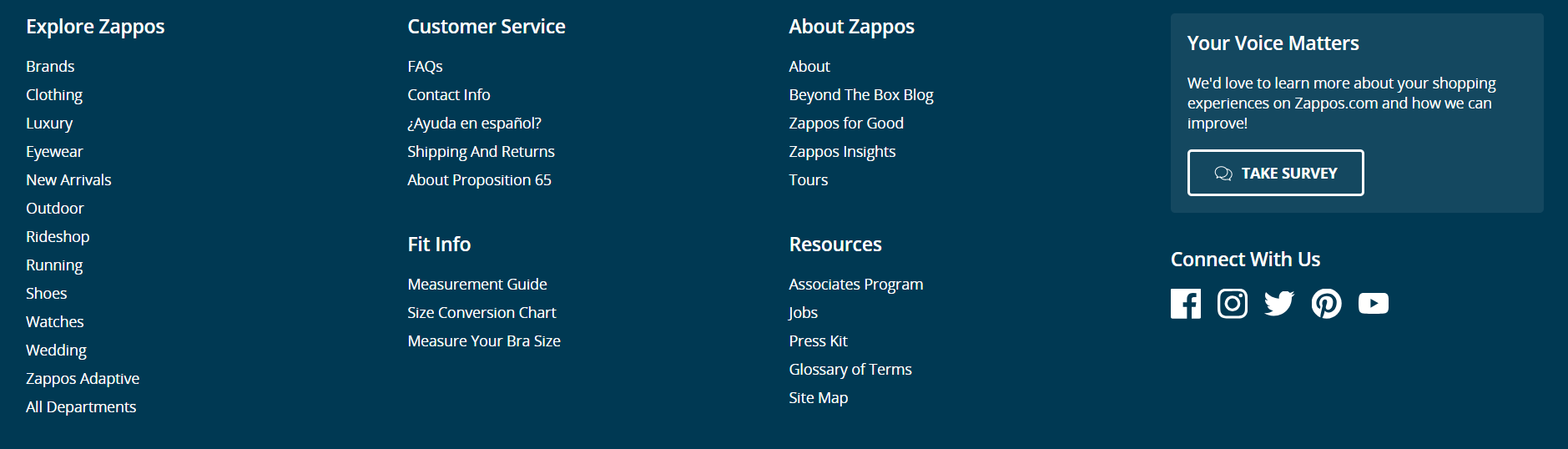
Jul 31 2025 nbsp 0183 32 CPU CPU
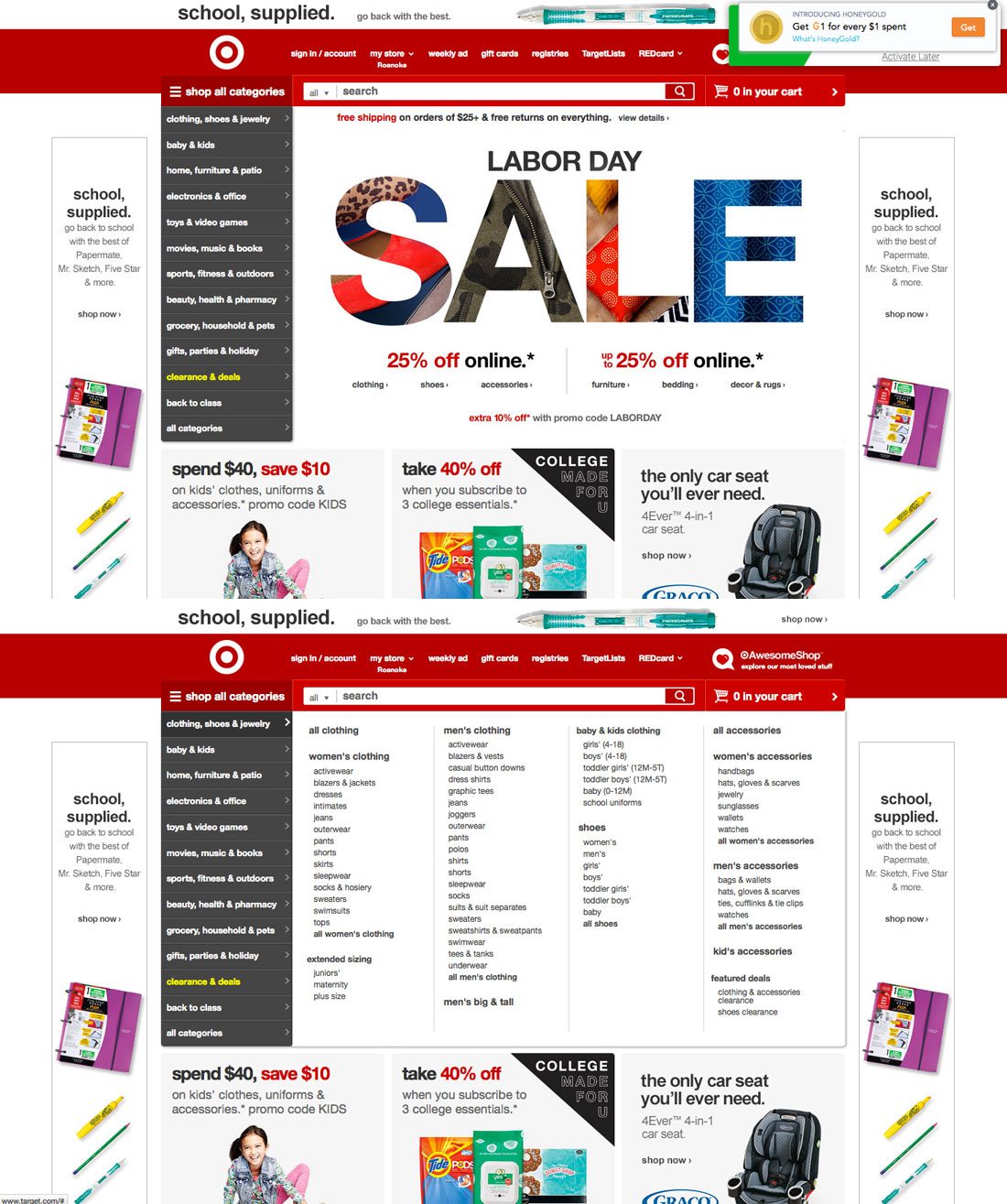
Learn about the differences between classic Google Sites and new Google Sites Learn how to move from classic Google Sites to new Google Sites

2011 1
On a computer open a site in new Google Sites At the top click Publish Enter the web address for your site Terms that violate our Acceptable Use Policy won t be allowed Learn how to use

Official Google Sites Help Center where you can find tips and tutorials on using Google Sites and other answers to frequently asked questions
[desc-11] [desc-12]
[desc-13]