Simple Nginx Config For Static Files NGINX Configuration NGINX For Azure Docs Config Nginx For Security Important Nginx Configuration Changes After Upgrading Ubuntu From 16 04 Nginx UI Allows You To Access And Modify The Nginx Configurations Files Install Nginx And Configure It As A Reverse Proxy Server ASP NET Core Nginx is a good choice for serving static files because it is easy to deploy and it is easy to scale We will use Nginx to serve our static files Installing Docker You will also need to install Docker Visit the official Docker website to get the installer After it downloads run the installer until the end
Stack Overflow How to serve a directory of static files at a certain location path with nginx Asked 8 years ago Modified 8 years ago Viewed 31k times 18 I have files at Users me myproject and I want to serve them at http stuff dev something using a simple nginx config In the Users me myproject folder is something like Nginx configuration to serve files for a static website the domain names example and www example that are mapped to the IP address of the server where your Nginx installation is running from and the directory var www example on your server that contains the static files for your static website You can make your Nginx web server
Install Nginx And Configure It As A Reverse Proxy Server ASP NET Core How To Configure Nginx Server And Location Blocks Explained Manage An NGINXaaS Resource Through The Azure Portal Azure Native ISV How To Install And Configure Nginx From Source On Linux Nginx Series Tutorials Static Files On Nginx Cache Server Getting Started With SaltStack Config Part 3 Configure Nginx Sam Easily Generate Nginx Configuration Files Using NGINXConfig Nginx Config Explained By Example AtulHost AWS Applications Deployment Basics Setup NGINX DZone
Simple Nginx Config For Static Files
 Simple Nginx Config For Static Files
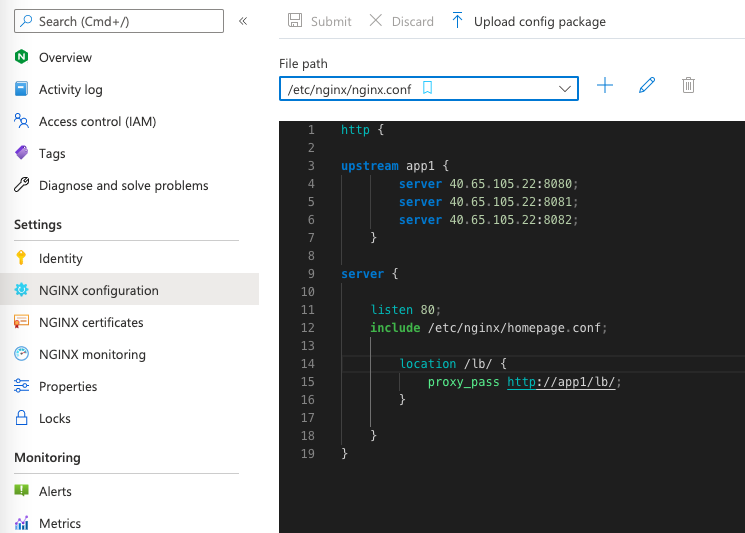
https://docs.nginx.com/nginx-for-azure/images/configuration-file.png
To serve static files with nginx you should configure the path of your application s root directory and reference the HTML entry point as the index file In this example the root directory for the snake deployment is home futurestudio apps snake which contains all the files The root directory also contains the index file called game html
Templates are pre-designed files or files that can be used for different purposes. They can conserve time and effort by providing a ready-made format and layout for developing various type of content. Templates can be used for individual or expert jobs, such as resumes, invites, flyers, newsletters, reports, presentations, and more.
Simple Nginx Config For Static Files

NGINX Config For Single Page Applications
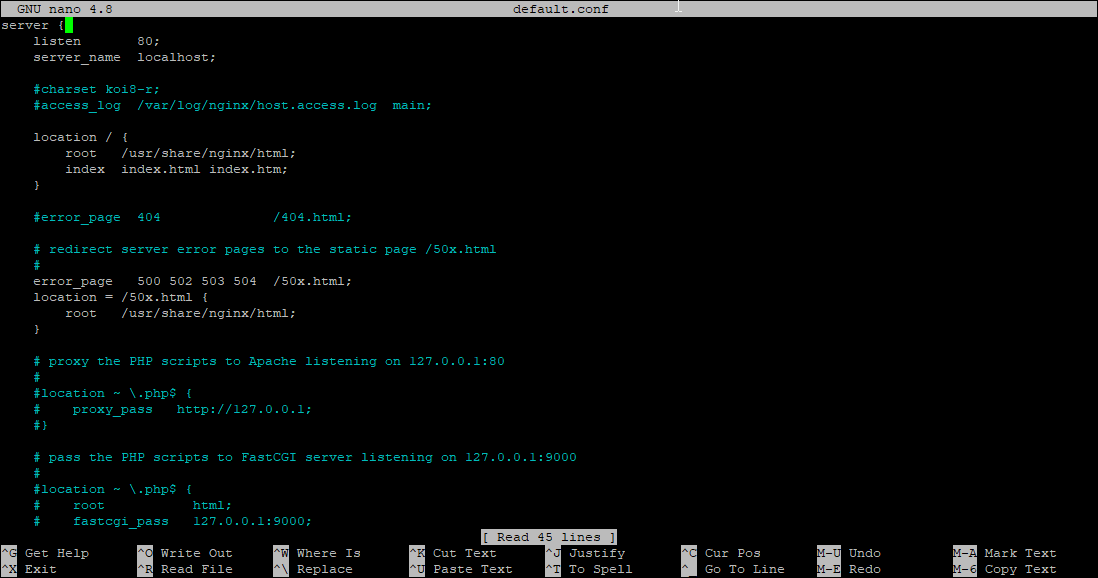
How To Configure Nginx Server And Location Blocks Explained
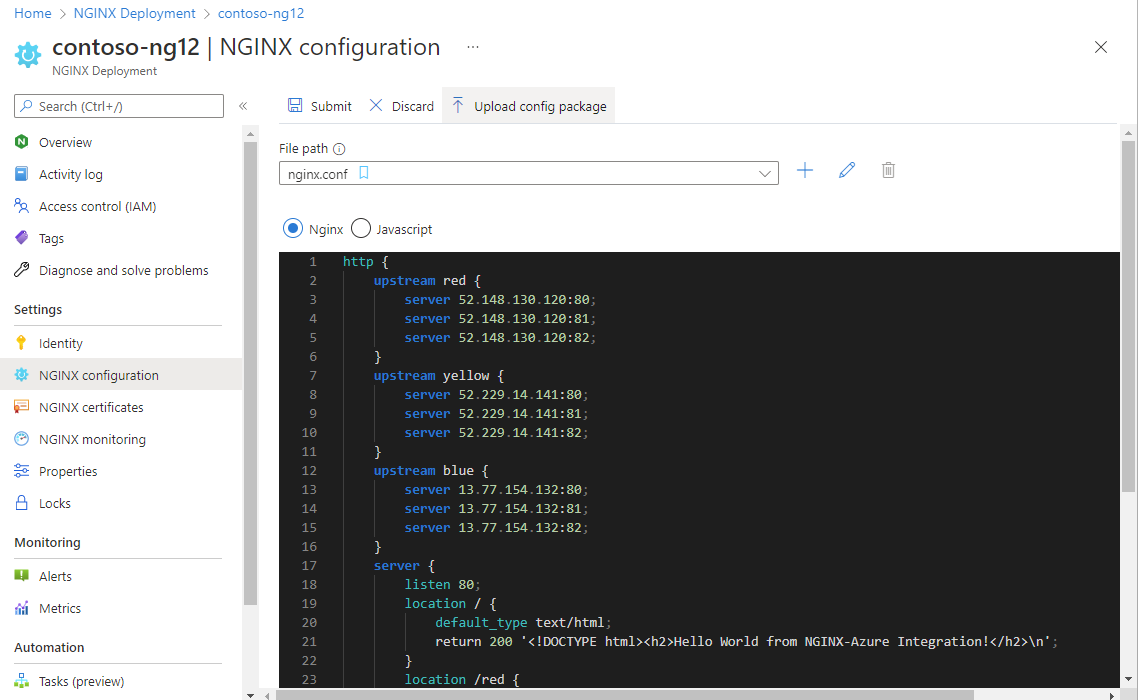
Manage An NGINXaaS Resource Through The Azure Portal Azure Native ISV
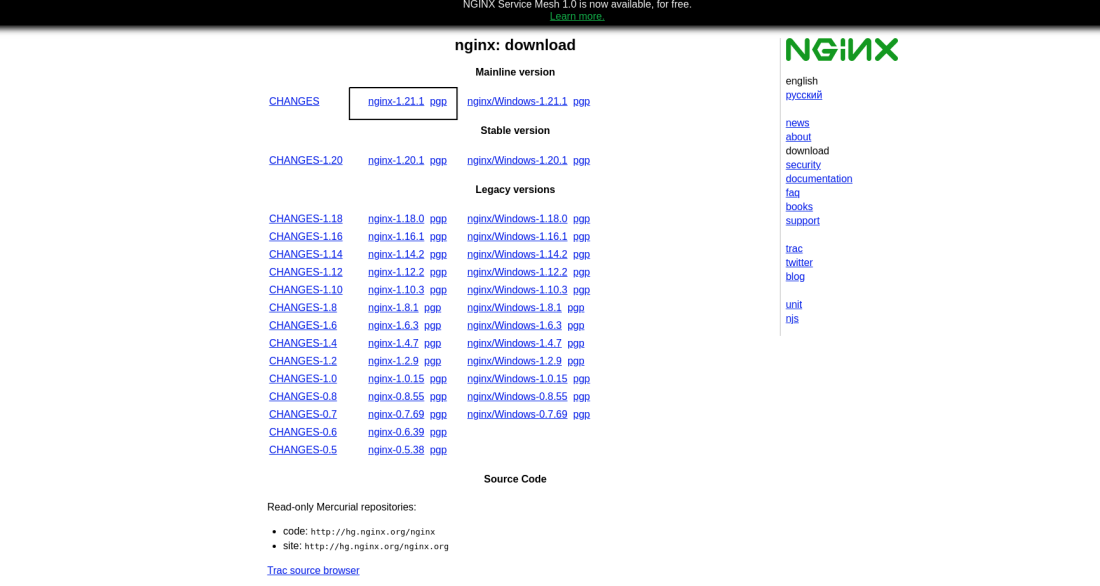
How To Install And Configure Nginx From Source On Linux

Getting Started With SaltStack Config Part 3 Configure Nginx Sam

Easily Generate Nginx Configuration Files Using NGINXConfig

103 I have several sets of static html files on my server and I would like use nginx to serve them directly For example nginx should serve an URI of the following pattern www mysite public doc foo bar html with the html file that is located at home www data mysite public doc foo bar html

All steps for configuration required Research Research on the topic found changes will be required in the default file within the sites available directory inside the etc nginx folder as such location data root media user autoindex on Other From recent comments to proposed answers
Beginner s Guide Starting Stopping and Reloading Configuration Configuration File s Structure Serving Static Content Setting Up a Simple Proxy Server Setting Up FastCGI Proxying This guide gives a basic introduction to nginx and describes some simple tasks that can be done with it
After installing Nginx you can configure it to host a static file server Check etc nginx nginx conf to see if the configuration file is divided into multiple files You can use the following command to open it vi etc nginx nginx conf

A full fledged example of an NGINX configuration Your Cookie Settings Analytics cookies are off for visitors from the UK or EEA unless they click Accept or submit a form on nginx simple reverse proxy listen 80 server name domain2 www domain2 access log logs domain 2 access log main serve static files location
Understand the basic elements in an NGINX or NGINX Plus configuration file including directives and contexts NGINX and NGINX Plus are similar to other services in that they use a text based configuration file written in a particular format By default the file is named nginx conf and for NGINX Plus is placed in the etc nginx directory To test if your configuration works you can use the Network analysis function of the Developer tools in the Firefox Browser and access a static file through Firefox e g an image In the Header output you should now see an Expires header and a Cache Control header with a max age directive max age contains a value in seconds for example
Example nginx configuration An example site configuration that passes all requests to the backend except images and requests starting with download