Show M2 Folder On Mac How To Restore Downloads Folder Disappeared Mac 2024 Tips How To Zip Unzip A Folder On Mac Aim Apple YouTube An Explaination To Mac Public Folder Used For Sharing Files How To Move Files From Desktop To Folder On Mac YouTube How To Hide ANY File Or Folder On Mac YouTube To show hidden files in Finder on a Mac you can use the following steps Open Finder Press the Command Shift key combination This will toggle the
To do this open a Finder window and select the menu bar option View Show Preview or press the keys Shift Command P In the Preview panel the size of the selected folder always appears On your Mac click the Finder icon in the Dock to open a Finder window then navigate to where you want to create the folder Alternatively click the desktop if you want to create
How To Hide ANY File Or Folder On Mac YouTube What Is User Folder Mac And How To Manage It How To Create An Encrypted Folder On Mac YouTube How To Make Share Folder On MAC OS How To Access Mac Shared Folder On How To Enable Mac OS File Sharing How To Share Folder On Mac Enable MacOS Ventura How To Open Movies Folder On Mac MacBook YouTube How To Create A New Folder On Mac MacOS Tutorial Quick Easy Guide Erbe Maler Rezension Getting File Path Mac Getr nk Erinnerung Sandwich Users Folder On Mac Explained What Is It How To Find It
Show M2 Folder On Mac
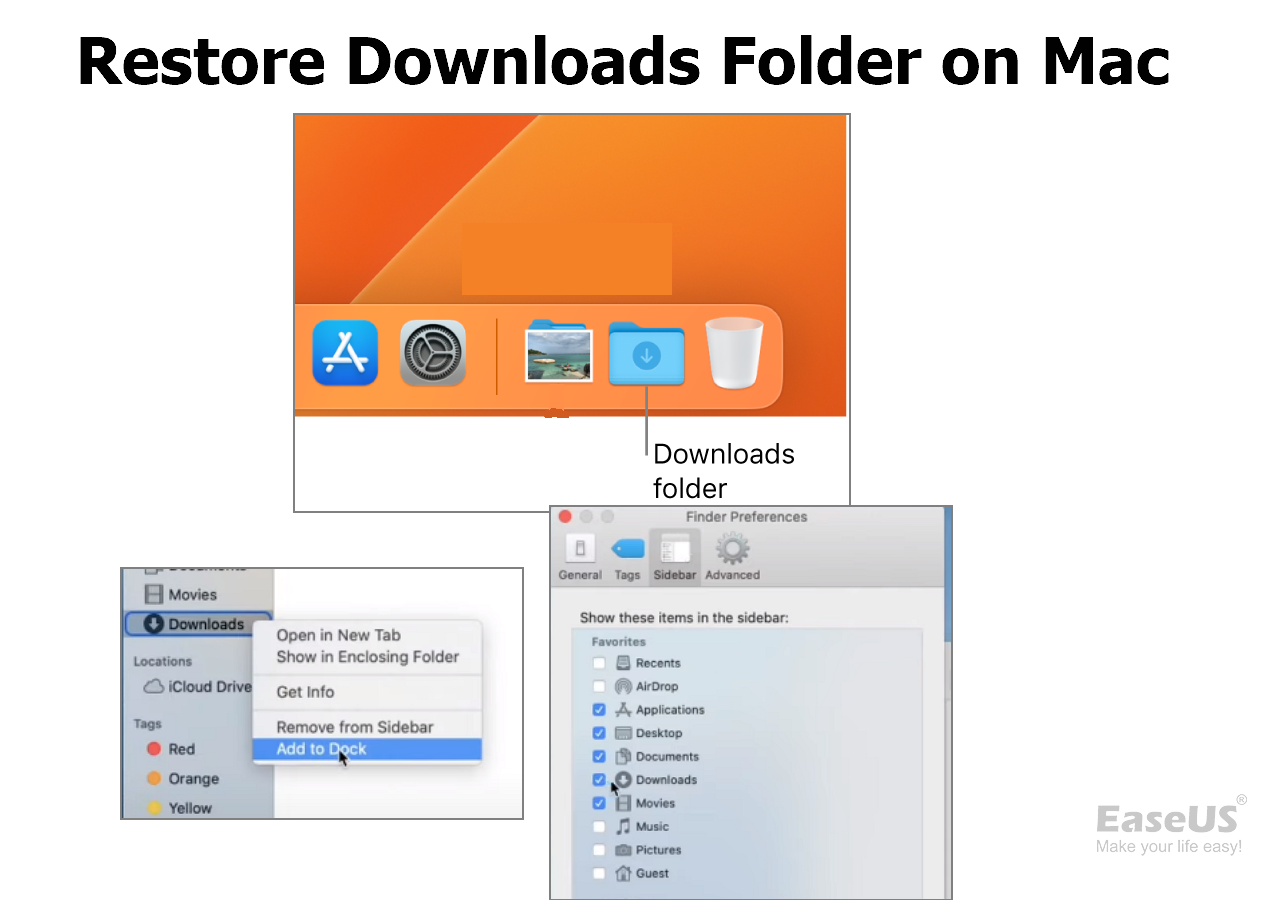 Show M2 Folder On Mac
https://www.easeus.com/images/en/screenshot/data-recovery-mac/restore-downloads-folder-on-mac-theme.png
32 bit Arm apps available from the Store in Windows are not supported by Mac computers with M1 M2 and M3 chips 32 bit Arm apps are in the process of being deprecated for
Templates are pre-designed files or files that can be used for numerous purposes. They can conserve time and effort by offering a ready-made format and design for creating different kinds of content. Templates can be used for personal or expert tasks, such as resumes, invites, flyers, newsletters, reports, presentations, and more.
Show M2 Folder On Mac
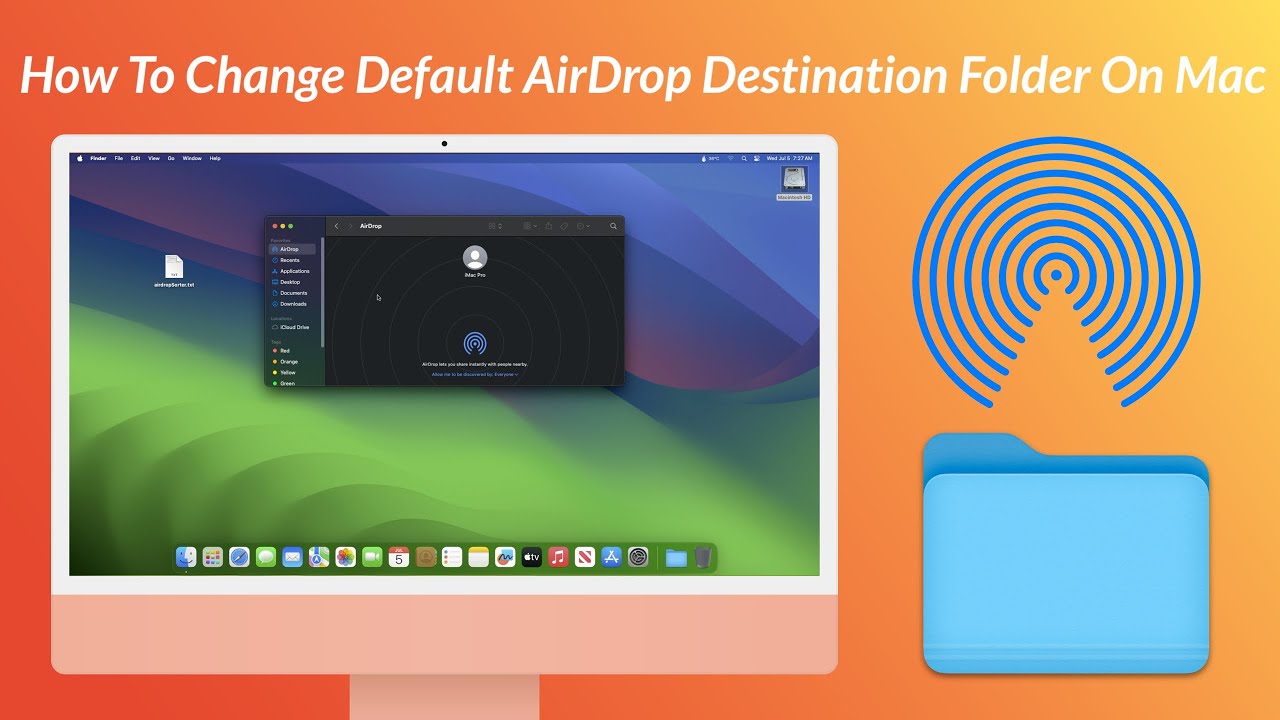
How To Change Default AirDrop Destination Folder On Mac YouTube
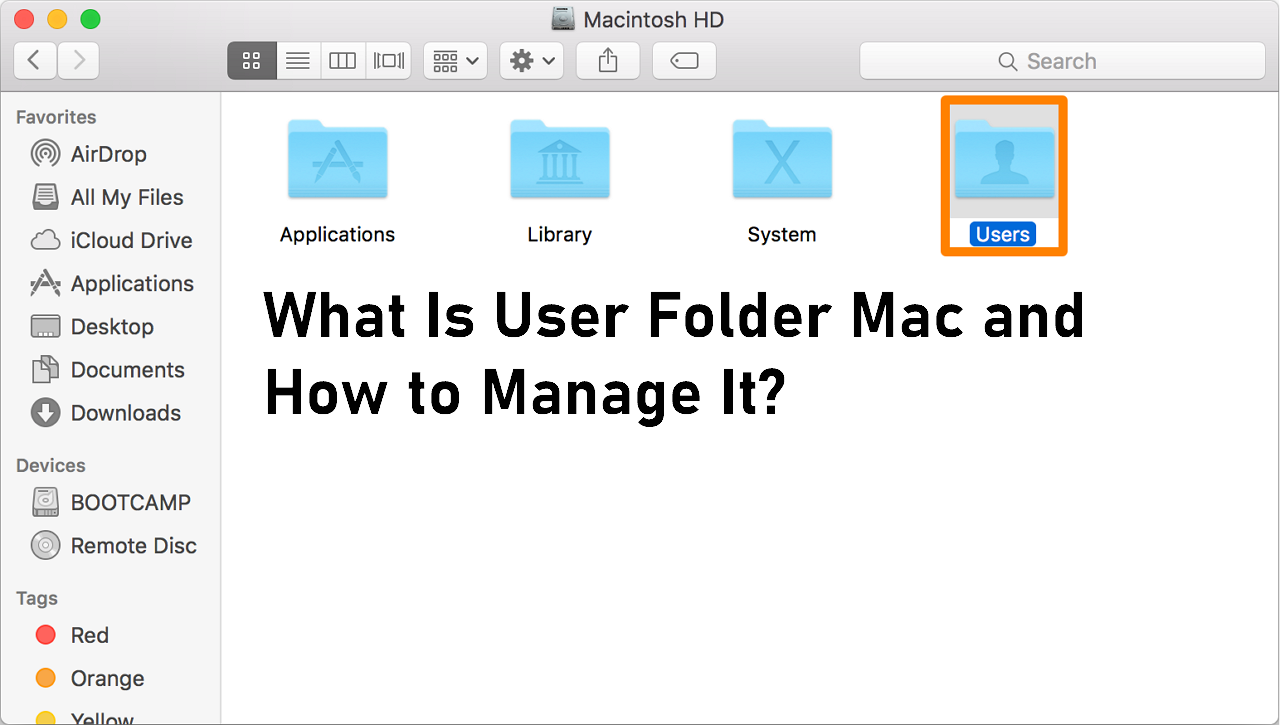
What Is User Folder Mac And How To Manage It

How To Create An Encrypted Folder On Mac YouTube

How To Make Share Folder On MAC OS How To Access Mac Shared Folder On
MacOS Ventura How To Open Movies Folder On Mac MacBook YouTube

How To Create A New Folder On Mac MacOS Tutorial Quick Easy Guide

If you are looking for the location of where the m2 local repository is located on your Mac device simply open the terminal and type the command cd followed by ls
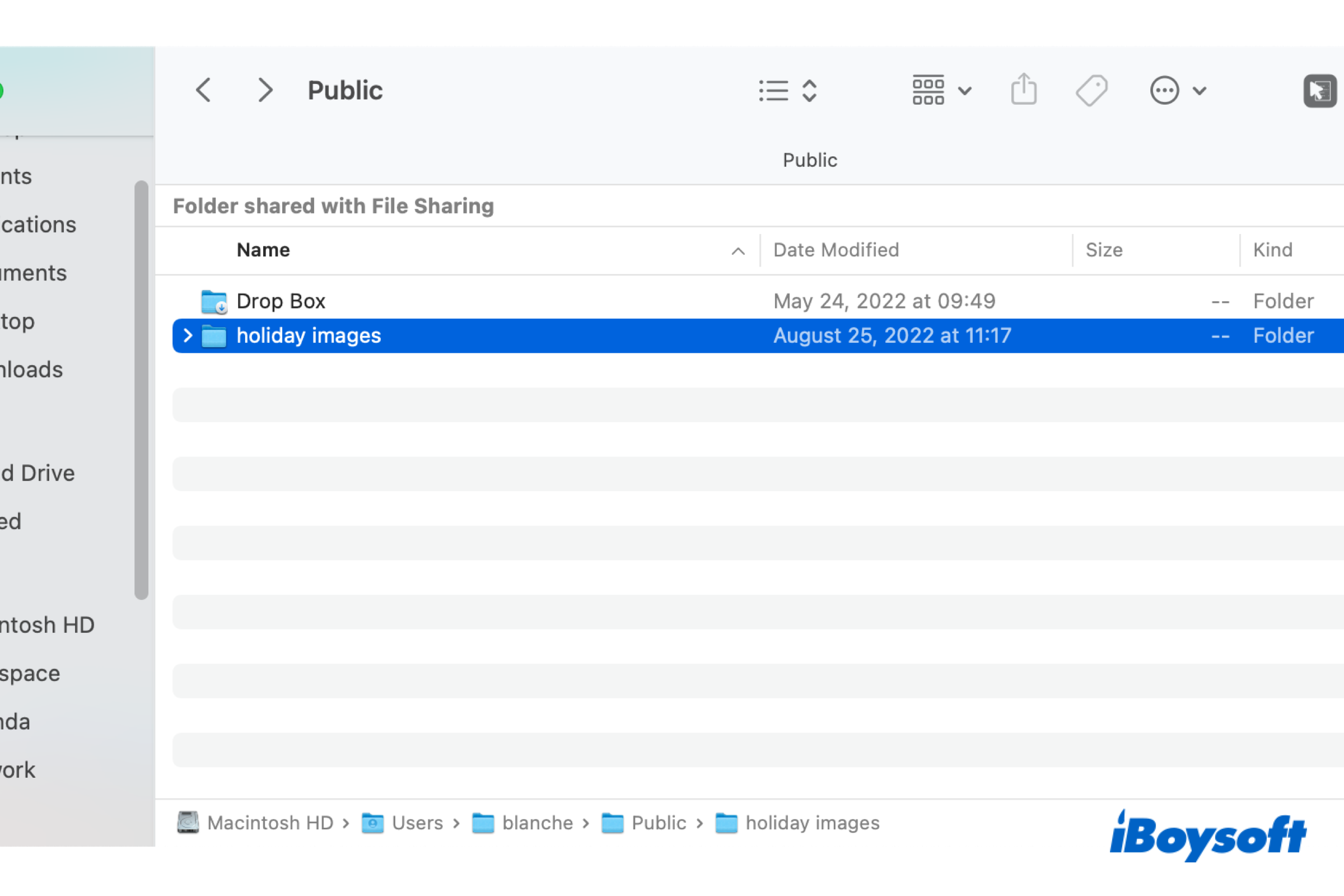
Open a Finder window Select Go from the menu bar at the top of the screen Hold down the Option key to reveal the Library folder option in the dropdown menu
Unix Mac OS X m2 repository Windows C Users your username m2 repository When we compile a Maven project Maven will download all

Here s how to check how much storage space you have left on your Mac using macOS Click on the Apple logo in the top left of your screen and select About This Mac Click on the Storage tab at the top of

On your Mac open a folder in the Finder or click the desktop Choose View Show View Options Select Show item info Only available for Icon view Item info can
Method 1 Use the Go Menu Method 2 Go To Your Library Folder Directly Method 3 A Keyboard Shortcut that Shows Hidden Files How to Make the Library How to Show Hidden Files and Folders on a Mac 4 Simple Methods Use the Finder Terminal or third party tools to reveal hidden data on your Mac This wikiHow
Right now the Mac Mini offers M2 and M2 Pro versions the Mac Studio has M1 Max and M1 Ultra chips so I wouldn t say there s direct overlap The higher end M2