Shortcut Key For Multi Line Comment In Visual Studio Code Visual Studio Comment Shortcuts Make Yourself More Efficient SubMain Javascript Comment Single Line And Multi Lines Visual Studio Code HTML Boilerplate Shortcut Key FIX YouTube Visual Studio Code Shortcut Mathieu Bujold How To Comment In Python Shortcut Whereintop Create shortcuts to websites On your computer open Chrome Go to the website you want to create a shortcut for At the top right select More Cast save and share Create shortcut
With a Samsung phone On supported Samsung phones you can add a Google Wallet shortcut to your lock screen side key or Bixby key If your Chromebook has it press the Screenshot key If your Chromebook has no Screenshot key At the bottom right of your screen select Settings Screen Capture Press Shift Ctrl
How To Comment In Python Shortcut Whereintop What s New In DevTools Microsoft Edge 86 Microsoft Edge Development How To Comment Multiple Lines At Once In Vim DevsDay ru Auto Comment Visual Studio Code Best 6 Answer Brandiscrafts Useful HTML Shortcuts In Visual Studio Code Notes On Tech Visual Studio Shortcuts Cheat Sheet Comment Shortcuts Make Yourself VS Code How To Insert Newline At The End Of Files In Visual Studio Code VS Code Sample Paper Class 11 What Are The Two Types Of Comments In Python
Shortcut Key For Multi Line Comment In Visual Studio Code
 Shortcut Key For Multi Line Comment In Visual Studio Code
http://blog.submain.com/wp-content/uploads/2019/03/Cntrl_shift_d_keys_for_GhostDoc_launch_shortcut-1024x781.jpg
It was a blue page with shortcut icons I could click to go where I wanted to go Now its a white screen with no shortcuts or icons and no way to add them
Templates are pre-designed documents or files that can be utilized for numerous functions. They can save time and effort by supplying a ready-made format and design for producing various kinds of content. Templates can be used for individual or professional projects, such as resumes, invitations, leaflets, newsletters, reports, discussions, and more.
Shortcut Key For Multi Line Comment In Visual Studio Code
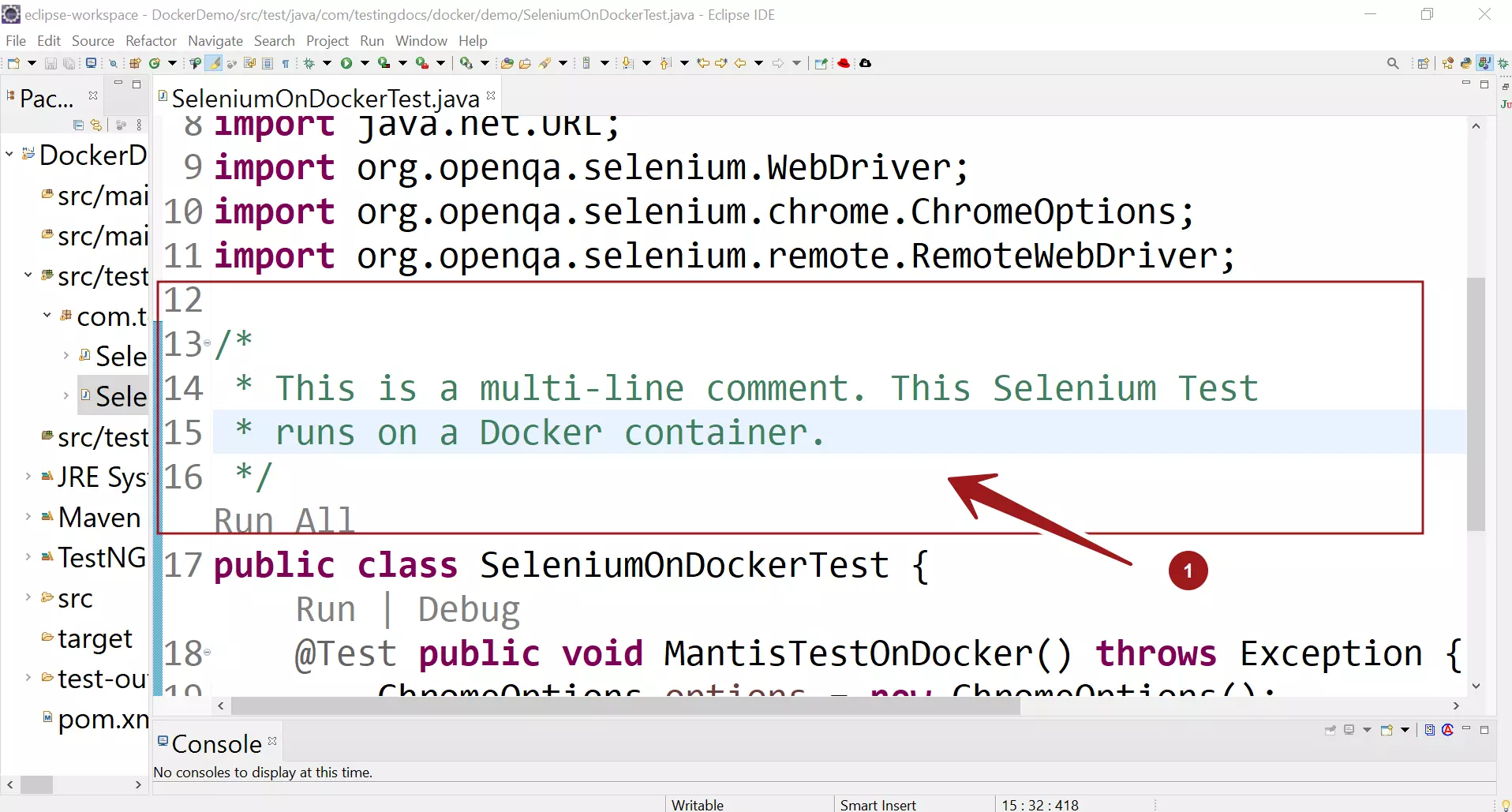
Types Of Java Comments TestingDocs
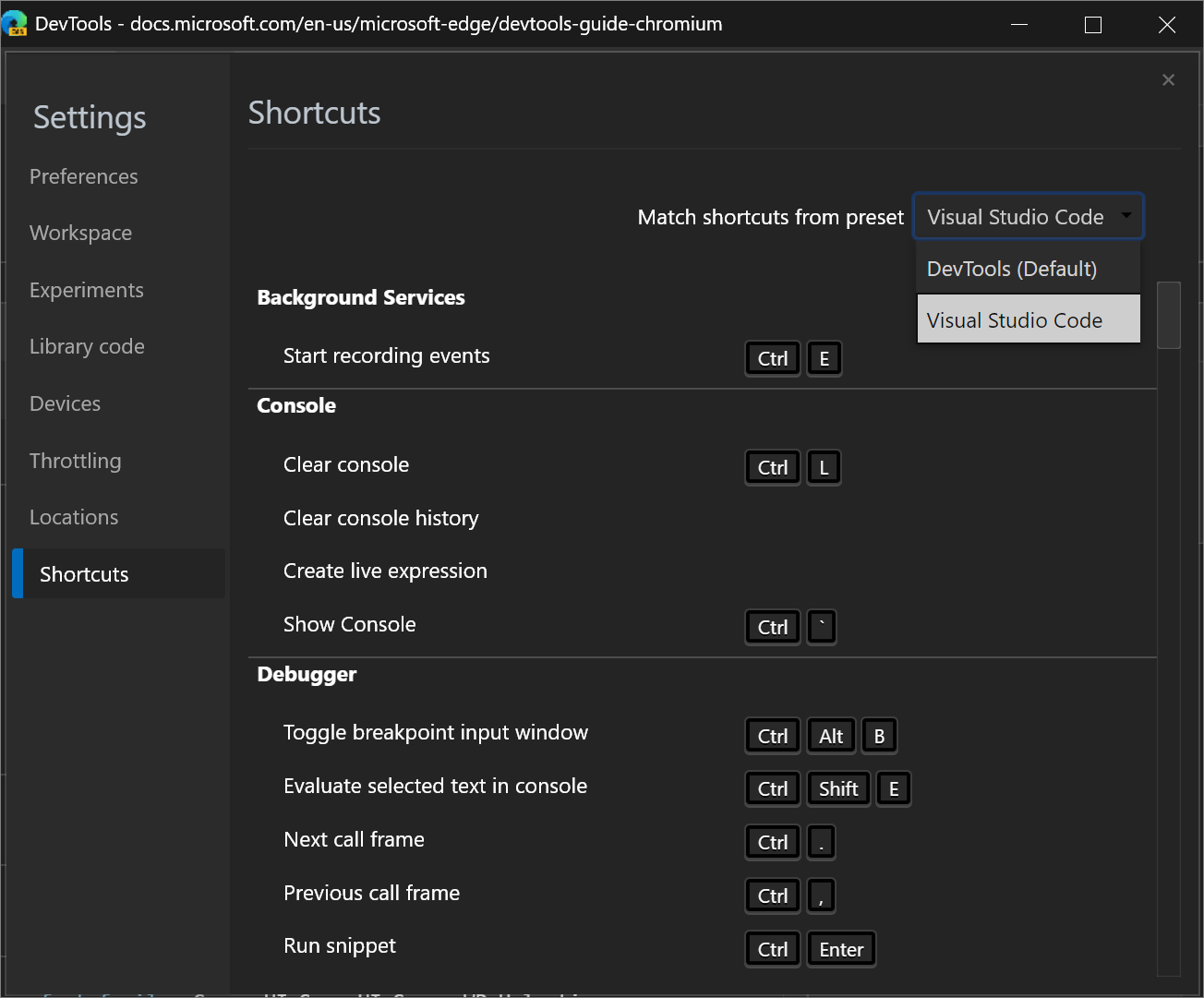
What s New In DevTools Microsoft Edge 86 Microsoft Edge Development
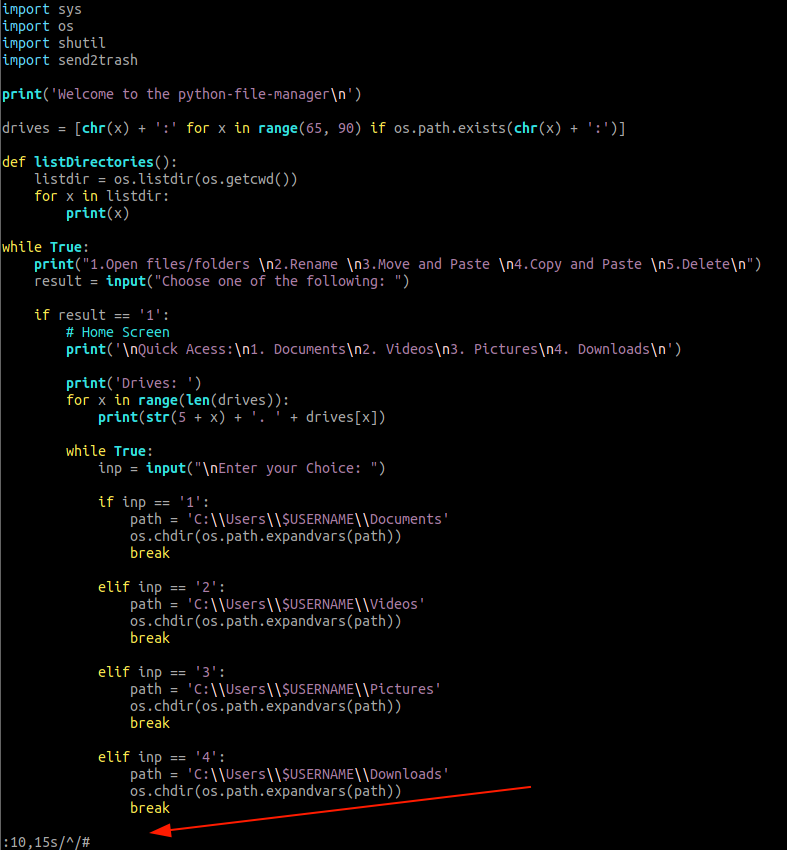
How To Comment Multiple Lines At Once In Vim DevsDay ru
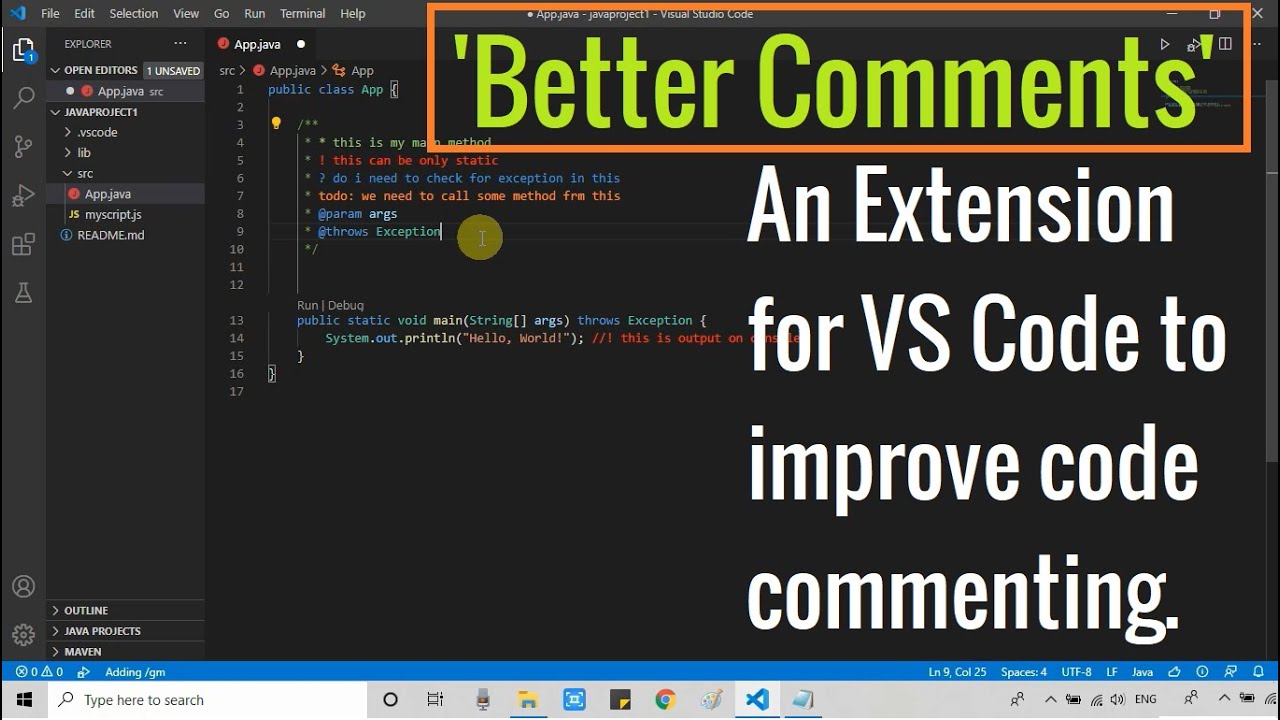
Auto Comment Visual Studio Code Best 6 Answer Brandiscrafts
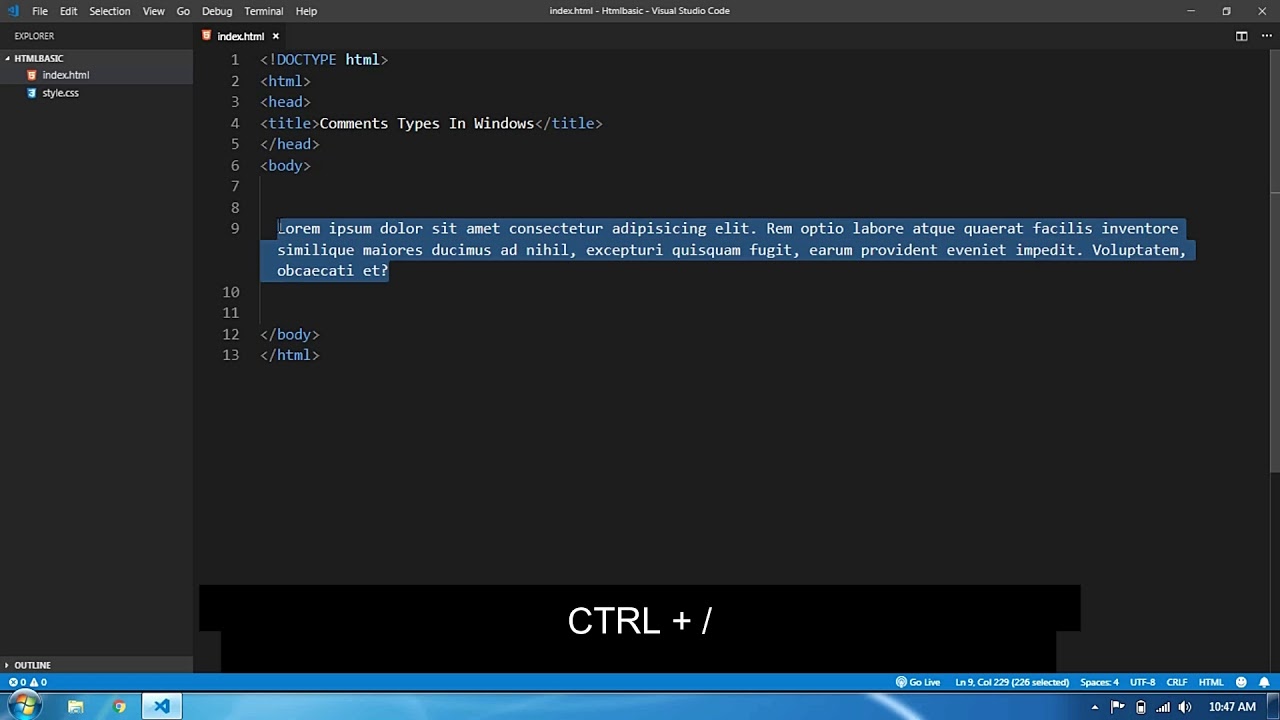
Visual Studio Shortcuts Cheat Sheet Comment Shortcuts Make Yourself

VS Code

Learn keyboard shortcuts and become a pro at using Chrome Windows amp Linux Tab amp window shortcuts
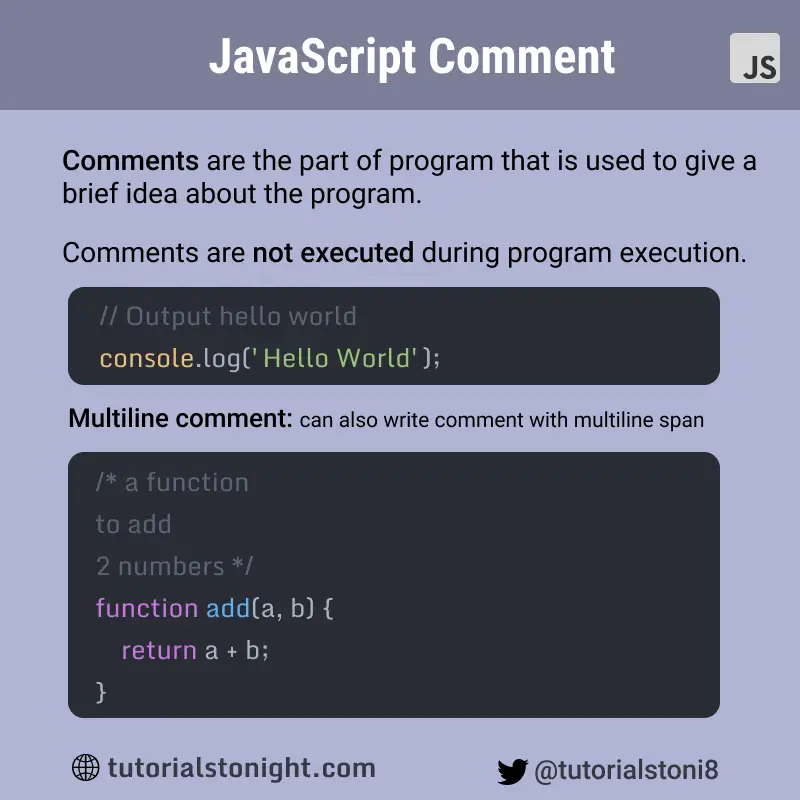
Below you ll find a list of keyboard shortcuts for Google Drive on the web To display the keyboard shortcut list in Google Drive press Ctrl Windows and Chrome OS or command

If you re not using Chrome follow your browser s instructions to bookmark sheets google Add a Sheets desktop shortcut Windows only If you re using Microsoft Windows you can add

Save time navigating in Gmail by using keyboard shortcuts Turn on keyboard shortcuts On a computer go to Gmail
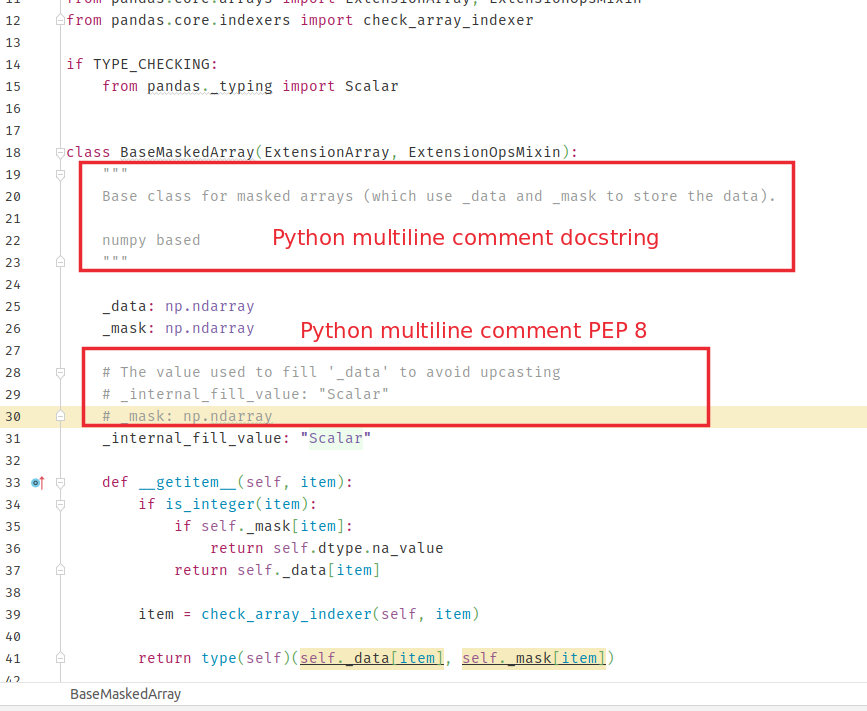
From your computer s desktop or folder drag the file into a Google Chrome tab If the action is successful your cursor will display Add Browse and select the file from your computer Open
[desc-11] [desc-12]
[desc-13]