Sharepoint Json Formatting Examples SharePoint Modern View Formatting With JSON Part 1 Of 2 Collab365 SharePoint List Form Formatting With JSON Flow Approvals 2 YouTube Applying JSON Formatting On SharePoint List SharePoint Modern View Formatting With JSON Part 2 Of 2 Collab365 Customize SharePoint List Form Using JSON Formatting YouTube Web Aug 31 2023 nbsp 0183 32 To format columns click the column header go down to Column Settings and choose Format this column Playground of Possibilities SharePoint offers a playground where you can experiment with your JSON skills Tweak properties colors and styles until your list matches your vision
Web Aug 24 2022 nbsp 0183 32 Select Export gt Get flow identifier Copy the ID To obtain the ID of a flow that is not solution aware Select Flow gt See your flows in the SharePoint list where the Flow is configured Select the Flow you want to run Web Apr 2 2019 nbsp 0183 32 JSON data is written as name value pairs which must be in double quotes around both name and value The only time this does not occur is when a true or false value must be specified Example quot Name quot quot Alice quot quot Department quot quot Accounts quot quot PermissionLevel quot quot Edit quot quot hideSelection quot true
Customize SharePoint List Form Using JSON Formatting YouTube Customize The List Form Using JSON In SharePoint Online Step By Step How To Customize SharePoint Modern List Form Using JSON Formatting How To Customize SharePoint Modern List Form Using JSON Formatting SP Formatter Form Layouts Support How To Customize SharePoint Modern List Form Using JSON Formatting SharePoint Conditional Column Formatting With JSON Beginner SharePoint Online Columns Formatting Using JSON Spice Up Those SharePoint Lists Use Formatting Carry4IT
Sharepoint Json Formatting Examples
 Sharepoint Json Formatting Examples
https://publishers.collab365.com/wp-content/uploads/sites/9/2019/04/JSON3-1024x318.png
Web SharePoint List Formatting Samples You can use column and view formatting to customize how fields in SharePoint lists and libraries are displayed To do this you construct a JSON object that describes the elements that are displayed when a field is included in a list view and the styles to be applied to those elements
Pre-crafted templates offer a time-saving option for creating a varied range of documents and files. These pre-designed formats and designs can be utilized for various individual and professional projects, including resumes, invites, flyers, newsletters, reports, discussions, and more, simplifying the material creation process.
Sharepoint Json Formatting Examples
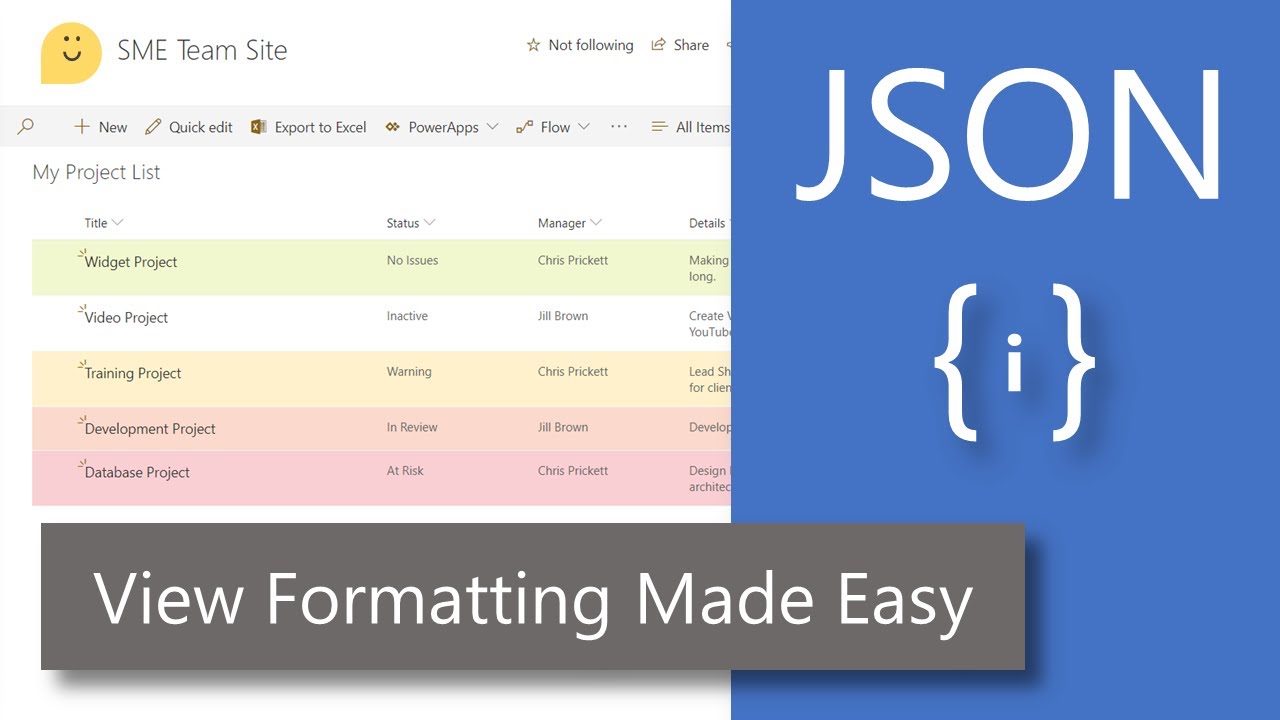
Format SharePoint List View With JSON YouTube
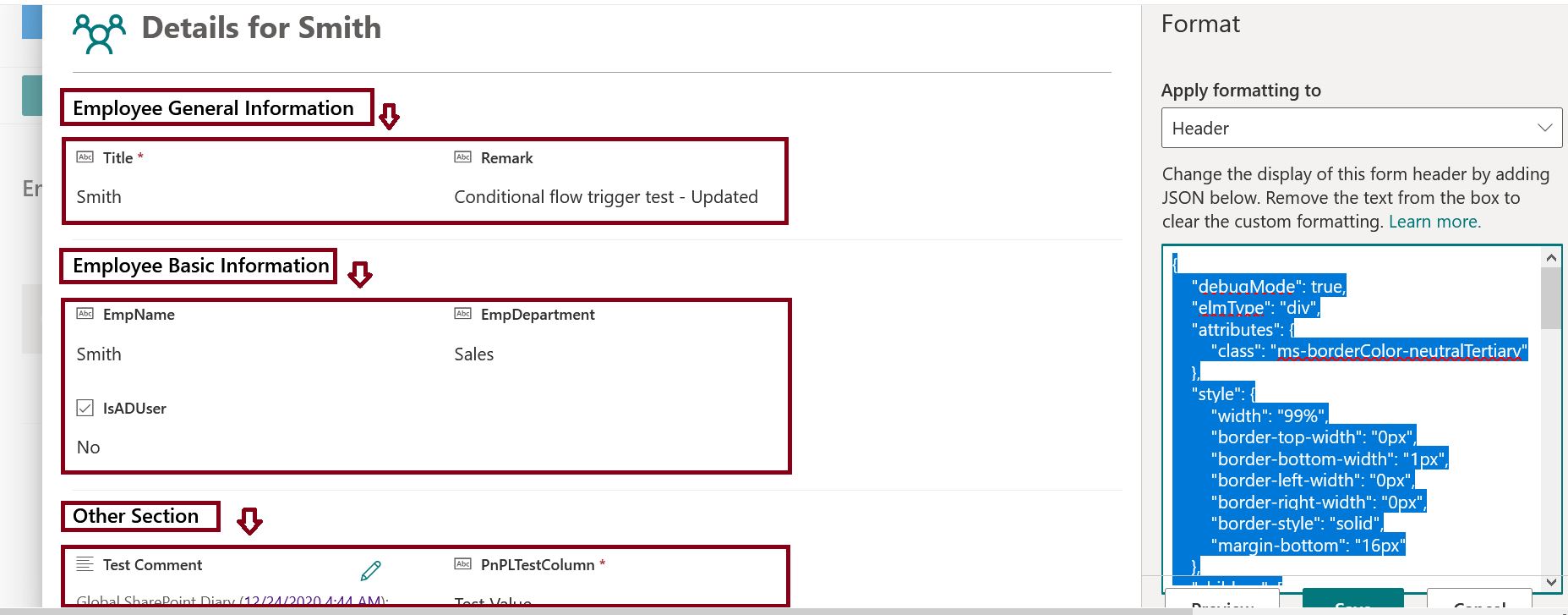
Customize The List Form Using JSON In SharePoint Online Step By Step
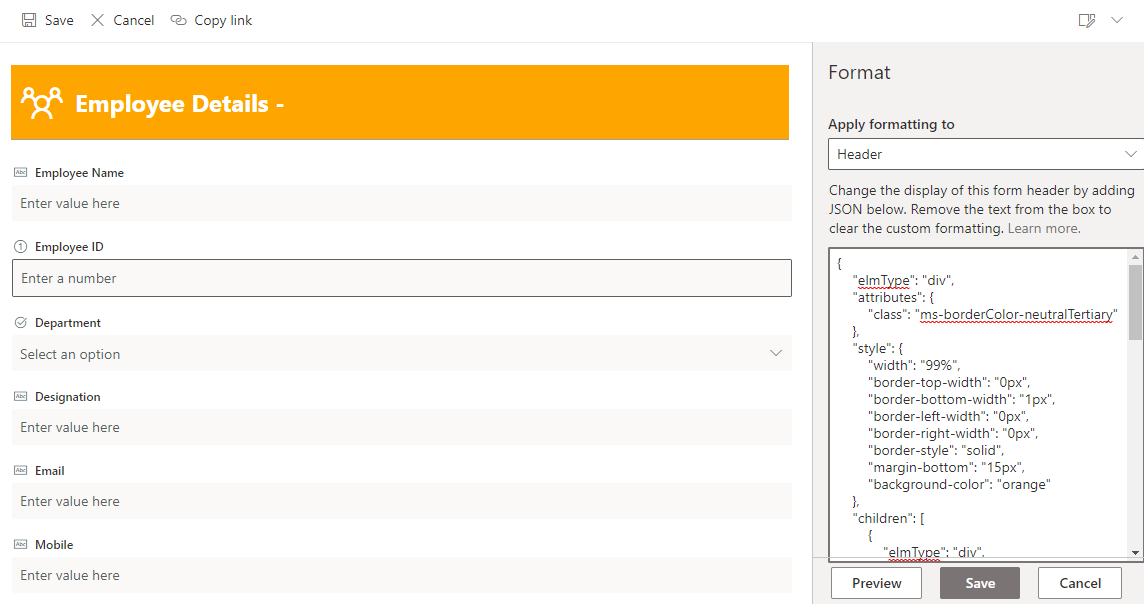
How To Customize SharePoint Modern List Form Using JSON Formatting
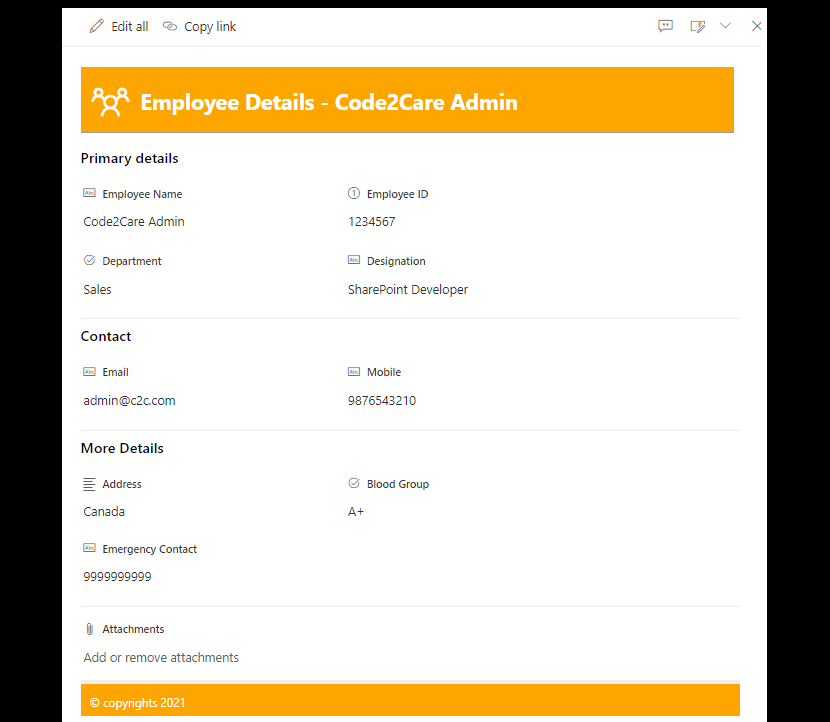
How To Customize SharePoint Modern List Form Using JSON Formatting
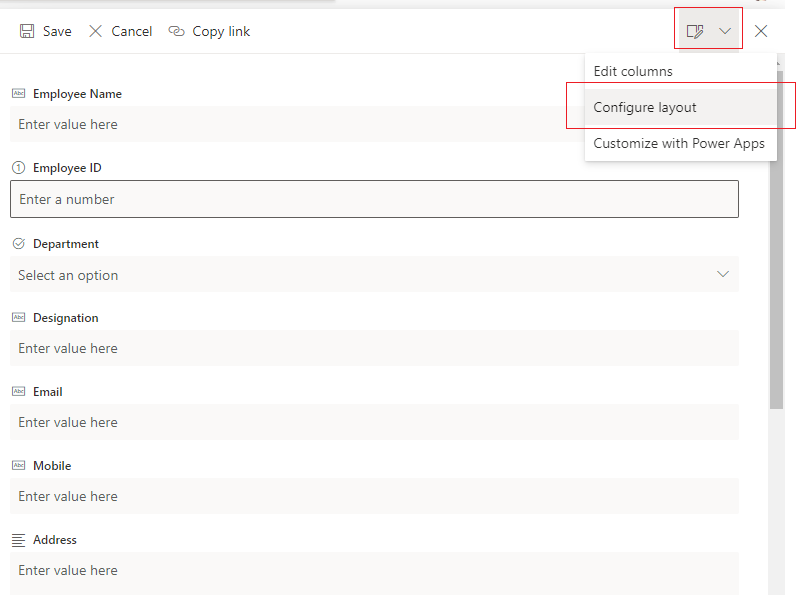
How To Customize SharePoint Modern List Form Using JSON Formatting

SharePoint Conditional Column Formatting With JSON Beginner
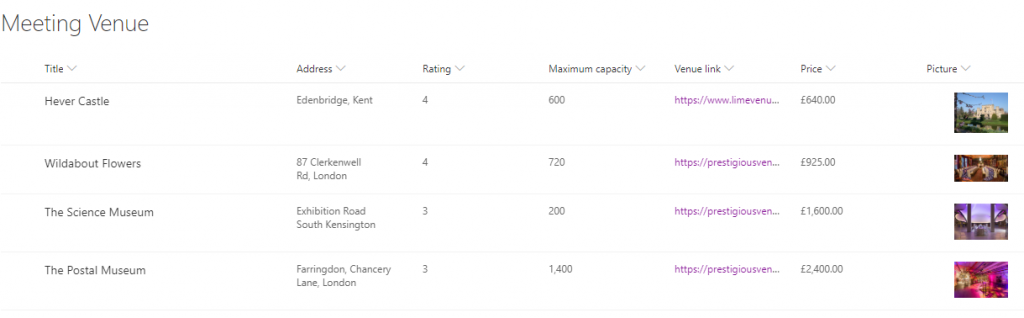
Web Sep 13 2022 nbsp 0183 32 All examples in this document refer to the JSON schema used in SharePoint Online and SharePoint Server Subscription Edition starting with the Version 22H2 feature update To format columns in SharePoint 2019 or SharePoint Server Subscription Edition before the Version 22H2 feature update please use

Web May 11 2022 nbsp 0183 32 SharePoint Online List Column JSON formatting examples Let us see a few examples of Column formatting by using JSON formatting we can apply column formatting for a title column choice column and person

Web Nov 28 2021 nbsp 0183 32 1 From the format pane make sure the Header option is selected on the first field as by default Below that you can see a text input area where you can enter a custom header in JSON format 2 The next step is to enter the JSON code Here s a sample of a JSON code you can use

Web May 29 2021 nbsp 0183 32 SharePoint column formatting JSON examples Example 1 SharePoint column formatting JSON Title Column Example 2 SharePoint column formatting JSON Number Example 3 SharePoint column formatting JSON choice column example Example 4 SharePoint column formatting json date examples Example 5

Web Jun 29 2022 nbsp 0183 32 You can use view formatting to customize how items in SharePoint lists and libraries are displayed To do this you construct a JSON object that describes the elements that are displayed when an item is loaded in a view and any styles to
Web Nov 12 2021 nbsp 0183 32 Microsoft has provided an excellent feature to customize the list library New Edit and View form using JSON formatting If we need customization in the form level like custom header footer and body then we can simply use JSON formatting instead of PowerApps or SPFX Table of Contents Customize SharePoint Online List form using Web May 21 2021 nbsp 0183 32 Apart from this we will also see a few sharepoint column formatting examples and sharepoint column formatting json examples As we know in the year 2016 SharePoint online team released Modern List and Library experience in both SharePoint On Premise and online So now a day business recommends this feature for
Web Oct 16 2020 nbsp 0183 32 In this example I have a list for upcoming training opportunities There s a column named Level which is a choice field of either Beginner Intermediate or Advanced The JSON code at the bottom of this post changes the column s background color value to green yellow or red respectively based on the level selection