Setup Python In Visual Studio Code Mac Visual Studio Code How Do I Set Vscode Launch Json For Python Hot Sex Python For Visual Studio Code Mac Joherpenny How To Setup Python In Visual Studio Code On Windows 11 Setup Visual Studio Code For Python Pollple Python In Visual Studio Code 2020 Getting Started Create First Setup Python For Visual Studio Code macOS 2020 Chris Stayte 3 17K subscribers Subscribe 2 2K Share Save 153K views 3 years ago Thanks for watching Please like comment subscribe
Download Visual Studio Code for macOS Open the browser s download list and locate the downloaded app or archive If archive extract the archive contents Use double click for some browsers or select the magnifying glass icon with Safari Drag Visual Studio Code app to the Applications folder making it available in the macOS Launchpad To make the VS Code work with Python you need to install the Python extension from the Visual Studio Marketplace The following picture illustrates the steps First click the Extensions tab Second type the python keyword on the search input Third click the Python extension It ll show detailed information on the right pane
Python In Visual Studio Code 2020 Getting Started Create First How To Troubleshoot Unit Tests Python In Visual Studio Code A Comprehensive Guide To Getting Started With Python In Visual Studio Python In Visual Studio Code April 2022 Release Python Setting Up VSCode For Python A Complete Guide DataCamp How To Install Visual Studio Code And Python On Windows Python Images How To Run Python In Visual Studio Code On Mac OS Tutorial Setup Visual Studio Code For Python Jasoffers Setup Python In Visual Studio Code Geraloan
Setup Python In Visual Studio Code Mac
 Setup Python In Visual Studio Code Mac
https://i.stack.imgur.com/klbtn.gif
Step 1 Running Python From the Built in Terminal With Python installed and your local programming environment set up open Visual Studio Code Inside of Visual Studio Code open the directory you re working in by going to File Open and selecting the directory After that you ll see your folder open in the explorer window on the left
Templates are pre-designed documents or files that can be utilized for numerous functions. They can save effort and time by providing a ready-made format and design for producing various sort of content. Templates can be utilized for personal or expert projects, such as resumes, invites, leaflets, newsletters, reports, discussions, and more.
Setup Python In Visual Studio Code Mac
Getting Started Guide Python Comment Ouvrir Sur Visual Studio Code
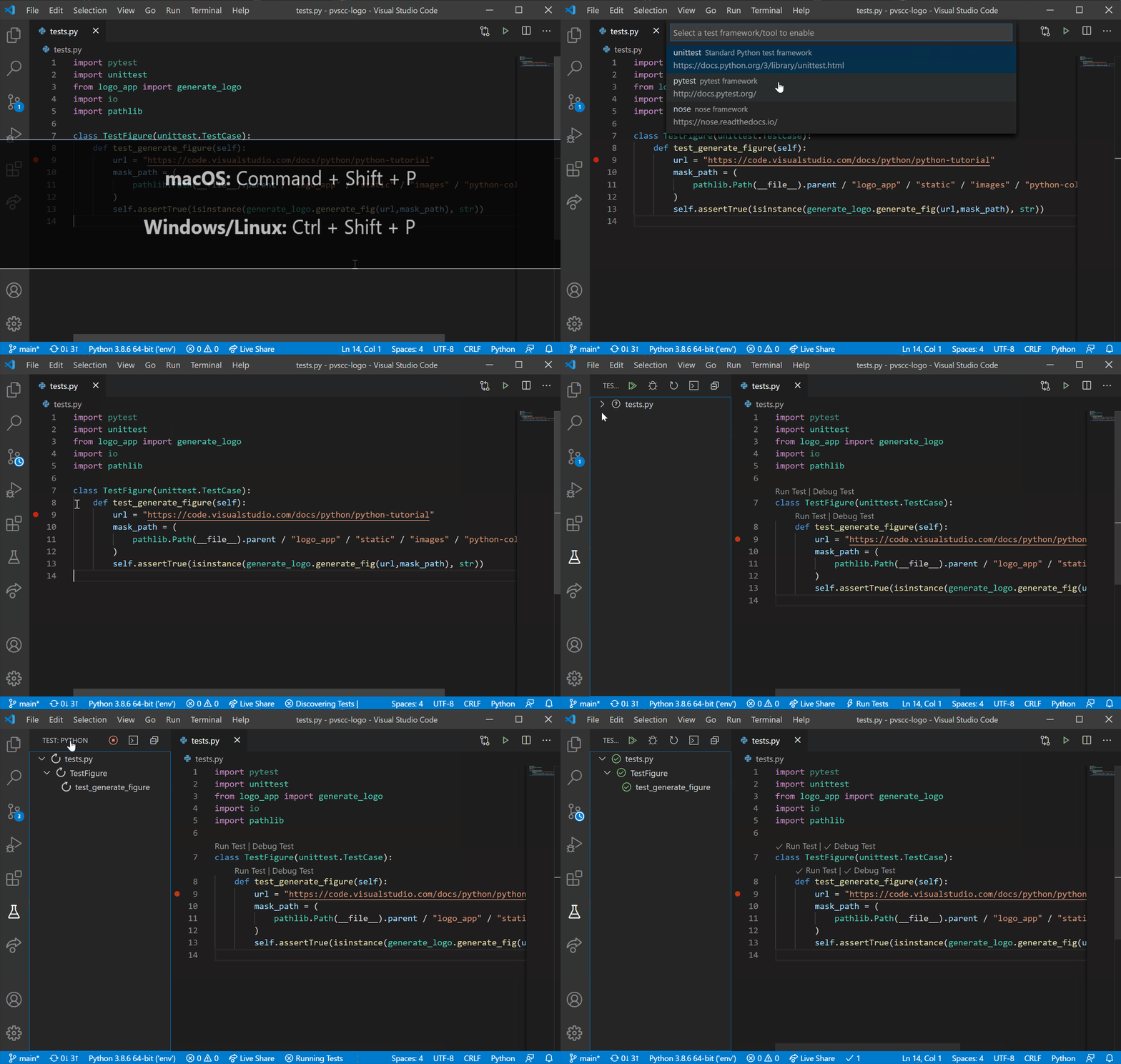
How To Troubleshoot Unit Tests Python In Visual Studio Code

A Comprehensive Guide To Getting Started With Python In Visual Studio
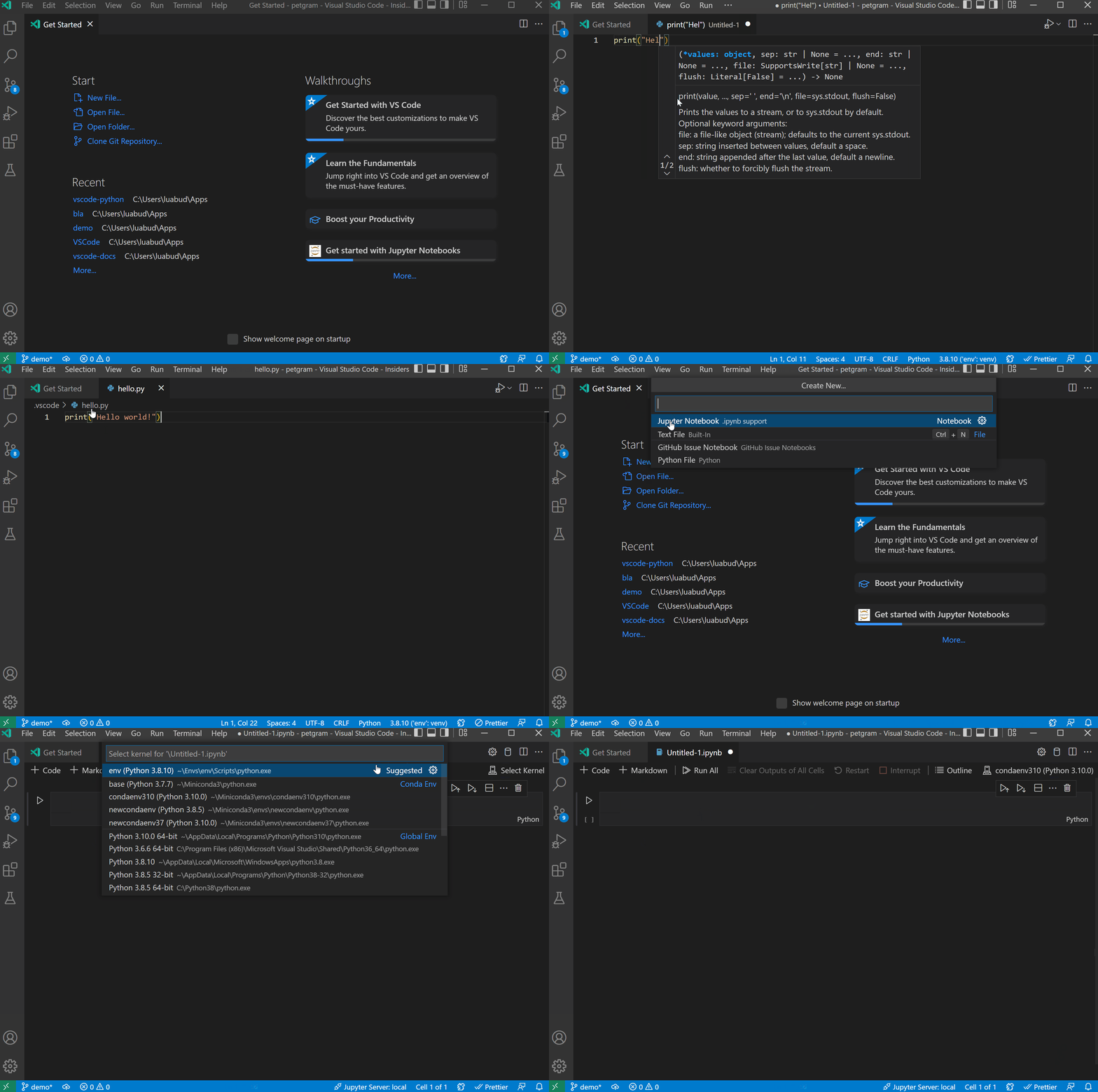
Python In Visual Studio Code April 2022 Release Python
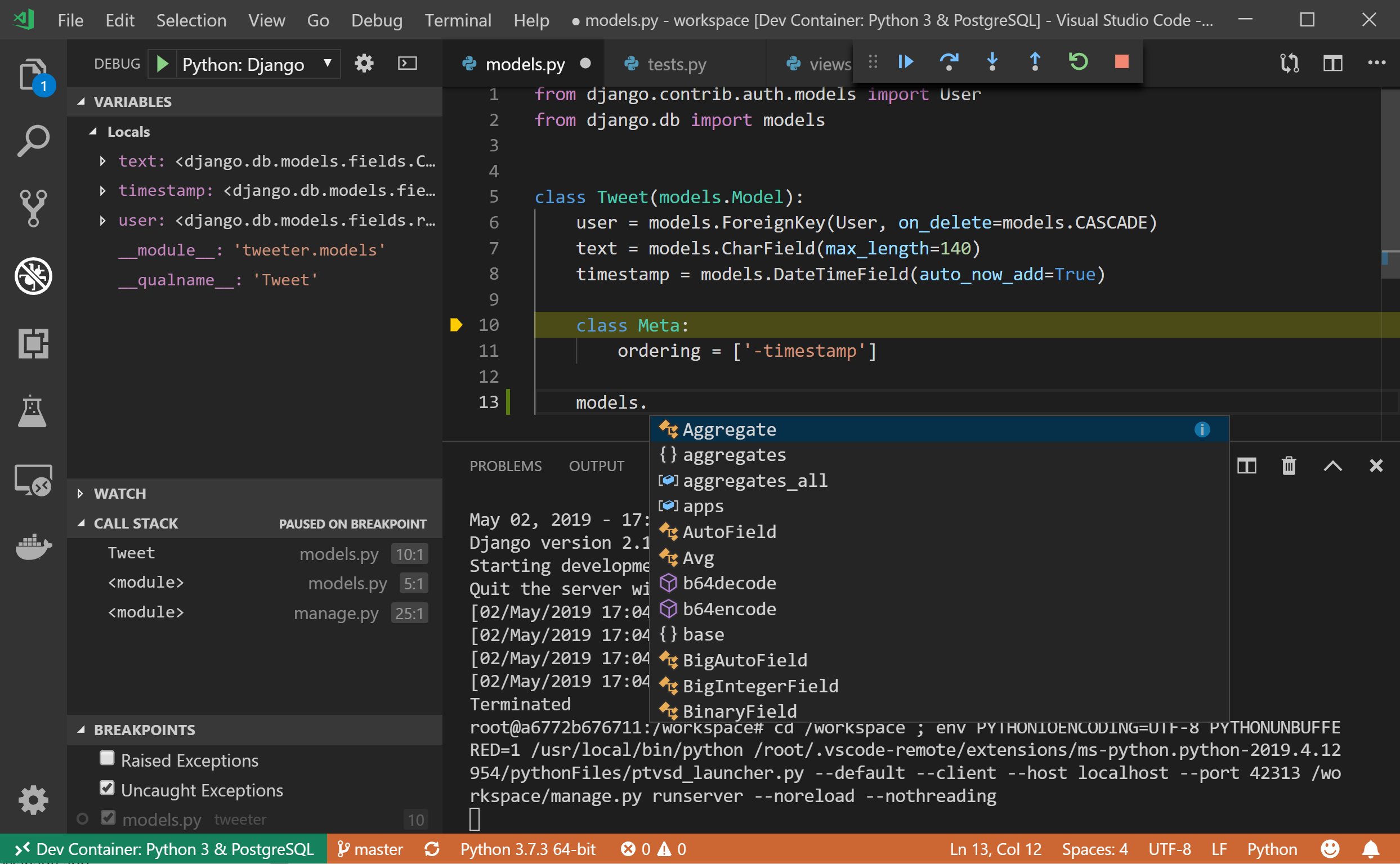
How To Install Visual Studio Code And Python On Windows Python Images
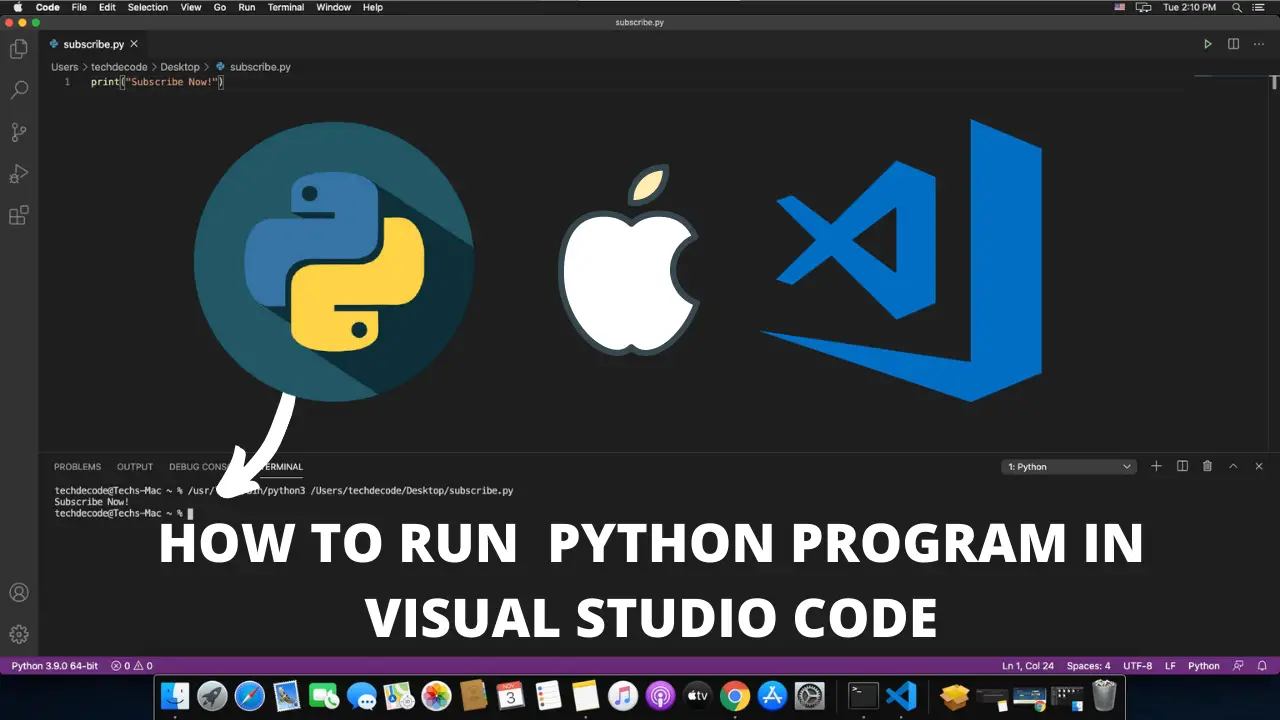
How To Run Python In Visual Studio Code On Mac OS Tutorial

Install Python from python Use the Download Python button that appears first on the page to download the latest version Note If you don t have admin access an additional option for installing Python on Windows is to use the Microsoft Store The Microsoft Store provides installs of supported Python versions
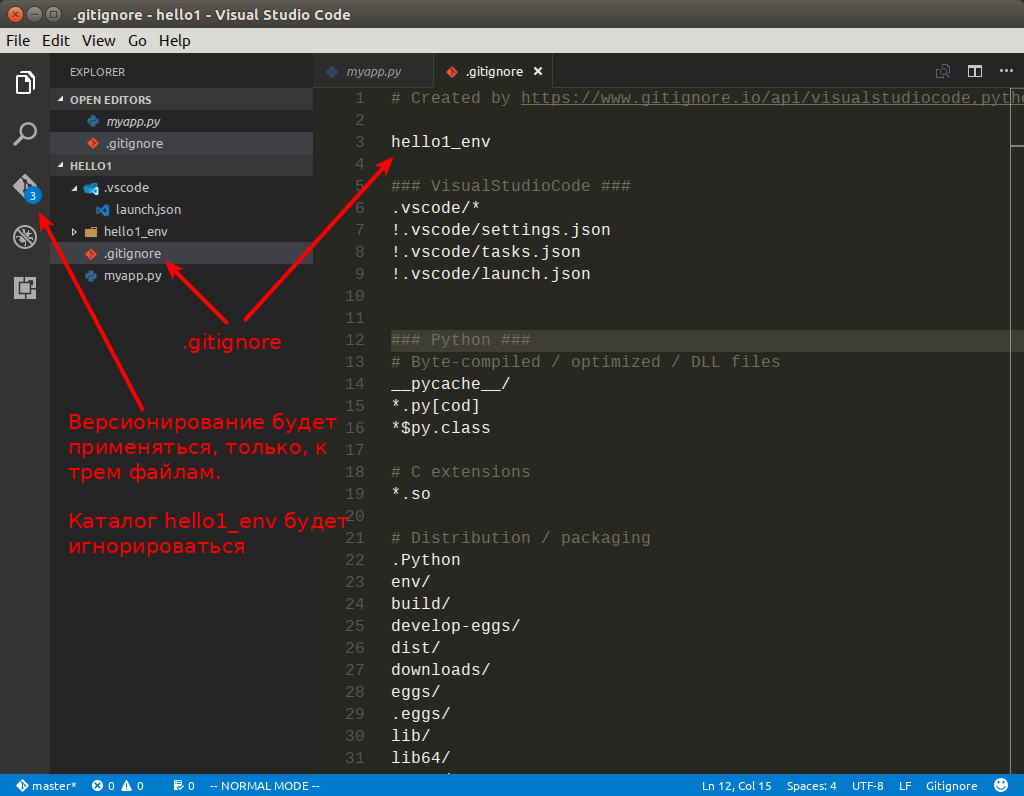
Edit Python in Visual Studio Code Working with Python in Visual Studio Code using the Microsoft Python extension is simple fun and productive The extension makes VS Code an excellent Python editor and works on any operating system with a variety of Python interpreters

Visual Studio Code Mac Setting up a Python Development Environment and Complete Overview Corey Schafer Python https www python VSCode

4 4K 256K views 4 years ago Python Setting up a Python Environment In this Python Programming Tutorial we will be learning how to set up a Python development environment in VSCode on

How To Run Python in VSCode on a Mac M1 Visual Studio Code VS Code Macbook Pro Air Ghost Together 21 7K subscribers Subscribe 133 Share Save 26K views 1 year ago Installation
Installing Visual Studio Code on Mac Although we can use IDLE or the terminal application for writing Python scripts we prefer to use a powerful extensible and lightweight code editor rather than rigid coding environments In this part of the tutorial we re going to install Visual Studio Code for Python development on macOS 1 Python and Visual Studio Code Setup In this part we will learn to install Python and VSCode and run a simple Python code Installing Python Downloading and installing the latest version of Python is straightforward Go to Python and download the latest version for Windows The installer is also available for Linux Unix macOS and other
1 Install XCode Command Line Mac users who want to install Python can make their command line development more efficient with the Command Line Tools Package a self contained bundle of XCode With this package in hand they ll be ready to take on any challenge presented by their code Installing XCode Command Line is a breeze