Setup Anaconda Environment In Vscode Anaconda Habitat The Most Simple Vscode Configuration Anaconda Environment In The Whole The Most Simple Vscode Configuration Anaconda Environment In The Whole Anaconda Cheat Sheet Truezup Rare Reptile Pets Wallpapers Gallery WEB Apr 29 2017 nbsp 0183 32 The goal is to be able to use my environment setup from Conda Anaconda within the visual studio code debugger The default pythonpath configuration does not produce this effect rather it goes to the system default python path what you get when you type python in a fresh shell
WEB Jun 30 2019 nbsp 0183 32 When you want to run python in VS code in a conda environment Minconda Anaconda installation You need to set up a python interpreter and activate your conda environment WEB You can create non global environments in VS Code using Venv or Anaconda with Python Create Environment Open the Command Palette P Windows Linux Ctrl Shift P start typing the Python Create Environment command to search and
Rare Reptile Pets Wallpapers Gallery ML Agents Python Setup With Anaconda Immersive Limit VSCode Anaconda Python PYTHON Activating Anaconda Environment In VsCode YouTube Miniconda Anaconda conda Anaconda Music Video Tewseng Visual Studio Code Python Path In Vscode The System Cannot Find The How To Activate Anaconda Environment In Terminal YouTube Activating Anaconda Environment In VsCode Magenaut
Setup Anaconda Environment In Vscode
 Setup Anaconda Environment In Vscode
https://media.visualstories.com/uploads/images/1/11/5239916-1280_478769542-1395595_l.jpg
WEB Creating Conda Environment 182 After installing anaconda to create a python3 environment with a specific version of python type the following command This will create an environemnt named myenv with python 3 7
Templates are pre-designed documents or files that can be used for numerous functions. They can conserve effort and time by offering a ready-made format and layout for producing various type of material. Templates can be used for individual or expert tasks, such as resumes, invites, flyers, newsletters, reports, discussions, and more.
Setup Anaconda Environment In Vscode

Anaconda LatestFlyer
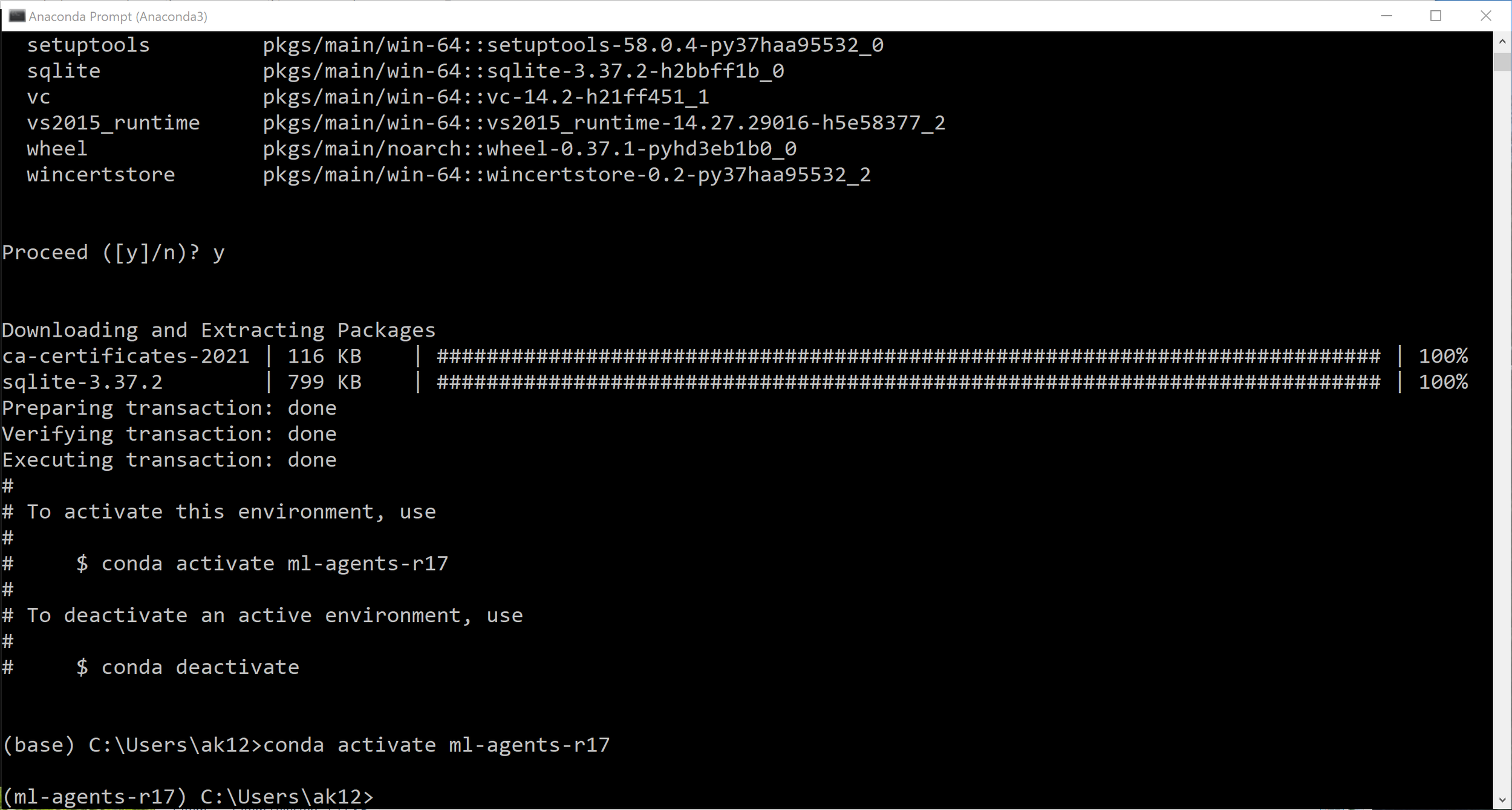
ML Agents Python Setup With Anaconda Immersive Limit
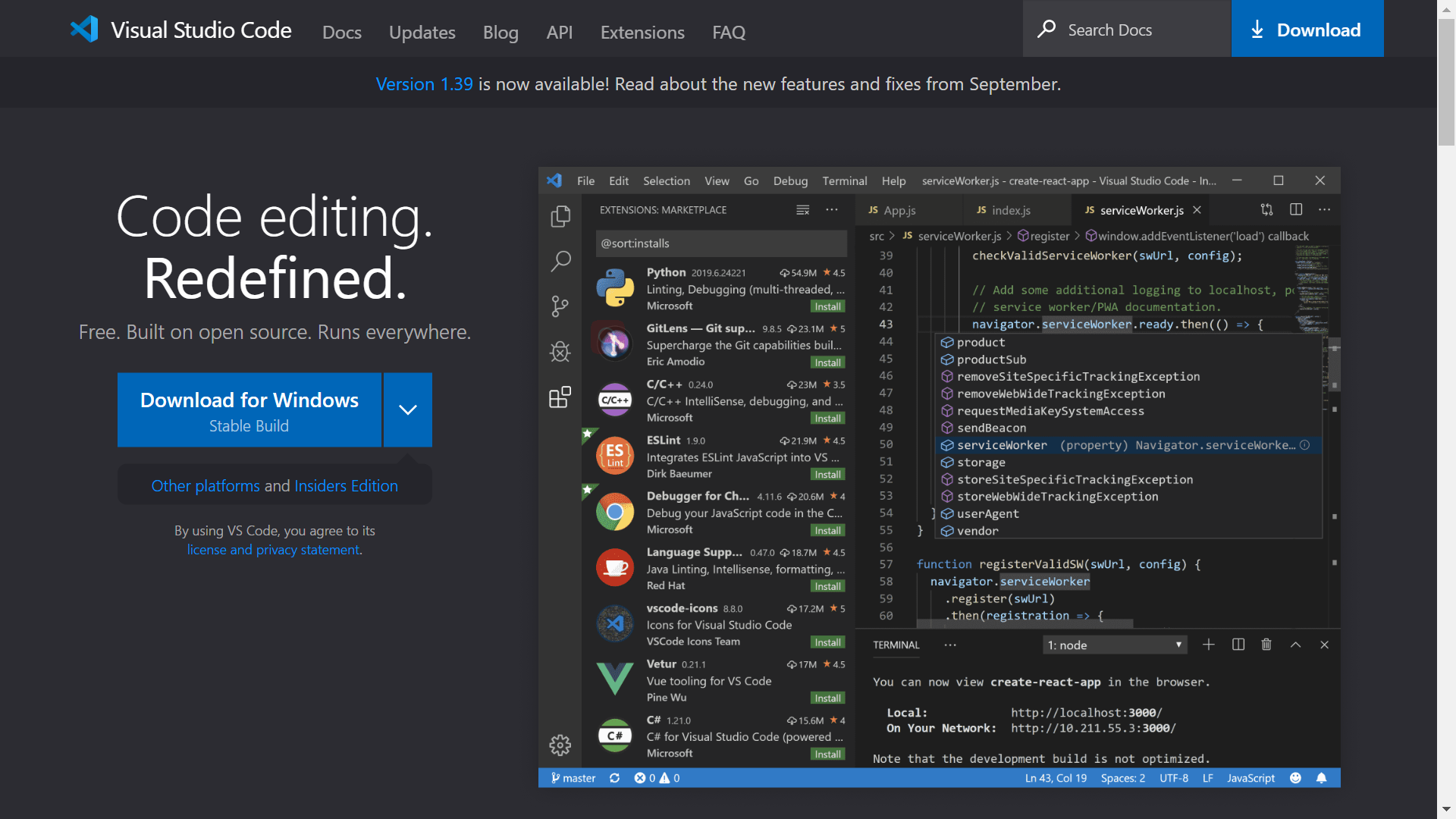
VSCode Anaconda Python

PYTHON Activating Anaconda Environment In VsCode YouTube

Anaconda Music Video Tewseng

Visual Studio Code Python Path In Vscode The System Cannot Find The

WEB Jan 9 2012 nbsp 0183 32 Visual Studio Code VS Code is a free cross platform source code editor that works with Anaconda Distribution and Miniconda Installing the Python for Visual Studio Code extension enables VS Code to connect to a conda environment s version of Python as an interpreter for your Python code files
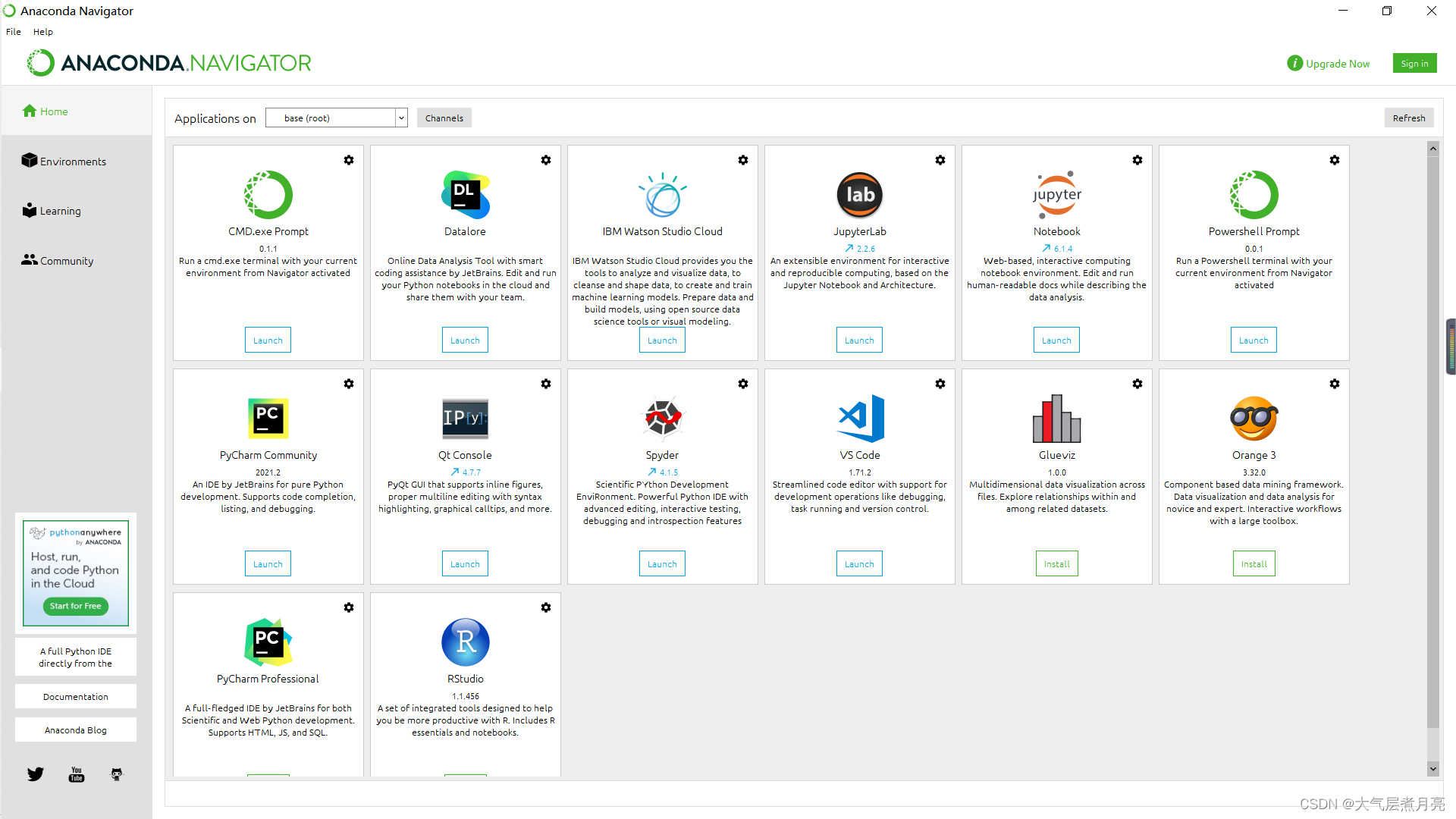
WEB Vscode can automatically choose correct anaconda environment if you start vscode from it Just add to user workspace settings quot python pythonPath quot quot C lt proper anaconda path gt Anaconda3 envs env CONDA DEFAULT ENV python quot It works on Windows macOS and probably Unix Further read on variable substitution in vscode here
WEB Feb 19 2022 nbsp 0183 32 In Visual Studio Code you can run Python code with Anaconda by using the Anaconda Prompt updating the Visual Studio Code workspace settings to be aware of your Anaconda installation or adding Anaconda to the Windows Path variable

WEB Aug 8 2023 nbsp 0183 32 Activating an Anaconda environment in VSCode can significantly streamline your data science workflow It allows you to leverage the power of Anaconda s package management and deployment capabilities along with VSCode s rich

WEB May 29 2021 nbsp 0183 32 Open a new VS Code terminal session that uses Command Prompt cmd as its shell see this answer Change your default shell to cmd instructions below From VS Code doc s Conda environments can t be automatically activated in the VS Code Integrated Terminal if the default shell is set to PowerShell
WEB Dec 14 2018 nbsp 0183 32 So to get started with setting up Anaconda environment and complementing it with Visual Studio Code follow the below steps Install Anaconda from Here WEB Set up a data science environment Visual Studio Code and the Python extension provide a great editor for data science scenarios With native support for Jupyter notebooks combined with Anaconda it s easy to get started
WEB Aug 9 2021 nbsp 0183 32 After you create a conda environment you need to activate it and install some packages in order to get the python interpreter And remember to reload the VSCode If it still does not exist you can try to choose Enter interpreter path to point the path manually