Set Up Zebra Printer On Mac What s The Best Printer For Mac JimmyTech The Easy Way To Add A Printer To A Mac Zebra ZT230 Label Printer AGiiLE How To Use My Zebra Printer On Mac OSX Install And Use Zebras On Mac Zebra Printers Labeling Equipment Tip You can change your snooze time and set your device s volume buttons to snooze or dismiss alarms Learn how to change your Clock app settings
A business account also makes it easier to set up Google Business Profile which helps improve your business visibility and manage your online information When you create a Google To get results from Google each time you search you can make Google your default search engine Set Google as your default on your browser If your browser isn t listed below check its
Zebra Printers Labeling Equipment Setting Up Zebra Printer With OHAUS Defender 3000 YouTube Installing A Network Zebra Printer On A Mac The Best Inkjet Printer For Mac Users On The Market Today Accelerlist Installing Zebra Printers On Mac Accelerlist Installing Zebra Printers On Mac Printer Preferences Mac Sidelawpc Accelerlist Installing Zebra Printers On Mac Zebra Printer Download For Mac
Set Up Zebra Printer On Mac
 Set Up Zebra Printer On Mac
https://jimmytechsf.com/wp-content/uploads/2019/09/IMG_7093-scaled.jpeg?is-pending-load=1
Tip You can change your snooze time and set your device s volume buttons to snooze or dismiss alarms Learn how to change your Clock app settings
Templates are pre-designed files or files that can be utilized for numerous functions. They can save effort and time by providing a ready-made format and layout for developing various sort of content. Templates can be used for personal or professional jobs, such as resumes, invites, flyers, newsletters, reports, discussions, and more.
Set Up Zebra Printer On Mac

How Do I Set Up Canon Pixma MG2522 Printer On Mac Posts By Usatech

Setting Up Zebra Printer With OHAUS Defender 3000 YouTube
Installing A Network Zebra Printer On A Mac
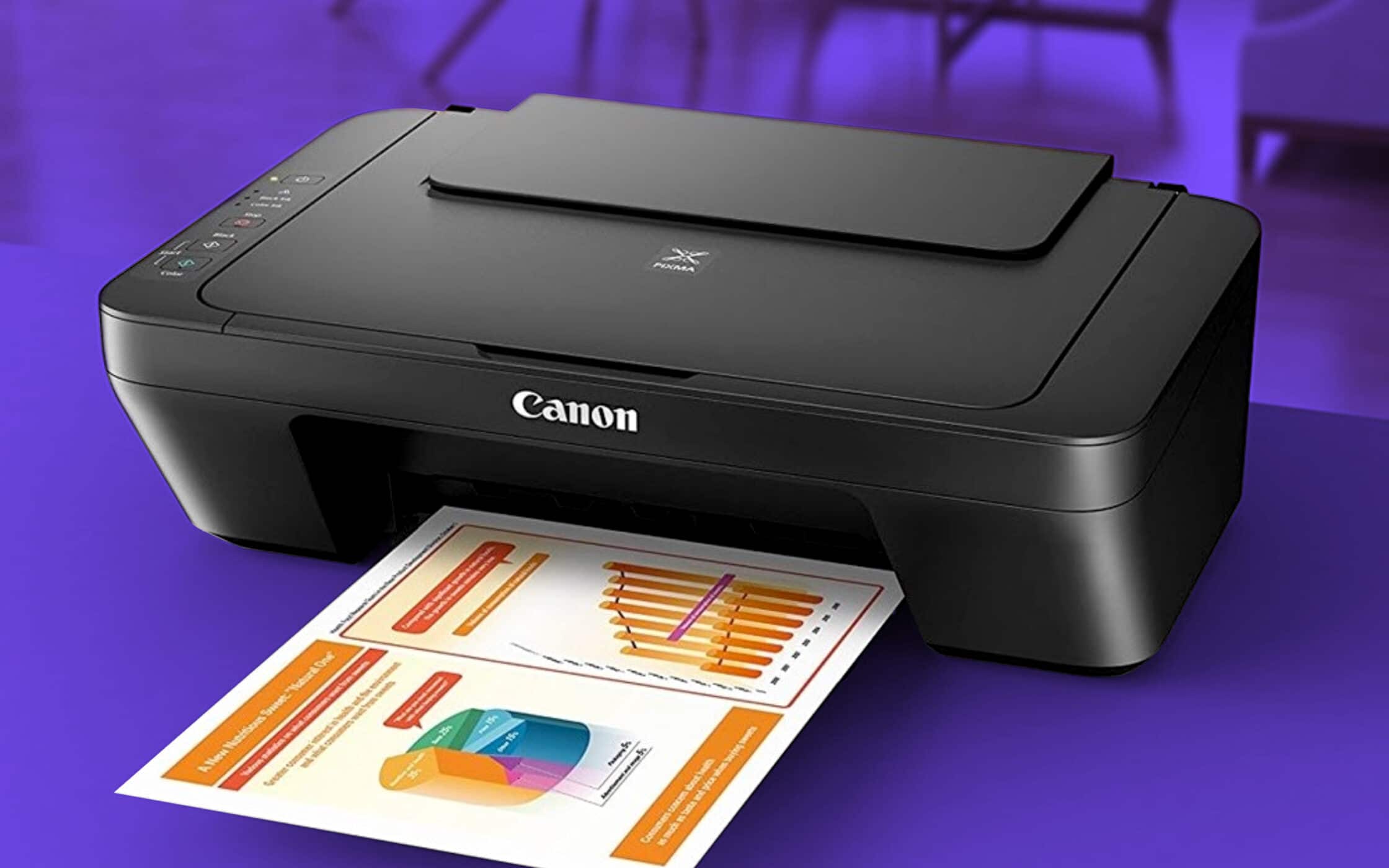
The Best Inkjet Printer For Mac Users On The Market Today

Accelerlist Installing Zebra Printers On Mac
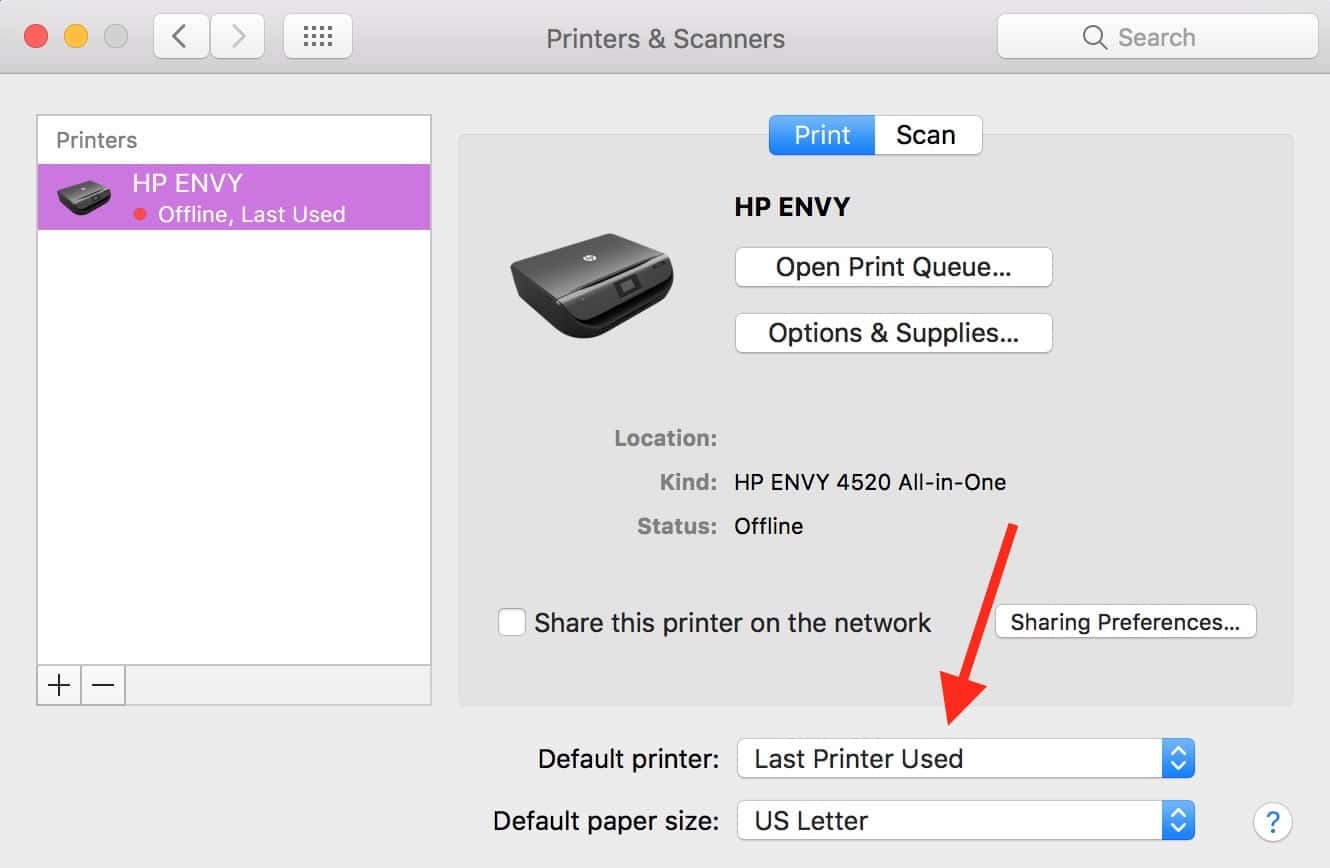
Printer Preferences Mac Sidelawpc

Help Set up Google Voice Protect your verification code About Google Voice account types System and browser requirements for Voice

Important Before you set up a new Gmail account make sure to sign out of your current Gmail account Learn how to sign out of Gmail From your device go to the Google Account sign in
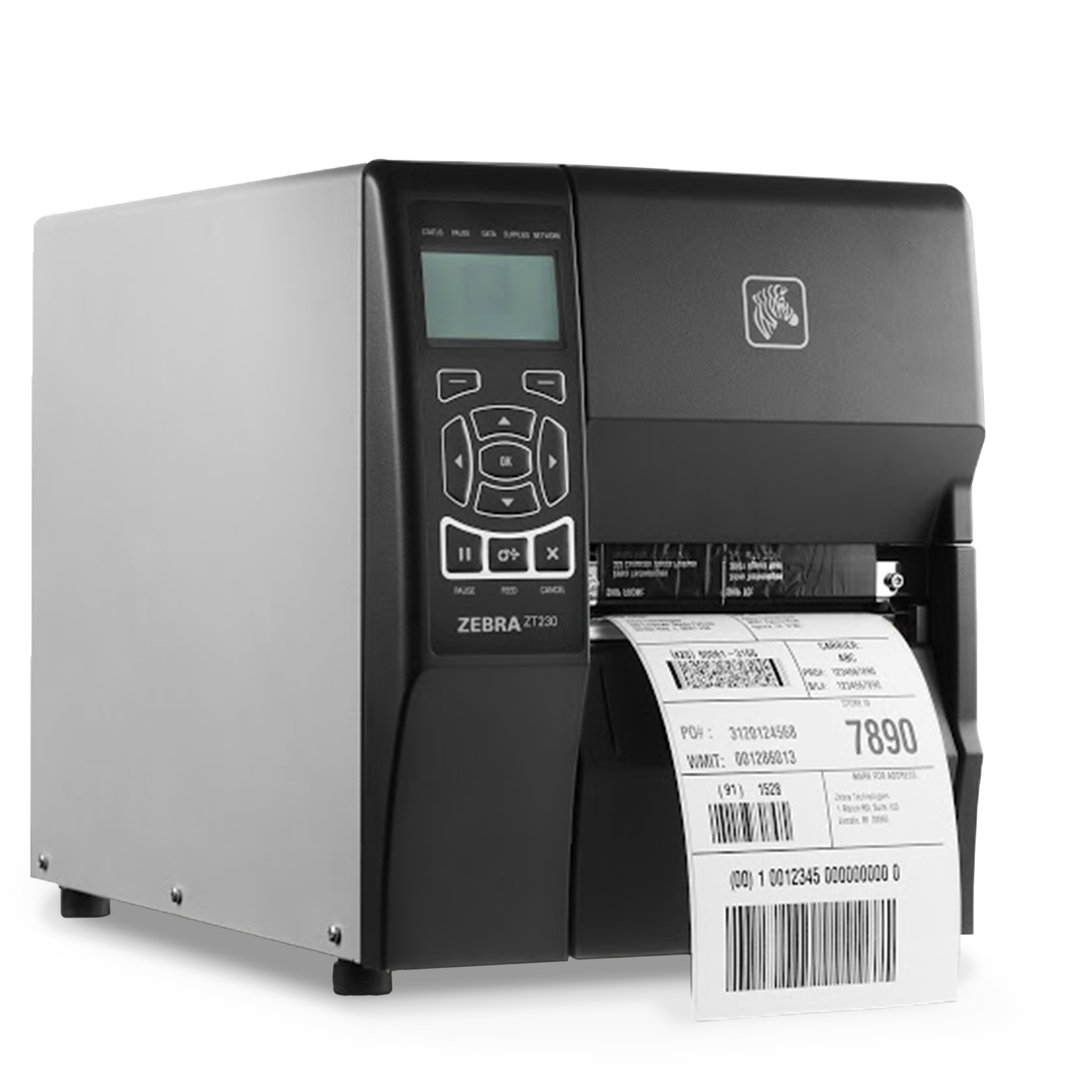
Set your startup page You can control what page or pages appear when you launch Chrome on your computer
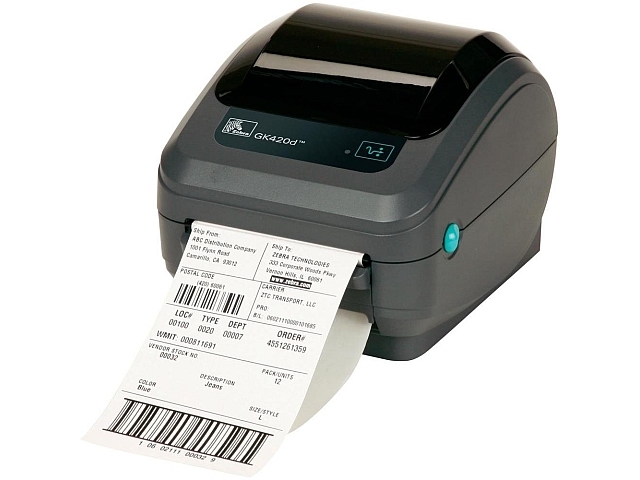
Manage supervision and content settings Once you ve added supervision to your child s Google Account you can Manage account settings Set app and screen time limits Check location of

For businesses that interact with customers in person during business hours like retail stores and service providers that visit customers a Business Profile can be beneficial Business Profiles
[desc-11] [desc-12]
[desc-13]