Set Up Ssh For Git On Windows 10 How To Install Git On Windows 10 Setting Up Git And GitHub On Windows Top 5 Best SSH Clients For Windows 10 I Git It How To Install And Use Git On Windows 11 Working With Git For Windows Open Source For You Using Git With SSH On Windows Configure SSH Key and Git Integration With Windows 10 Native Way Jung Hyun Nam Follow Published in Dev Genius 5 min read Mar 8 2020 Did you know that Windows 10 comes with an OpenSSH client Starting with the Windows 10 Fall Creators Update 1709 OpenSSH clients included as Windows add ons
Install a terminal emulator such as Termux from the Google Play Store on your Chrome OS device From the terminal emulator that you installed install Git For example in Termux enter apt install git and then type y when prompted Set your username in Git Set your commit email address in Git 2021 How to your SSH key for GitLab on Windows 10 One of the most common issues while getting started with Git and GitLab is setting up the private and public keys 7 min read Jan 22 2021
Using Git With SSH On Windows IPCisco On LinkedIn cisco ccna cisconetworking How To Install Git On Windows 10 Wdb24 Www vrogue co Using Ssh From Windows 10 Without Putty Varstack Www vrogue co How To Enable SSH On Linux Ubuntu Easy Step By Step Guide YouTube How To Install Bash On Windows 10 HackerNoon H ng D n S D ng Git V C ch Push Project L n Kho L u Tr C a GitHub Setting Up Ssh For Git On Linux SSH Secure Shell Is A By How To Setup Git Bash In Windows YouTube
Set Up Ssh For Git On Windows 10
 Set Up Ssh For Git On Windows 10
https://i.ytimg.com/vi/bb_LoXAC-zE/maxresdefault.jpg
After switching to an ssh url the ssh key was used To switch a remote git remote set url origin git gitlab XXXXX Change the user to your username and target to your destination so it will copy your ssh key to the target system If I understand correctly ssh copy id is for adding the key on the server
Pre-crafted templates provide a time-saving option for developing a varied range of documents and files. These pre-designed formats and layouts can be utilized for different personal and professional projects, including resumes, invitations, flyers, newsletters, reports, presentations, and more, streamlining the content production process.
Set Up Ssh For Git On Windows 10

Come Usare Il Protocollo SSH In Windows 3 Passaggi
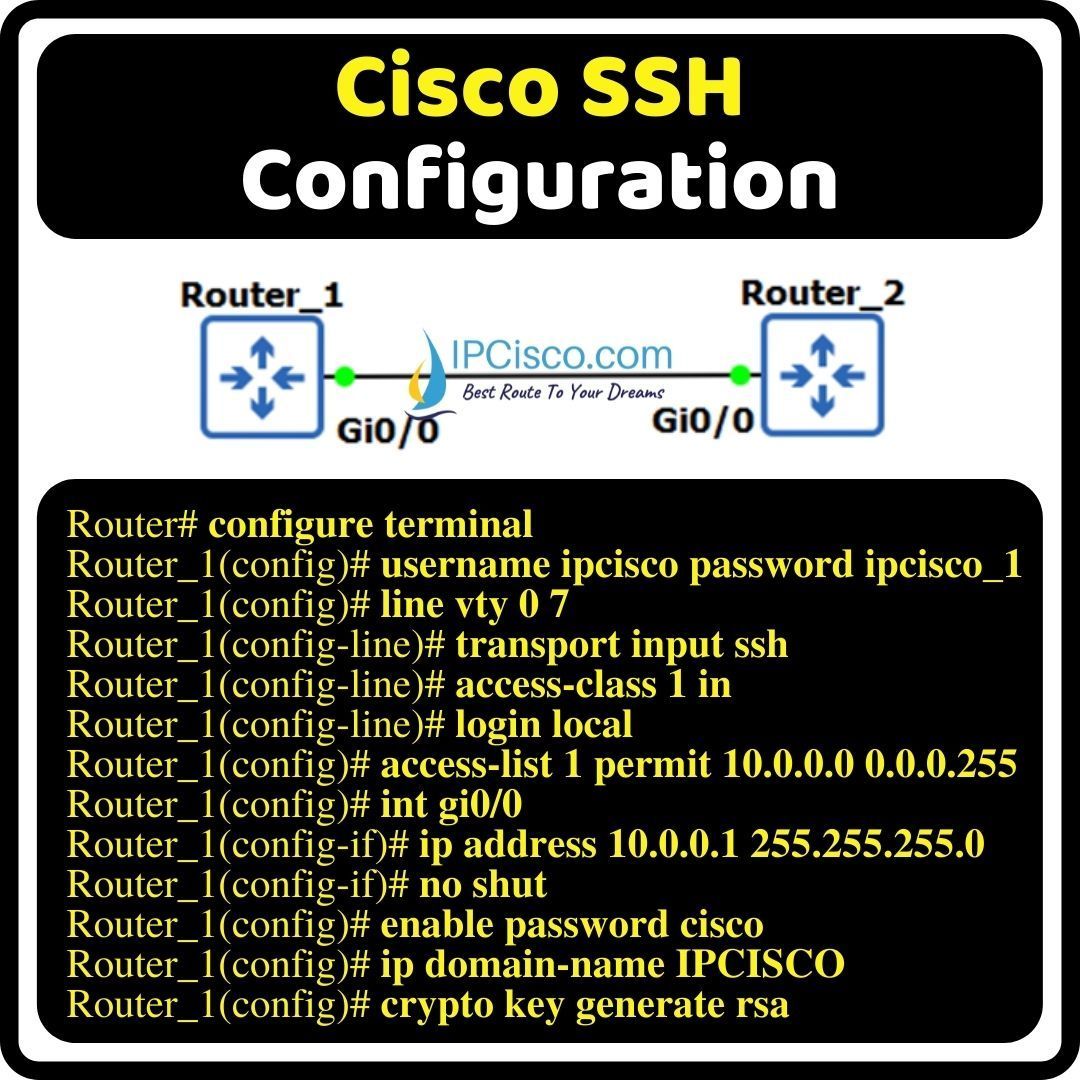
IPCisco On LinkedIn cisco ccna cisconetworking

How To Install Git On Windows 10 Wdb24 Www vrogue co

Using Ssh From Windows 10 Without Putty Varstack Www vrogue co

How To Install Bash On Windows 10 HackerNoon

H ng D n S D ng Git V C ch Push Project L n Kho L u Tr C a GitHub

How to configure git with SSH keys on Windows 10 Ask Question Asked 5 years 5 months ago Modified 3 years ago Viewed 25k times 8 I downloaded and installed git from https git scm downloads I can use git on Windows Command Prompt now I downloaded puttygen and used it to generate a pair of RSA keys stored at D rsa keys
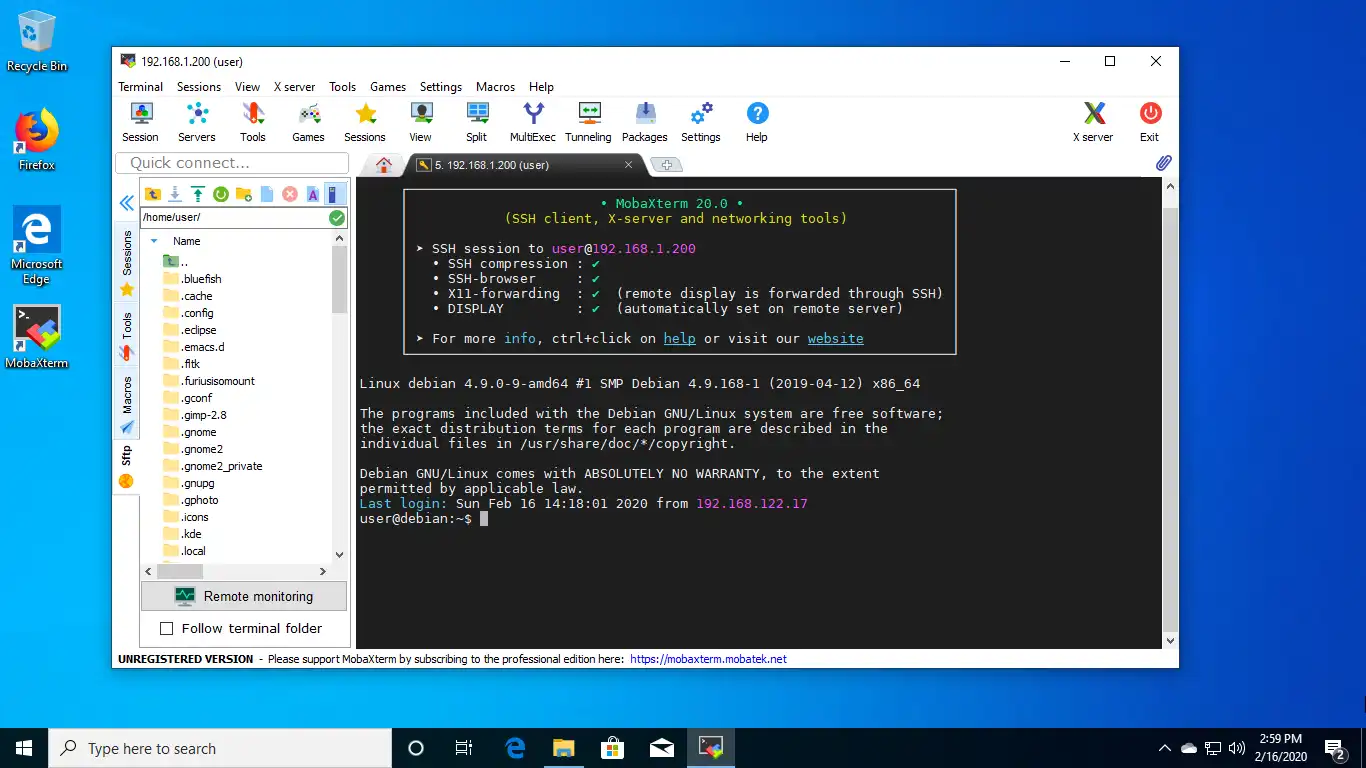
How to create an SSH Key SSH keys are generated through a public key cryptographic algorithm the most common being RSA or DSA At a very high level SSH keys are generated through a mathematical formula that takes 2 prime numbers and a random seed variable to output the public and private key

Adding a new SSH key to your GitHub account Testing your SSH connection Working with SSH key passphrases You can connect to GitHub using the Secure Shell Protocol SSH which provides a secure channel over an unsecured network

First make sure that ssh agent is running with eval ssh agent s for Mac and Linux or eval ssh agent s ssh agent s for Windows Then add your private key to ssh agent with ssh add ssh id rsa Copy your public SSH key Next you need to copy your public SSH key to the clipboard For Linux or Mac print the contents of your
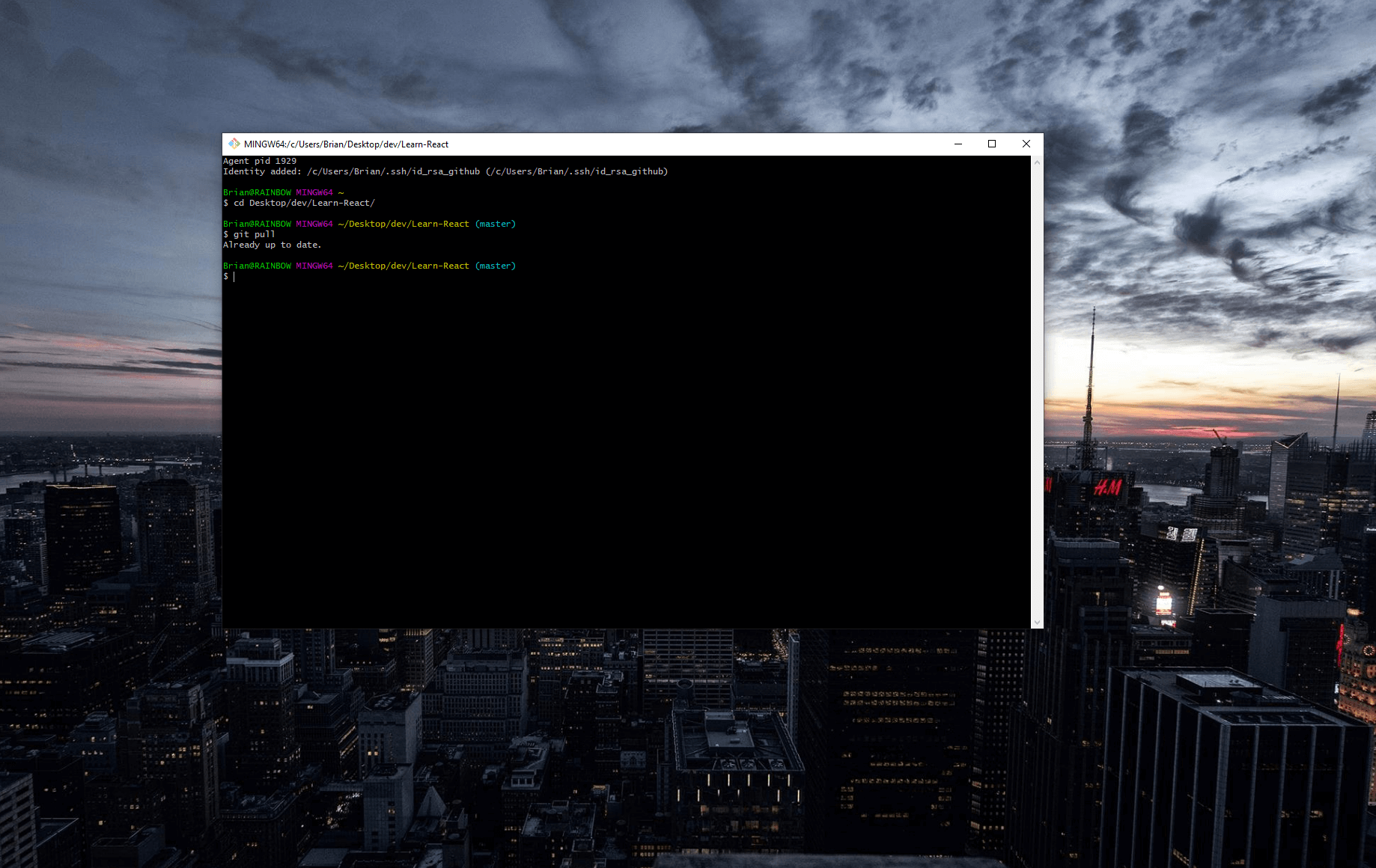
Option 1 Generate Keys in the Command Line Windows 10 has had a built in OpenSSH client since the April 2018 update Windows 11 also comes with this feature built in To use it open the Windows Command Prompt by hitting the Windows key and typing cmd
HostName githubIdentityFile ssh id rsa go to settings on github click SSH and GPG keys New SSH key and press Add SSH key go back to gitbash and enter the following command ssh T git Type winver exe and press enter to see the version details for your Windows device Run PSVersionTable PSVersion Verify your major version is at least 5 and your minor version at least 1 Learn more about installing PowerShell on Windows Run the command below The output will show True when you re a member of the built in Administrators group
Enable SSH Agent Startup Whenever Git Bash is Started First ensure that following lines are added to bash profile which should be found in your root user home folder test f profile profile test f bashrc bashrc Now add the following text to bashrc which should be found in your root user home folder