Set Default Ssh Key For Git Windows How To Create And Configure An SSH Key For Github How To Create A How To Generate SSH Keys For Git Authorization Fedingo Create SSH Key For Git On MacOS If You Want To Be Able To Clone A Git How To Use git Clone With A Custom SSH Key RJS Git Generate Ssh Private Key By default a user s SSH keys are stored in that user s ssh directory You can easily check to see if you have a key already by going to that directory and listing the contents cd ssh ls authorized keys2 id dsa known hosts config id dsa pub
Open Terminal Paste the text below replacing the email used in the example with your GitHub email address ssh keygen t ed25519 C your email example My Git setup runs fine on Linux but when I try to set things up under Windows using Git for Windows and TortoiseGit I don t know where to put my private SSH key or better still how to tell ssh where it s located I m using the standard ssh exe option during installation of Git for Windows
Git Generate Ssh Private Key Top 5 Best SSH Clients For Windows 10 How To Setup The Git SSH Keys How To Generate SSH Key With Git To Connect GitHub YouTube How To Use Native Ssh Client In Windows 10 Windows Os Hub Riset How To Change Default SSH Port In Linux Safely How To Enable And Use SSH Commands On Windows 10 Using Specific SSH Key For A Single Git Command Setting Up SSH Key For GIT Using GUI PuTTYgen By Neelabh Raman Mar
Set Default Ssh Key For Git Windows
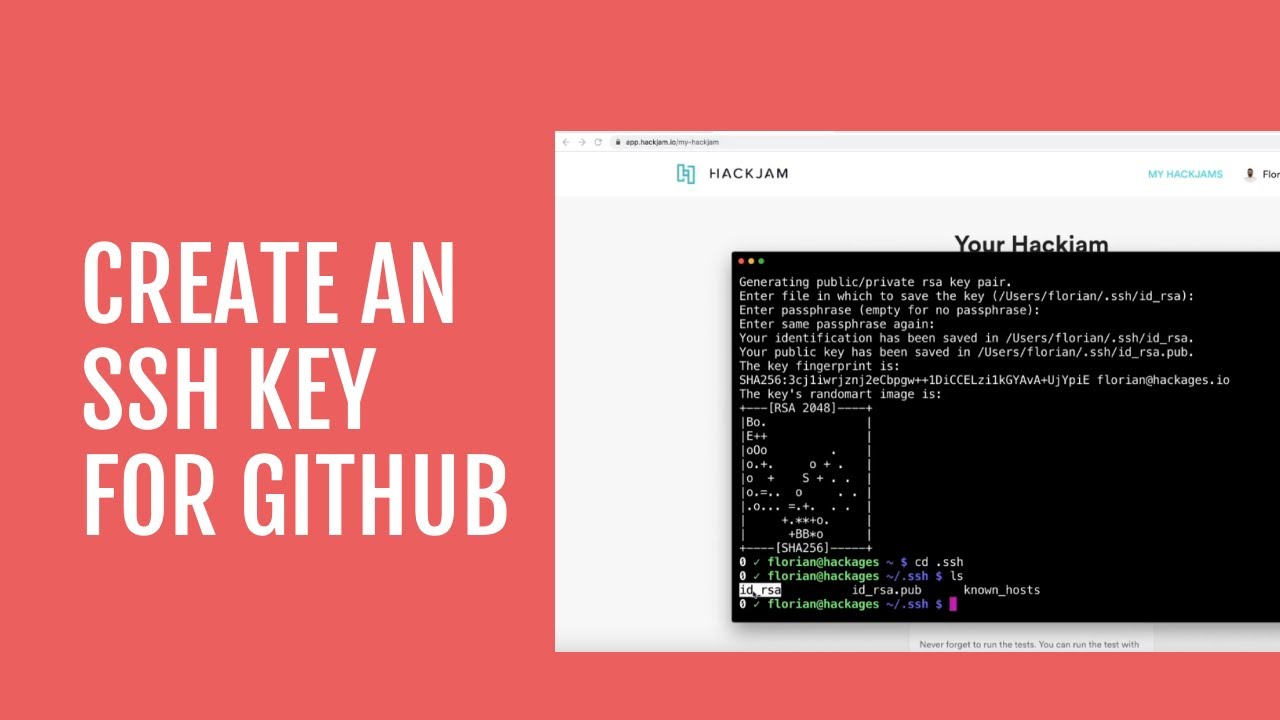 Set Default Ssh Key For Git Windows
https://i.ytimg.com/vi/on-MniMwdxM/maxresdefault.jpg
According to the Docs https docs gitlab ee ssh you can set the ssh key in the config file ssh config So I created a text file in this directory with this content Host gitlab lrz de HostName gitlab lrz de IdentityFile ssh id ed25519 It still does not work and I am not sure if it even uses this config file
Templates are pre-designed files or files that can be used for numerous functions. They can conserve effort and time by supplying a ready-made format and design for producing various type of content. Templates can be used for personal or professional projects, such as resumes, invitations, flyers, newsletters, reports, presentations, and more.
Set Default Ssh Key For Git Windows
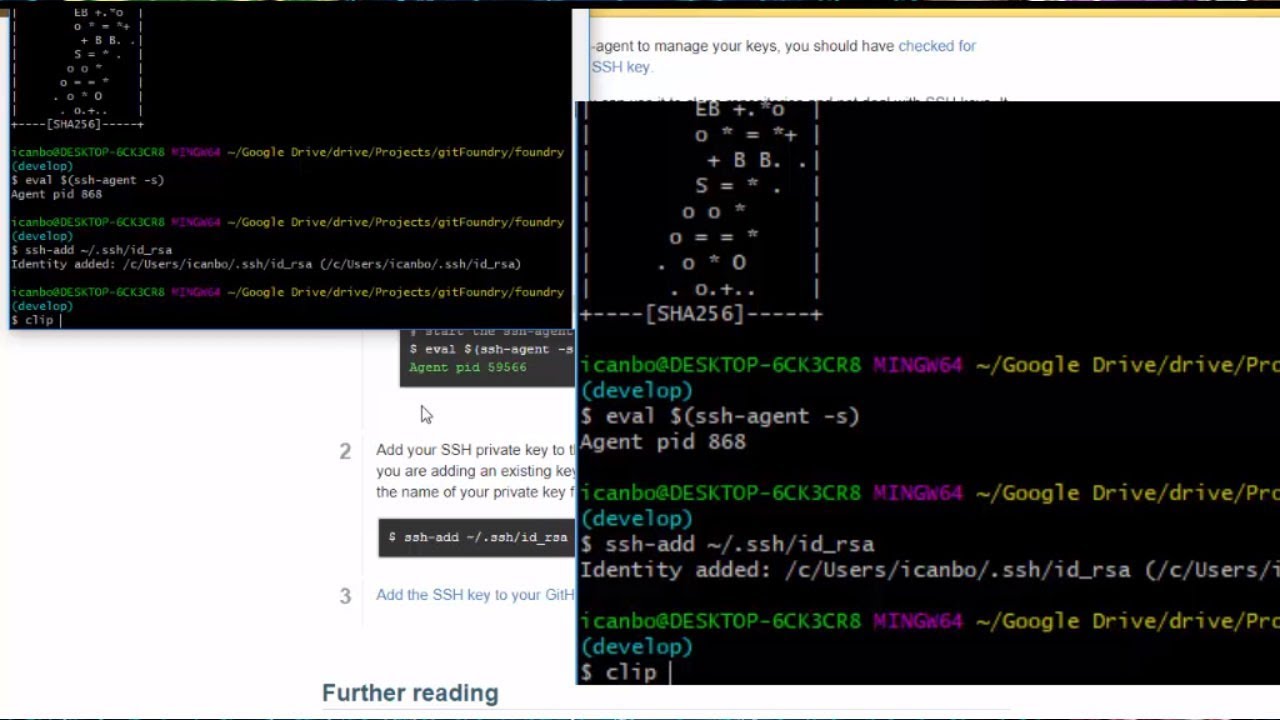
Git How To Add Your Computer s SSH Key To Your Github Account Using
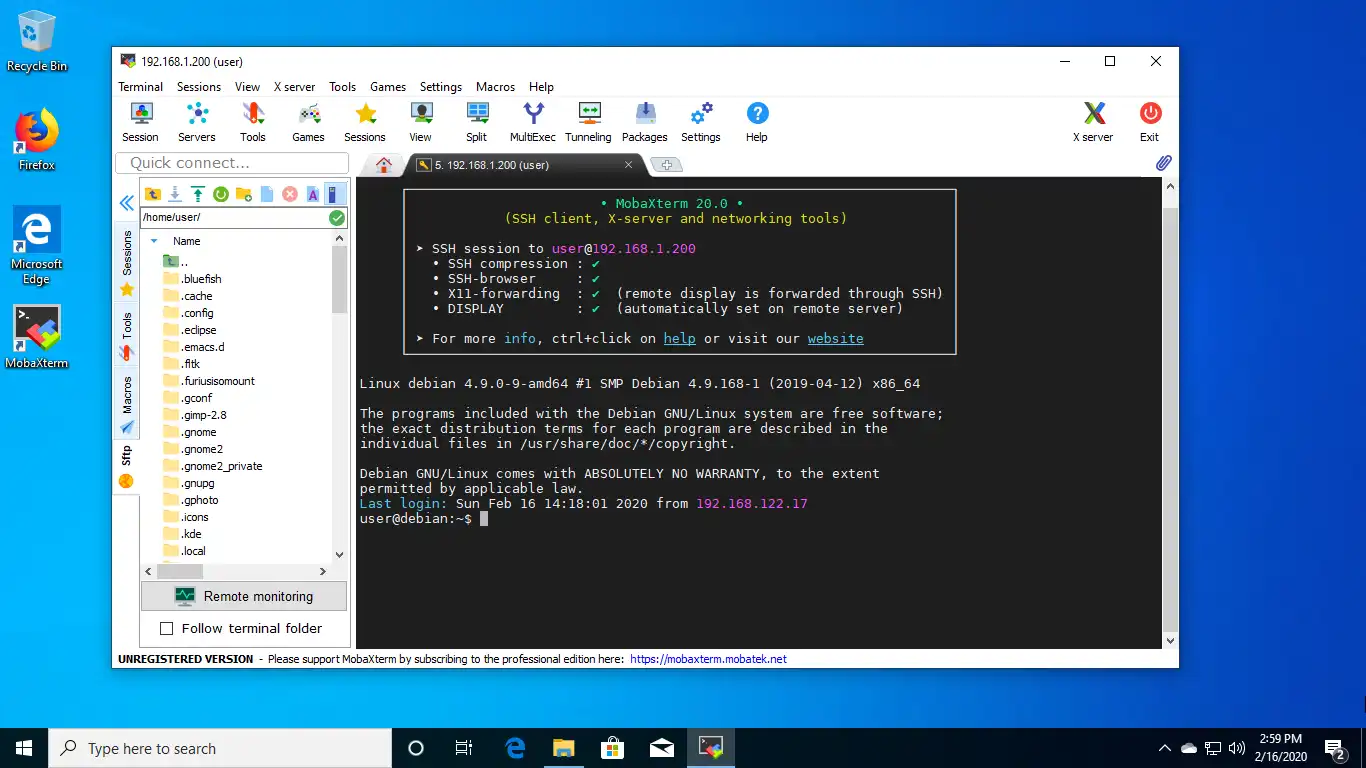
Top 5 Best SSH Clients For Windows 10
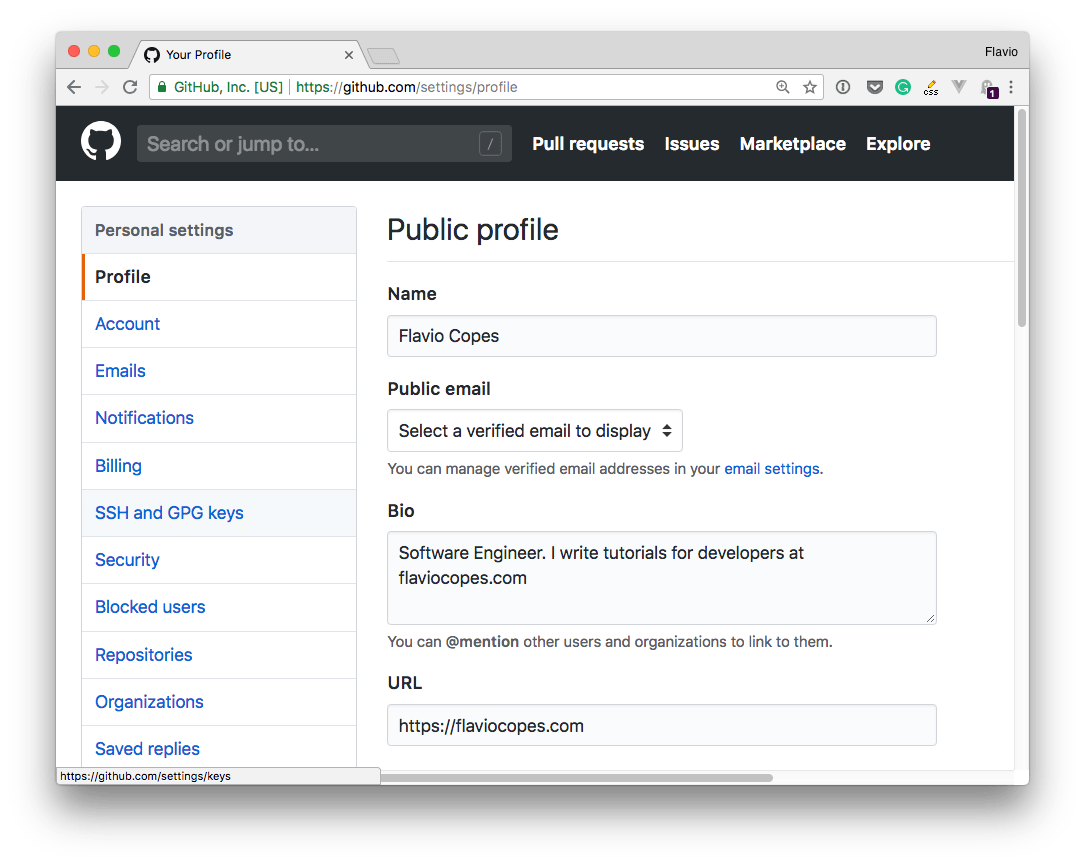
How To Setup The Git SSH Keys

How To Generate SSH Key With Git To Connect GitHub YouTube
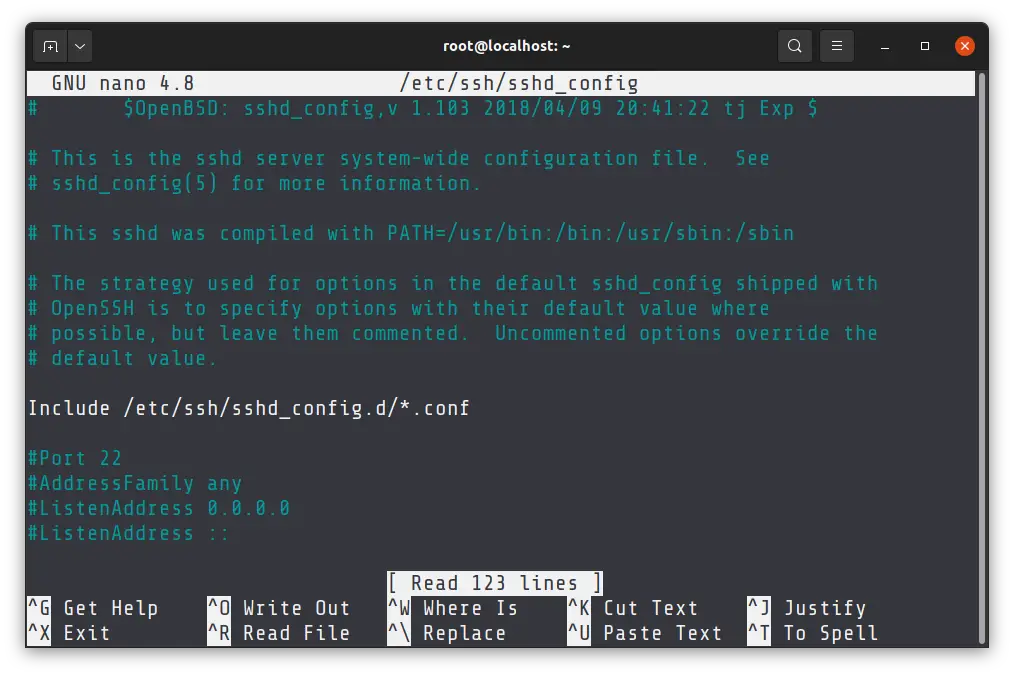
How To Change Default SSH Port In Linux Safely
How To Enable And Use SSH Commands On Windows 10

How to tell git which private key to use Ask Question Asked 12 years 11 months ago Modified 10 months ago Viewed 1 4m times 1123 ssh has the i option to tell which private key file to use when authenticating i identity file Selects a file from which the identity private key for RSA or DSA authentication is read

The first step is to generate a new SSH key Use cmd or Powershell and run the following command ssh keygen t rsa b 4096 C your email example You can but don t need to give it a passphrase since you should never share your secret key around but using one will secure your keys

Or for Windows simply run clip ssh id rsa pub Windows Add your public SSH key to GitHub Go to your GitHub settings page and click the New SSH key button

1 execute the following to begin the key creation ssh keygen t rsa b 4096 C your email example related material Git cheat sheet Check it out SEE SOLUTION Learn Git with Bitbucket Cloud Read tutorial This command will create a new SSH key using the email as a label 2 You will then be prompted to Enter a file in which to save the key
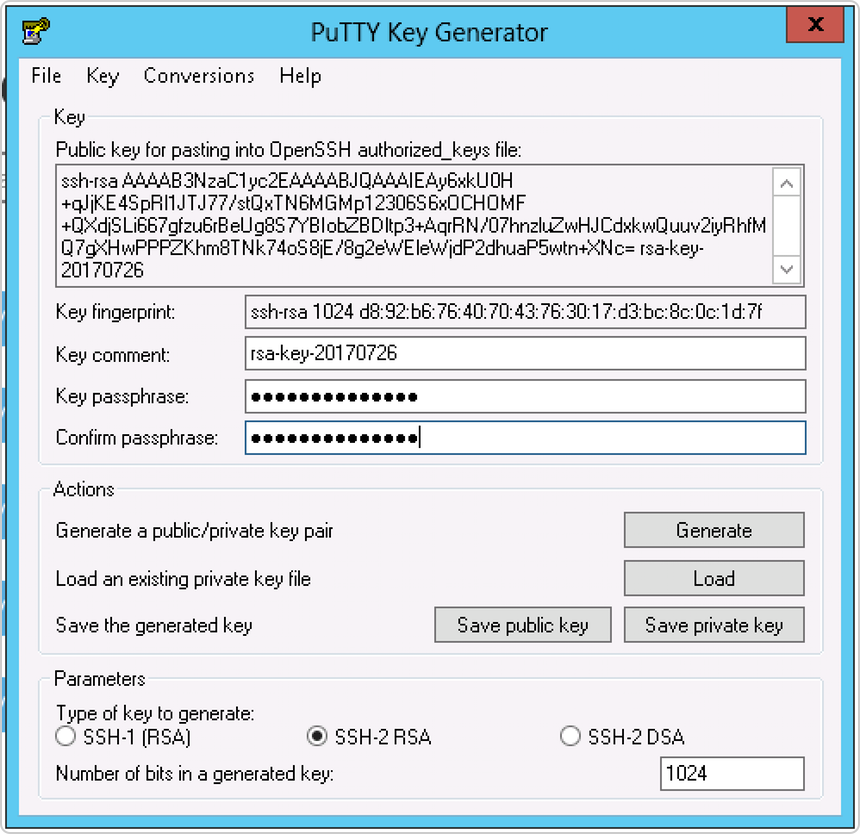
Option 1 Generate Keys in the Command Line Option 2 Generate Keys in WSL Option 3 Generate Keys With PuTTY Key Takeaways Generate SSH keys on Windows 10 or 11 by using Command Prompt PowerShell or Windows Terminal and entering ssh keygen followed by a passphrase Default storage location is in the C Users folder
The HOMEDRIVE on my computer is set to Q a network drive resulting on GIT storing and looking for my ssh keys on Q Users MyUser ssh I can tell git to create the keys on C Users MyUser ssh or just copy them from Q to C But when I want to do a git pull git looks for my keys on Q instead of C and obviously fails to connect Precisely placing the SSH key on disk Precisely and manually permissioning the SSH key and it s parent folder ssh is purposely fussy about this in order to keep the key secure Most of this can be avoided by simply using the full SSH client that is embedded inside of the Windows git client install The Cleanest Way With Working Automation
One of the most common issues while getting started with Git and GitHub is setting up the SSH private and public keys On top of this Git password authentication is no longer available on GitHub