Set Adobe As Default For Opening Pdfs How To Set Adobe As Default How To Make Adobe Default PDF Viewer On Windows 10 11 3 Methods 05 Files Loshadki Apps Changing Microsoft Edge As Default For Pdf Reader In Windows Enable Adobe Acrobat Extension For Microsoft Edge What you can do with Google Play Get games for Android devices and Chromebooks Download Google Play Games Mobile App Rent or buy movies and TV shows Download the Google TV
SET Contact Center 02 009 9999 7 Install amp set up Drive for desktop for Windows Important Before you start check that your operating system is compatible with Drive for desktop Tip If you use a work or school account
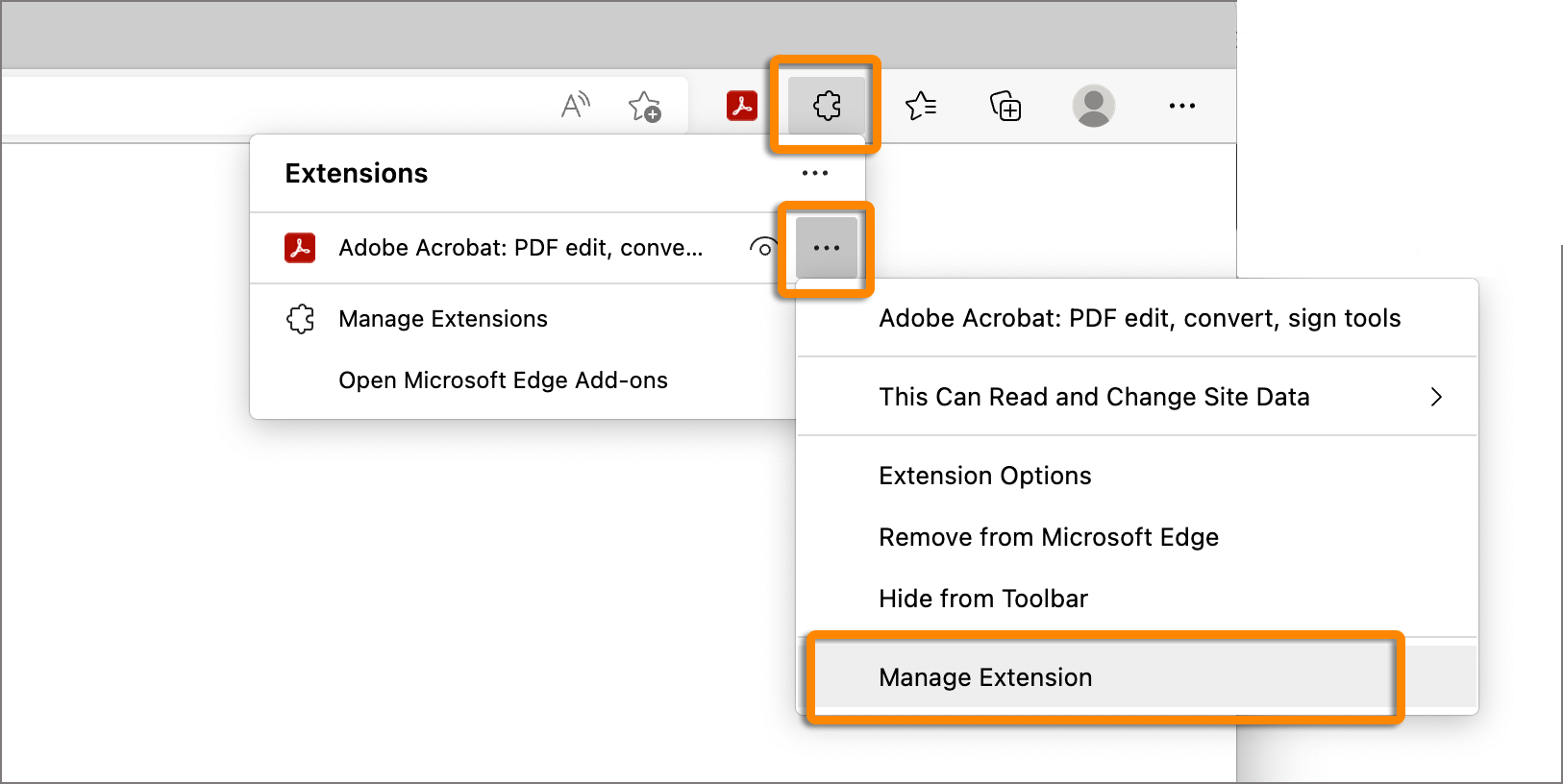
Enable Adobe Acrobat Extension For Microsoft Edge How To Set Chrome As Default Browser In Windows 11 How To Set Adobe As Default PDF Reader On Mac DeviceMAG How Do I Make The Default For Opening Up Apple Community Giant Paper Flower Large Hollyhock Self Standing Wizard Of Oz Prop 02 Browsers Loshadki Apps Change Default PDF Viewer And Set Adobe As Default Adobe Acrobat How To Set The Default Audio Device On Windows 11 Ways To Set Default Graphics Card On Windows 11 TechWiser 53 OFF
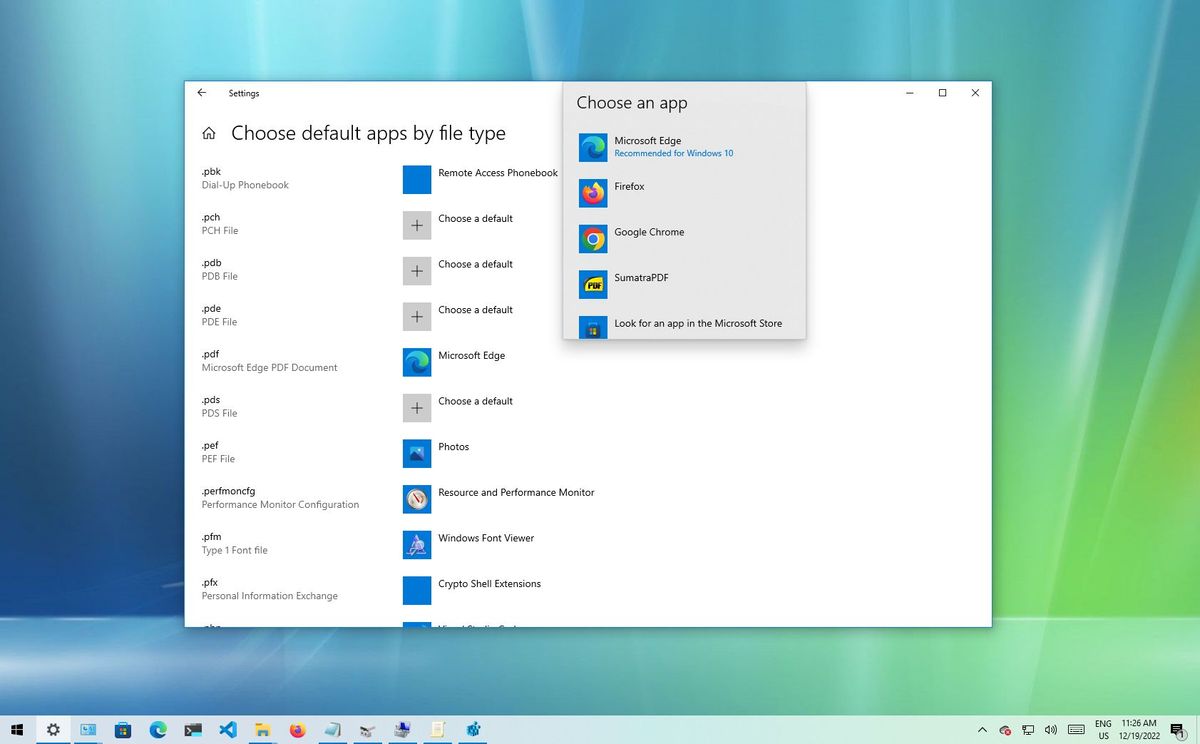
Set Adobe As Default For Opening Pdfs
Set Adobe As Default For Opening Pdfs
https://desk.zoho.com/portal/api/kbCategory/438758000024746485/logo/324970000000401025?orgId=697029402
Set Chrome as your default web browser Important If you don t have Google Chrome on your computer yet first download and install Chrome
Templates are pre-designed documents or files that can be used for different functions. They can conserve effort and time by offering a ready-made format and layout for creating various kinds of material. Templates can be utilized for individual or professional jobs, such as resumes, invitations, flyers, newsletters, reports, presentations, and more.
Set Adobe As Default For Opening Pdfs
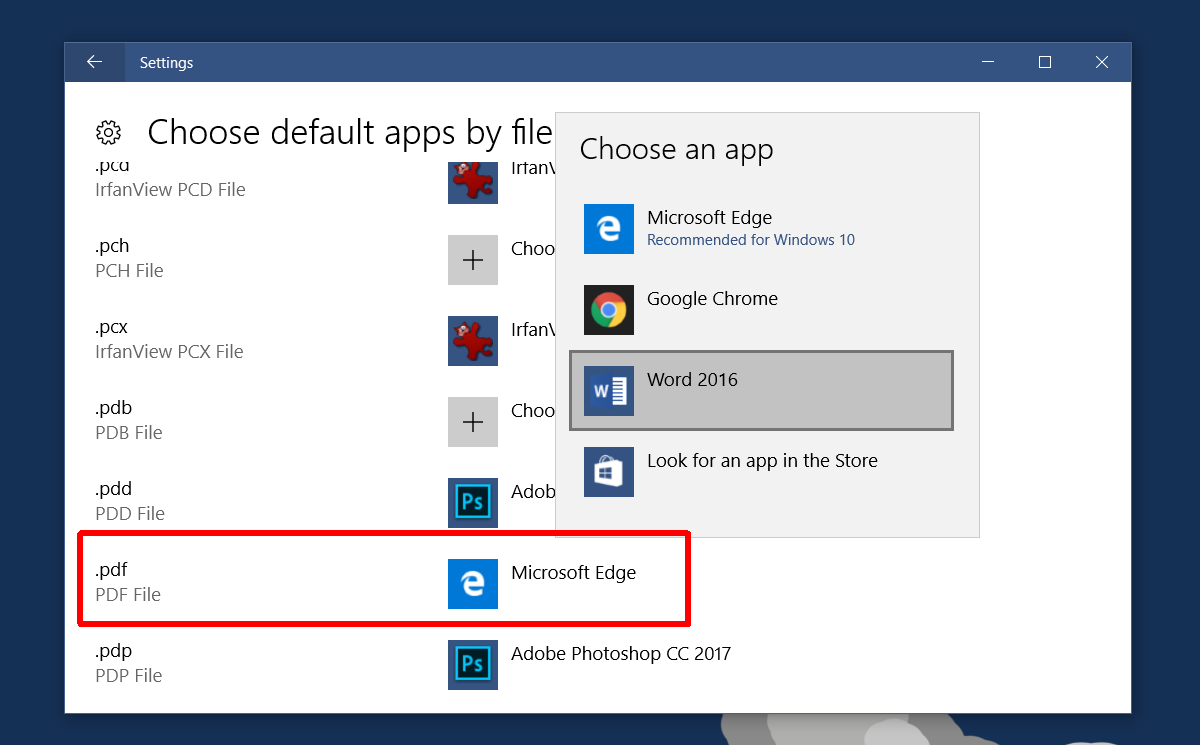
How To Set Pdf Default Settings Bassmain
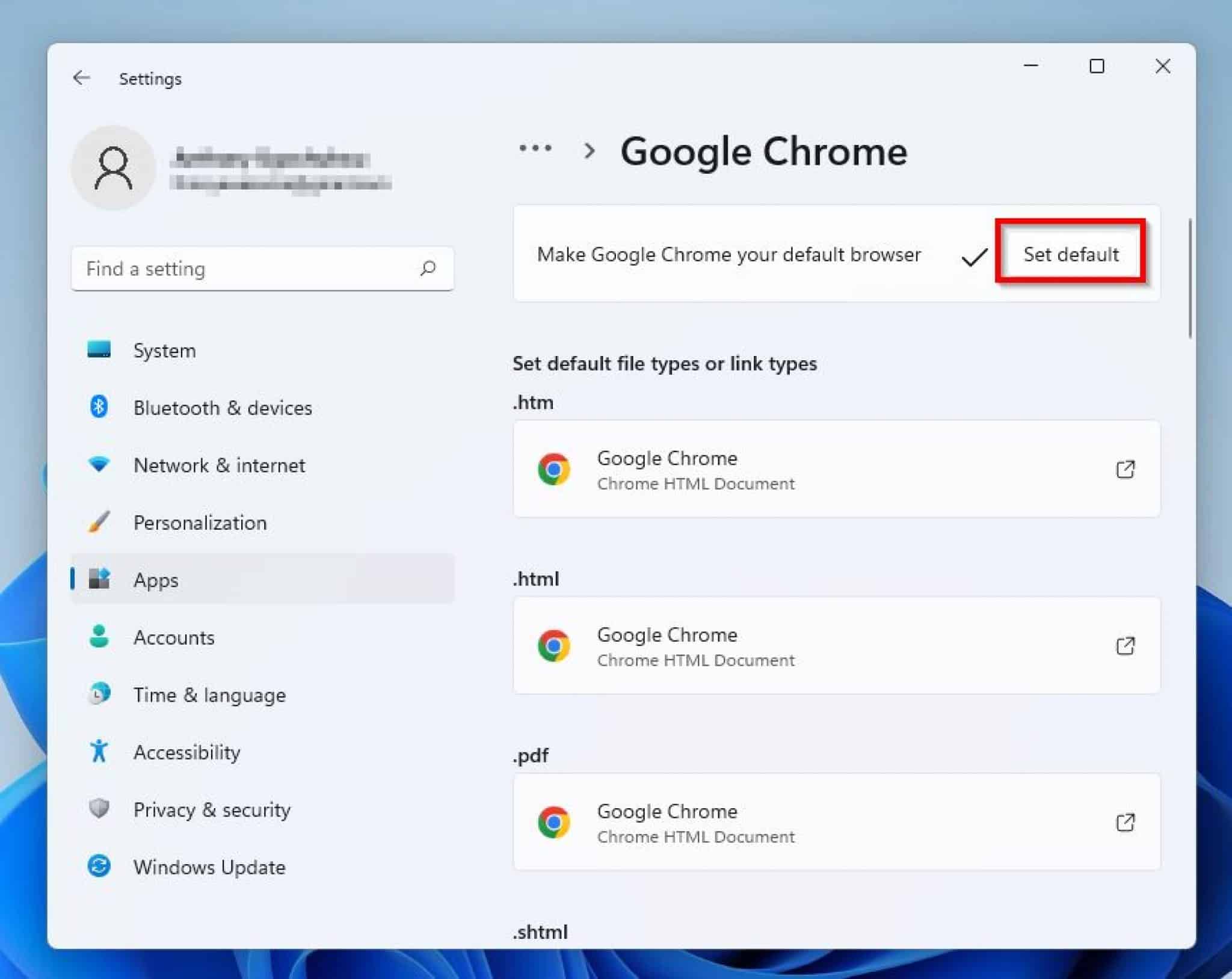
How To Set Chrome As Default Browser In Windows 11
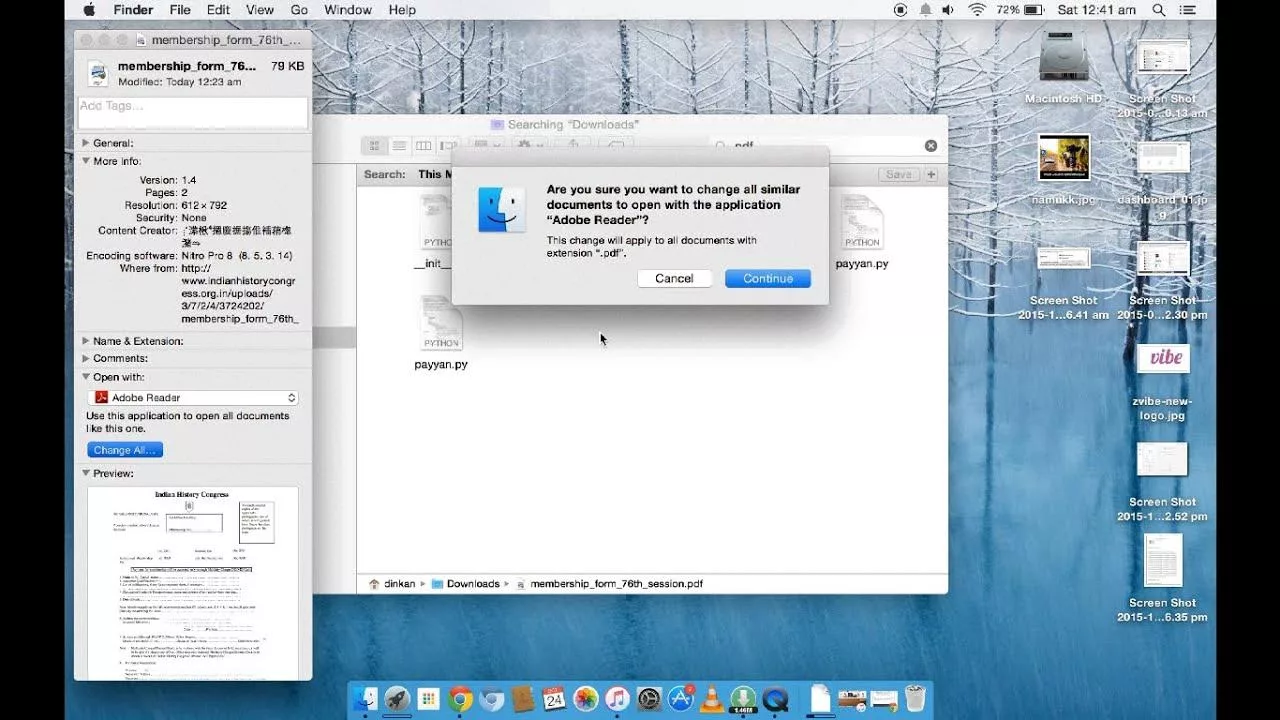
How To Set Adobe As Default PDF Reader On Mac DeviceMAG
How Do I Make The Default For Opening Up Apple Community

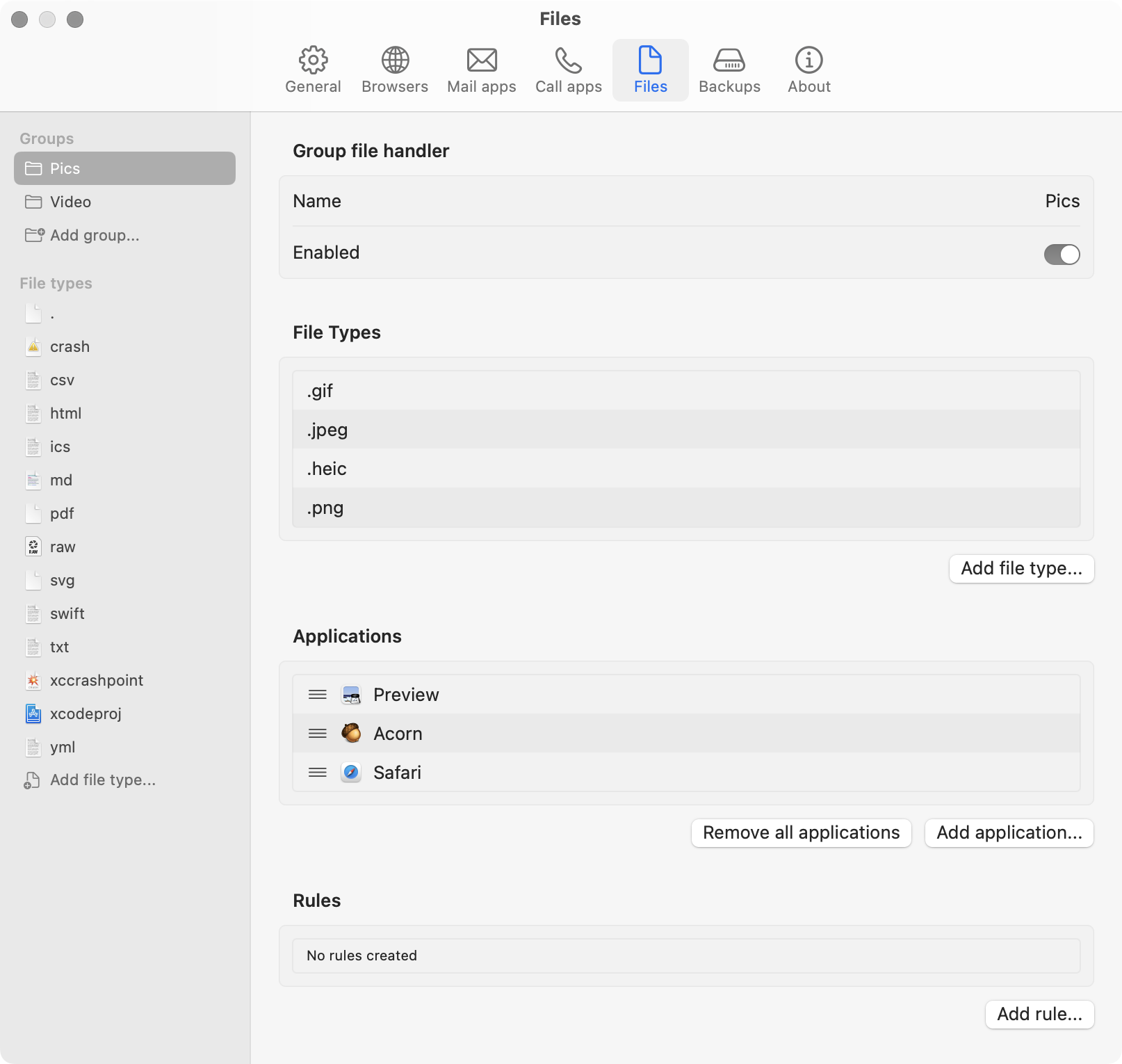
02 Browsers Loshadki Apps

Change Default PDF Viewer And Set Adobe As Default Adobe Acrobat
Jul 23 2007 nbsp 0183 32 set off set out set about set out 1 The young workers set about their work with great enthusiasm 2
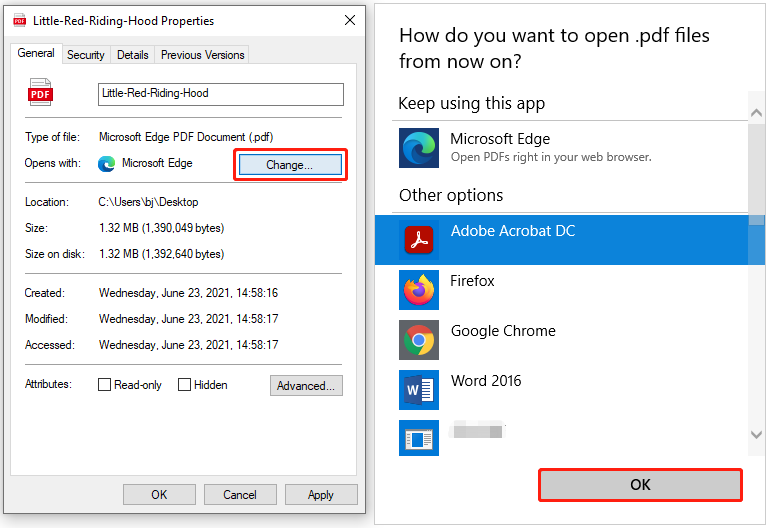
How to install Chrome Important Before you download you can check if Chrome supports your operating system and other system requirements
Important Before you set up a new Gmail account make sure to sign out of your current Gmail account Learn how to sign out of Gmail From your device go to the Google Account sign in
The Stock Exchange of Thailand Web portal
On your iPhone or iPad open App Store In the search bar enter Chrome Tap Get To install follow the on screen instructions If prompted enter your Apple ID password To start
[desc-11] [desc-12]
[desc-13]