Servicenow Flow Designer Event Queue Activating Flows | ServiceNow Developers Best practices for using the Flow Designer - ServiceNow Community Getting started with flows Event rules Best practices for using the Flow Designer - ServiceNow Community In this video I have demonstrated how we can fire an event via flow designer
This flow action can deliver the power of gs eventQueue and gs eventQueueScheduled to ServiceNow Blog Flow Designer queue an event Comments Popular posts from this blog Get reference display value in CLIENT script
Best practices for using the Flow Designer - ServiceNow Community How to fire an event via Flow Designer? | ServiceNow - YouTube ServiceNow ServiceNow Integration Flow Designer - First Visual Process Builder for Microservices Platform: MID Server || Knowledge & Troubleshootin... - ServiceNow Community ServiceNow Flow Designer Create an Action | How to trigger an Event in Flow Designer - YouTube ServiceNow Flow Designer Create an Action | How to trigger an Event in Flow Designer - YouTube Use Flow Designer to Configure a Connector | MuleSoft Documentation
Servicenow Flow Designer Event Queue
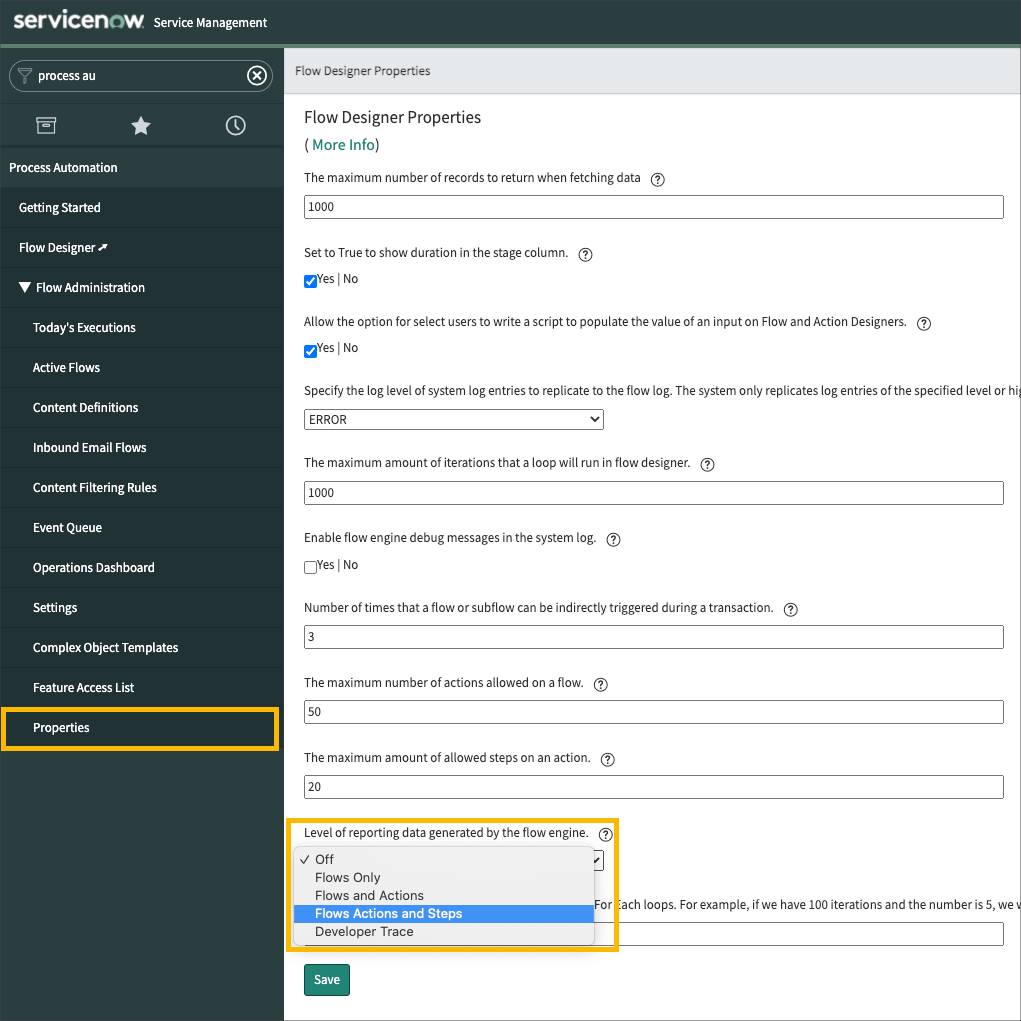 Servicenow Flow Designer Event Queue
https://developer.servicenow.com/app_store_learnv2_flowdesigner_rome_usingflowdesigner_images_servicenow_fd_fdproperty.png
Servicenow Flow Designer Event QueueFillup Name and Click on Submit Attached the screenshot where you can see 2 flows are queued which came for service
Templates are pre-designed documents or files that can be used for various functions. They can save time and effort by offering a ready-made format and layout for developing different type of content. Templates can be utilized for individual or expert projects, such as resumes, invites, flyers, newsletters, reports, discussions, and more.
Servicenow Flow Designer Event Queue

1 What is flow Designer | Overview of Flow Designer | ServiceNow Flow Designer Training - YouTube

How to fire an event via Flow Designer? | ServiceNow - YouTube
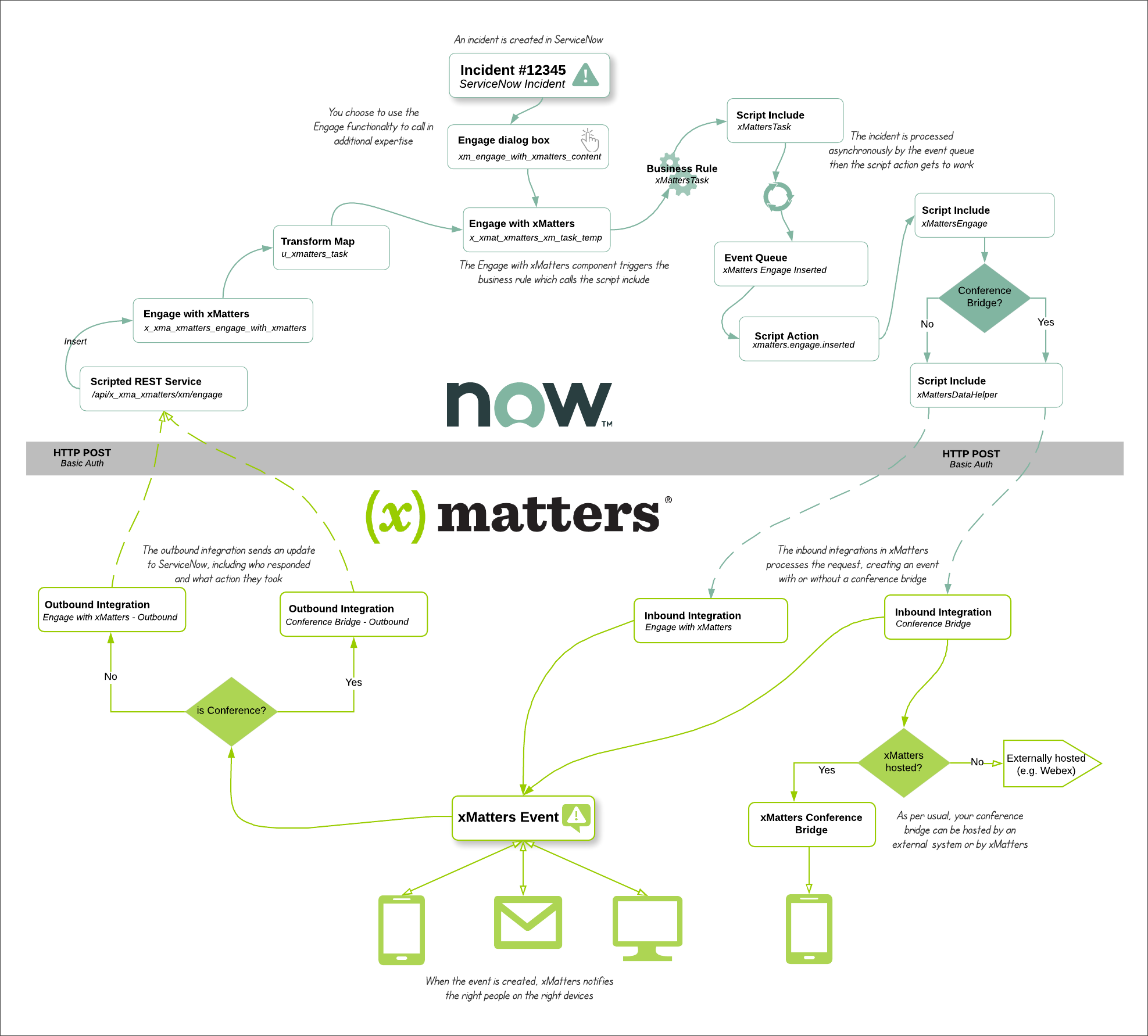
ServiceNow
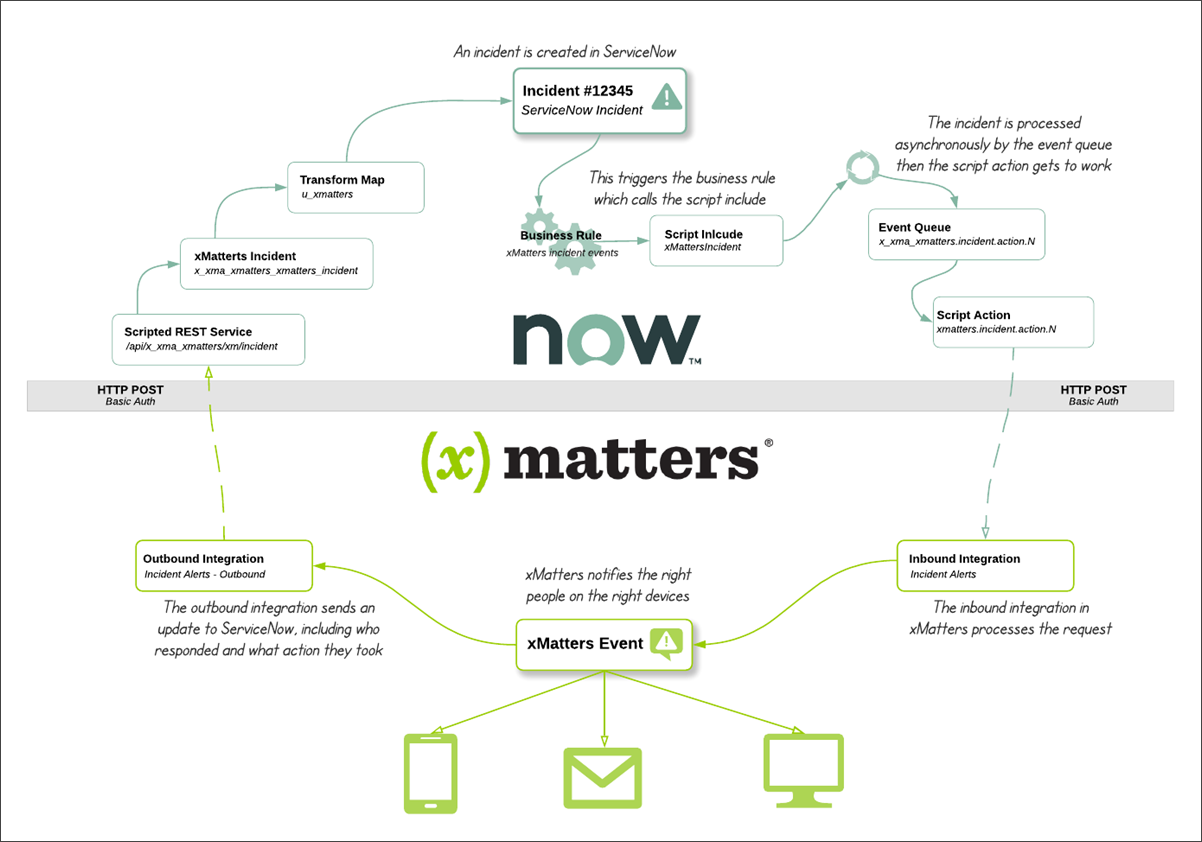
ServiceNow

Platform: MID Server || Knowledge & Troubleshootin... - ServiceNow Community

ServiceNow Flow Designer Create an Action | How to trigger an Event in Flow Designer - YouTube
I need to make custom action in flow designer to trigger event

In Flow designer you can create an action Give this action the Run script and inside of that you can make your eventQueue call

If you want to trigger an event you can pretty much just create the event using the create record flow designer action you don t need to use
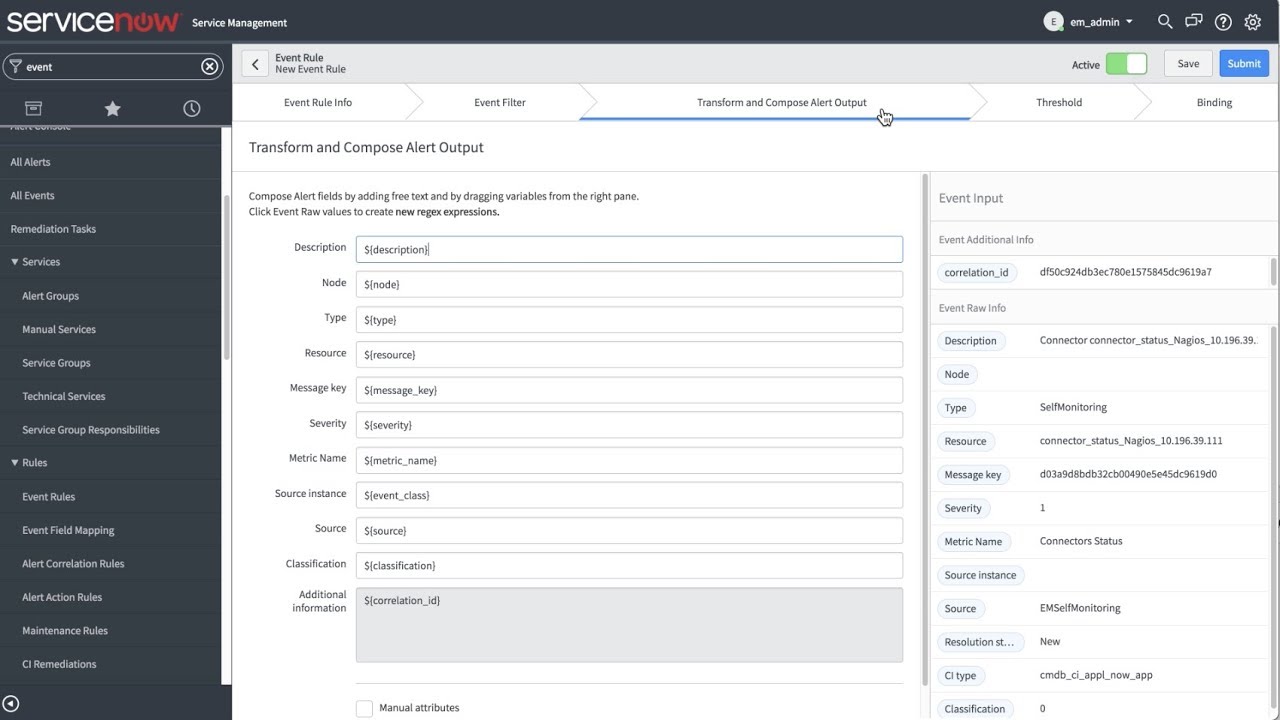
EventQueueScheduled function but it contains information that will be useful for you here When you create the event that the notification is

When an Action is fired in Flow designer like Aperture Science TCIAL it creates an event to execute that job The flow start events get processed by
Servicenow Flow Designer Event QueueIn this course Designing with ServiceNow Flow Designer The eventQueue method inserts an event in an event queue Use the gs eventQueue GlideSystem method in any server side script Syntax gs eventQueue event name object parm1 parm2 Example gs eventQueue
Steps 1 We have the register an event in the ServiceNow event registry 2 Now fill the value for the EventName choose the Table