Servicenow Flow Designer Approval Example 11 Approval With Flow Designer In ServiceNow Learn Application ServiceNow Flow Designer For Automating Workflows Update Parent From Child Record With ServiceNow Flow Designer YouTube Can ServiceNow Flow Designer Replace Scheduled Jobs YouTube ServiceNow Guide For Developers Automate Approval With Flow Designer StartAction action name inputs All the methods require the name of the flow subflow or action to run and an object that maps the inputs For example this script creates an object and executes a global flow called An optional third parameter can be used with all these methods to set the timeout for the execution in milliseconds
Create run troubleshoot and monitor your flows more effectively Use these guidelines to optimize the performance of your flows Application development When designing an action or a flow use these Flow Designer is a Now Platform feature that enables process owners to automate work Build multi step flows from reusable components without having to code Overview Watch this seven minute video to learn how to create and test a flow in Flow Designer Flow Designer Creating Your First Flow Get started Request apps on the Store
ServiceNow Guide For Developers Automate Approval With Flow Designer 1 What Is Flow Designer Overview Of Flow Designer ServiceNow Flow All About ServiceNow Flow Designer ServiceNow Spectaculars Demonstra o Do ServiceNow Flow Designer ServiceNow Servicenow Flow Designer Get System Property Design Talk ServiceNow Flow Designer Makes It Easy To Automate Workflows Designing With ServiceNow Flow Designer Pluralsight ServiceNow Flow Designer Tutorial To Revert The Version ServiceNow ServiceNow Flow Designer REST Outbound REST In Under 5 Minutes
Servicenow Flow Designer Approval Example
 Servicenow Flow Designer Approval Example
https://i.ytimg.com/vi/rwpLKyEocJU/maxresdefault.jpg
These tables are an example of such a structure Cost item type and availability are inputs used to make the decision on what level of approval is required For example if a user requests a new laptop that costs 3500 and the requested model is not in stock a Director would need to approve the purchase
Pre-crafted templates offer a time-saving solution for developing a diverse variety of documents and files. These pre-designed formats and designs can be made use of for various personal and professional tasks, consisting of resumes, invitations, flyers, newsletters, reports, discussions, and more, improving the content development process.
Servicenow Flow Designer Approval Example

Create Custom Action In Flow Designer ServiceNow Flow Designer YouTube

1 What Is Flow Designer Overview Of Flow Designer ServiceNow Flow

All About ServiceNow Flow Designer ServiceNow Spectaculars

Demonstra o Do ServiceNow Flow Designer ServiceNow

ServiceNow Flow Designer Makes It Easy To Automate Workflows
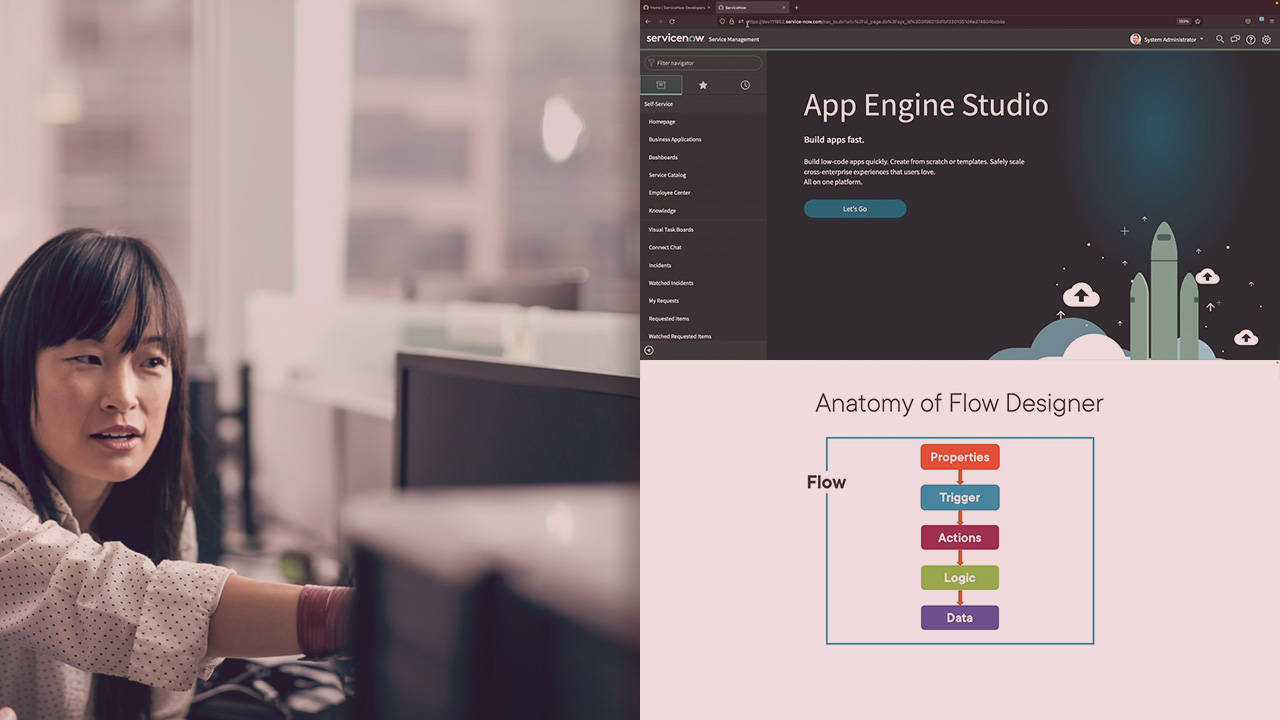
Designing With ServiceNow Flow Designer Pluralsight

Share 23K views 2 years ago ServiceNow Flow Designer Training This is ServiceNow Flow Designer Training ServiceNow has been marketing themselves as low code platform and in one of the recent

Scripted approvals in Flow Designer allow you to create custom approval rules that are not available in the out of the box approval functionality

Launch flow designer by navigating to Flow Designer Designer This opens the Flow Designer UI in a new window Create a new Flow Click the New button and then click the New Flow option in the dropdown menu Fill out the form and then click the Submit button You will be taken to a new tab containing the newly created flow Define a Trigger

Sometimes a section of Flow is so complex or so useful to other flows its worth putting in a subflow Looking for ServiceNow talent or opportunity

Flow Designer is a platform capability that lets you automate business processes in a single drag and drop design environment without the need for any complex code It has an automated sequence of actions that runs each trigger whenever conditions are met Uses simple natural language to automate approvals tasks notifications and record
Flow Designer Product Documentation San Diego Now Support Portal Flow Designer is a Now Platform feature that enables process owners to automate work Build multi step flows from reusable components without having to code Flow Designer is the default Now Platform In this series of training you will learn to create application in ServiceNow Name of Application Leave Management SystemBusiness Requirement HR Business
Learn how to easily trigger approvals in ServiceNow with Flow Designer Join our training to become a ServiceNow expert Toolify Ranking Favourite Category Discover Submit English English