Service Apache2 Start Not Working Problem With Webservers Lighttpd Not Working Raspberry Pi Forums Solved Apache2 Service Failed On Restart Failed To 9to5Answer Apache2 Error Apache2 sudo Service Apache2 Start Error Entrar En El Sistema Operativo Android De Forma Remota Usando Kali How To Show Apache2 Start Page After Install WordPress Is Successful 2 Answers Sorted by 16 Remember that linux unix is case sensitive so apache2 is not the same as Apache2 Try sudo apt get install apache2 Then it should start right after you install it sudo service apache2 status If stopped sudo service apache2 start Share Improve this answer Follow answered Jun 3 2016 at 20 37 bistoco 1 511 15 22 My bad sorry
It looks like there was no attempt to start logging and it just failed to start It would be really helpful if someone could point me in the right direction so I can find out what I m missing and fix the issue apache http server kali linux Share Improve this question Follow edited Jul 10 2018 at 18 24 robinCTS 4 347 4 20 29 0 Hy After having upgrade from ubuntu 20 04 to ubuntu 22 04 I have random crash of Apache Probably when log rotate and Apache restart automatically sudo apachectl configtest give me Syntax OK If I restart apache manuualy everything is OK sudo service apache2 stop then sudo service apache2 start
How To Show Apache2 Start Page After Install WordPress Is Successful Start Service Apache2 4 Command APACHE BASICO Restart Apache2 Docker Corey Robertson Viral Restart Apache2 Debian 10 Ssh Error Sudo Service Apache2 Start Job For Apache2 service Failed Server Apache2 Service Is Not Able To Start Ask Ubuntu Ubuntu Apache2 service Failed To Run start Task No Space Left On Ssh Error Sudo Service Apache2 Start Job For Apache2 service Failed
Service Apache2 Start Not Working
 Service Apache2 Start Not Working
https://user-images.githubusercontent.com/59536943/73843096-3a25dc80-481e-11ea-9a9d-cddb3db0dffb.png
0 When I wanted to let my apache2 use https I use this command sudo a2enmod ssl and I wanted to restart apache2 I use sudo service apache2 restart but I got this error Job for apache2 service failed because the control process exited with error code See systemctl status apache2 service and journalctl xe for details and I use
Templates are pre-designed files or files that can be utilized for various purposes. They can save effort and time by providing a ready-made format and design for producing different sort of material. Templates can be utilized for individual or professional jobs, such as resumes, invitations, leaflets, newsletters, reports, presentations, and more.
Service Apache2 Start Not Working

How To Solve Apache2 Error While Starting Job For Apache2 service

Start Service Apache2 4 Command

APACHE BASICO

Restart Apache2 Docker Corey Robertson Viral

Ssh Error Sudo Service Apache2 Start Job For Apache2 service Failed

Server Apache2 Service Is Not Able To Start Ask Ubuntu
The first step to take in troubleshooting any service is to check that the service is running and able to function A straightforward approach is to simply restart the service On Ubuntu and Debian servers use the following command sudo systemctl restart apache2

Windows could not start the Apache2 on Local Computer For more information review the System Event Log If this is a non Micorsoft service contact the service vendor and refer to service specific error code 1 Apach2 version is 2 2 9 Does anyone have the same problem or could help me windows windows xp apache2 Share Improve this question

To troubleshoot common Apache errors using the systemd service manager the first step is to inspect the state of the Apache processes on your system The following systemctl commands will query systemd for the state of Apache s processes On Ubuntu and Debian systems run sudo systemctl status apache2 service l no pager
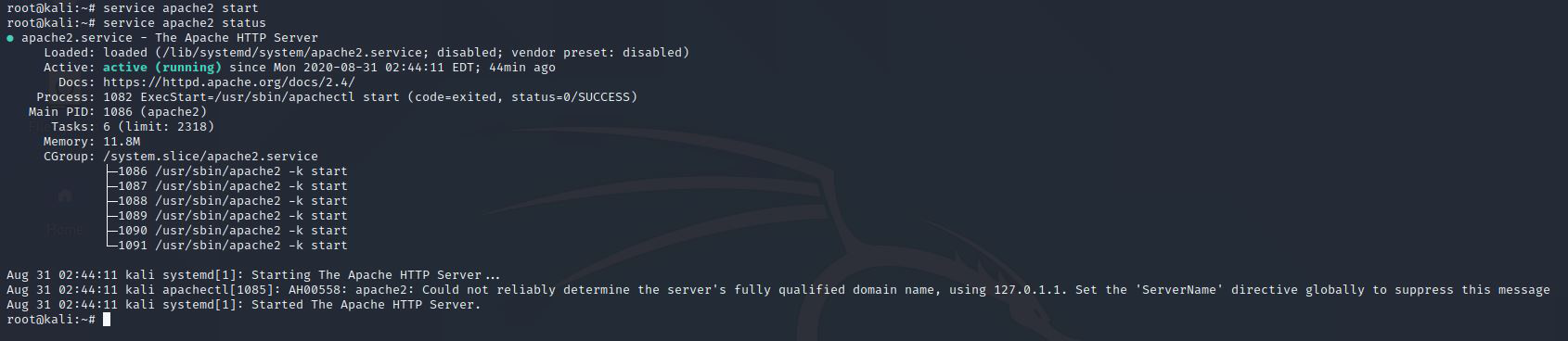
1 I use Linux Mint When I try to restart apache displays next message Job for apache2 service failed because the control process exited with error code See systemctl status apache2 service and journalctl xe for details Here the next error tex that displays systemctl status apache2 service

Job for apache2 service failed because the control process exited with error code See systemctl status apache2 service and journalctl xe for details And I ran both of systemctl status apache2 service and journalctl xe but there were also error codes
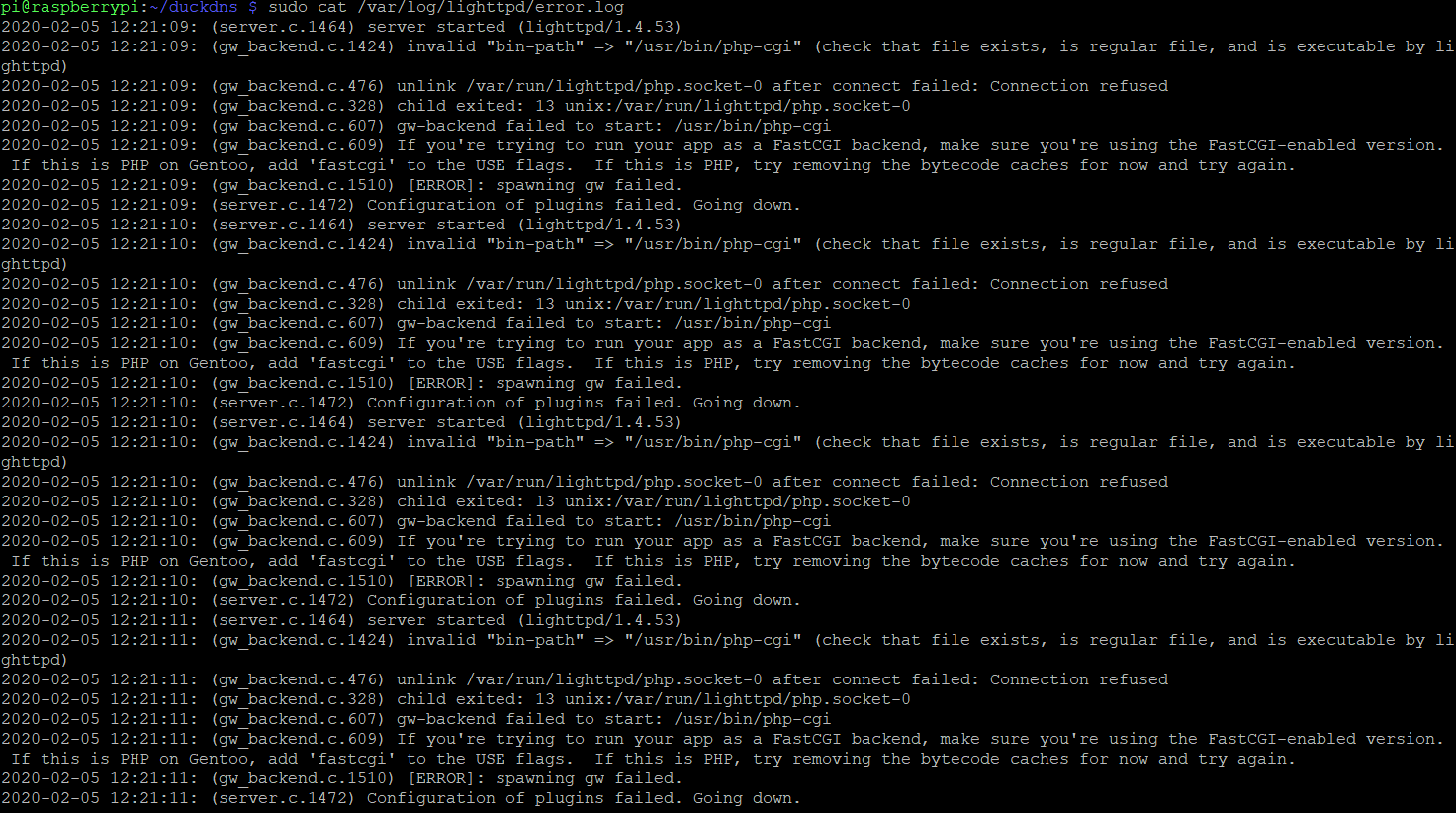
Sudo systemctl stop apache2 Whenever you make changes to the Apache configuration you need to restart the server processes To restart the Apache service run sudo systemctl restart apache2 Older EOLed versions of Ubuntu or Debian are using init d scripts to start stop and restart the Apache daemon As per the answer by Kerbin if you mount your var log as tmpfs you can rather do sudo crontab e and put in there a line like this reboot mkdir var log apache2 which will create the folder that apache looks for after installation so it doesn t complain about it Same thing happens with lighttpd
I tried service httpd status root dev etc apache2 service httpd status httpd service Loaded not found Reason No such file or directory Active inactive dead And the results are this I know that Ubuntu actually doesn have httpd conf I checked that no other service is using port 80 or 443 Any suggestions Some Other results