Secure Boot Reset To Setup Mode Resetting UEFI To Setup Mode Techsupport Guida Definitiva Al Ripristino Delle Impostazioni Di Fabbrica Lenovo In Anybody Knows How To Reinstall Windows From Flash Card With A New Lenovo Yoga 510 Bios Setup Key Lenovo And Asus Laptops Disable Secure Boot Password Recovery This article describes Secure Boot and Trusted Boot security measures built into Windows 11 Secure Boot and Trusted Boot help prevent malware and
Open Start Search for System Information and click the top result to open the app Click on System Summary on the left pane Check the Secure Boot State information On the feature is Secure Boot Configuration Table 1 Secure Boot Configuration Display the current secure boot status System performs secure boot authentication when this feature is
Disable Secure Boot Password Recovery How To Enter BIOS Change Boot Order And Secure Boot Lenovo Thinkpad Two Ways To Save Bios Settings Lasopaquiz What Is Secure Boot How To Enable And Disable It In Windows Disabling Secure Boot A Full Guide To Fix Surface Pro 7 Windows 11 Issues How To Recover Reset Login Password On UEFI Based HP Computer Resetting Lenovo BIOS Settings Surftec Ltd How To Disable Secure Boot On A Lenovo G50 Laptop LinuxBSDos
Secure Boot Reset To Setup Mode
 Secure Boot Reset To Setup Mode
https://external-preview.redd.it/XcCMdVlsME63yMhr8QBHcGCDrlgrYRr-hO10X4FhNXw.jpg?auto=webp&s=3698e296d0ee6986a0da86b403653b59ea55aeb0
Select Troubleshoot Advanced options UEFI Firmware settings From the firmware menus boot to a drive or network while in UEFI or BIOS mode On the boot
Pre-crafted templates offer a time-saving option for producing a diverse variety of files and files. These pre-designed formats and designs can be utilized for numerous individual and professional projects, consisting of resumes, invitations, leaflets, newsletters, reports, discussions, and more, enhancing the content production process.
Secure Boot Reset To Setup Mode

Disable Secure Boot Windows 10 Hp Probook 450 G3 Dotcomxaser
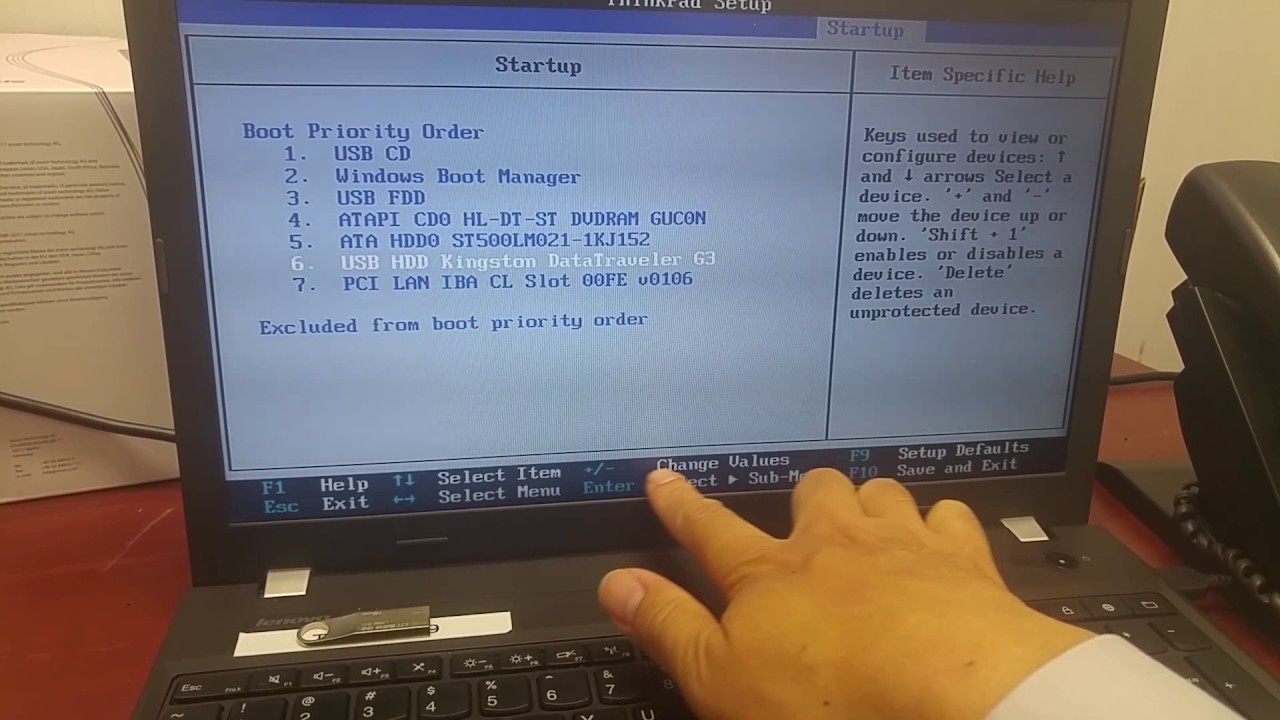
How To Enter BIOS Change Boot Order And Secure Boot Lenovo Thinkpad

Two Ways To Save Bios Settings Lasopaquiz
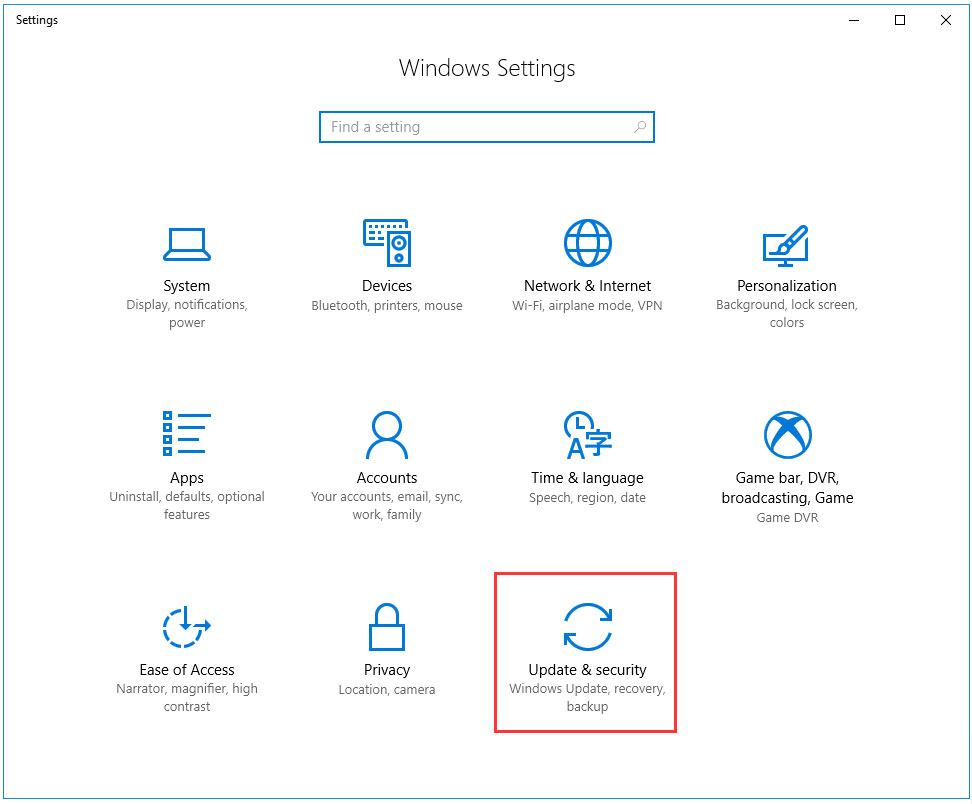
What Is Secure Boot How To Enable And Disable It In Windows
A Full Guide To Fix Surface Pro 7 Windows 11 Issues
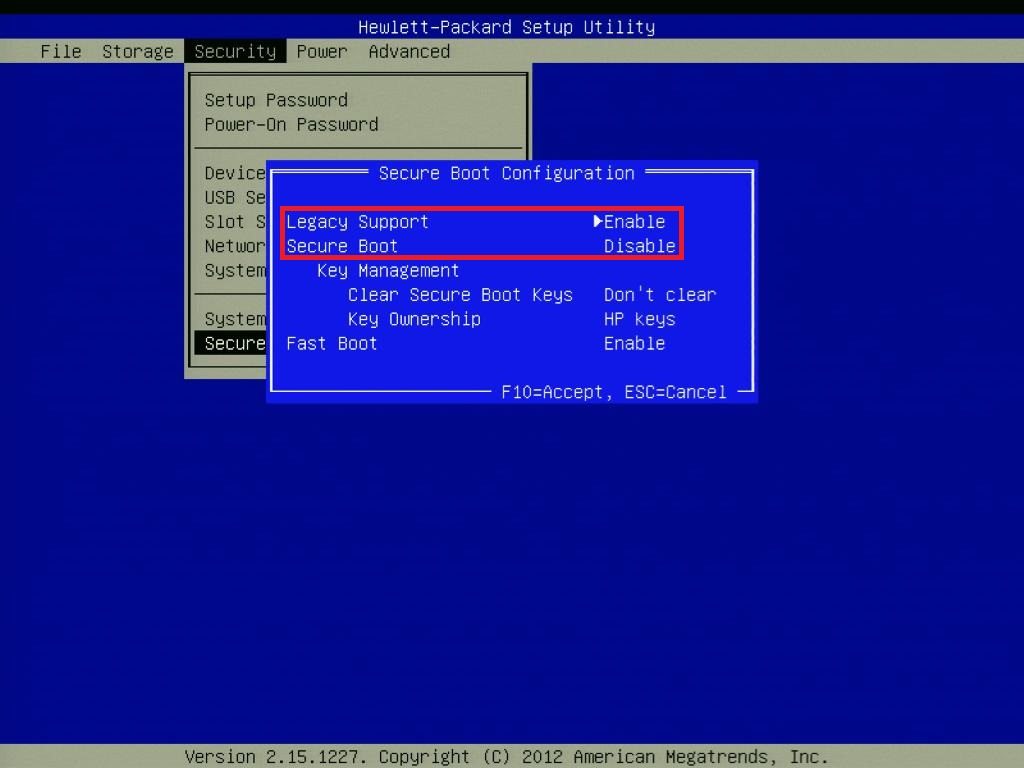
How To Recover Reset Login Password On UEFI Based HP Computer

1 Answer Sorted by 1 As far as I know the primary function of Setup Mode is just to remove the PK Platform Key The PK is the outermost lock that prevents
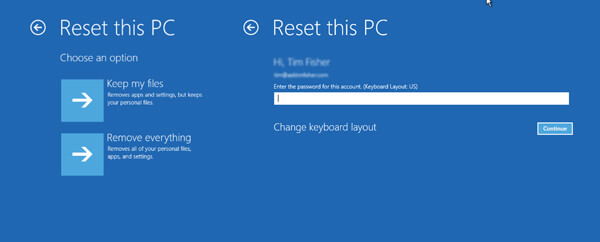
Enter your BIOS configuration enable Secure Boot and restore Secure Boot to the Default configuration Run the following BitLocker and Secure Boot tests

I see but that delete all boot variables button just below my disabled secure boot switch is very tempting What happens if you do use it The switch also said will

Once the key is written secure boot enters User Mode where only drivers and loaders signed with the platform key can be loaded by the firmware Reset to setup
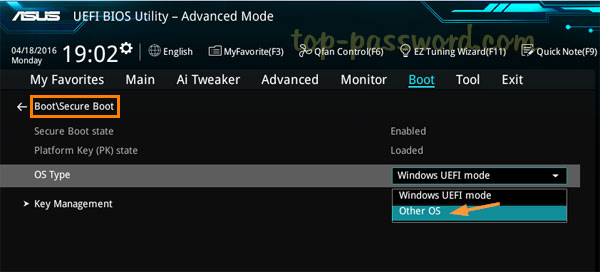
Enable Secure Boot To enable secure boot on your PC you can either Contact your support person for help Enable Secure Boot from the PC BIOS menu For
SecureBoot disabled Platform is in Setup Mode And running mokutil l list two key certificates one issued by canonical and the other is ubuntu secure boot First of all let s see if the PC supports Secure Boot To do so press Win R to open the RUN box type msinfo32 and hit Enter This will open the System
On the Desktop press the Windows R keys simultaneously to open Run In the Run Menu type msconfig command and click OK to open System Configuration On