Secure Boot Not Working Windows 11 FIX Secure Boot State Is OFF After Enabling In BIOS YouTube Verify Whether A Windows Instance Is Enabled For UEFI Secure Boot Enable Secure Boot Chillblast Can t Enable Secure Boot In Windows 11 SolveForum How To Fix This PC Must Support Secure Boot Enable Secure Boot For Mar 27 2017 nbsp 0183 32 Invalid Signature detected Check Secure Boot Policy bios
BIOS Mar 6 2019 nbsp 0183 32 Secure Boot Secure Boot uefi
How To Fix This PC Must Support Secure Boot Enable Secure Boot For Fahrenheit Nacionalismo Aliviar Asus Motherboard Secure Boot Windows 11 How To Fix Boot Drive Not Showing In BIOS Boot Option Add Boot Option Enable Or Disable Secure Boot On Windows 10 Pc Tutorials Images And Uefi Settings Not Showing Windows 10 Windows 11 And Secure Boot Worldsose How To Enable Secure Boot On Gigabyte Motherboards AMD And Intel Can t Enable Secure Boot In Windows 11 SolveForum How To Enable Secure Boot For Windows 11 How To Enable Vrogue
Secure Boot Not Working Windows 11
 Secure Boot Not Working Windows 11
https://i.ytimg.com/vi/puOzgbG1T8Y/maxresdefault.jpg
Check if a site s connection is secure Chrome helps you browse more securely by alerting you when it detects a site that may be unsafe to visit When a site may be unsafe Chrome changes
Templates are pre-designed files or files that can be utilized for various purposes. They can save time and effort by supplying a ready-made format and design for creating various kinds of content. Templates can be utilized for individual or expert jobs, such as resumes, invites, leaflets, newsletters, reports, discussions, and more.
Secure Boot Not Working Windows 11
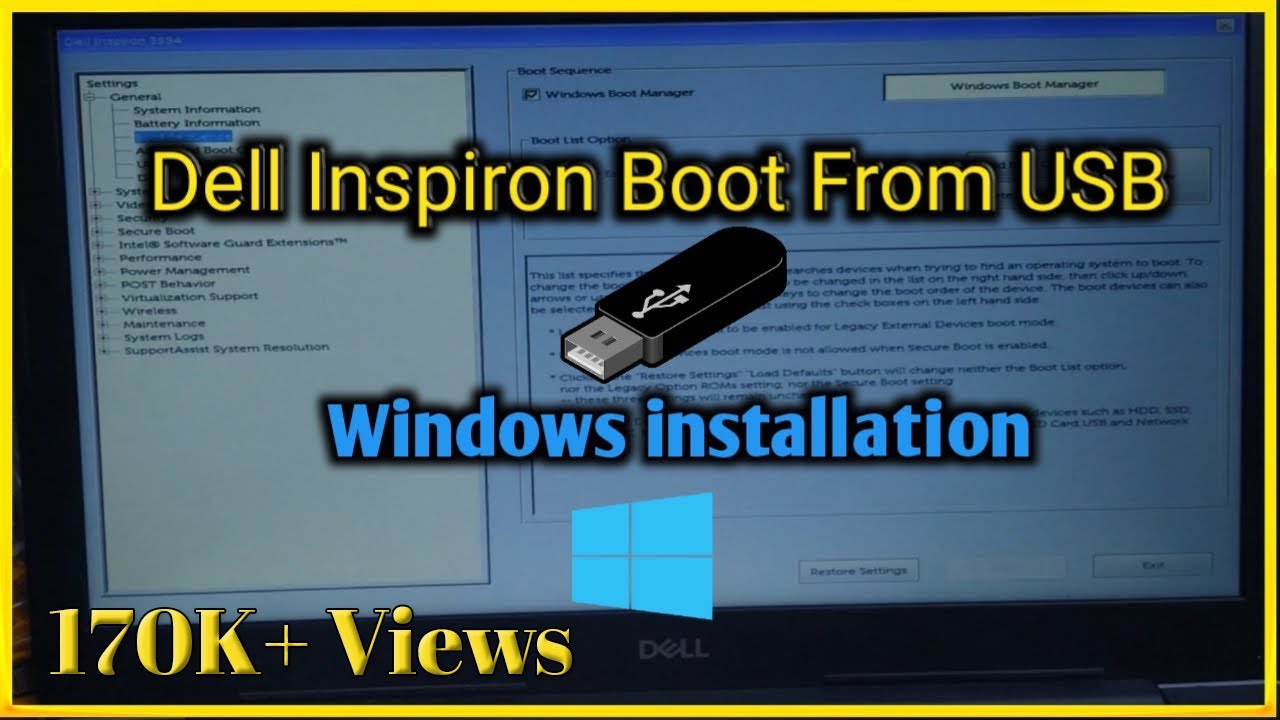
Disable Secure Boot Windows 10 Dell Feragri
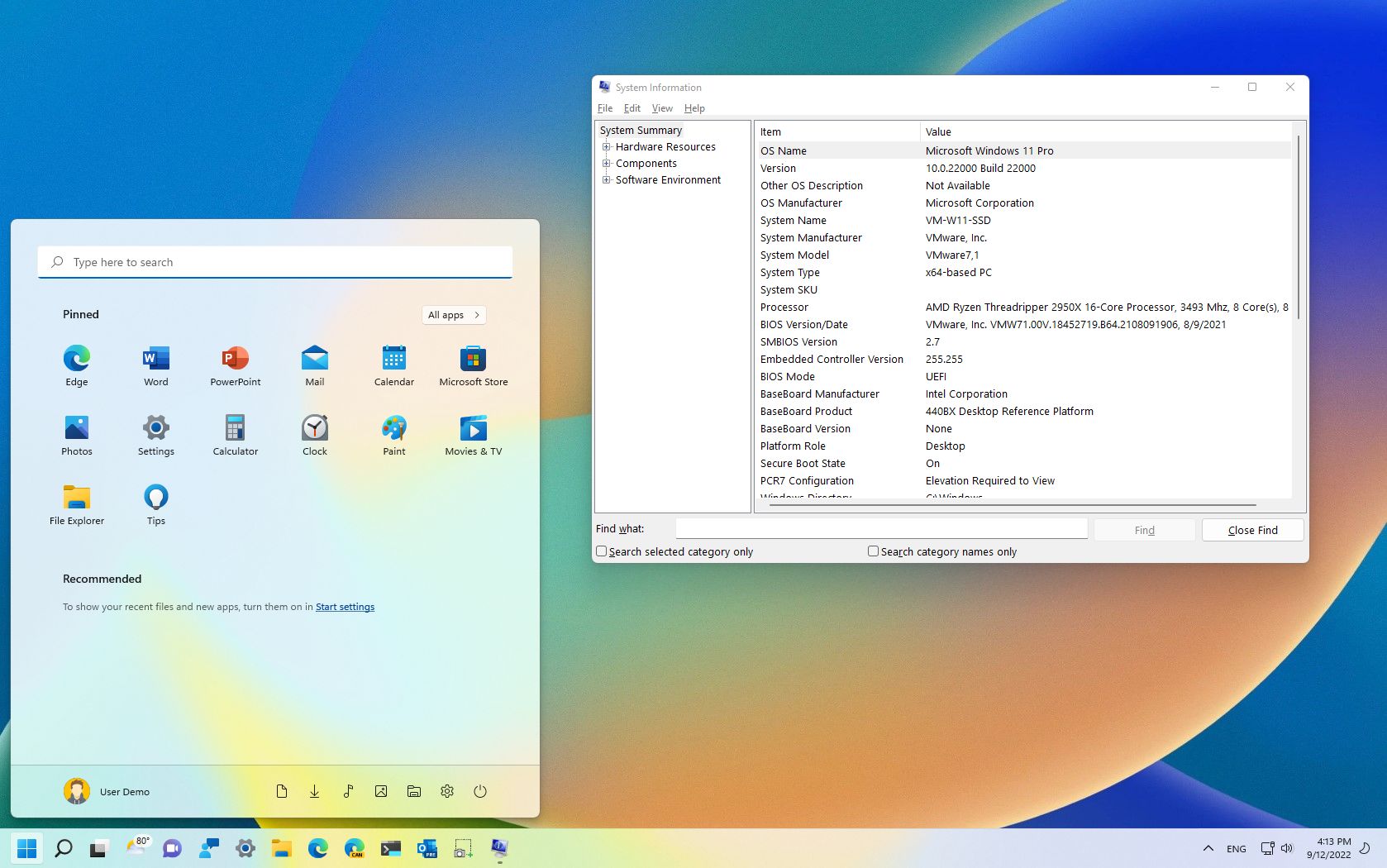
Fahrenheit Nacionalismo Aliviar Asus Motherboard Secure Boot Windows 11
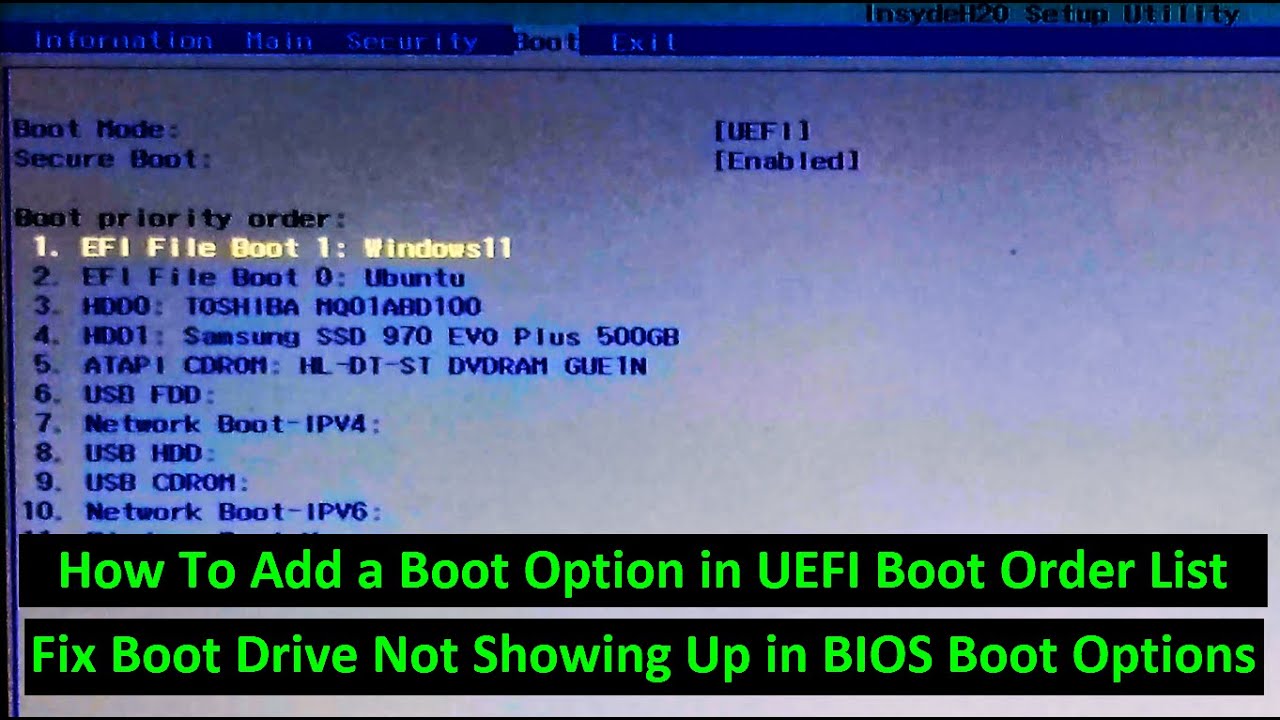
How To Fix Boot Drive Not Showing In BIOS Boot Option Add Boot Option
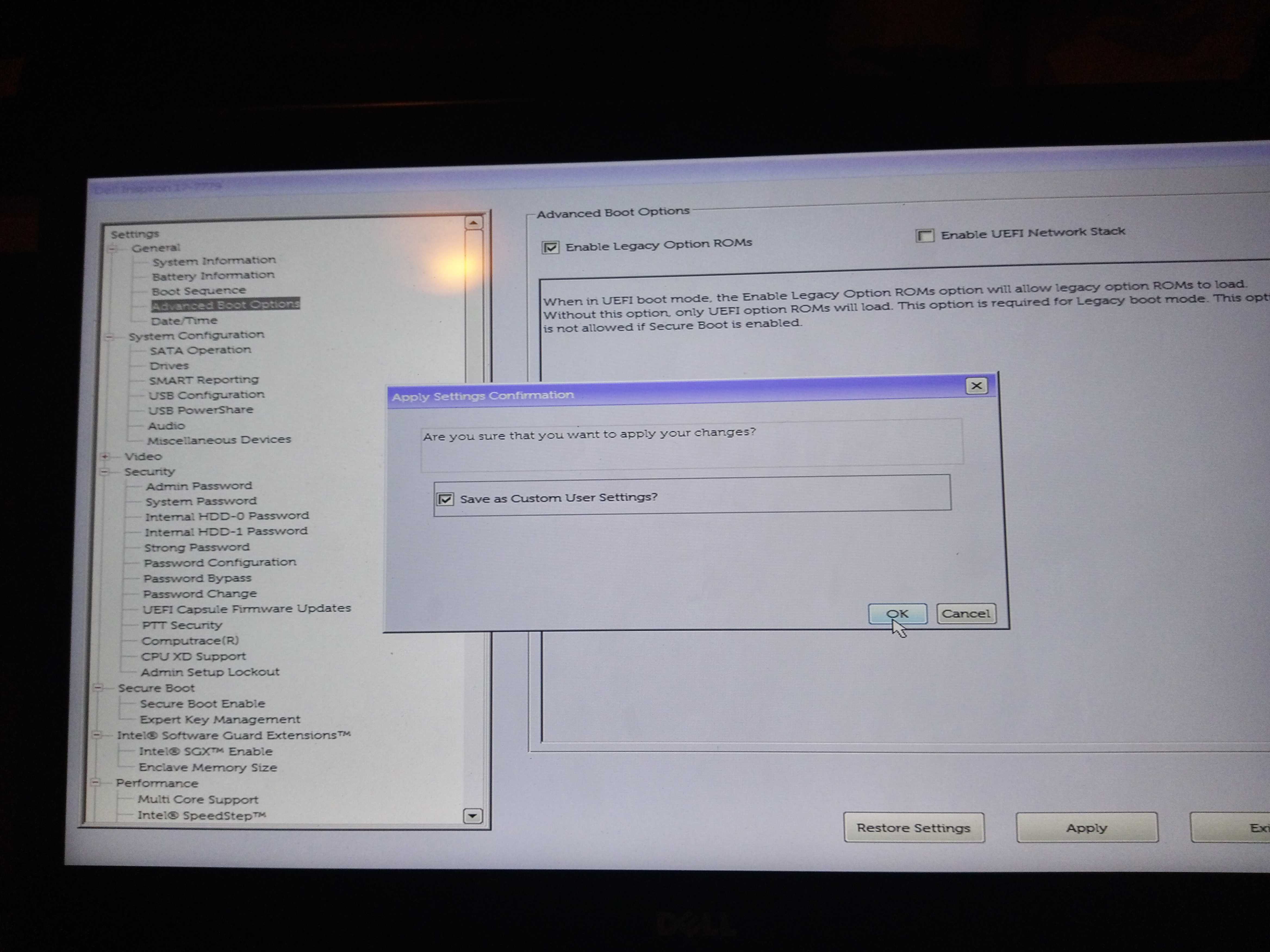
Enable Or Disable Secure Boot On Windows 10 Pc Tutorials Images And
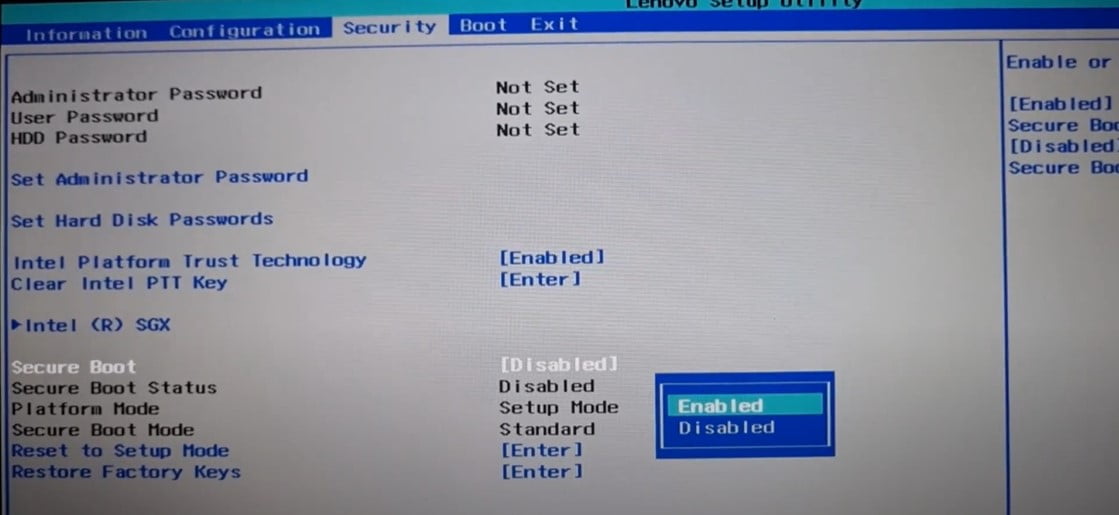
Windows 11 And Secure Boot Worldsose

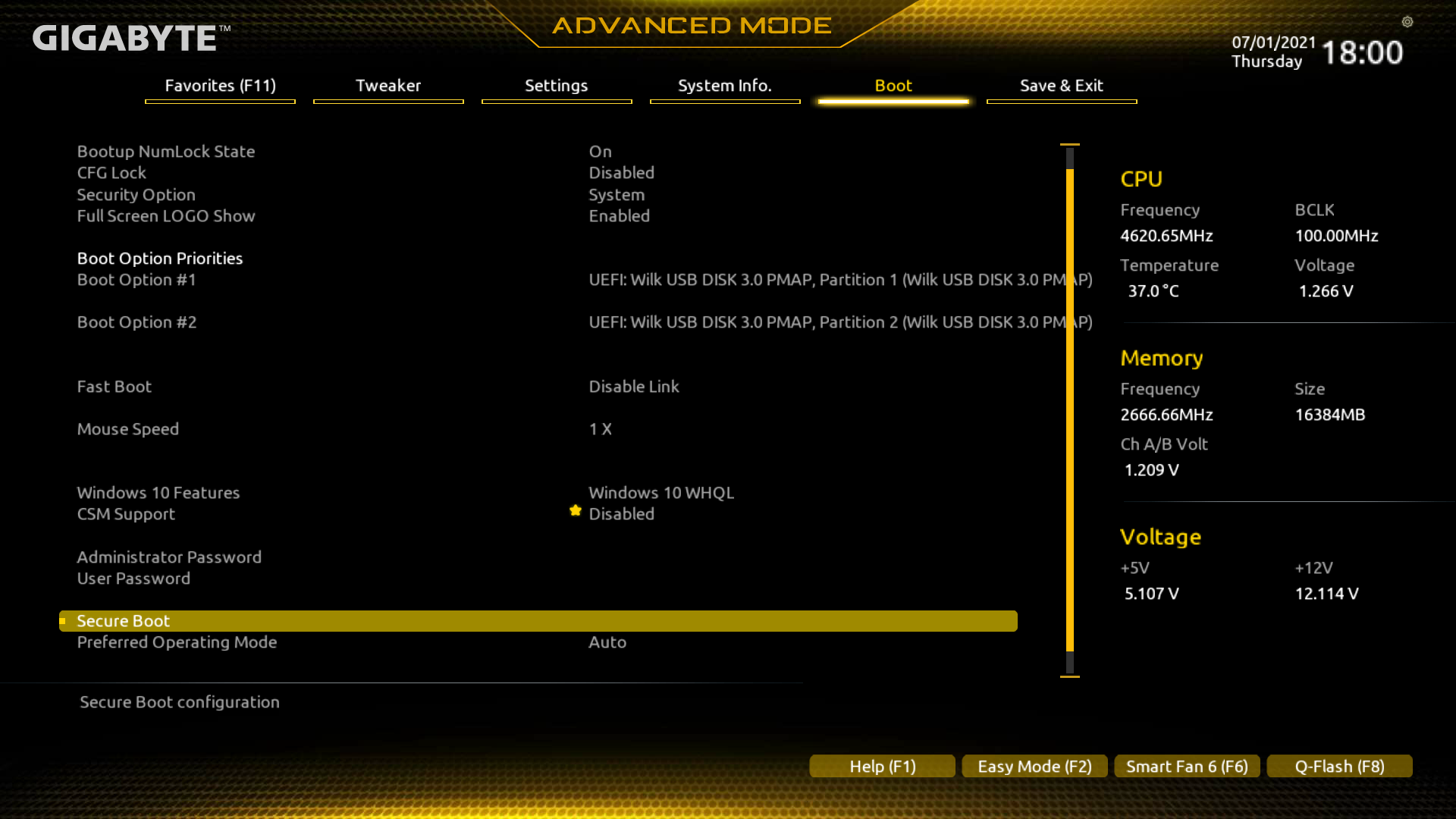
How To Enable Secure Boot On Gigabyte Motherboards AMD And Intel

How to install Chrome Important Before you download you can check if Chrome supports your operating system and other system requirements

Find secure or erase a device remotely Important If you find your device after you erase it to use your device again you need your Google Account password
Send messages amp attachments confidentially On your computer go to Gmail Click Compose In the bottom right of the window click Toggle confidential mode If you ve already turned on

There are a few reasons why your Chrome might be changing to Yahoo One possibility is that you have an extension installed that is changing your default search engine Another possibility

Lock or erase your lost phone or computer If your phone tablet or laptop is lost or stolen follow these steps to help secure your device If you can t get the device back taking a few steps right
[desc-11] [desc-12]
[desc-13]