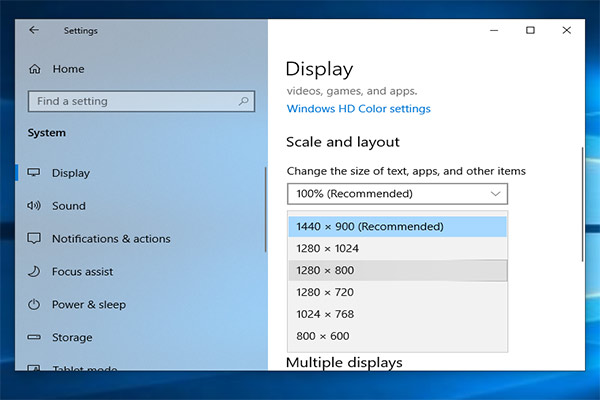
Screen Resolution Windows 10 How To Change Screen Resolution In Windows 10 Technobezz How To Change Screen Resolution In Windows 10 PC with Screenshots Supertuxkart Windows Change Resolution Bezypdf Crystal Carbon Vagrant How To Set Screen Size In Windows 10 Marvel Dose How To Change Screen Resolution In Windows 10 Web Jan 27 2023 nbsp 0183 32 Quick Method The quickest way to adjust your screen s resolution is from the Settings app Go to Settings gt gt System gt gt Display expand the drop down menu under Display resolution and then select the desired resolution from the drop down menu
Web Dec 30 2020 nbsp 0183 32 In the Settings menu window select System gt Display to reach the display settings menu In the Display menu you ll see various options for changing display settings To change resolution select a new resolution from the Display resolution drop down menu in the Scale and layout section Web Dec 6 2015 nbsp 0183 32 Change Screen Resolution of Display in Windows 10 Changing the screen resolution of a display will be applied to all users no matter which user changed it Monitors can support resolutions that are lower than their native resolutions but text won t look as sharp and the To access the Windows
How To Change Screen Resolution In Windows 10 How To Fix Can t Change Screen Resolution In Windows 10 Solved Can t Adjust Screen Resolution In Windows 10 Driver Talent How To Fix Screen Tearing On Windows 10 How To Check And Change Screen Resolution Settings In Windows 10 How To Change Screen Resolution Windows 10 Solved Driver Easy Solved Can t Adjust Screen Resolution In Windows 10 How To Change Screen Resolution In Windows 10 2 Methods How To Check And Change Screen Resolution Settings In Windows 10
Screen Resolution Windows 10
 Screen Resolution Windows 10
https://www.technobezz.com/files/uploads/2017/07/how-to-change-screen-resolution-in-Windows-10-2.png
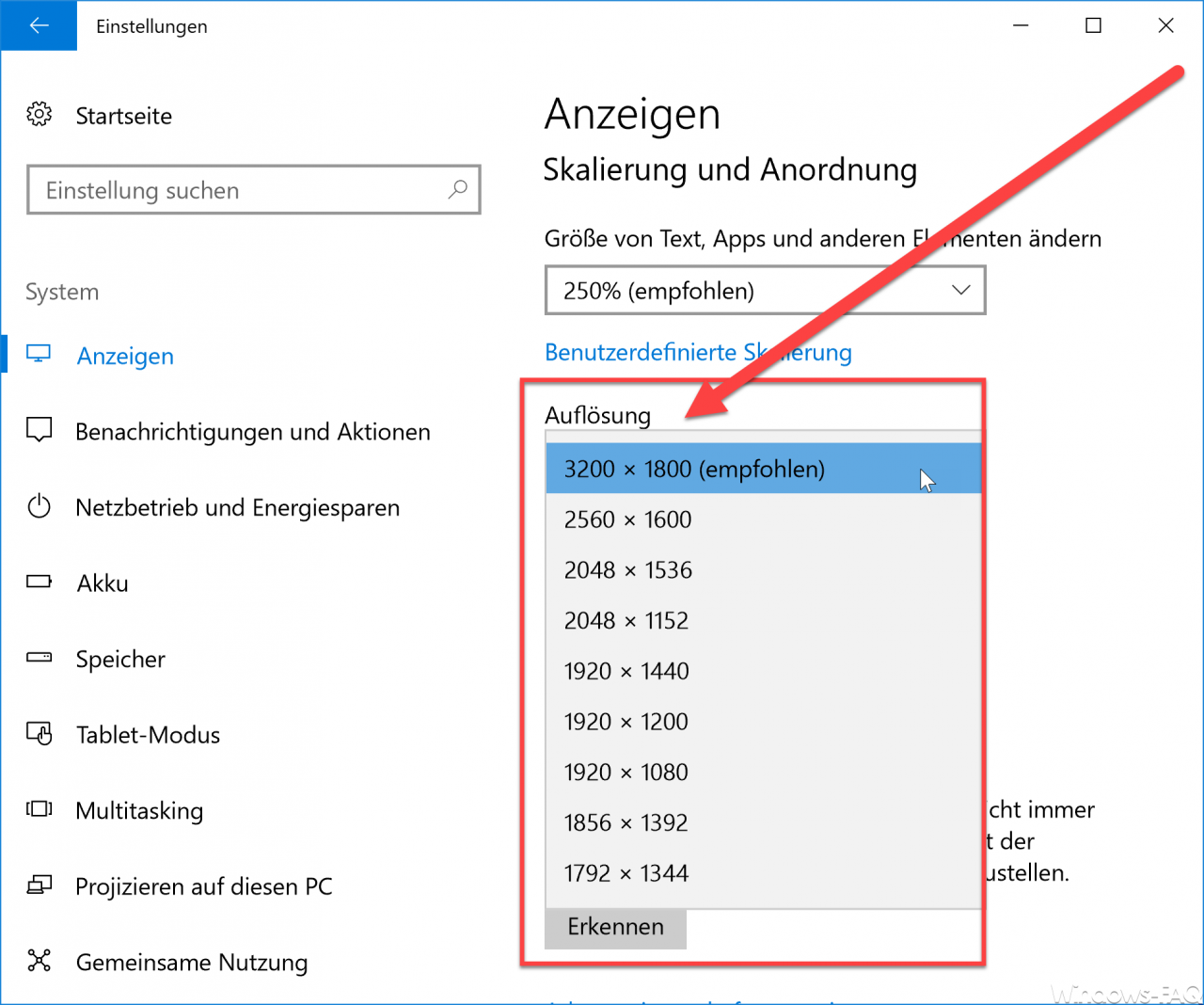
Web May 15 2017 nbsp 0183 32 In Windows 10 go to Settings Win I gt System gt Display gt Scale and layout gt Resolution There is some list of resolution To find more resolution setting Scroll down click on Display adapter Properties You can see this window this may vary if your display driver is different From there select List All Modes
Templates are pre-designed documents or files that can be used for various purposes. They can conserve time and effort by providing a ready-made format and design for developing different sort of material. Templates can be used for individual or expert tasks, such as resumes, invitations, flyers, newsletters, reports, discussions, and more.
Screen Resolution Windows 10
Change Screen Resolution In Windows 10 HowPChub

How To Fix Can t Change Screen Resolution In Windows 10
Solved Can t Adjust Screen Resolution In Windows 10 Driver Talent
How To Fix Screen Tearing On Windows 10
How To Change Screen Resolution Windows 10 Solved Driver Easy

Solved Can t Adjust Screen Resolution In Windows 10

Web Aug 6 2019 nbsp 0183 32 Near the bottom of this menu you will find a section labeled quot Resolution quot Click on the arrow next to the resolution that s currently set to see a drop down of available options Select the resolution that you believe best fits your needs Note Windows does its best to detect the optimal resolution for the monitor that s plugged in
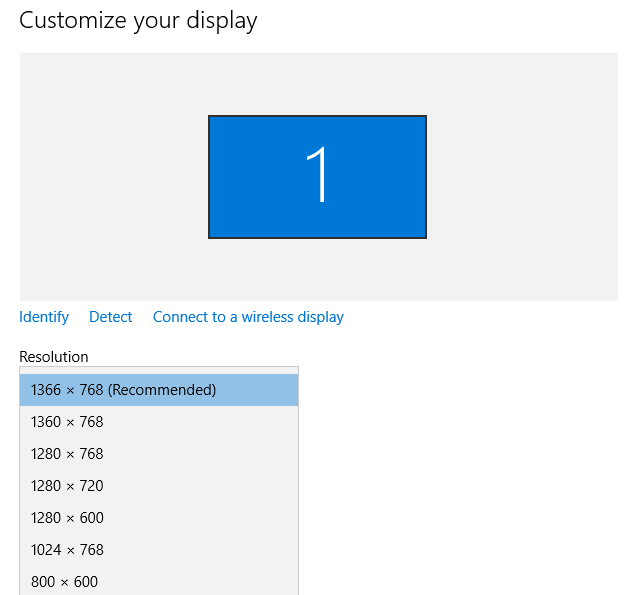
Web Jun 16 2021 nbsp 0183 32 If you want to change your screen resolution click the quot Display resolution quot drop down menu and select a new resolution The resolution that says quot Recommended quot is the one that you should use with your monitor as Windows 10 believes that this resolution best fits your screen

Web View display settings in Windows Select Start gt Settings gt System gt Display If you want to change the size of your text and apps choose an option from the drop down menu next to Scale Learn how To change your screen resolution use the drop down menu next to Display resolution Note You

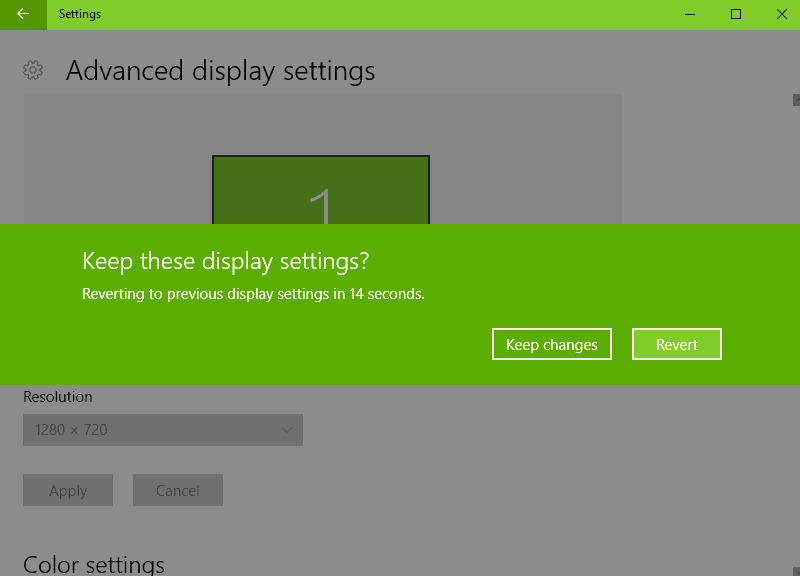
Web Jan 18 2017 nbsp 0183 32 How to Change Screen Resolution in Windows 10 1 Click the Start button 2 Select the Settings icon 3 Select System 4 Click Advanced display settings 5 Click on the menu under Resolution 6 Select the option you want We strongly recommend going with the one that has Recommended next to

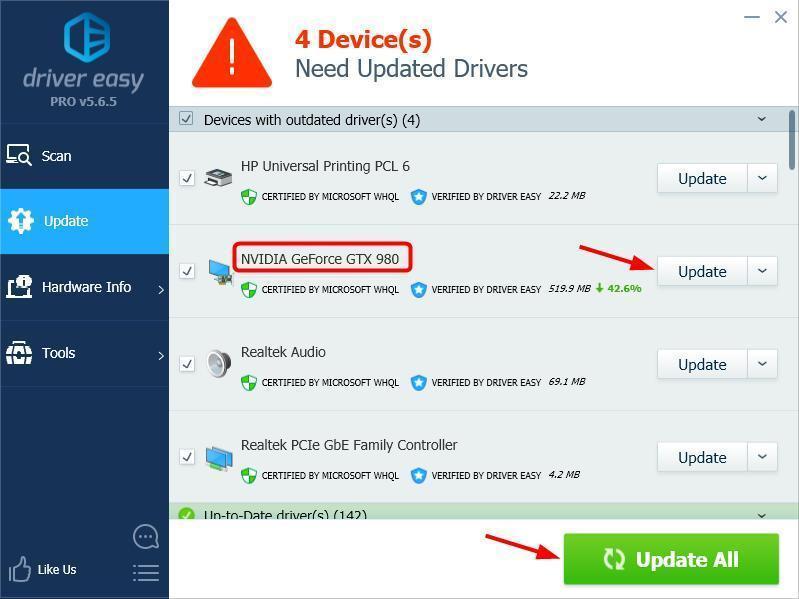
Web Jun 4 2021 nbsp 0183 32 How to Fix Windows 10 Display Size and Resolution Issues Determine the Native Resolution of Your Display and Switch to It First figure out the native resolution of your Double Check Your Hardware Getting a display to work correctly depends on three components the graphics card the Check
[desc-11] [desc-12]
[desc-13]