Scale Pdf Adobe Acrobat Pro Adobe Acrobat Pro For Mac Lifetime License Therapyhopde Adobe Acrobat Pro Adobe Acrobat Pro DC La Solution PDF Compl te D Adobe Compare Two Versions Of A PDF File In Adobe Acrobat Die Acrobat Onlinetools F r PDF Dateien Adobe Acrobat Web Jan 3 2017 nbsp 0183 32 1 Correct answer Karl Heinz Kremer Community Expert Jan 03 2017 The default scale ratio is set by the application that created the PDF and as far as I know you cannot change it with just Acrobat A plug in or a standalone application that can modify the content of the PDF file could do that I am not aware of any existing solution
Web Nov 27 2023 nbsp 0183 32 Follow these steps to use PDF Optimizer to reduce the size of heavy PDF files in Adobe Acrobat Audit the space used by the components in the PDF and then apply optimization settings on the images fonts transparency objects and user data Web Jan 15 2015 nbsp 0183 32 Click on the Measuring tool and then pick one of the Measurement types Distance Area or Perimeter Hover over the page and right click Mac OS Control click and chose Change Scale Ratio from the context menu Right click Change Measurement Scale Enter the preferred scale ratio in the dialog box
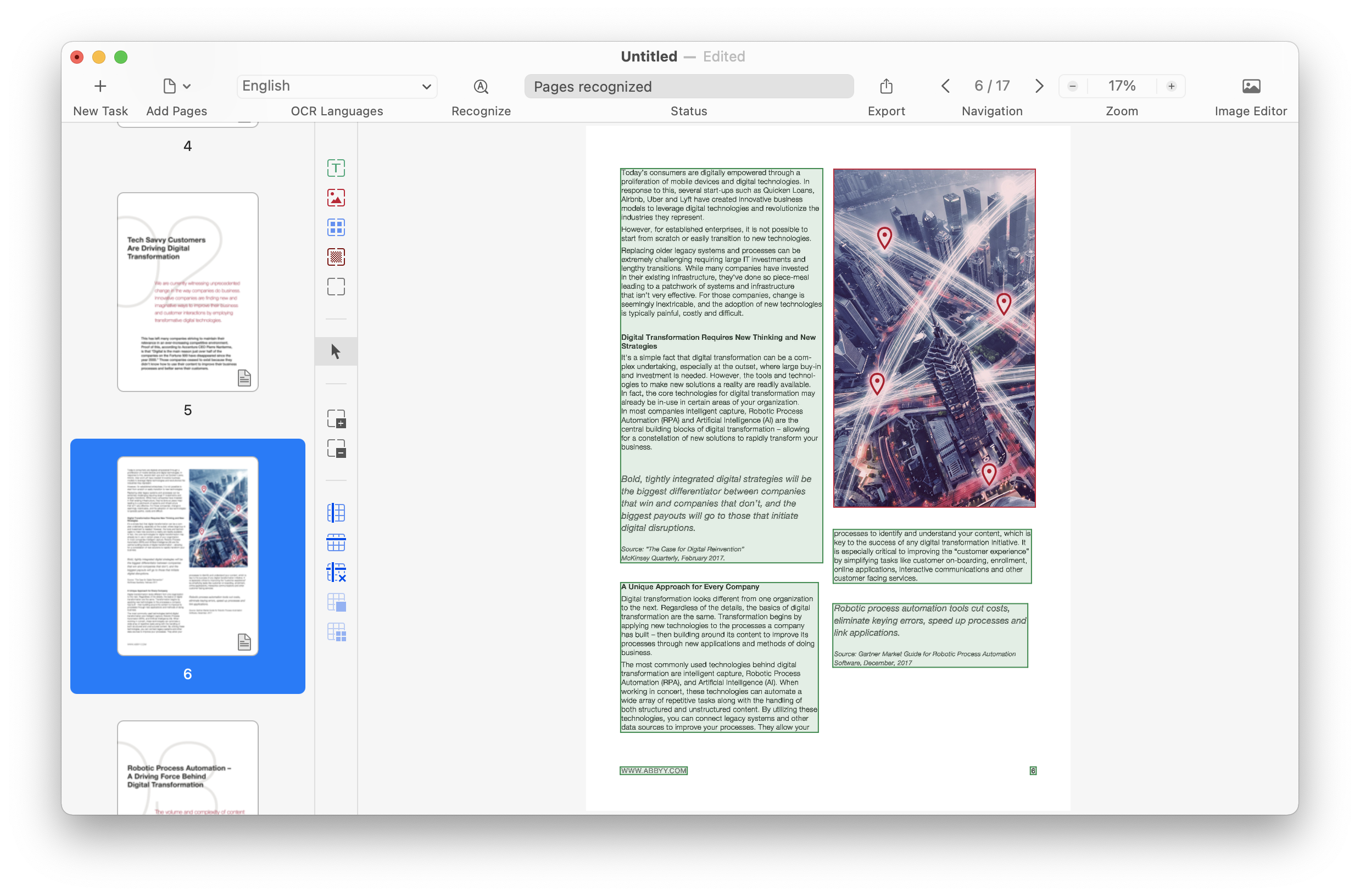
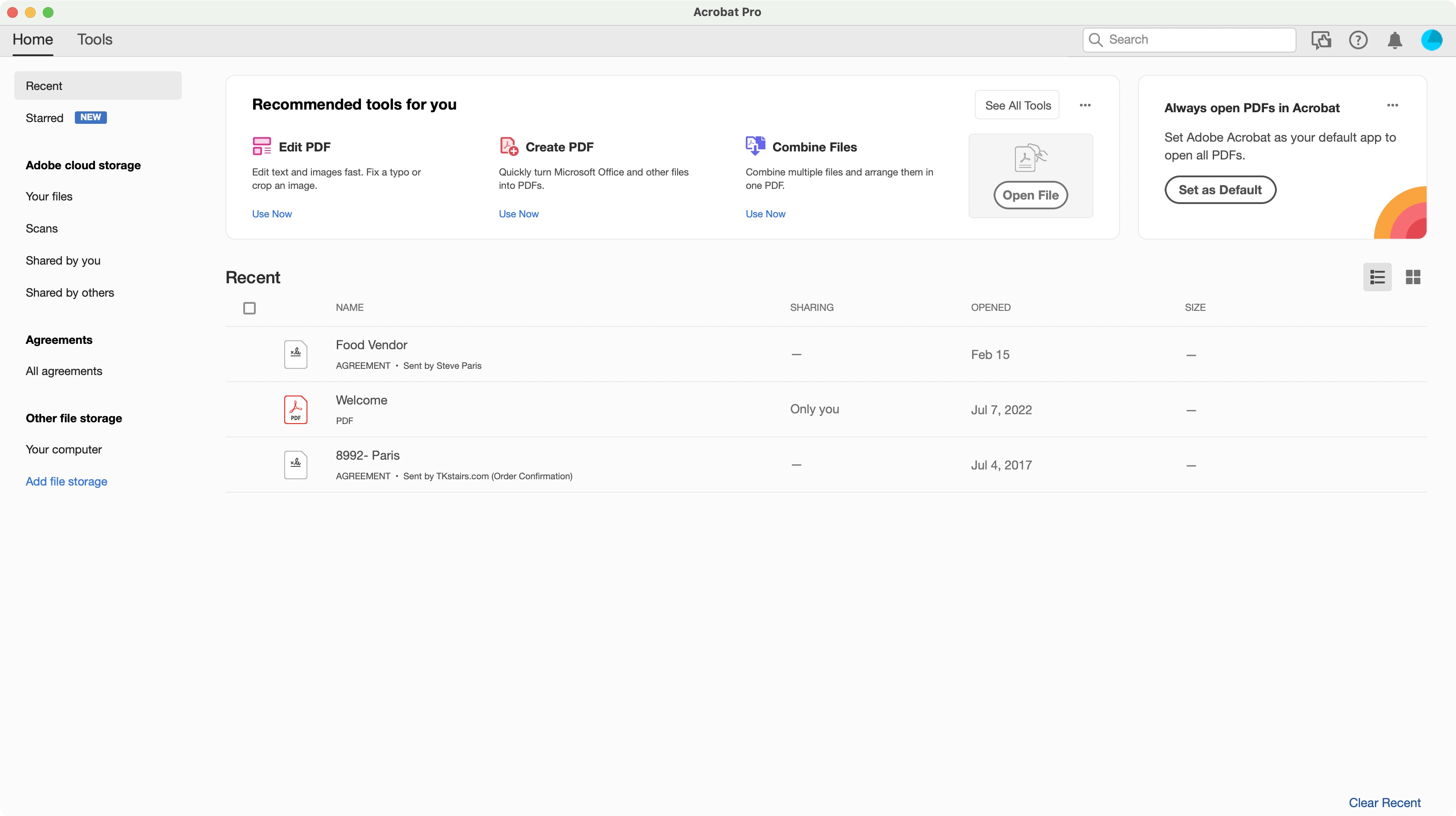
Die Acrobat Onlinetools F r PDF Dateien Adobe Acrobat The Ultimate Guide To Compressing PDF Files In Adobe Acrobat Adobe Acrobat Pro For Mac Catalina Pricde Vleroserver Adobe Acrobat Standard 2024 Review TechRadar Download Adobe Acrobat Ar4up Adobe Acrobat Pro Standard Renew 65297909BA01A12 Blesssky Adobe Using Acrobat 9 Pro 9 0 Professional Instruction Manual En Acrobat Standard Vs Acrobat Pro Which One Is Better 50 OFF Adobe Acrobat Standard Vs Pro Which To Choose In 2023
Scale Pdf Adobe Acrobat Pro
 Scale Pdf Adobe Acrobat Pro
https://m.media-amazon.com/images/I/515rIpkQH+L._AC_SL1000_.jpg
Web Feb 19 2010 nbsp 0183 32 If your version of Acrobat has the Print Production tools go into the cropping tool and change the various boxes to be 8 5x11 multiply by 72 if you need to give the dimensions in points and then use the TouchUp Object tool to scale the image These are all possible in Adobe Acrobat Professional 9 which is what I have
Pre-crafted templates offer a time-saving service for creating a varied variety of documents and files. These pre-designed formats and layouts can be made use of for numerous personal and professional jobs, consisting of resumes, invitations, flyers, newsletters, reports, presentations, and more, simplifying the material creation procedure.
Scale Pdf Adobe Acrobat Pro

Adobe Acrobat Pro Review 2022 PCMag UK

The Ultimate Guide To Compressing PDF Files In Adobe Acrobat
Adobe Acrobat Pro For Mac Catalina Pricde Vleroserver
Adobe Acrobat Standard 2024 Review TechRadar

Adobe Acrobat Pro Standard Renew 65297909BA01A12 Blesssky
Adobe Using Acrobat 9 Pro 9 0 Professional Instruction Manual En

Web Apr 2 2024 nbsp 0183 32 Scale or resize PDF pages Last updated on Apr 2 2024 Also applies to Adobe Acrobat 9 Adobe Acrobat X Reader Reader 9 Reader X More Page scaling lets you shrink or enlarge pages when you print You can Automatically scale to fit the paper Manually scale by percentages

Web Oct 30 2023 nbsp 0183 32 To set measuring tool options select the tool then right click anywhere on the PDF It displays the following options Change Scale Ratio and Precision To change the scaling ratio such as 3 2 and unit of measurement on the drawing areas Change Markup Label To add or change the text that appears with the measurement

Web Jan 30 2012 nbsp 0183 32 The measuring scale can be embedded in the PDF as it is created If you would like to change it choose Tools from the top of the Acrobat DC Professional document window Note the screen shots have been updated to reflect the Adobe Acrobat DC workspace In Acrobat X and XI use View gt Tools gt Analyze to open the Analyze
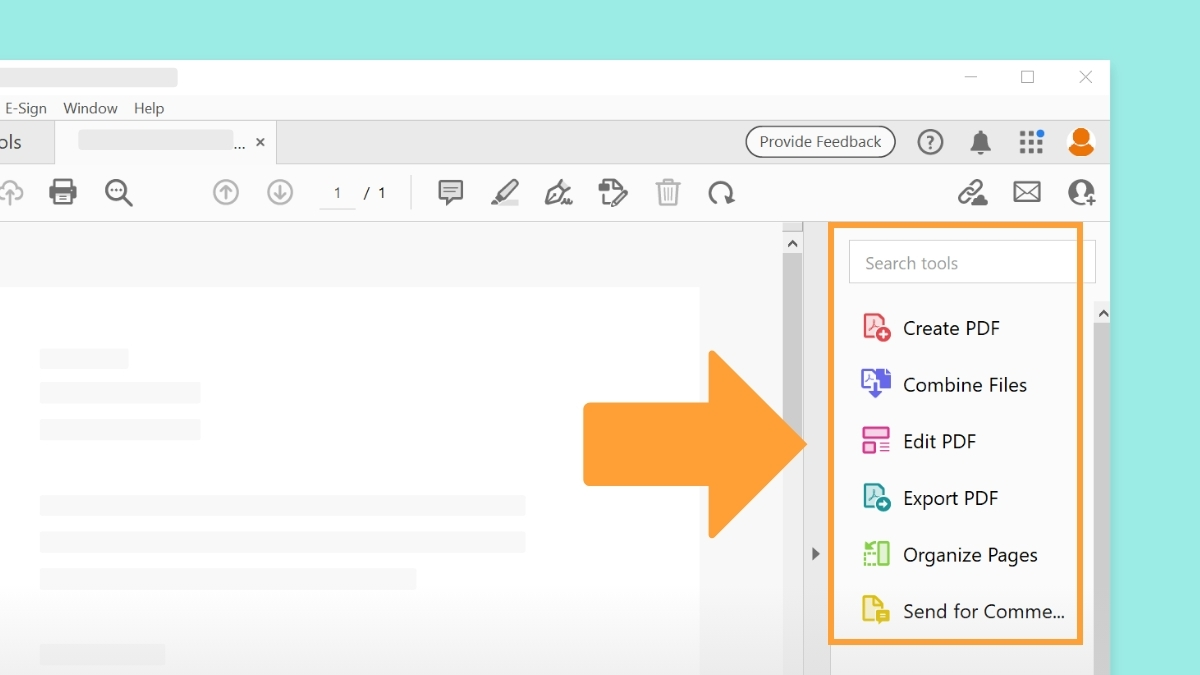
Web 234 89K views 1 year ago Adobe Acrobat DC This video will walk users through how to change the size of all pages in the PDF using the Print feature

Web Feb 10 2016 nbsp 0183 32 Here is infornation about how to use Preflight in Acrobat DC Pro to scale pages Scaling Page Content in Adobe Acrobat Pro DC KHKonsulting LLC To use the crop tool you need to use two steps you have to enlarge the page first and the crop it down to the target size
Web May 23 2023 nbsp 0183 32 Go to Tools gt Print Production Select Preflight from the right pane In the Preflight dialog box click Select single fixups Now expand the heading that says quot Pages quot Under pages look for a fixup which says quot Scale pages to specified size quot and then click the Edit button after highlighting the fixup Web From any browser Visit the Acrobat online services website Upload the file you want to compress Download the compressed PDF file The file size will be reduced without greatly affecting your image resolution Now your image will take up less space and it ll be easier to send and share
Web Oct 2 2017 nbsp 0183 32 3 Correct answers damond57764072 New Here Dec 09 2016 Under edit PDF find the crop tool Draw a box around your page doesn t matter what size and hit enter In the dialog box that opens on the bottom left is Change Page Size Select custom and change the page to the size you desire 9 Upvotes Translate Jump to answer