Save To Default Location In Excel How To Change Google Map From Default To Satellite View YouTube How To Change Default File Location In Microsoft Excel YouTube Restore Default Account Picture In Windows 11 YouTube How To Set Default Folder View For All Folders In Windows 11 YouTube Save To Default Location In Excel Word YouTube VERKKO This tutorial demonstrates how to set up automatic saving options for save frequency and location in Excel Excel s AutoSave option allows you to change a file on OneDrive or SharePoint after every change
VERKKO Setting your default directory in Excel is a straightforward process You need to access the Excel Options dialog box and select the Save option Once there you can VERKKO Go to Save workbooks section you can modify a new location in the box of Default local file location Simply click OK and you have already changed the default save
Save To Default Location In Excel Word YouTube Motion To Set Aside Default Judgement Tyson Law Firm P C Excel Inventory Template Black Atlas Creative Coding With SVGs DocSite Download Movement Lab Qinematic Download Movement Lab Qinematic Download Movement Lab Qinematic Download Movement Lab Qinematic Defaultaccount How To Enable The Hidden Windows 11 Administrator
Save To Default Location In Excel
 Save To Default Location In Excel
https://i.ytimg.com/vi/wTNajT8mPhw/maxresdefault.jpg
VERKKO Microsoft Office wants you to save your documents to online locations like OneDrive or SharePoint That s the default in applications like Word Excel and PowerPoint Here s how to change the default
Templates are pre-designed files or files that can be used for different functions. They can save time and effort by supplying a ready-made format and layout for developing different kinds of content. Templates can be used for personal or expert jobs, such as resumes, invitations, flyers, newsletters, reports, presentations, and more.
Save To Default Location In Excel

How To Change The Default Location Where Your Files And Apps Are Saved
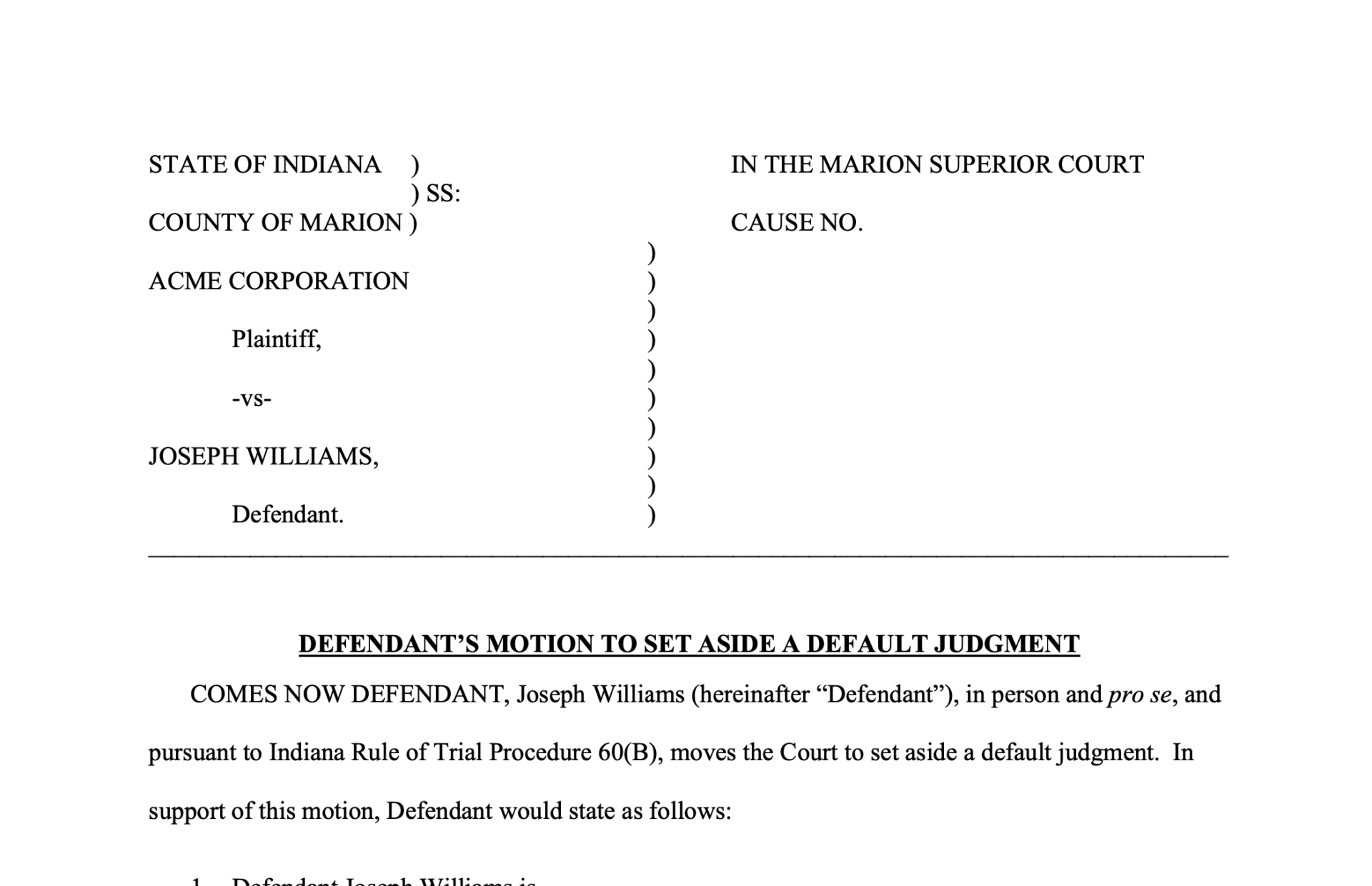
Motion To Set Aside Default Judgement Tyson Law Firm P C

Excel Inventory Template Black Atlas

Creative Coding With SVGs DocSite
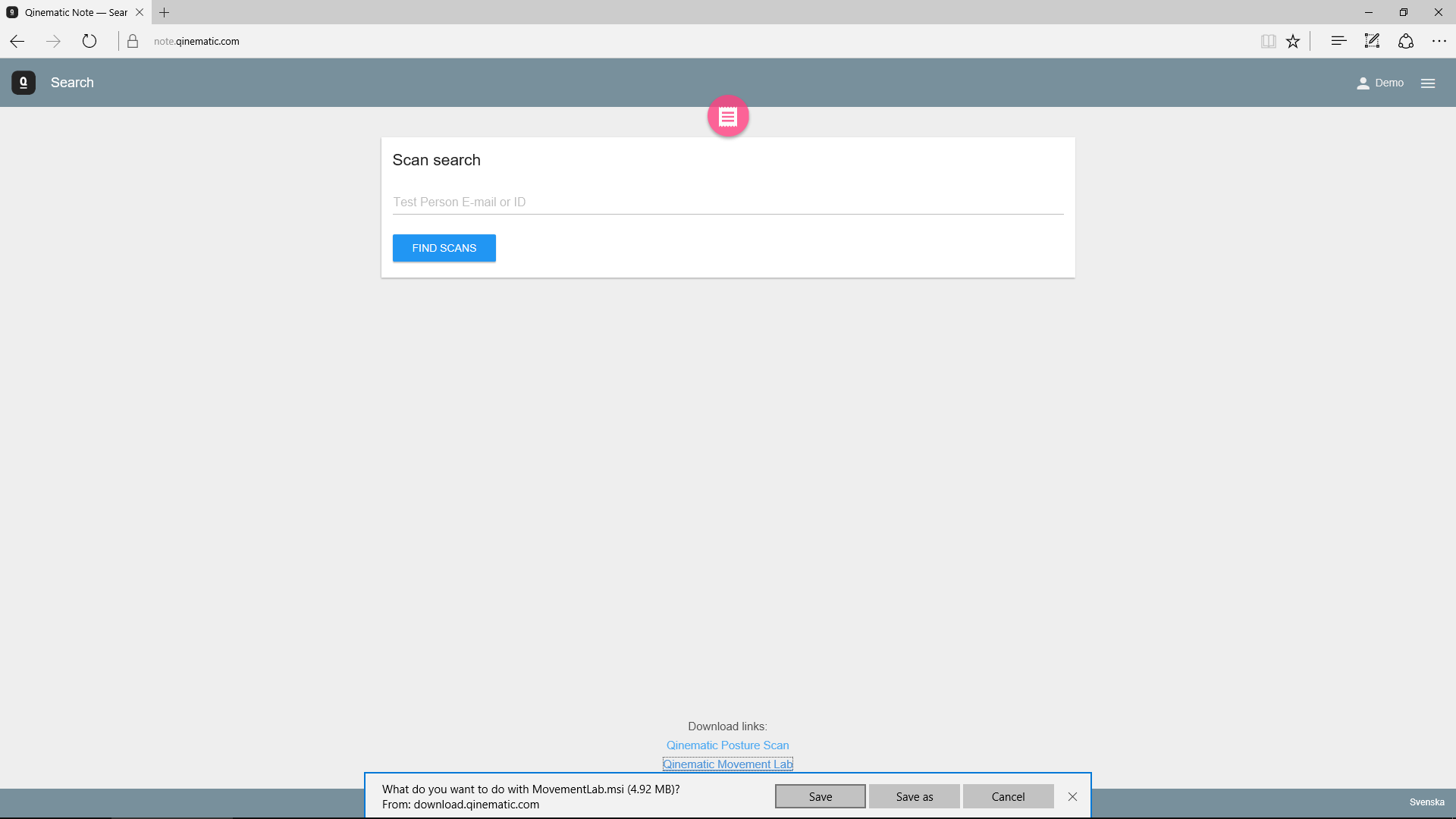
Download Movement Lab Qinematic
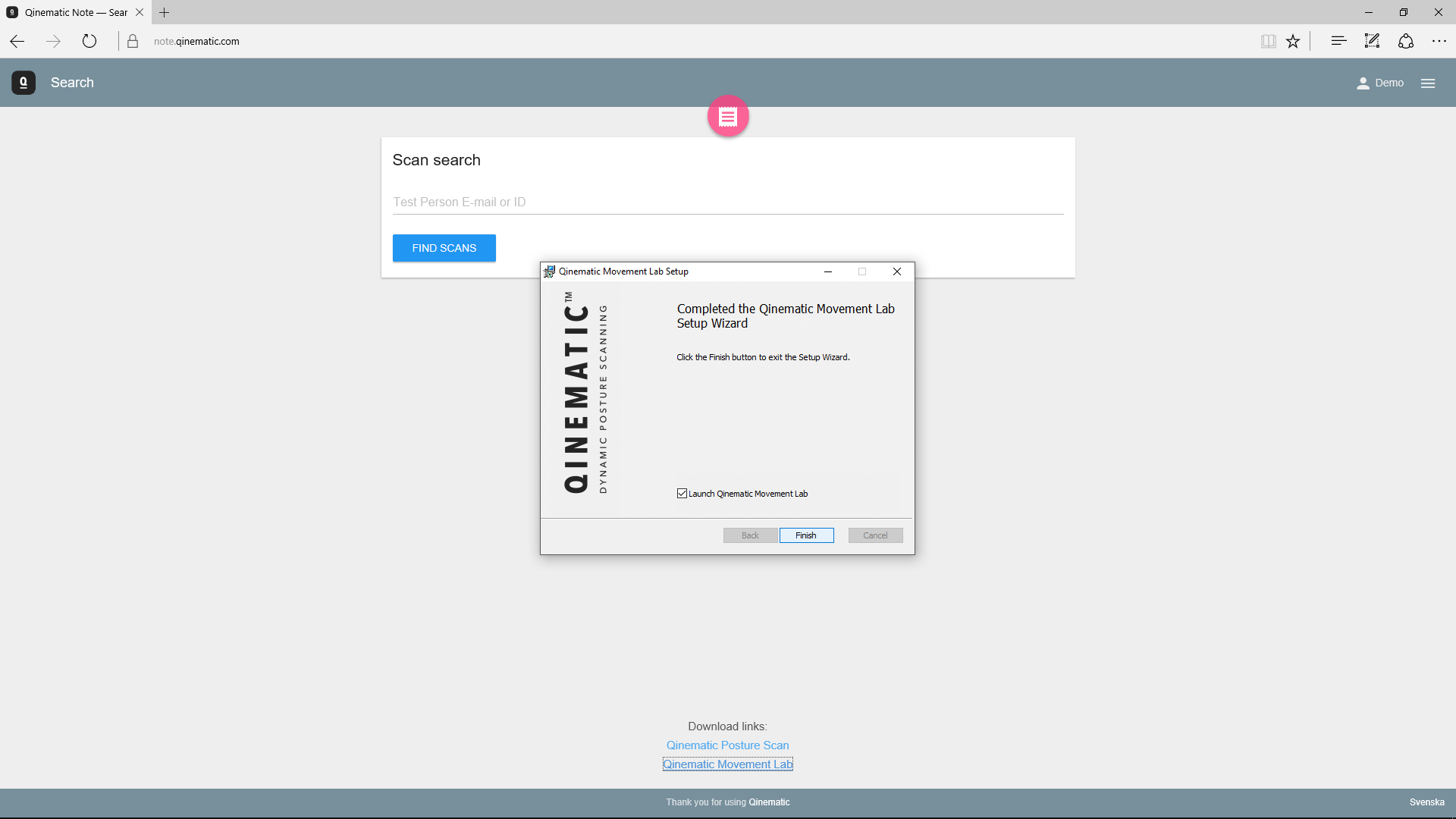
Download Movement Lab Qinematic

VERKKO 9 huhtik 2024 nbsp 0183 32 If you want to change your default save location you can change it in Files gt options gt save gt Default local file location To save it on your desktop usually the path is C Users lt your user

VERKKO I finally fixed it by going to Word Options Save and then unchecking the quot Show additional places for saving even if sign in may be required quot box and checking the

VERKKO This article provides how to adjust Excel s default file storage path to a user specified folder streamlining the saving process for frequent Excel users

VERKKO By default if you re signed in files are saved to your OneDrive If you want to save the current file somewhere else click the Location drop down to see additional recently used locations If the location you

VERKKO Change the Default Directory Excel by default savesall files in the folder C Users username Documents To change this in the Ribbon go to File gt Options In the Excel Options screen choose Save
VERKKO When I purchased Office 365 now Microsoft 365 the installation automatically set up OneDrive as the default location for saving files in all Microsoft 365 applications VERKKO Optimize your Excel workflow by changing the default file saving location Our guide simplifies this process ensuring your spreadsheets are organized
VERKKO Change the default save location in Excel bytebodger 8 46K subscribers 30 8 9K views 15 years ago http ShowMeAcademy Change the default save