Run Teamviewer From Command Line How To Start Teamviewer From Command Line Tshirtslke How To Install Teamviewer On Ubuntu 20 04 Via Command Line Como Recuperar O Mysql Da Linha De Comando Em Rela O Ao Windows Hot TeamViewer Installation In Lubuntu From Command Line Dependency Error VoiceX Support How To Run TeamViewer YouTube 2 Answers Sorted by 3 defaults read Library Preferences com teamviewer teamviewer9 plist ClientID This Terminal
If you are a command line person you can install TeamViewer via the terminal in Ubuntu 1 Run the apt update command below to update your system s package index 0 There s an official TeamViewer Help page that provides a couple of startup switches to create a shortcut to a particular host
VoiceX Support How To Run TeamViewer YouTube Uninstall Teamviewer Command Line Mac Namebright Uninstall Teamviewer Command Caqwemister Uninstall Teamviewer Command Line Mac Namebright How To Use TeamViewer To Control Your Mac From Your PC LEMP TeamViewer Installation In Lubuntu From Command Line Dependency Error How To Stop Teamviewer From Opening On Startup Mac Treeyourself How To Easily And Totally Remove TeamViewer From Mac How To Run Teamviewer Quick Support On Ubuntu 18 04 YouTube
Run Teamviewer From Command Line
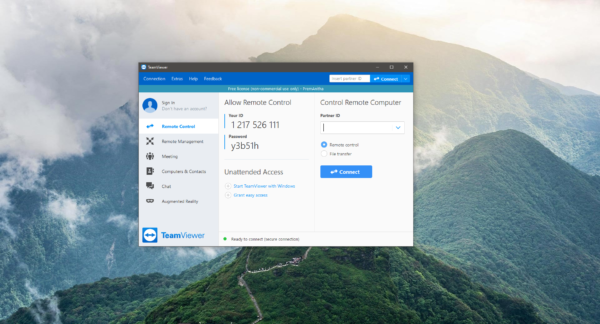 Run Teamviewer From Command Line
https://technoresult.com/wp-content/uploads/2019/09/Teamviewer-feature-image-600x324.png
To install TeamViewer in Ubuntu and Fedora fire up your browser and navigate to the TeamViewer Linux download page There are links to download Ubuntu
Pre-crafted templates offer a time-saving solution for developing a varied variety of files and files. These pre-designed formats and designs can be made use of for different individual and expert projects, including resumes, invitations, flyers, newsletters, reports, discussions, and more, enhancing the content development process.
Run Teamviewer From Command Line

TeamViewer Installation In Lubuntu From Command Line Dependency Error
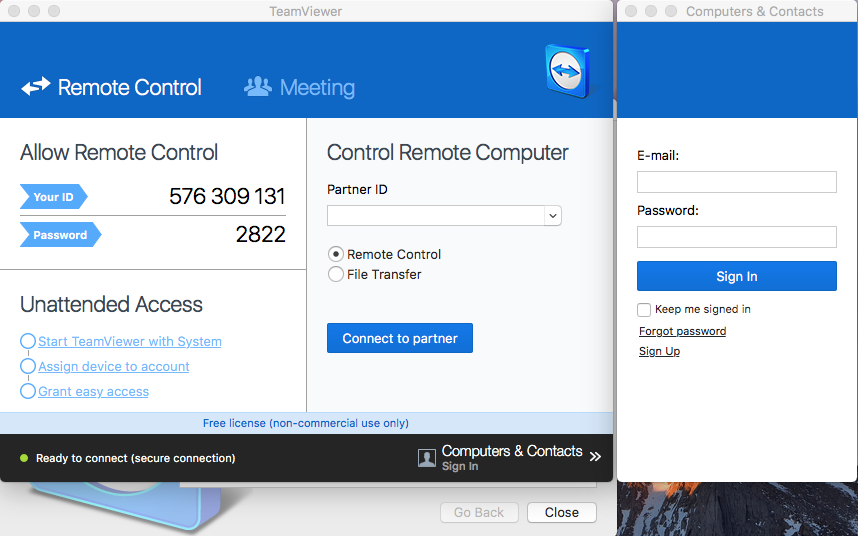
Uninstall Teamviewer Command Line Mac Namebright

Uninstall Teamviewer Command Caqwemister
Uninstall Teamviewer Command Line Mac Namebright

TeamViewer Installation In Lubuntu From Command Line Dependency Error

How To Stop Teamviewer From Opening On Startup Mac Treeyourself
When the command prompt opens type in Start TeamViewer and press Enter If Windows cannot find it try and specify the full path to the TeamViewer exe file on your computer in double quotes and press
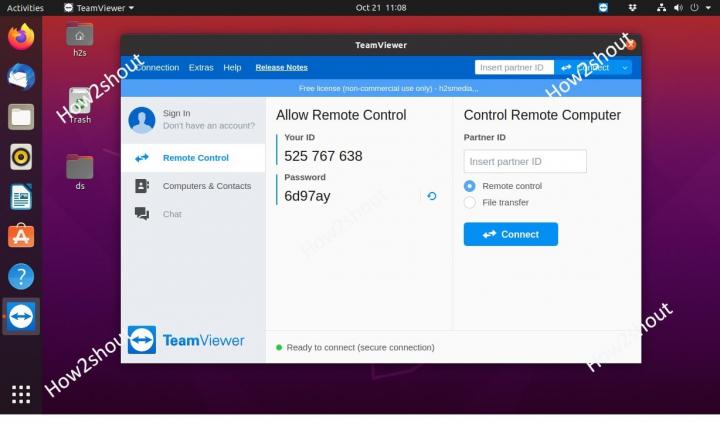
Steps Login into your home linux box through ssh Don t use root access unless it was necessary Use sudo instead Locate where teamviewer is installed user home machine whereis teamviewer teamviewer
Nov 21 2019 1 min read This post shows how to install TeamViewer remotely via an ssh connection Firstly you need to download the deb file from T eamViewer home page

Open your terminal and download the latest TeamViewer deb package using the following wget command wget https download teamviewer download linux teamviewer amd64 deb

Desktop gnome etc centos release etc redhat release etc system release CentOS Linux release 6 0 Final Error TeamViewer must not be executed as root It s not running under root user Now the
1 Answer Sorted by 2 To connect to Teamviewer through the command line in MacOS pass the arguments as follow substitute xxxxxxxx with the target id and Open your terminal either by using the Ctrl Alt T keyboard shortcut or by clicking on the terminal icon Download the latest TeamViewer deb package with the
Installation of TeamViewer Through Ubuntu Command Line If you prefer the command line over the graphical interface follow these steps in order to install