Run Command As Administrator Ubuntu How To Run Windows Command Prompt As Administrator YouTube How To Open Command Prompt As Administrator On Windows 10 GuruAid How To Open A Windows 11 Command Prompt As Administrator Come Eseguire Il Prompt Dei Comandi Come Amministratore Su Windows Ines Butts How To Exit Command Prompt WEB Jan 14 2020 nbsp 0183 32 This user account works as the admin on your system and as per the default sudo policy in Ubuntu it can run any command on your system with root privileges The thing with sudo is that running sudo doesn t require
WEB Oct 2 2013 nbsp 0183 32 How do I run applications as root in Ubuntu Is it bad practice to do this What is the purpose of the whole root thing where even though we need to use root so frequently it is not utilized as default sudo root Share Improve this question edited Oct 2 2013 at 20 45 Braiam 67 8k 32 179 269 asked Oct 28 2012 at 4 24 Alex Gordon WEB Mar 15 2019 nbsp 0183 32 sudo adds a log entry of the command s run in var log auth log If you mess up you can go back and see what commands were run On a server every cracker trying to brute force their way in will know it has an account named root and will try that first What they don t know is what the usernames of your other users are
Ines Butts How To Exit Command Prompt Open Command Prompt As Administrator In Windows 7 How To Run The Command Prompt As An Administrator In Windows 7 YouTube Run Command Prompt As Administrator In Windows 10 8 7 Run Terminal As Root In Ubuntu Run Terminal As Administrator In Ubuntu How To Run Command Prompt Cmd As Administrator In Windows 10 Youtube How To Run Command Prompt As Administrator In Win 10 Windows 10 How To Run Command As An Administrator YouTube How To Run PowerShell As Administrator 7 Ways MHELP PRO
Run Command As Administrator Ubuntu
 Run Command As Administrator Ubuntu
https://i.ytimg.com/vi/MKVRP6Wgf_E/maxresdefault.jpg
WEB Apr 13 2020 nbsp 0183 32 1 Open terminal by either pressing Ctrl Alt T on keyboard or searching for terminal from application menu 2 When terminal opens run command to install the extension sudo apt install nautilus admin You may replace nautilus admin with caja admin or peony admin if you re running with MATE or UKUI desktop
Templates are pre-designed documents or files that can be used for different functions. They can save effort and time by supplying a ready-made format and layout for producing different type of content. Templates can be used for individual or professional projects, such as resumes, invites, leaflets, newsletters, reports, discussions, and more.
Run Command As Administrator Ubuntu
How To Run Command Prompt As Administrator EasyPCMod
Open Command Prompt As Administrator In Windows 7

How To Run The Command Prompt As An Administrator In Windows 7 YouTube
Run Command Prompt As Administrator In Windows 10 8 7
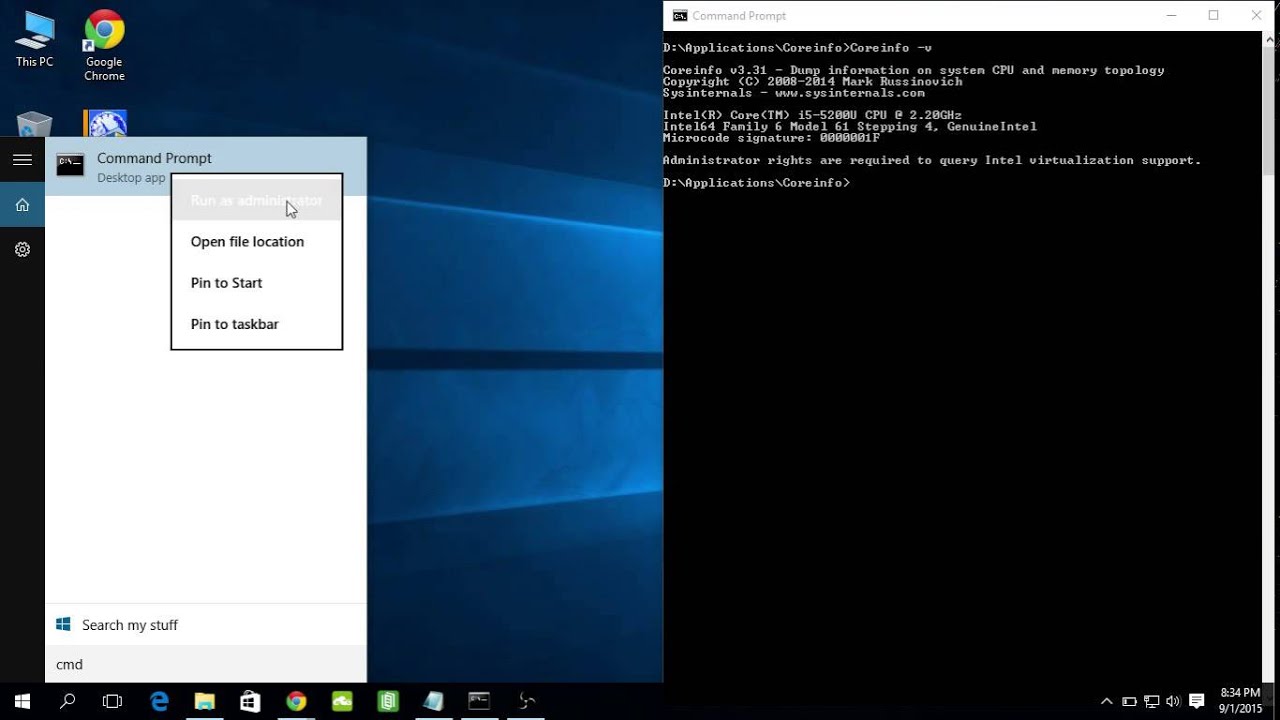
How To Run Command Prompt Cmd As Administrator In Windows 10 Youtube
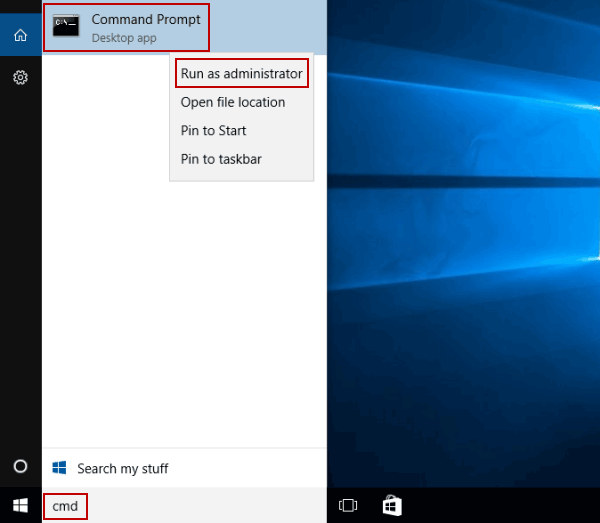
How To Run Command Prompt As Administrator In Win 10

WEB Sep 8 2016 nbsp 0183 32 Just use sudo lt command gt where command is the order or instruction you want to run as superuser If you get an error like user is not in the sudoers file You must edit the etc sudoers file To do so type su Enter the root password Then you can use nano or vi to edit the file for example nano etc sudoers

WEB This not a full blown tool to run arbitrary commands you type op followed by a mnemonic configured by the system administrator to run a specific command Super Super lets you run commands as another user including root The command must have been allowed by the system administrator Running a graphical command as root See also
WEB sudo i You ll have a root shell in which commands you enter will be run as root without having to precede them with sudo But if you really want to run the graphical terminal emulator application as root read on I present two ways with gksu gksdo and with the sudo command

WEB sudo command sudo i INTRODUCTION By default the password for the user quot root quot the system administrator is locked This means you cannot login as root or use su Instead the installer will set up sudo to allow the user that is created during install to run all administrative commands

WEB Apr 14 2016 nbsp 0183 32 2 Answers Sorted by 18 If your account has sudo rights then there s no need to mess with the suid bit The following assumes Bash as your interactive shell so you may have to modify steps 2 amp 3 depending on what you use Add these to the end of etc sudoers USERNAME HOST NAME root NOPASSWD usr bin apt get
WEB run lt command line gt Run the provided command line in the current working directory If no command line is provided the default shell is launched config setting value Configure settings for this distribution Settings default user lt username gt Sets the default user to lt username gt WEB Opening a terminal Creating folders and files Moving and manipulating files A bit of plumbing The command line and the superuser Hidden files Conclusion 1 Overview The Linux command line is a text interface to your computer
WEB Apr 9 2022 nbsp 0183 32 Open Terminal Firstly open terminal either by pressing Ctrl Alt T key combination on keyboard or by searching from the Activities overview screen 2 Install nautilus admin When the terminal opens paste the command below into it and hit Enter sudo apt install nautilus admin