Run An Html File In Vs Code Cara Setting Live Server Visual Studio Code How To View An HTML File In The Browser With Visual Studio Code Find Error How To Test An HTML File In Notepad What Is Mark Down How To Open Html File In Browser Using Vs Code Toast Of Code How To Run HTML File On Visual Studio Code 2020 YouTube Web Aug 20 2023 nbsp 0183 32 Writing HTML Code in VS Code Now for the fun part Let s start by writing a simple HTML code Copy the following code into your new HTML file lt DOCTYPE html gt lt html gt lt head gt lt title gt My First HTML Page lt title gt lt head gt lt body gt lt h1 gt Hello World lt h1 gt lt body gt lt html gt This is a basic HTML document structure
Web Sep 25 2020 nbsp 0183 32 752K views 3 years ago In this video learn to run HTML code on a web browser using the Visual Studio Code To install Visual Studio Code refer the below video How to Web For example the HTML file extension is html and it tells the browser and other applications to interpret the contents of the file as an HTML document Once Visual Studio Code loads a project folder you can add files
How To Run HTML File On Visual Studio Code 2020 YouTube How To Make An Html File Outlet Discounts Save 65 Jlcatj gob mx Tutustu 70 Imagen Visual Studio Html Template Shortcut Abzlocal Fi Create An HTML Page Using Notepad And Visual Code How To Open Html File In Browser Using Vs Code Toast Of Code How To Use HTML And CSS In Visual Studio Code Quora Visual Studio Code Format Window Lkearctic Visual Studio Code Local Web Server QuyaSoft Visual Studio Code Tutorial Html Tutorial
Run An Html File In Vs Code
 Run An Html File In Vs Code
https://semicolon.dev/static/how-to-install-live-server-extension-in-vscode-vs-code-visual-studio-code.png
Web Aug 9 2021 nbsp 0183 32 How To Set Up Your HTML Project With VS Code Updated on August 9 2021 HTML Spin Up Erin Glass To explore HTML in practice and begin building an HTML website we ll need to set up a new project using a text editor
Templates are pre-designed files or files that can be utilized for numerous functions. They can save time and effort by supplying a ready-made format and design for producing different kinds of material. Templates can be used for personal or professional projects, such as resumes, invites, leaflets, newsletters, reports, discussions, and more.
Run An Html File In Vs Code
A Launch json Setting For End to end Web Development Christian Heilmann
How To Make An Html File Outlet Discounts Save 65 Jlcatj gob mx

Tutustu 70 Imagen Visual Studio Html Template Shortcut Abzlocal Fi

Create An HTML Page Using Notepad And Visual Code
How To Use HTML And CSS In Visual Studio Code Quora
Visual Studio Code Format Window Lkearctic

Web Mar 3 2017 nbsp 0183 32 30 Answers Sorted by 263 For Windows Open your Default Browser Tested on VS Code v 1 1 0 Answer to both opening a specific file name is hard coded OR opening ANY other file Steps Use ctrl shift p or F1 to open the Command Palette Type in Tasks Configure Task or on older versions Configure Task Runner

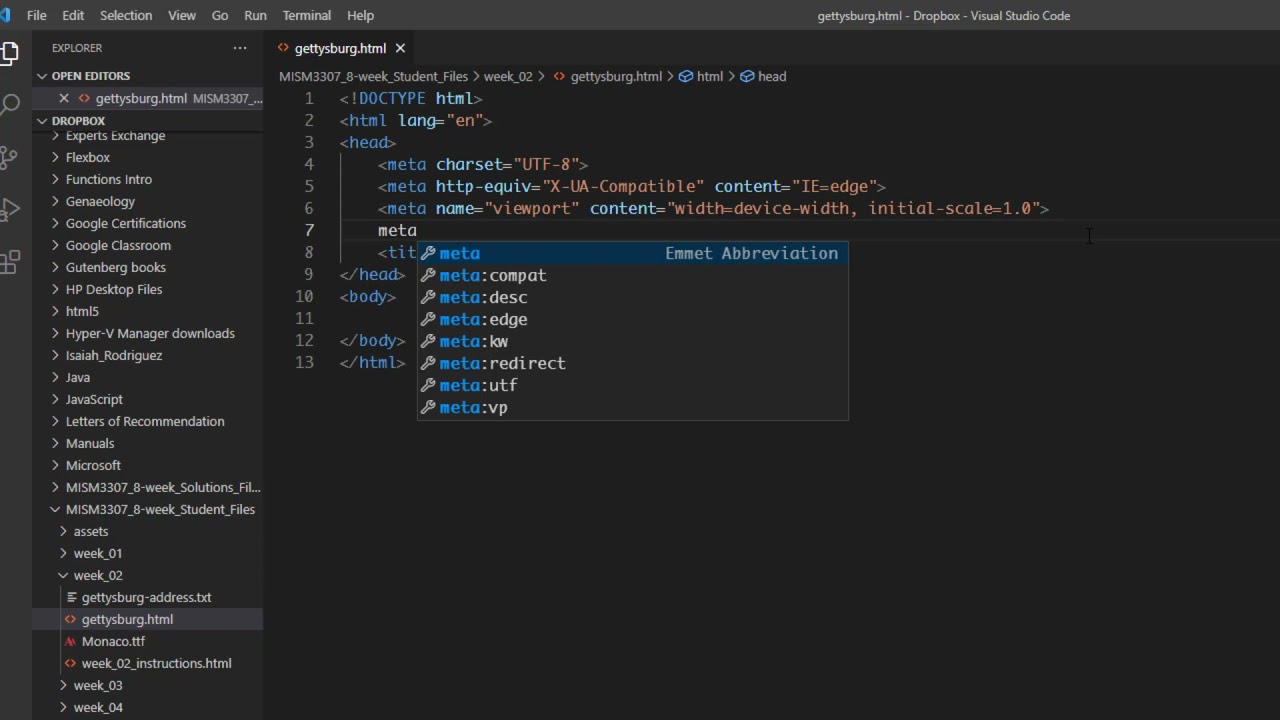
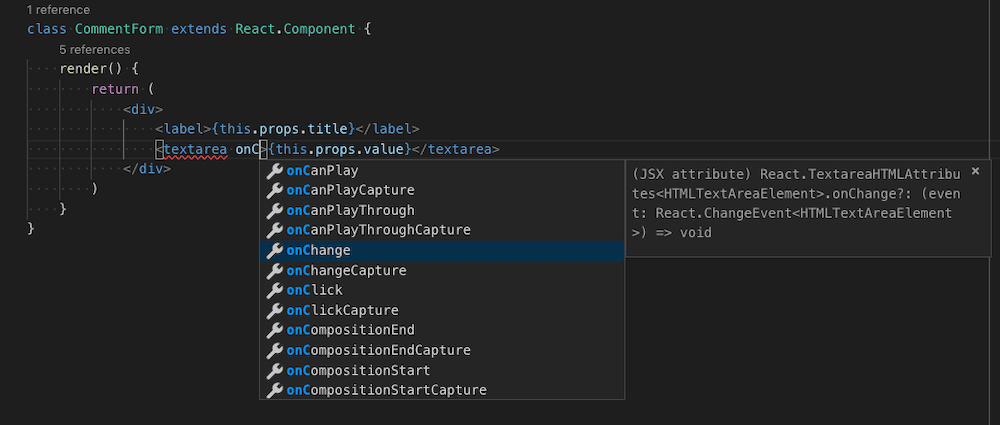
Web Visual Studio Code provides basic support for HTML programming out of the box There is syntax highlighting smart completions with IntelliSense and customizable formatting VS Code also includes great Emmet support IntelliSense As you type in HTML we offer suggestions via HTML IntelliSense

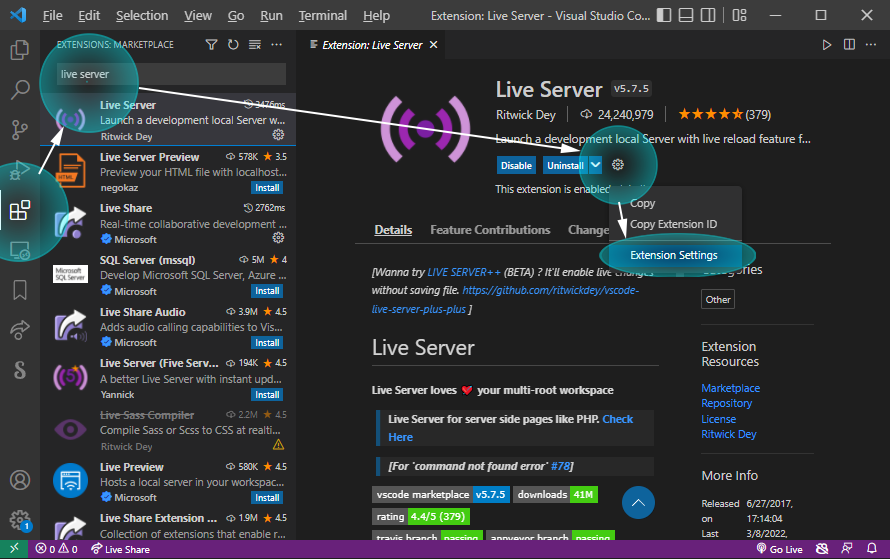
Web Jun 15 2021 nbsp 0183 32 STEP 1 Open Visual Studio Code STEP 2 Go to Extensions and search for Live Server STEP 3 Install the Live Server extension STEP 4 Create an HTML file in the VS Code and Save it STEP 5 Right click on the HTML file in Visual Studio Code and click Open Live Server Alternatively use shortcut keys Ctrl Alt P

Web May 6 2024 nbsp 0183 32 Open VS Code Go to the File menu and select New File Save the file by going to File gt Save As choose your desired location and type your file name followed by html e g index html This tells VS Code and your computer that it s an HTML file Step 2 Writing HTML Code With your HTML file created it s time to write some HTML code
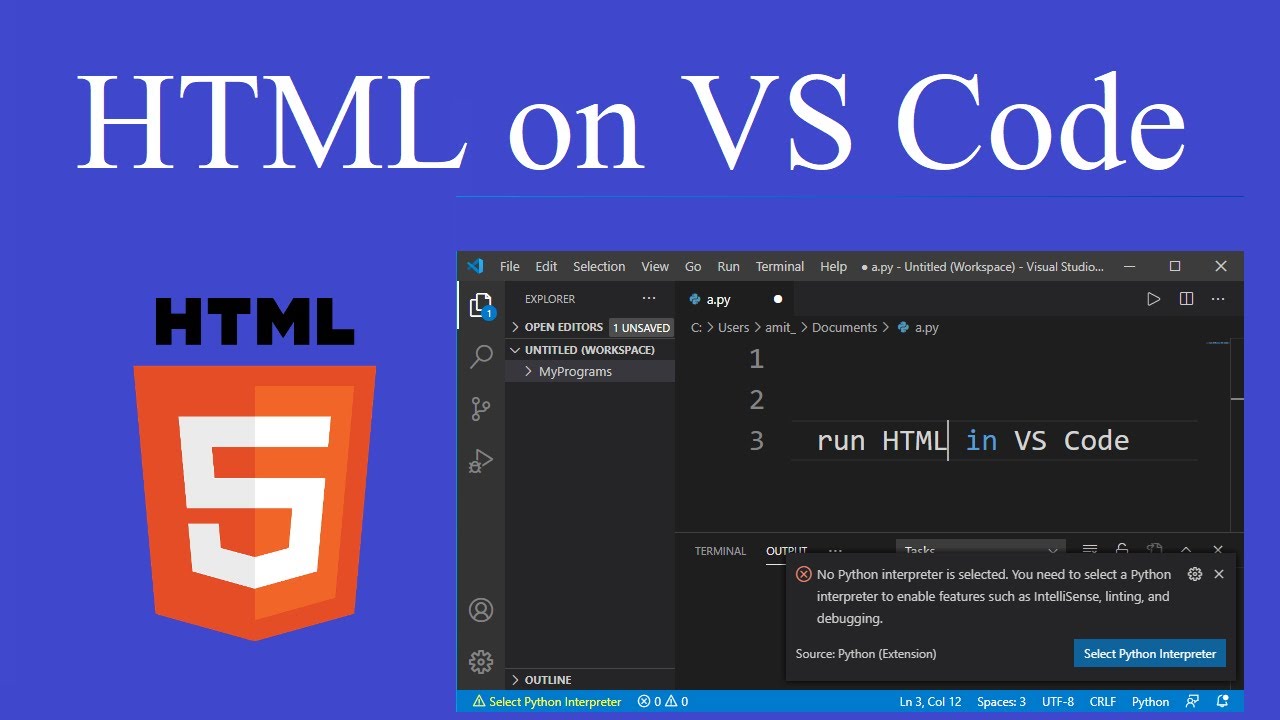
Web Aug 28 2023 nbsp 0183 32 Open or create a new file for HTML code Click on Terminal at the top and select New Terminal to open it Switch to the location of your HTML file with the cd command Type start followed
Web By Linux Code December 27 2023 As a web developer viewing your HTML file in a browser is an essential part of building and testing your web pages When coding in Visual Studio Code there are a couple easy ways to open your HTML files in a browser In this comprehensive guide we ll explore these methods in detail Why View HTML in a Browser Web Dec 28 2020 nbsp 0183 32 How to run html amp javascript in VS Code Stack Overflow Asked 3 years 4 months ago Modified 3 years 4 months ago Viewed 8k times 3 I have the following code How do I run this in VS Code with the debugger I installed and tried live server but maybe not doing it correctly index html lt DOCTYPE html gt lt html lang quot en quot gt lt head gt
Web File gt Open Folder Ctrl K Ctrl O Use File Explorer to view the folder s files and subfolders View gt Explorer E Windows Linux Ctrl Shift E Install the Node js runtime to execute JavaScript code Find Node js for your platform at https nodejs Check your Node js installation From a terminal or command prompt type node