Rhel Change Root Password How To Reset Root Password On Ubuntu Linux Mining How To Change And Reset Forgotten Root Password In RHEL 9 How To Change And Reset Forgotten Root Password In RHEL 9 How To Change And Reset Forgotten Root Password In RHEL 9 The Right Way To Reset A Forgotten Root Password In Linux Mint Web Jun 3 2022 nbsp 0183 32 Syntax The syntax to change a user password on RHEL Red Hat Red Hat Enterprise Linux is as follows passwd accoutNameHere sudo passwd
Web Jan 15 2019 nbsp 0183 32 Reset root password on RHEL 8 using the passwd command passwd Enter desired password and confirm when prompted Once password is set enable SELinux relabeling on reboot and exit the Web Jul 24 2023 nbsp 0183 32 A common reason for changing the root password is if you feel like your current root password has been compromised The first step is to open the Linux terminal and switch to the root user sudo su
The Right Way To Reset A Forgotten Root Password In Linux Mint How To Change And Reset Forgotten Root Password In RHEL 9 How To Reset Root User Password In CentOS RHEL 7 How To Reset The Root Password On RHEL 7 And CentOS 7 YouTube How To Reset Lost Root Password In CentOS 8 RHEL 8 ITzGeek How To Hack Linux Password Reset The Root Password On RHEL 7 How To Change And Reset Forgotten Root Password In RHEL 9 Break Root Password In RHEL 6 And Learn How To Patch The Holes RHEL 8 CentOS 8 Recover Root Password Linux Tutorials Learn Linux
Rhel Change Root Password
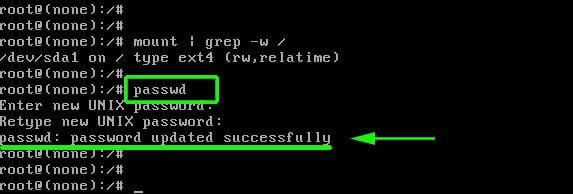 Rhel Change Root Password
https://www.tecmint.com/wp-content/uploads/2020/04/Reset-Root-Password-in-Ubuntu.jpg
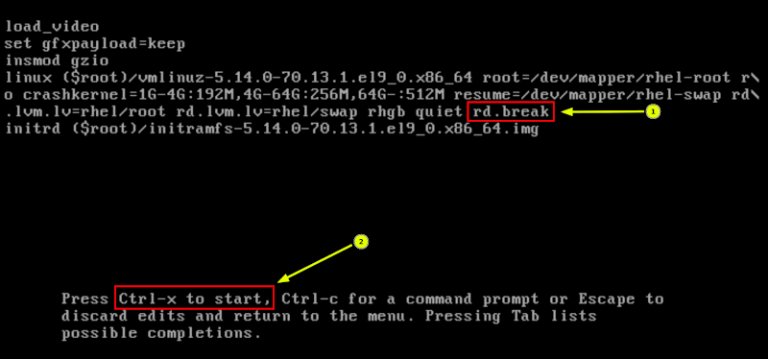
Web Oct 20 2022 nbsp 0183 32 Step 1 Reboot the Server and Break the Linux boot process Step 2 Mount the Sysroot volume Step 3 Access Sysroot Shell Step 3 Now change the root
Pre-crafted templates use a time-saving service for producing a varied series of documents and files. These pre-designed formats and layouts can be utilized for numerous individual and expert tasks, including resumes, invites, leaflets, newsletters, reports, presentations, and more, improving the content development process.
Rhel Change Root Password
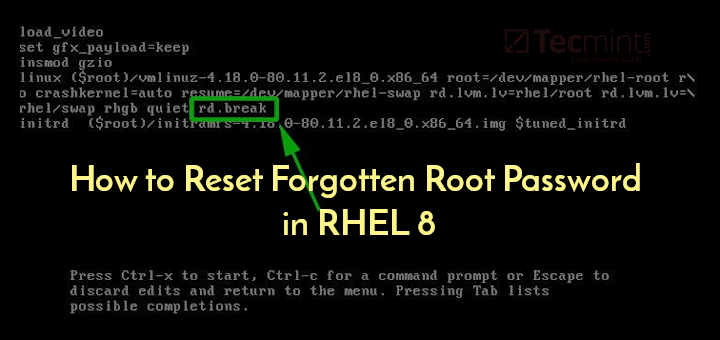
How To Reset Forgotten Root Password In RHEL 8

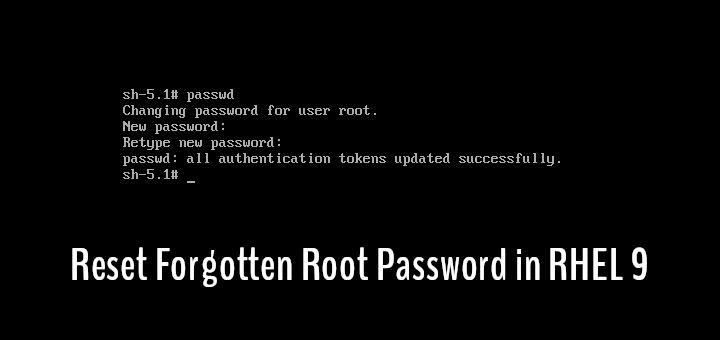
How To Change And Reset Forgotten Root Password In RHEL 9
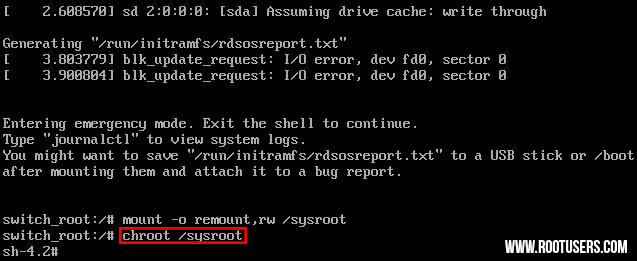
How To Reset Root User Password In CentOS RHEL 7

How To Reset The Root Password On RHEL 7 And CentOS 7 YouTube

How To Hack Linux Password Reset The Root Password On RHEL 7
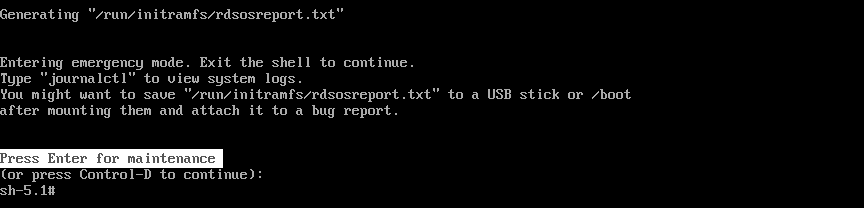
How To Change And Reset Forgotten Root Password In RHEL 9
Web Solution Verified Updated November 10 2023 at 9 11 AM English Issue The root password was forgotten and the system cannot be logged into How to reset a root
Web Nov 17 2014 at 12 25 Add a comment 3 Answers Sorted by 69 Here are a few ways I can think of from the least intrusive to the most intrusive Without Rebooting With sudo
Web To change your root password after you have completed the installation run the passwd command as root If you forget the root password see Resolving Problems in System Recovery Modes in the Red Hat
Web Nov 10 2019 nbsp 0183 32 Method 1 Reset forgotten root password by booting into single user mode This is easy and native method to reset the forgotten root password in RHEL 6 CentOS 6 systems Just follow our instruction to do
Web Apr 2 2020 nbsp 0183 32 In this guide you will learn how to reset a forgotten root password on RHEL 8 server Resetting the root password usually involves a few steps that will help you to reset the root password and
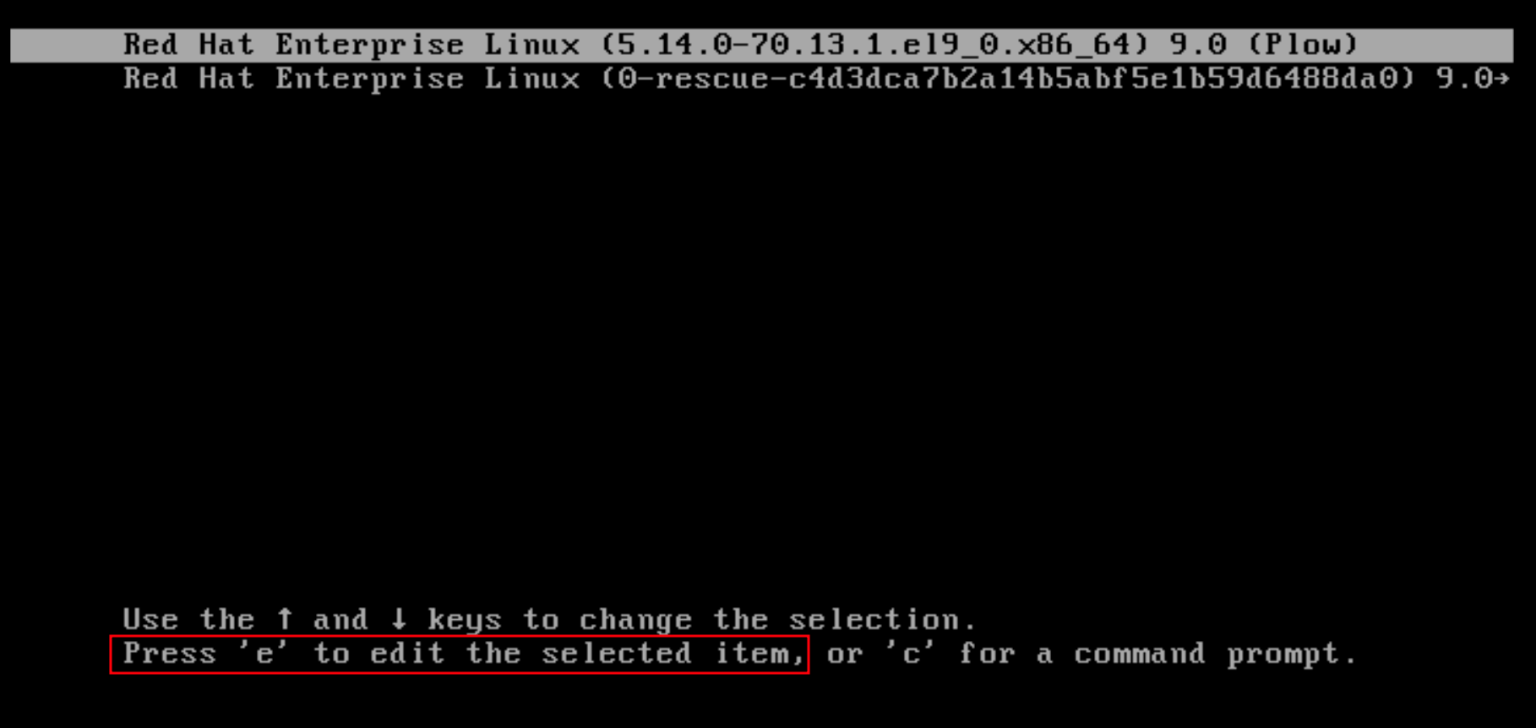
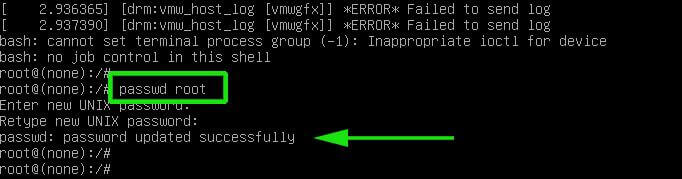
Web Jun 18 2023 nbsp 0183 32 3 At the bash 5 1 prompt enter the mount oremount rw command to remount the system s root as read write 4 Enter the passwd root command to change Web Feb 19 2020 nbsp 0183 32 Step 1 Power on the CentOS server When the GRUB boot menu appears choose the Kernel version you want to boot and press e to edit the selected boot entry
Web Jan 20 2023 nbsp 0183 32 To successfully reset or change a forgotten root password in RHEL 9 you need physical access to the RHEL 9 system using a monitor and keyboard This will help