Rhel 7 Add New Network Interface Command Line VirtualBox Port Forwarding Declaration Of VAR Mac Arduino Control And App Maker Viaskyey How To Find Your Netgroup In Linux Systran Box Solved How To Add New Network Interface Permanent 9to5Answer How To Use Visual Studio Code On Your IPad Goroot Blog Using the Command Line Interface CLI 6 4 Configure Network Bridging Using a GUI 6 5 Additional Resources C t 7 C igure 1 N in 7 1 Configure 802 1Q VLAN tagging Using the Text User Interface nmtui 7 2 Configure 802 1Q VLAN Tagging Using the Command Line Tool nmcli 7 3 Configure 802 1Q VLAN Tagging Using the Command
Configure IP Address in CentOS 8 10 After finishing editing the file close it and move to resolv conf file if you want DNS servers enabled system wide nano etc resolv conf Here just add your DNS servers using nameserver statement nameserver 192 168 1 1 nameserver 8 8 8 8 11 For example our RHEL server has currently a single hardware network interface called eth0 This interface is used as a master network interface with an IP address of 10 1 1 110 To this network interface we will attach two additional virtual network interfaces eth0 0 10 1 1 111 and eth0 1 10 1 1 112 Let s get started by showing a current
How To Use Visual Studio Code On Your IPad Goroot Blog Aqua Launches The LinQ Airmusic Sending GraphQL Requests Through AWS API Gateway Using The Apollo Visit Here For Information About Latest Technology Products Red Hat Configuring RHEL 6 Printers Techotopia Issue Mount USB Drive While Trying To Do A Serial Console Install Of Create And Configure Bridge Networking For KVM In Linux ComputingForGeeks 10 Essential Linux Network Commands LinuxAndUbuntu How To Restart Network Interface Eth0 On Linux Linux NixCraft Linux
Rhel 7 Add New Network Interface Command Line
 Rhel 7 Add New Network Interface Command Line
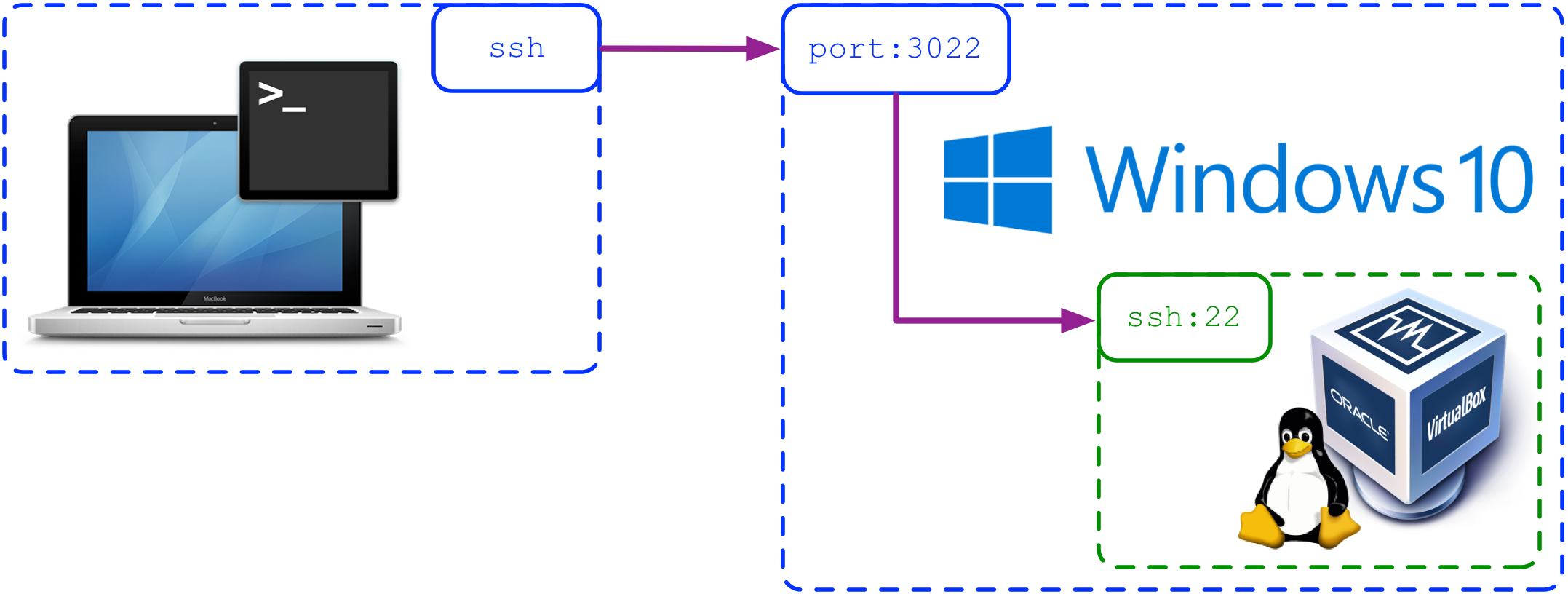
https://decovar.dev/blog/2017/08/05/virtual-box-port-forwarding/images/schema.png
Setup network on CentOS 7 minimal First type nmcli d command in your terminal for quick list ethernet card installed on your machine nmcli d command output Type nmtui command in your terminal to open Network manager After opening Network manager chose Edit connection and press Enter Use TAB button for choosing
Pre-crafted templates provide a time-saving solution for developing a varied variety of documents and files. These pre-designed formats and designs can be utilized for numerous personal and expert projects, consisting of resumes, invitations, leaflets, newsletters, reports, discussions, and more, simplifying the content development process.
Rhel 7 Add New Network Interface Command Line

Best Way To Detect Network Card On RHEL 7 Hosted On Vmware
Aqua Launches The LinQ Airmusic

Sending GraphQL Requests Through AWS API Gateway Using The Apollo

Visit Here For Information About Latest Technology Products Red Hat

Issue Mount USB Drive While Trying To Do A Serial Console Install Of

Create And Configure Bridge Networking For KVM In Linux ComputingForGeeks
On Linux machines eth0 and eth1 correspond to real network ports To add an eth2 you ll need to add another NIC either by adding an internal PCI e network card or by adding a USB network adapter See Redhat network interface configuration If all you want is another IP address you can create an ethernet alias on one of your existing adapters An alias is like a virtual network card it

The NetworkManager can be configured using the following methods on a Red Hat Enterprise Linux nmcli command A command line tool for controlling NetworkManager nmtui command A text user interface for configuring NetworkManager RHEL web console nm connection editor command A GUI for configuring NetworkManager

Below are basic configuration instructions to setup static IP address on Redhat Enterprise Linux RHEL7 First list your network interfaces with ip command ip addr show 2 enp0s3 mtu 1500 qdisc pfifo fast state UP qlen 1000 link ether 08 00 27 15 38 b7 brd ff ff ff ff ff ff valid lft forever preferred lft forever inet6 fe80 a00 27ff fe15 38b7 64 scope link valid lft forever preferred

You can configure the two IP addresses on the same interface This was documented in RHEL 6 but doesn t appear anymore in RHEL 7 s documentation Presumably this configuration is being phased out eg to the use of NetworkManager and nmtui so this less frequent setting isn t officially documented anymore As usual it s exactly the same with CentOS 6 CentOS 7
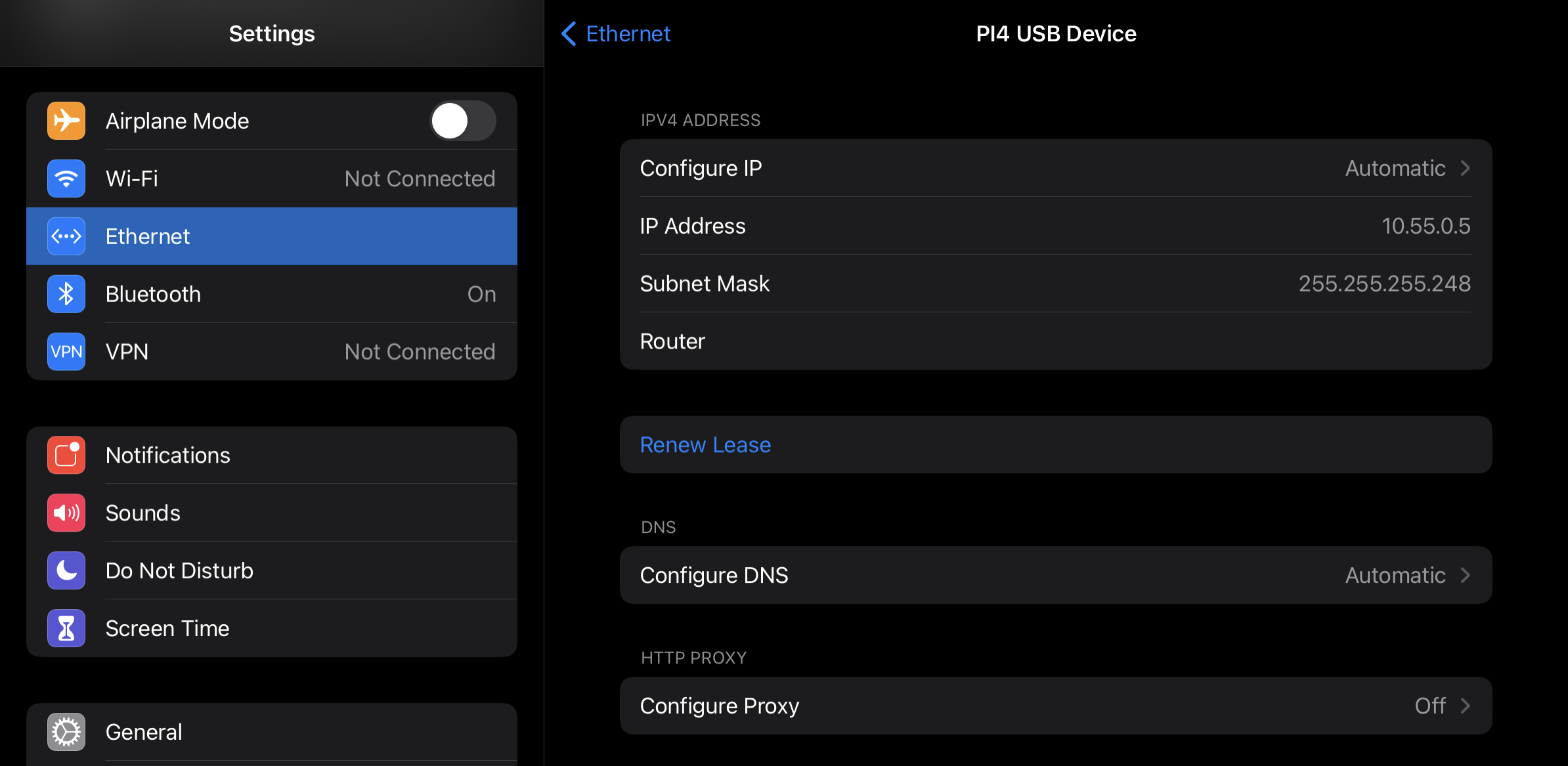
Click on the Network icon in the upper right of the Linux GNOME desktop Clicking on the Network icon opens a dialog box Choosing Wired Settings opens a pop up box There s the ON OFF button again and in this case it s in the ON position
When cloning a virtual version of CentOS the old eth adapters are removed and replaced with new ones and net MAC addresses However the ifcfg ethn files still exist I am trying to figure out how to get CentOS to automatically rescan recreate the network adapters eth files just like it did on install 1 Open the Network Manager by running the following command in the command line nmtui 2 The command prompts the NetworkManager TUI window which appears as in the image below Select Edit a connection to view configuration settings 3 Next choose the network you want to configure
While installing centOS 7 minimal I missed enabling network Now I am unable to connect to the network unable to ping or install packages using yum to be precise How can I enable the network settings so that I can connect to the network and install packages using yum Thanks in advance