Rgb Settings Rgb Settings The Reimaru Files MSI GT72VR 6RE 015US Notebook Review NotebookCheck Reviews RGB Backlit Wired Gaming Mouse Ergonomic Programmable With 7 Backlight Anyone Know The Settings To Make The RGB To Look Like That R iBUYPOWER Asus Strix Rog How To Change Keyboard Colour RGB Settings ROG Aura Follow the steps below to download install and use ViVeTool to enable the hidden RGB lighting control feature on Windows Download ViVeTool from the GitHub download page Extract the files to any location of your choice and run the ViVeTool GUI application from the extracted files Select your build number from the drop down menu
1 Change to the Insider Build You can download the Insider build 25295 by enrolling in the Windows Insider program and then checking for new builds using the Update Windows section in the Settings app We have a guide to the best RGB LED lighting kits that gets into the right options for different kinds of builds The most basic option similar to our example above is the DeepCool RGB 350
Asus Strix Rog How To Change Keyboard Colour RGB Settings ROG Aura Logitech G910 Keyboard Review RGB Done Right PC Builds On A Budget When Its Time To Go To Bed And Turn Off The RGB R pcmasterrace Vray RAL And RGB Settings YouTube PS4 RGB SETTINGS Please Read Video Description Below YouTube How To Manage RGB On An External Monitor On Windows 10 Good Advice MSI GL65 Leopard Keyboard RGB Lighting Settings Customization For Per Asus Rog Strix Change Keyboard Colour RGB Settings Aura Core YouTube HDMI Standard VS PC RGB Settings Xbox One YouTube
Rgb Settings
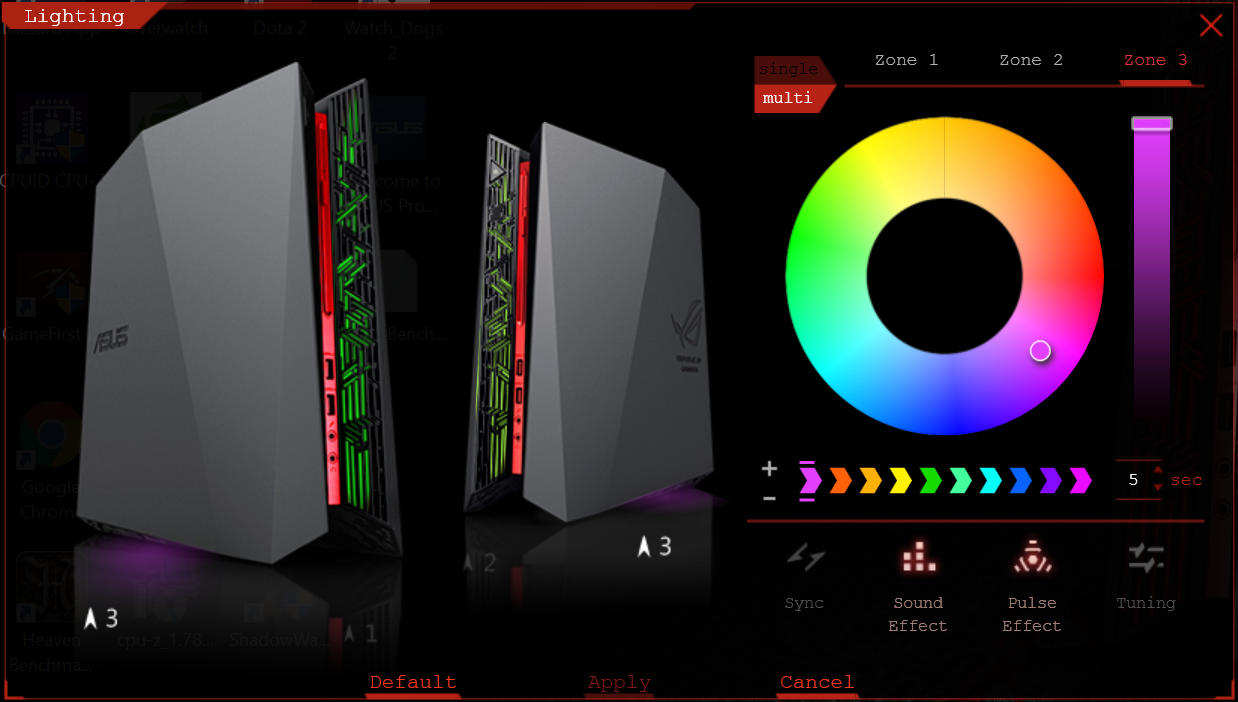 Rgb Settings
https://www.reimarufiles.com/wp-content/uploads/2017/08/rgb-settings.png
Method 1 Using a Keyboard Shortcut Download Article 1 Depending on your keyboard you may be able to change with a keyboard shortcut On most systems the keyboard shortcut involves the Fn key Try any of these keyboard shortcuts to cycle through all available RGB keyboard colors This isn t possible on all backlit keyboards 1 Fn C
Pre-crafted templates provide a time-saving solution for creating a diverse variety of documents and files. These pre-designed formats and designs can be used for numerous individual and expert projects, including resumes, invitations, flyers, newsletters, reports, presentations, and more, improving the material creation procedure.
Rgb Settings
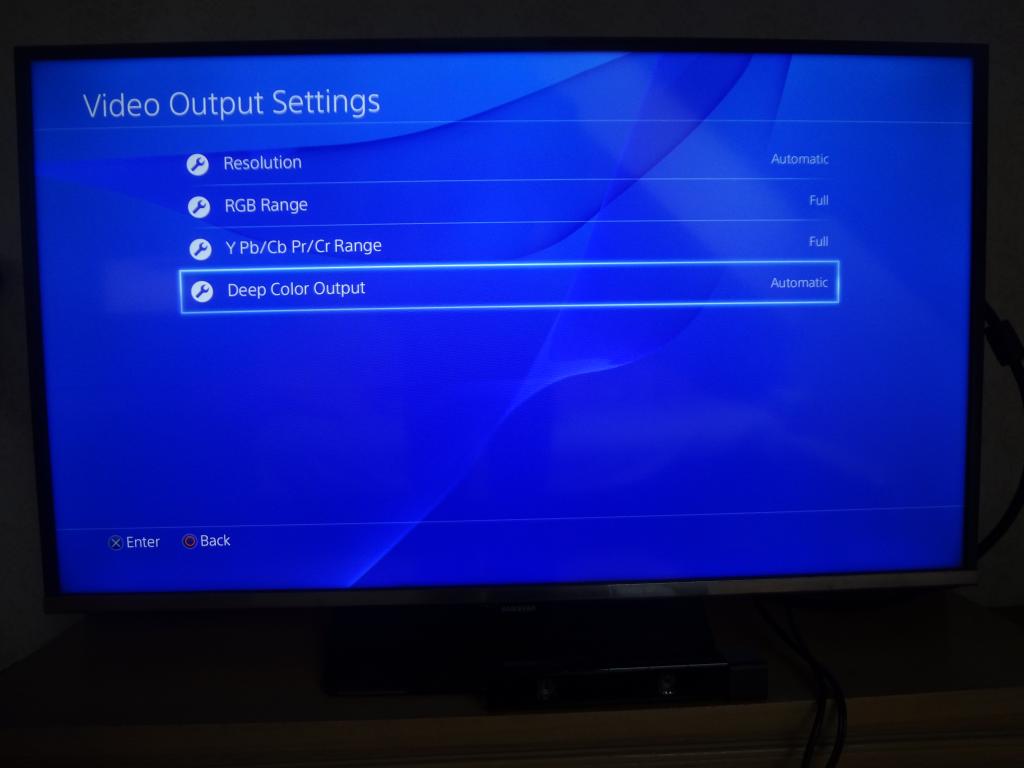
Improve TV Picture Quality With PS4
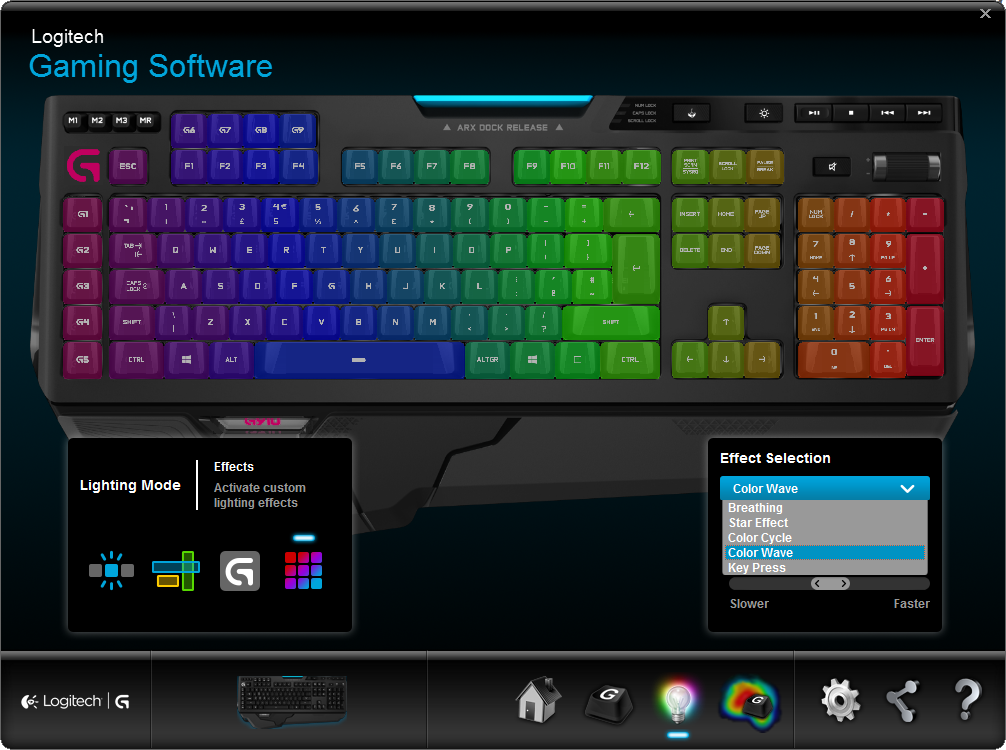
Logitech G910 Keyboard Review RGB Done Right PC Builds On A Budget

When Its Time To Go To Bed And Turn Off The RGB R pcmasterrace

Vray RAL And RGB Settings YouTube

How To Manage RGB On An External Monitor On Windows 10 Good Advice

MSI GL65 Leopard Keyboard RGB Lighting Settings Customization For Per
Windows 11 finally gets a menu for controlling your PC s RGB lighting though it s a bit anemic at launch Here s how it works and how to make the most of it

Use the Win I hotkey to open the Settings app Select the Personalization category You will see the Lighting section on the right part Click on it to access it Turn on the Enable ambient
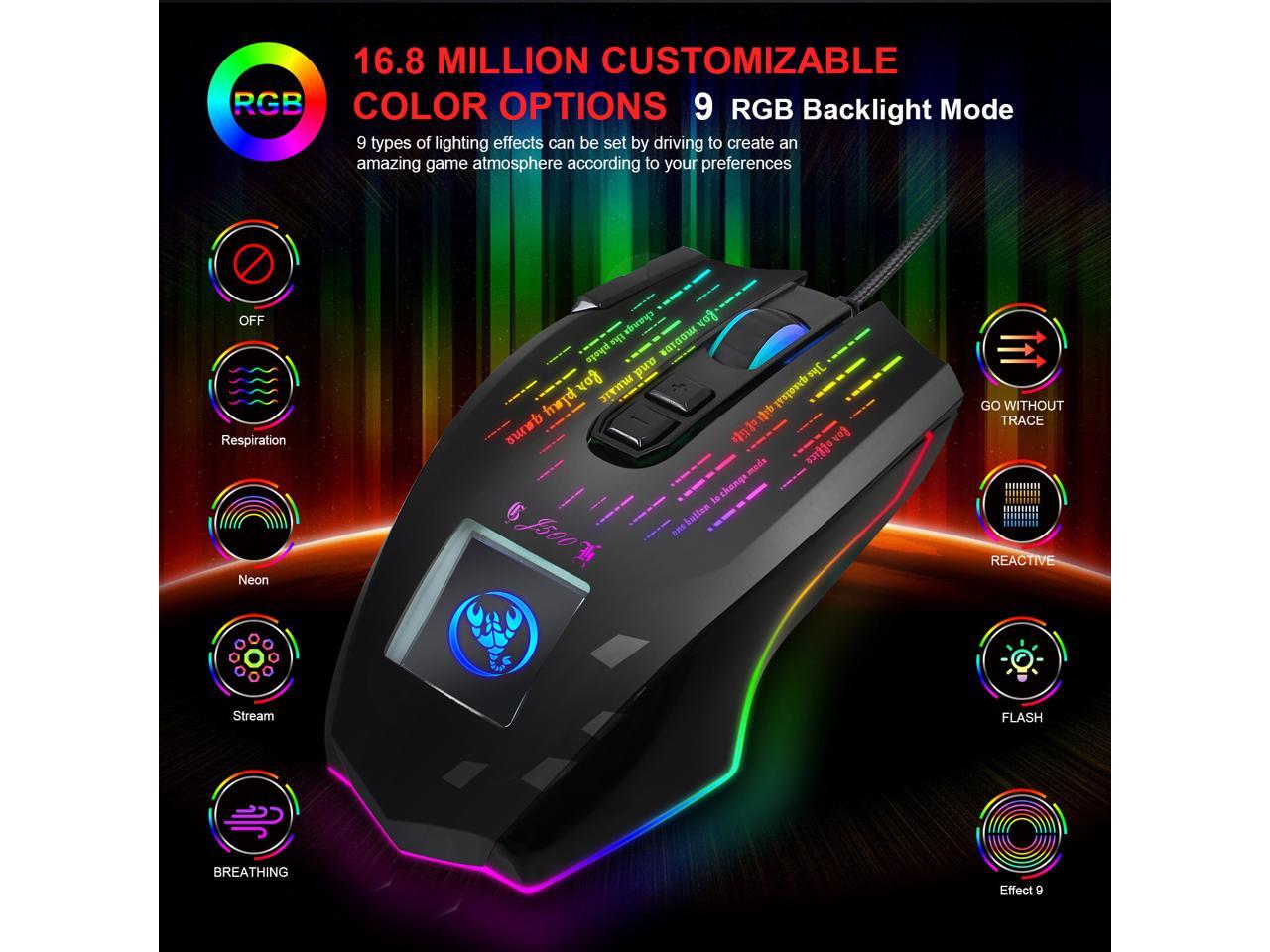
When the red pixel is set to 0 the LED is turned off When the red pixel is set to 255 the LED is turned fully on Any value between them sets the LED to partial light emission RGB color format calculation RGB code has 24 bits format bits 0 23 RGB R 65536 G 256 B when R is RED G is GREEN and B is BLUE Calculation examples

If you want to control your RGB settings from Windows 11 instead of third party apps turn on the Use Dynamic Lighting on my devices switch Once you do that you can start customizing your RGB settings which

You can choose between the LED Sync settings and other settings ASUS HUE In game syncing options To change the lighting modes effects select from the left hand side The LED options such as hue saturation effect speed brightness etc may change depending on the lighting mode
[desc-11] [desc-12]
[desc-13]