Restart Windows Time Service How To Restart The Windows Time Service In Windows 10 ComputerSluggish HOWTO Hyper V DC Time Service ID12 GOxiA SuFan Blog Configuring The Windows Time Service Windows 10 Time Synchronization Failed 6 Solutions fixed Windows Time Service Missing YouTube Aug 7 2022 nbsp 0183 32 How to Schedule a Restart Time for Windows Update in Windows 10 Windows Update keeps Windows 10 updated by downloading and installing the latest updates drivers
Apr 11 2024 nbsp 0183 32 How to Read Shutdown and Restart Event Logs in Windows You can use Event Viewer to view the date time and user details of all shutdown events caused by a shut down Jun 7 2021 nbsp 0183 32 This new Restart apps setting has been separated from the old Use my sign in info to automatically finish setting up my device and reopen my apps after an update or restart setting
fixed Windows Time Service Missing YouTube How To Perform An Emergency Restart Of Windows 10 Winaero 3 Software De Sincronizaci n De Tiempo Gratuito Para Windows 10 8 7 Qu Es Windows Time Service Y C mo Es til Mundowin Fix Windows Time Service Is Not Running How We Do It Tech Assured Russian State Hackers Use New TinyTurla Malware As Secondary Backdoor Fix Windows Time Service Doesn t Start Automatically Troubleshooter o Je Slu ba Windows Time Service A Ako Je U ito n Windows 10
Restart Windows Time Service
 Restart Windows Time Service
https://computersluggish.com/wp-content/uploads/2021/07/restart-windows10-time-service-tn.jpg
Nov 28 2021 nbsp 0183 32 How to Start Stop Restart Enable and Disable Services in Windows 10 Published by Shawn Brink Category Performance amp Maintenance 28 Nov 2021 How to Start
Templates are pre-designed documents or files that can be utilized for numerous functions. They can save time and effort by supplying a ready-made format and design for creating different kinds of content. Templates can be used for personal or expert jobs, such as resumes, invitations, leaflets, newsletters, reports, discussions, and more.
Restart Windows Time Service
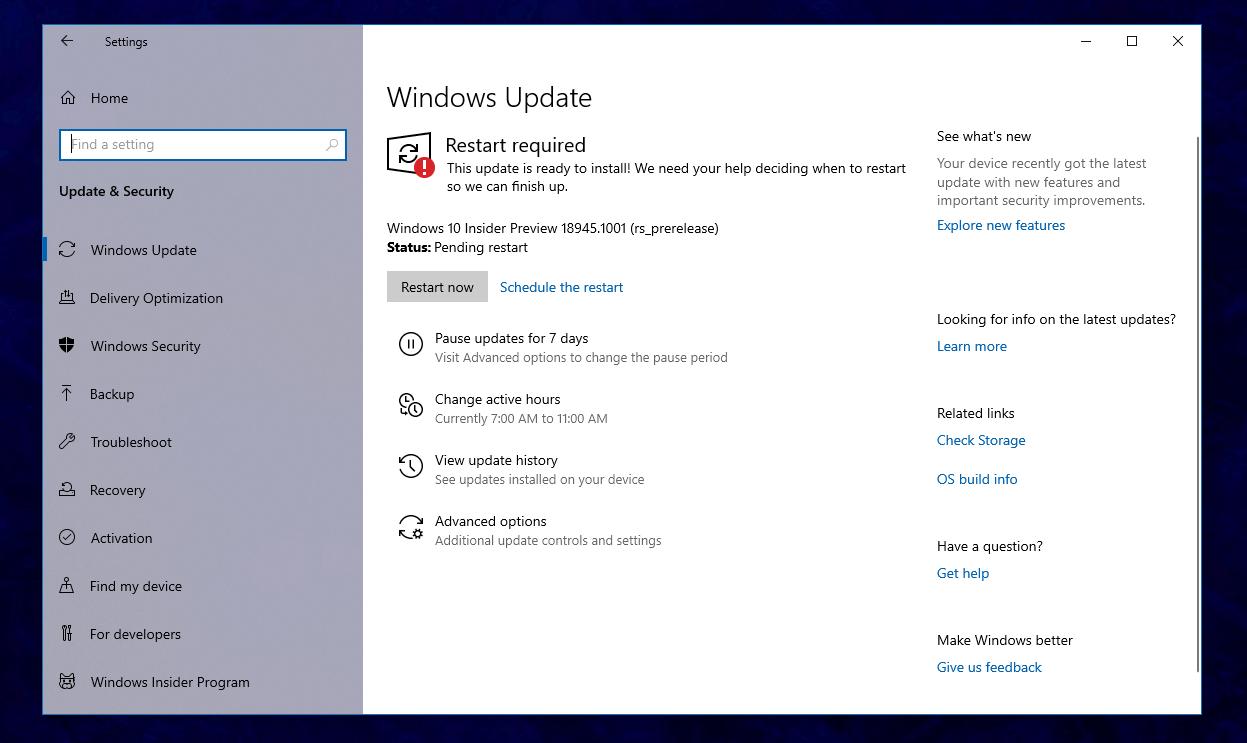
How To Automatically Restart Your Device After Installing Windows Updates
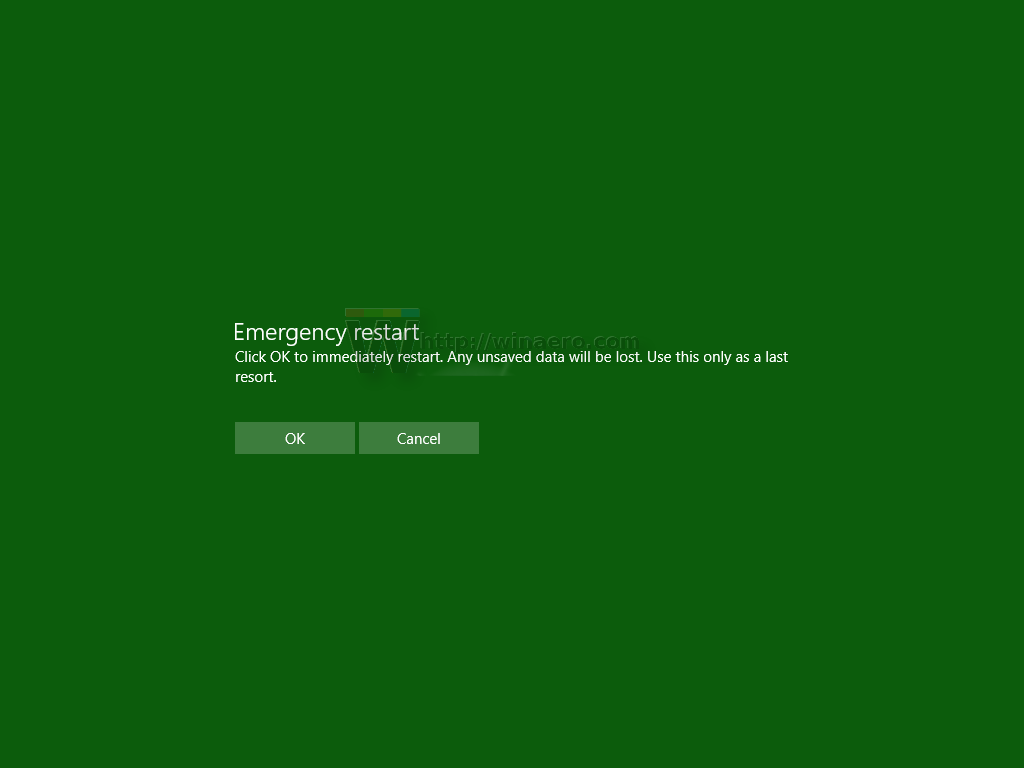
How To Perform An Emergency Restart Of Windows 10 Winaero

3 Software De Sincronizaci n De Tiempo Gratuito Para Windows 10 8 7

Qu Es Windows Time Service Y C mo Es til Mundowin
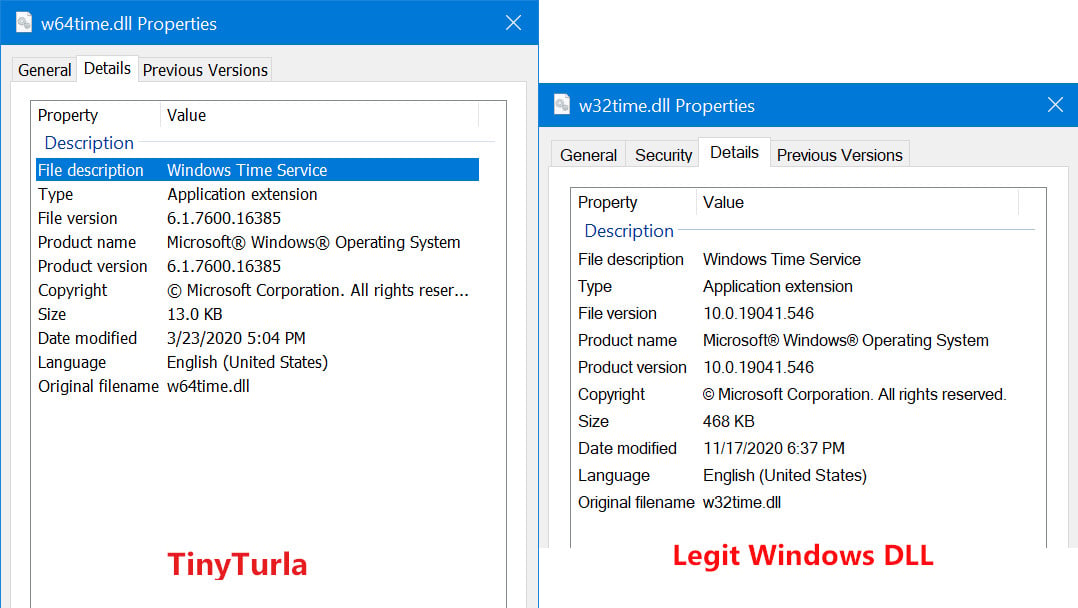
Russian State Hackers Use New TinyTurla Malware As Secondary Backdoor

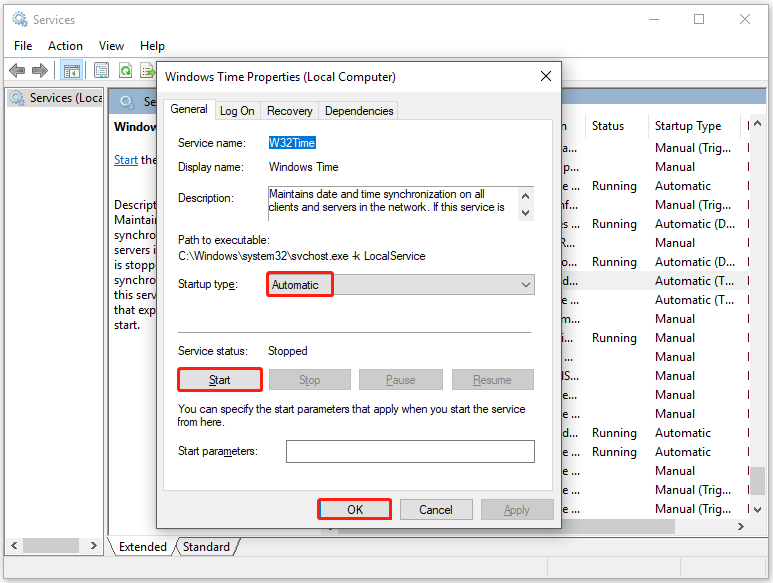
Fix Windows Time Service Doesn t Start Automatically Troubleshooter

Sep 19 2020 nbsp 0183 32 Enable or Disable Shut Down Restart Sleep and Hibernate in Power Menu for All Users in Local Group Policy Editor The Local Group Policy Editor is only available in the

Feb 10 2024 nbsp 0183 32 How to Boot to Advanced Startup Options in Windows 10 Advanced startup enables you to perform these actions Start recovery aka Windows RE or WinRE

Mar 21 2019 nbsp 0183 32 This will help make sure users see the notification to restart and save their work first This tutorial will show you how to require user action to dismiss the auto restart required
Aug 1 2022 nbsp 0183 32 How to Do a System Restore of Windows 10 System protection if turned on is a feature that allows you to perform a system restore that takes your PC back to an earlier point

May 31 2017 nbsp 0183 32 Yes shutdown and restart was automatic with the BIOS update EDIT to be sure I loaded optimized BIOS settings through the BIOS and turned off my PC after saving changes
[desc-11] [desc-12]
[desc-13]