Restart Virtual Machine Azure WT Blog ITGeist Restart Azure Virtual Machine Serial Console Constantly Having To Restart Virtual Machine Home Assistant Community Utilize Azure VMs Restart For higher Availability Of An SAP System Microsoft Azure SQL Database Virtual Machine Computer Servers Cloud How To Restart A Virtual Machine In Azure Quick Easy Guide 2022 Web Jul 1 2023 nbsp 0183 32 The operation to restart a virtual machine In this article URI Parameters Responses Security Examples Definitions HTTP POST https management azure subscriptions subscriptionId resourceGroups resourceGroupName providers Microsoft Compute virtualMachines
Web Oct 28 2019 nbsp 0183 32 Managing Azure Virtual Machines through the Portal could be pretty straightforward But it requires multiple steps using the GUI For example you ll have to login to the Portal first then go to the Azure Virtual Machines service select the VMs and then you can start stop restart or even delete the virtual machines There is also a Web Azure virtual machines VMs might sometimes reboot for no apparent reason without evidence of your having initiated the reboot operation This article lists the actions and events that can cause VMs to reboot and provides insight into how to avoid unexpected reboot issues or reduce the impact of such issues
How To Restart A Virtual Machine In Azure Quick Easy Guide 2022 Troubleshoot SSH Connection Issues To An Azure VM Virtual Machines Constantly Having To Restart Virtual Machine Home Assistant Community TechTalk VMWare VSphere Restart Virtual Machine Xybernetics Create A Virtual Machine In Azure Apache Server Tutorial For Beginners Pdf Snocopy How Do I Restart Azure Azure Lessons How To Restart A Virtual Machine In Azure Quick Easy Guide 2022 CloudMonix Vs Native Azure Portal
Restart Virtual Machine Azure
 Restart Virtual Machine Azure
https://3.bp.blogspot.com/-aRFesmAYa3M/XHo1dc1SqaI/AAAAAAAACz4/IqriaPABr4YzFadoxwkmvNrjjHLBgOszwCLcBGAs/w1200-h630-p-k-no-nu/a1.jpg
Web Apr 1 2015 nbsp 0183 32 To help determine whether the reboot you observed on your Virtual Machine is due to a Planned Maintenance event we re introducing a new API that provides logs that show when your VM was rebooted If you navigate in the Portal to your Cloud Service where the VM is hosted you can see a new quick link to View Reboot Logs
Pre-crafted templates offer a time-saving option for creating a varied range of files and files. These pre-designed formats and layouts can be utilized for different personal and professional jobs, including resumes, invitations, leaflets, newsletters, reports, discussions, and more, improving the material production procedure.
Restart Virtual Machine Azure
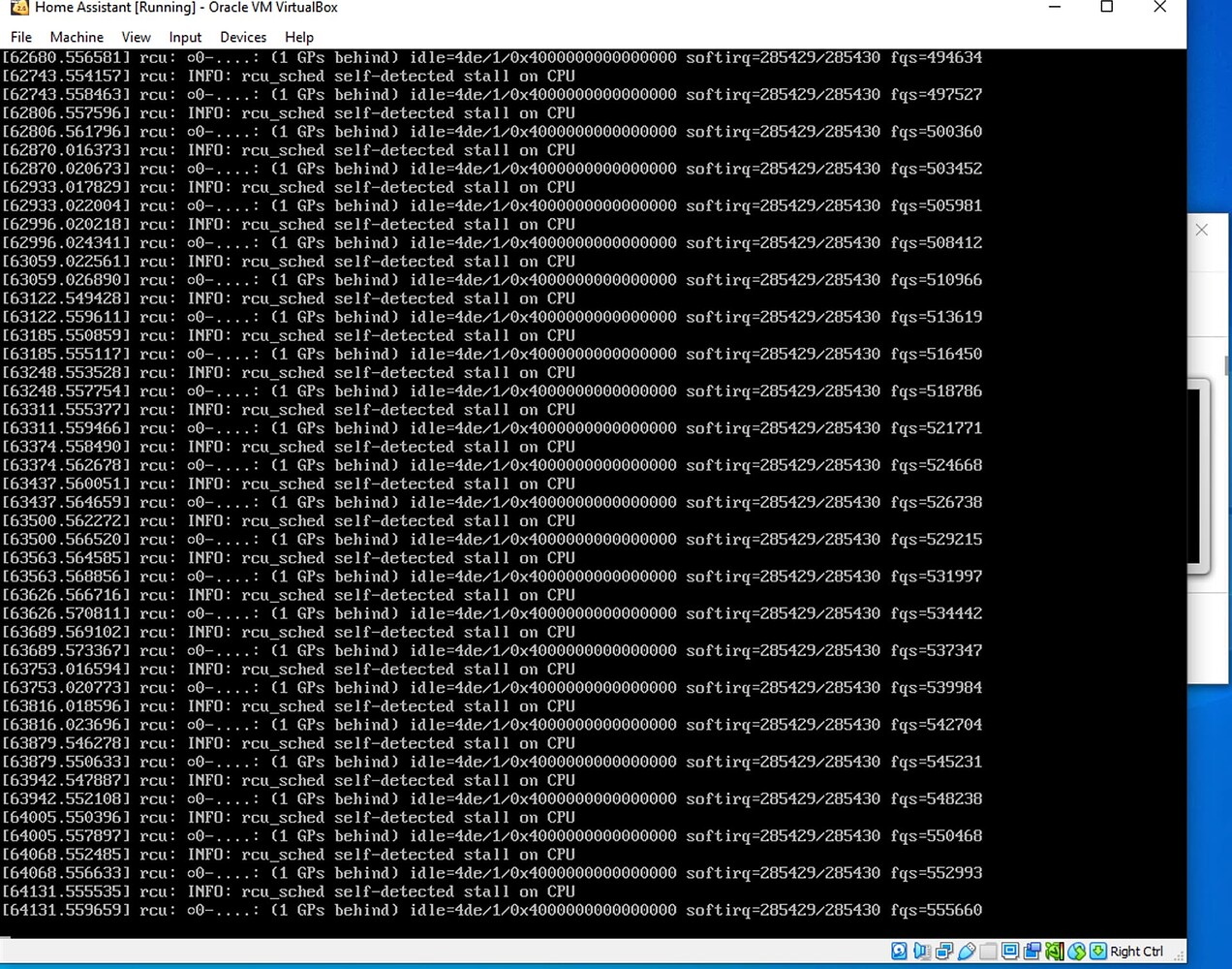
Constantly Having To Restart Virtual Machine Home Assistant Community

Troubleshoot SSH Connection Issues To An Azure VM Virtual Machines
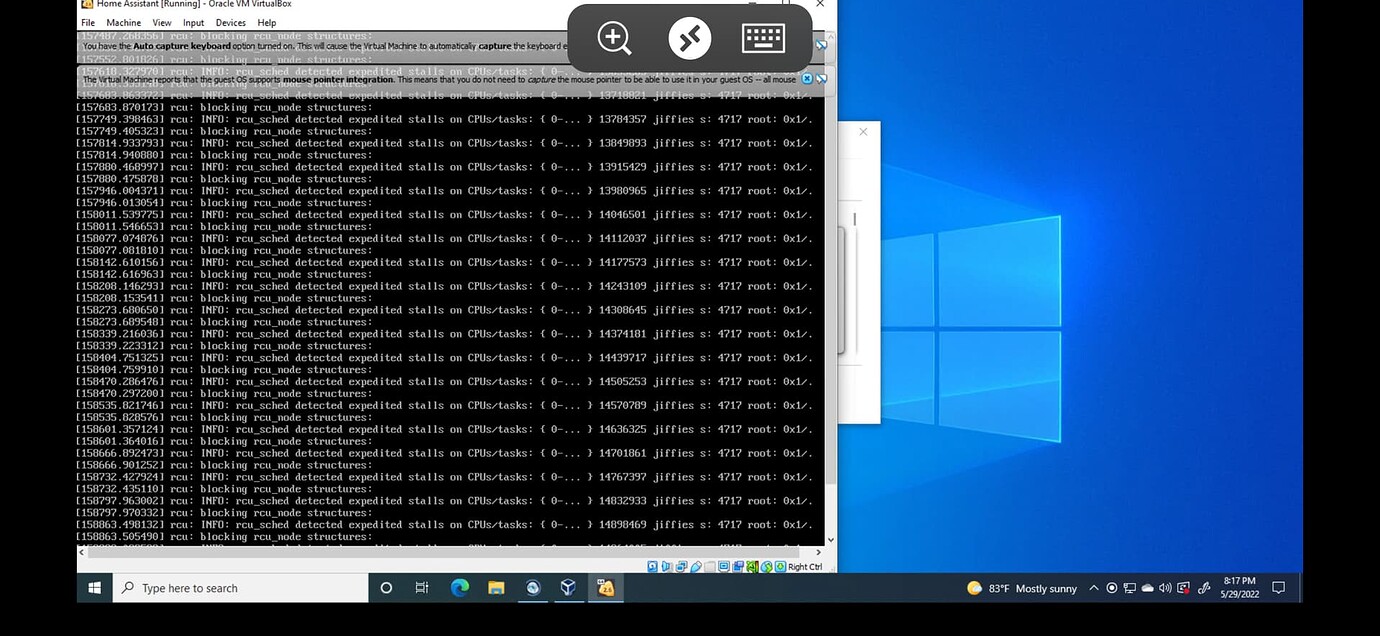
Constantly Having To Restart Virtual Machine Home Assistant Community

TechTalk VMWare VSphere Restart Virtual Machine Xybernetics

Apache Server Tutorial For Beginners Pdf Snocopy

How Do I Restart Azure Azure Lessons

Web Jun 15 2022 nbsp 0183 32 Use the Azure portal to control Azure VMs Go to the Azure portal opens new window Click on the menu in the top left and select quot Virtual machines quot This shows you all your Azure Virtual Machines In the menu you can see buttons for Start Restart and Stop If you don t see those buttons you can
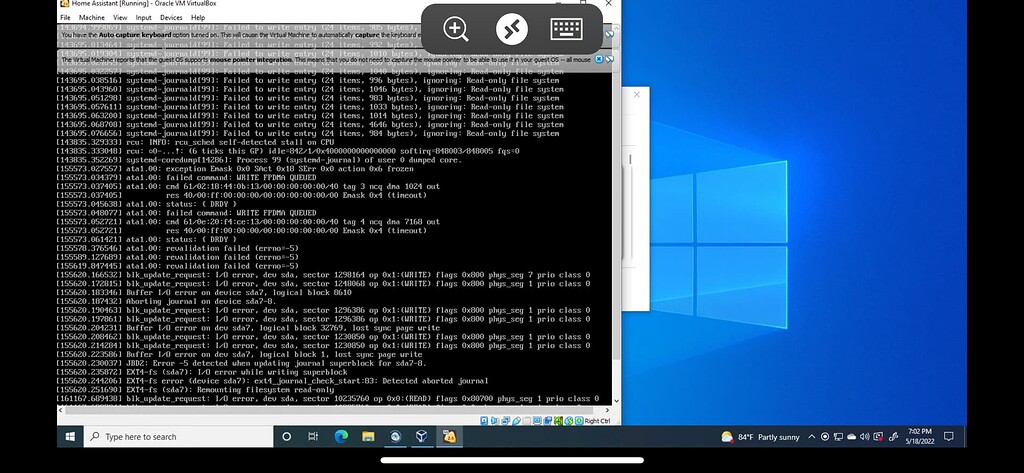
Web Description The Restart AzureVM cmdlet requests a restart of an Azure virtual machine Examples Example 1 Restart a virtual machine PowerShell

Web Mar 1 2023 nbsp 0183 32 While the Azure platform attempts to use VM Preserving Maintenance in all possible occasions there are rare instances when these updates require a reboot of your virtual machine to apply the required updates to the underlying infrastructure

Web Feb 22 2022 nbsp 0183 32 To restart a virtual machine in Azure follow the below steps Step 1 Logon to Azure portal Step 2 Click on Virtual Machine under Azure Services Step 3 Click on the Virtual Machine which you want to Restart Select the required VM from the list of available VMs In Step 4 To restart the Virtual

Web Sep 22 2023 nbsp 0183 32 Log in to the Azure Portal https portal azure Search for the Virtual machines and then click on the search result in Virtual machines You can able to see the list of virtual machines that you have created already Click on the specific virtual machine that you want to restart
Web Sep 22 2023 nbsp 0183 32 Step 1 Login to Azure Portal https portal azure Step 2 Navigate to your Azure Database for MySQL server Click on that Step 3 Now on the next step On the server s Overview page click on the Restart button from the top Step 4 Now click on the Yes button on the Restart Server Pop up to confirm the restart operation Web Jul 1 2022 nbsp 0183 32 Click on the menu in the top left and select quot Virtual machines quot This shows you all your Azure Virtual Machine s In the menu you can see buttons for Start Restart and Stop If you don t see those buttons you can reach them by opening the menu from the button Options menu in the Virtual machines blade Select two Virtual Machines
Web In this Tutorial we will learn to Restart Virtual Machine in Azure Step 1 Go to Azure Console and click Virtual Machines Step 2 Select the instance you want restart and click restart Step 3 Click Yes Must Read Article How to create a VM instance in Azure