Reset Virtual Machine 2 Easy Ways To Reset Virtual Machine Password VMware Troubleshoot A VM In Azure Lab Services Azure Lab Services 2 Easy Ways To Reset Virtual Machine Password VMware Manage A VM Pool In Azure Lab Services Azure Lab Services Microsoft 2 Easy Ways To Reset Virtual Machine Password VMware Web Oct 24 2023 nbsp 0183 32 Purpose This article provides steps to isolate possible causes of a vSphere virtual machine becoming unresponsive An unresponsive virtual machine does not respond to any connection attempts and may be unable to respond to any attempts to power cycle it There are a variety of reasons a virtual machine can end up in an unresponsive
Web Sep 20 2023 nbsp 0183 32 In this article we covered the steps to restart virtual machines on various platforms including Windows Mac and Linux We also highlighted the reasons why restarting a virtual machine is necessary such as resolving system slowdowns applying updates and ensuring stability Web Jan 22 2021 nbsp 0183 32 Resolution To determine why the virtual machine was powered off or rebooted Verify the location of the virtual machine log files Open the vSphere Client and connect to the vCenter Server Provide administrative credentials when prompted Ensure that you are in the Hosts amp Clusters view Select the virtual machine in the Inventory
2 Easy Ways To Reset Virtual Machine Password VMware 2 Easy Ways To Reset Virtual Machine Password VMware 2 Easy Ways To Reset Virtual Machine Password VMware How To Fix VirtualBox Failed To Open A Session For The Virtual Machine Recovering Data Of Oracle VM VirtualBox Virtual Machine vdi vmdk Reset Virtual Machine Password Password Recovery An lise Doki Doki Literature Club Plus Switch Continua A PROSES INSTALASI APLIKASI SOFTWARE Di DEBIAN 6 0 6 I38 SQUEZEE How To Install Windows 10 On A Virtual Machine Using VirtualBox
Reset Virtual Machine
 Reset Virtual Machine
https://www.prajwaldesai.com/wp-content/uploads/2022/02/How-To-Reset-Virtual-Machine-Password_ftimg.png
Web Nov 25 2023 nbsp 0183 32 Step 1 Open VMware Workstation The first step in restoring a virtual machine in VMware Workstation is to open the software Locate the VMware Workstation icon on your desktop or in the program list and double click to launch the application
Templates are pre-designed documents or files that can be used for various purposes. They can save effort and time by providing a ready-made format and layout for producing different sort of content. Templates can be utilized for personal or professional projects, such as resumes, invites, flyers, newsletters, reports, presentations, and more.
Reset Virtual Machine

2 Easy Ways To Reset Virtual Machine Password VMware

2 Easy Ways To Reset Virtual Machine Password VMware

2 Easy Ways To Reset Virtual Machine Password VMware
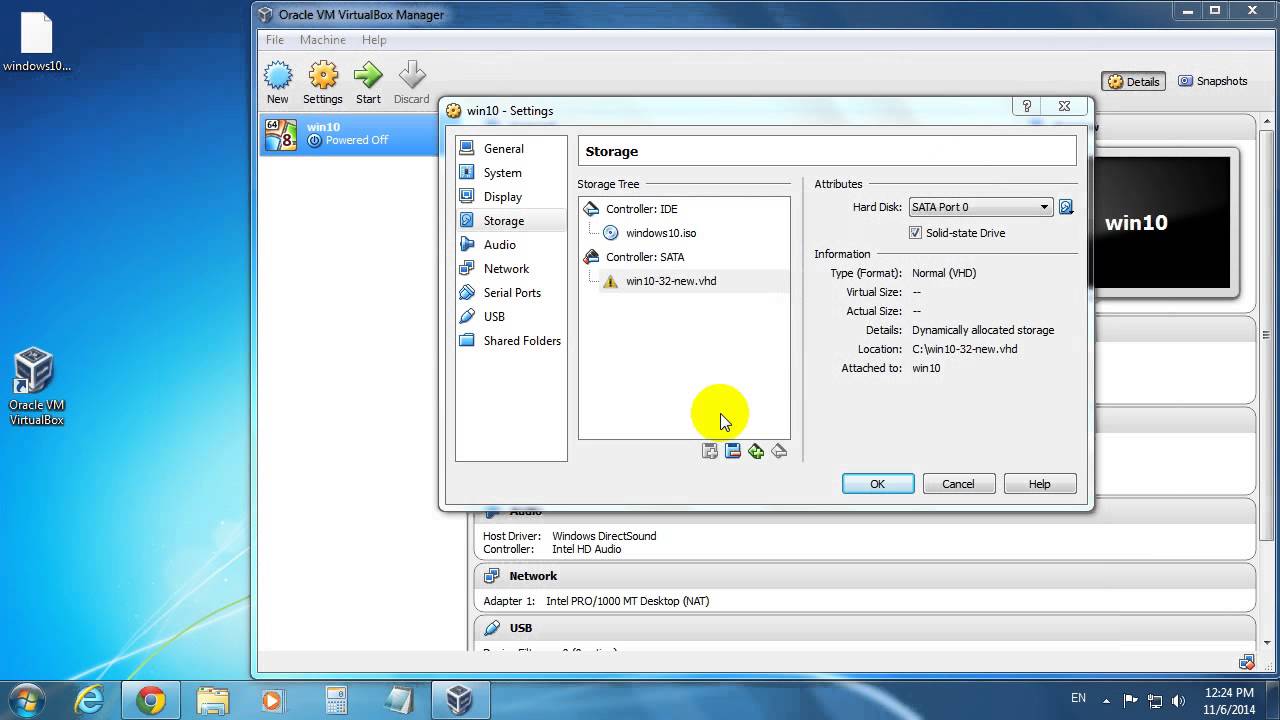
How To Fix VirtualBox Failed To Open A Session For The Virtual Machine
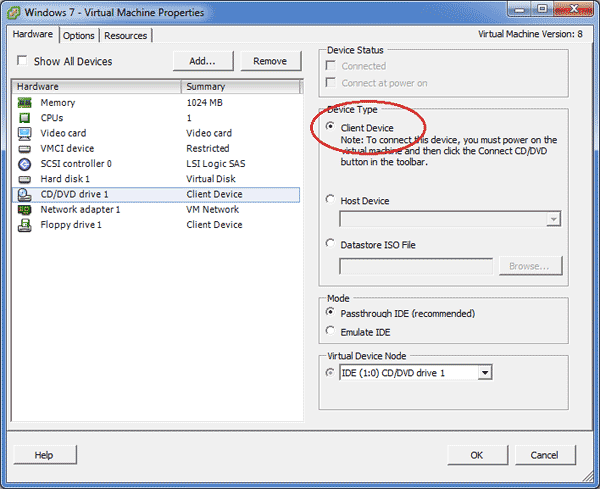
Reset Virtual Machine Password Password Recovery

An lise Doki Doki Literature Club Plus Switch Continua A

Web May 31 2019 nbsp 0183 32 Resetting a virtual machine causes it to abruptly power off and restart Prerequisites Power on the virtual machine Verify that the virtual machine is in a safe state Resetting a virtual machine can damage data When possible shut down the virtual machine with its operating system Procedure Select Player gt Power gt Reset

Web Jul 29 2012 nbsp 0183 32 The easy way to accomplish this is obvious detach the virtual disk image and replace it with a new one The configurations for the virtual machine remain in tact but the stored data is gone 1 In Settings gt gt Storage remove the current virtual disk image 2 Add a new attachment quot Add Hard Disk quot 3 quot Create new disk quot 4 VirtualBox will use

Web May 31 2019 nbsp 0183 32 Reset a Virtual Machine Add to Library RSS Download PDF Feedback Updated on 05 31 2019 You can select a Fusion command to reset a virtual machine much as you would press the reset button on a physical computer when it becomes unresponsive Caution Resetting the virtual machine can cause data loss Procedure

Web Procedure Send Feedback You can perform a restart operation on a virtual desktop which performs a graceful operating system restart of the virtual machine You can perform a reset operation on a virtual machine without the graceful operating system restart which performs a hard power off and power on of the virtual machine
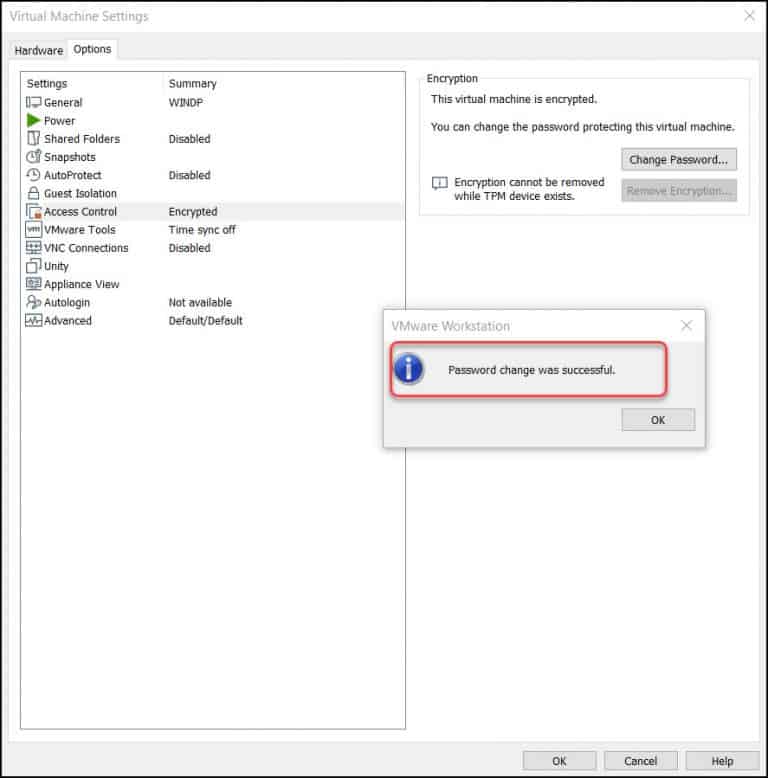
Web Dec 25 2023 nbsp 0183 32 From the left panel choose Virtual Machines To view in a card format click the Card Icon You can also organize the virtual machines using the Sort by menu Locate the virtual machine to be reset From its Actions menu select Reset Outcome The virtual machine s state is reset
[desc-11] [desc-12]
[desc-13]