Reset Ubuntu Backup Best Backup Software For Ubuntu EaseUS How To Reset Ubuntu To Its Original State Via Resetter Tips On Ubuntu Ubuntu Backups Secure Your Data In A Few Easy Steps IONOS How To Reset Ubuntu To Default Settings OMG Ubuntu How To Backup Ubuntu Files And Folders Once the backup is finished you will see it listed under the Restore points section The name of the backup will reflect the date when it was created Restore Ubuntu to the previous state After creating a restore point you can easily restore your Ubuntu to the previous state To restore Ubuntu to a previous state follow the below steps 1
Open the Ubuntu applications launcher and search for Backups Pick the top result If you don t see the app you can install it by using sudo apt install deja dup in the terminal Once the app is To restore the Ubuntu server to its previous state just select the restore point number i e 1 in our case In the next screen you will see the following three options Choose system restore option from systemback cli To delete the restore point type 1 To restore the system type 2
How To Backup Ubuntu Files And Folders 16 04 Is Ubuntu s Default Backup Program Good What Does It Exactly How To Reset Ubuntu To Default Settings How To Backup Files From Ubuntu Or Debian Server s To Amazon S3 Ubuntu Backup Erstellen YouTube Data Backup Solution Grossllc How To Backup Files With D j Dup And Duplicity On Ubuntu 18 04 LTS VITUX How To Backup On With Timeshift On Ubuntu 20 04 Eldernode Blog Cara Menginstal Webstorm Ubuntu 20 04 Dengan Contoh
Reset Ubuntu Backup
 Reset Ubuntu Backup
https://www.easeus.com/images/en/screenshot/todo-backup/guide/best-ubuntu-apps-featured.png
How to back up The easiest way of backing up your files and settings is to let a backup application manage the backup process for you A number of different backup applications are available for example D j Dup The help for your chosen backup application will walk you through setting your preferences for the backup as well as how to
Pre-crafted templates offer a time-saving solution for producing a diverse range of files and files. These pre-designed formats and layouts can be used for numerous individual and expert projects, consisting of resumes, invitations, leaflets, newsletters, reports, discussions, and more, enhancing the material development process.
Reset Ubuntu Backup

Linux Reparar GRUB Con Boot Repair Ubuntu 14 04 Codegeando

16 04 Is Ubuntu s Default Backup Program Good What Does It Exactly
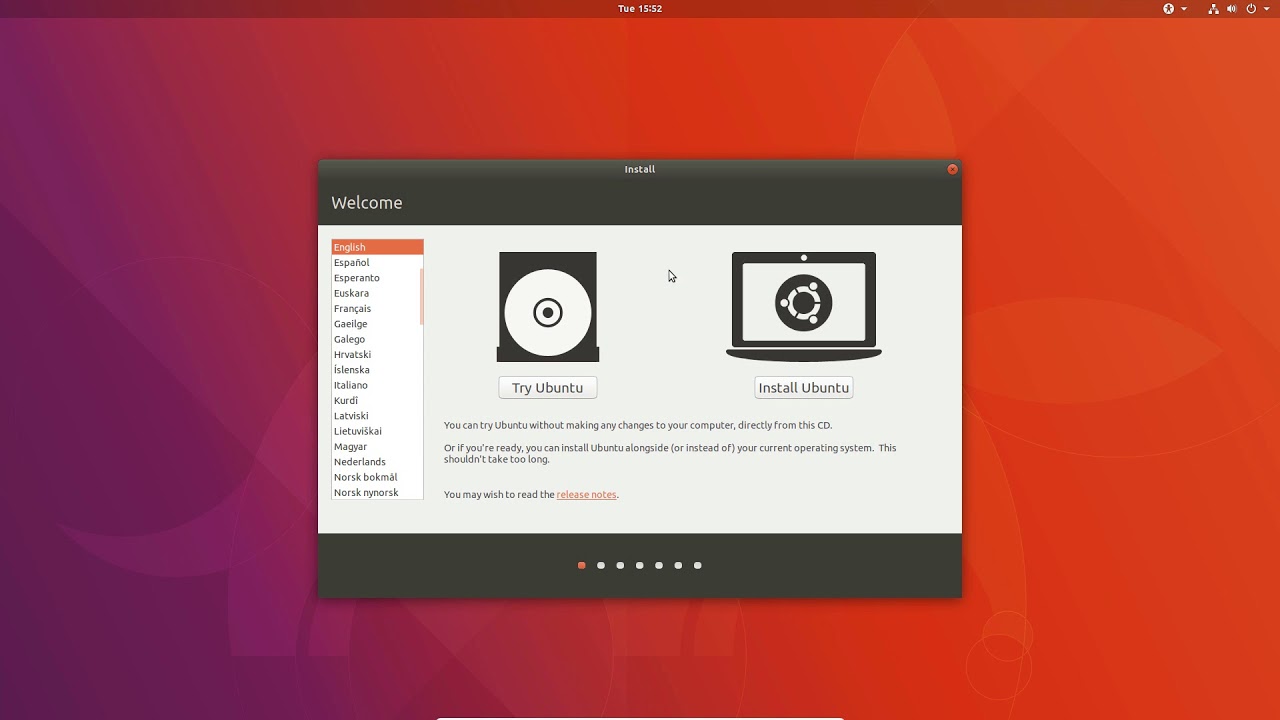
How To Reset Ubuntu To Default Settings

How To Backup Files From Ubuntu Or Debian Server s To Amazon S3

Data Backup Solution Grossllc

How To Backup Files With D j Dup And Duplicity On Ubuntu 18 04 LTS VITUX

Restore a backup If you lost or deleted some of your files but you have a backup of them you can restore them from the backup If you want to restore your backup from a device such as external hard drive USB drive or another computer on the network you can copy them back to your computer If you created your backup using a backup

1 With D j Dup open click on Restore Restore Deja Dup main menu 2 Select the files you d like to restore Here you can choose by default from the most recent backup or select the Date dropdown to choose older backups Click on the checkmark button in the title bar if you d like to select multiple files

Sudo dd if dev sda bzip2 media usb image bz2 Restoring a drive image To restore a drive image one will want to boot into a live environment Restoration is quite simple and really just involves reversing the if and of values This will tell dd to overwrite the drive with the data that is stored in the file

Create and restore backup by using the Timeshift s command line Create a first backup simply by executing the below command sudo timeshift create The above command will also create a new configuration file located at the following location etc timeshift json The output will look something like this

Open Deja Dup and click on the Restore button Choose the backup location and the date of the backup you want to restore Select the location for the restored files To restore your system to its previous state choose the original locations Click Restore to begin the restoration process Restoration of Ubuntu System using Deja Dup 4
1 Save a list of the installed packages 2 Backup the home directory 3 Install the same version of Ubuntu on the new machine 4 Restore the list of installed packages on the new machine 5 Restore the backup of the home directory on the new machine Would this keep all of my insalled softwares and their configurations Introduction to backups There are many ways to back up an Ubuntu installation The most important thing about backups is to develop a backup plan that consists of What should be backed up How often to back it up Where backups should be stored How to restore your backups It is good practice to take backup media off site in case of a disaster
Method 1 Using the Resetter Tool Resetter is an application that automates the reset process and allows you to restore Ubuntu to its original state Follow these steps to use Resetter 1 Download and install Resetter from its official repository sudo add apt repository ppa resetter stable sudo apt update sudo apt install resetter