Reset Time Service Cmd How To Open A Conf File In Linux Systran Box Aktualizacja Systemu Windows Przy Pomocy PowerShell Dariusz How To Restart IIS Via Command Line Project2010 Win11 Index Of The Windows CMD Command Line VPMP ROCKS Best Way To Learn Web Oct 16 2015 nbsp 0183 32 Method 1 Follow the steps mentioned below Press Windows key r and type services msc and press enter Right click on Windows Time and select properties to
Web Jul 27 2023 nbsp 0183 32 1 Reboot Your PC Restart your computer before attempting any major troubleshooting While it may sound simple restarting the computer resolves minor errors Web Jul 25 2017 nbsp 0183 32 Search for cmd exe right click the result and select Run as administrator Type the following command to disable the Windows Time service and press Enter net stop w32time
Index Of The Windows CMD Command Line VPMP ROCKS Best Way To Learn KMSpico Windows 10 Cmd Disable Service Passlpenny Patch 3 Service Cmd Chris Militaria Accucheck Bosch Car Service CMD Automotive How To Install Middleware Stop Start Restart Windows Service Command Line How To 5 Ways To Safely Disable Windows 11 Services How To Open The Command Prompt As Administrator In Windows 8 Or 10
Reset Time Service Cmd
 Reset Time Service Cmd
https://syscdn.systranbox.com/1661674324767.png
Web Jan 27 2024 nbsp 0183 32 Type Control Panel in Start search and hit Enter to open the Control Panel of your Windows 11 10 PC Type Date and Time in the search box and click on the
Pre-crafted templates use a time-saving service for creating a varied variety of files and files. These pre-designed formats and layouts can be utilized for various personal and professional projects, consisting of resumes, invites, flyers, newsletters, reports, presentations, and more, improving the material creation procedure.
Reset Time Service Cmd

Mr Prem Bajaj CMD Appreciates Bhadra Ground Handling Staff For Their
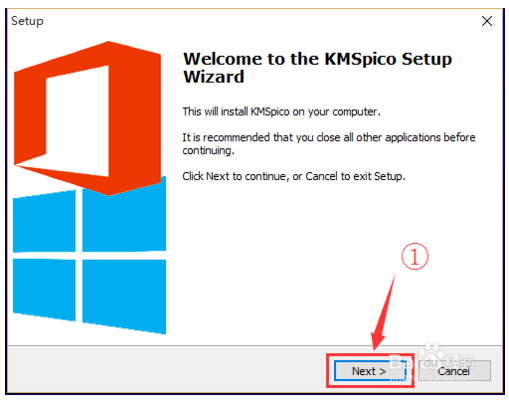
KMSpico Windows 10

Cmd Disable Service Passlpenny

Patch 3 Service Cmd Chris Militaria
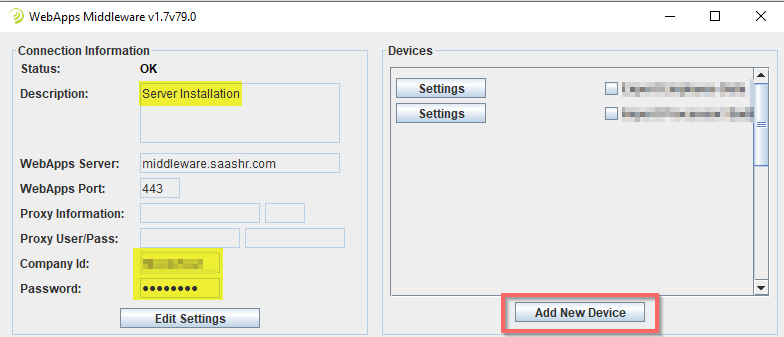
How To Install Middleware

Stop Start Restart Windows Service Command Line How To

Web Jul 28 2011 nbsp 0183 32 Solution is found in the registry HKEY LOCAL MACHINE SYSTEM CurrentControlSet services w32time Config

Web Dec 17 2023 nbsp 0183 32 Step 1 Press Windows Key R key together to open the Run box In the Run box type services msc and press the Enter button Step 2 The Services window
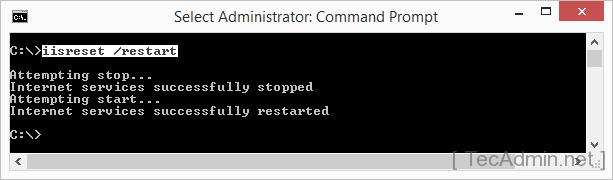
Web Nov 19 2021 nbsp 0183 32 Open the Services console and stop the Windows Time service or run net stop w32time from a command prompt if it is running Open an elevated command
Web In the Command Prompt window execute the w32tm resync command As soon as you execute the command Windows will resync the time according to your current time
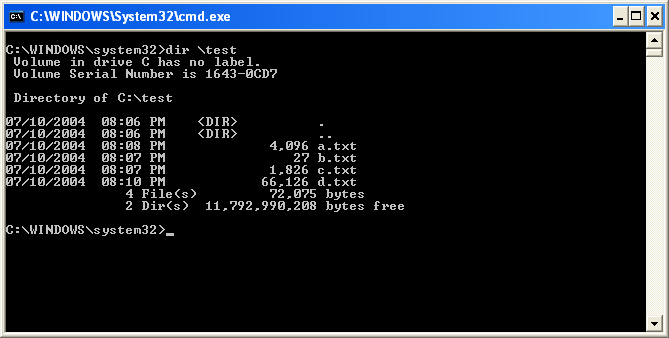
Web Dec 2 2022 nbsp 0183 32 Modify the Windows Time Service Properties If the Time synchronization failed error in Windows persists make the following adjustments to the Windows Time service properties To do that
Web Apr 28 2014 nbsp 0183 32 Please note that if there are other services that depends on this service usual net stop amp net start will not restart them net stop y will stop all dependencies Web Dec 17 2018 nbsp 0183 32 Look for the Windows Time service and right click on it Look for the option to Restart the Windows Time service press Ok and restart your computer to complete
Web Aug 24 2023 nbsp 0183 32 The command for changing time in Command Prompt is time HH MM SS AM PM where quot HH MM SS quot refers to the hour minute and second and quot AM PM quot refers