Reset Password Mysql Workbench Mac Reset MySQL Root Password Using MySQL Workbench YouTube Mysql Client On Windows 64 Bit How To Reset MySQL Password Or Change MySQL phpMyAdmin Password Mysql Workbench Mac Os X Pnaharmony Reset WordPress User Password With MySQL Workbench Macario Tech Web Jan 25 2024 nbsp 0183 32 4 1 Step 1 Create a Temporary Initialization SQL Script 4 2 Step 2 Start MySQL with the Initialization Script 4 3 Step 3 Login to MySQL with the New Password 4 4 Clean Up 5 Conclusion Introduction For MySQL 8 users on macOS forgetting the root password can be a common dilemma
Web Oct 7 2021 nbsp 0183 32 Here is how Launch Terminal and type the command mysql secure installation Answer the questions as shown below Change the root password Y n lt y New password lt Enter a new MySQL root password Re enter new password lt Repeat the MySQL root password Remove anonymous users Web MySQL Workbench on macOS Installing Launching Uninstalling Configuration Home Screen Tab Connections in MySQL Workbench Administrative Tasks Performance Tools Database Development Database Design and Modeling Database Migration Wizard MySQL Workbench Frequently Asked Questions Keyboard Shortcuts
Reset WordPress User Password With MySQL Workbench Macario Tech Cara Reset Password MySQL Root Di XAMPP Windows 10 Mac Install Mysql And Workbench Tutorial Memphisgagas Download Mysql Workbench Mac Os 2018 Polrematter Sql Reset Mysql Workbench Root Password Stack Overflow Mysql Workbench Mac Os Download Falaspearl Mysql Workbench Mac 8022 Download ProIsrael Mysql Workbench Mac Catalina Idcolo Hosting And Colocation Provider makelifeeasier
Reset Password Mysql Workbench Mac
 Reset Password Mysql Workbench Mac
https://i.ytimg.com/vi/usAFUJQdYYk/maxresdefault.jpg
Web Jul 6 2022 nbsp 0183 32 STEP 01 Identify Database Version You can check your version with the following command mysql version The output depends on your database That MySQL or MariaDB MySQL output mysql
Templates are pre-designed documents or files that can be utilized for different purposes. They can conserve effort and time by providing a ready-made format and design for developing various type of material. Templates can be used for personal or expert jobs, such as resumes, invitations, leaflets, newsletters, reports, presentations, and more.
Reset Password Mysql Workbench Mac
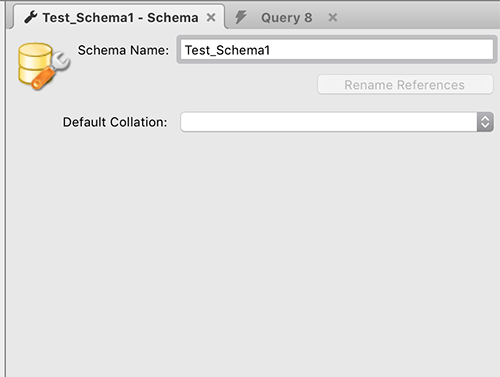
How To Change The Root Password For Mysql Workbench On Mac

Cara Reset Password MySQL Root Di XAMPP Windows 10
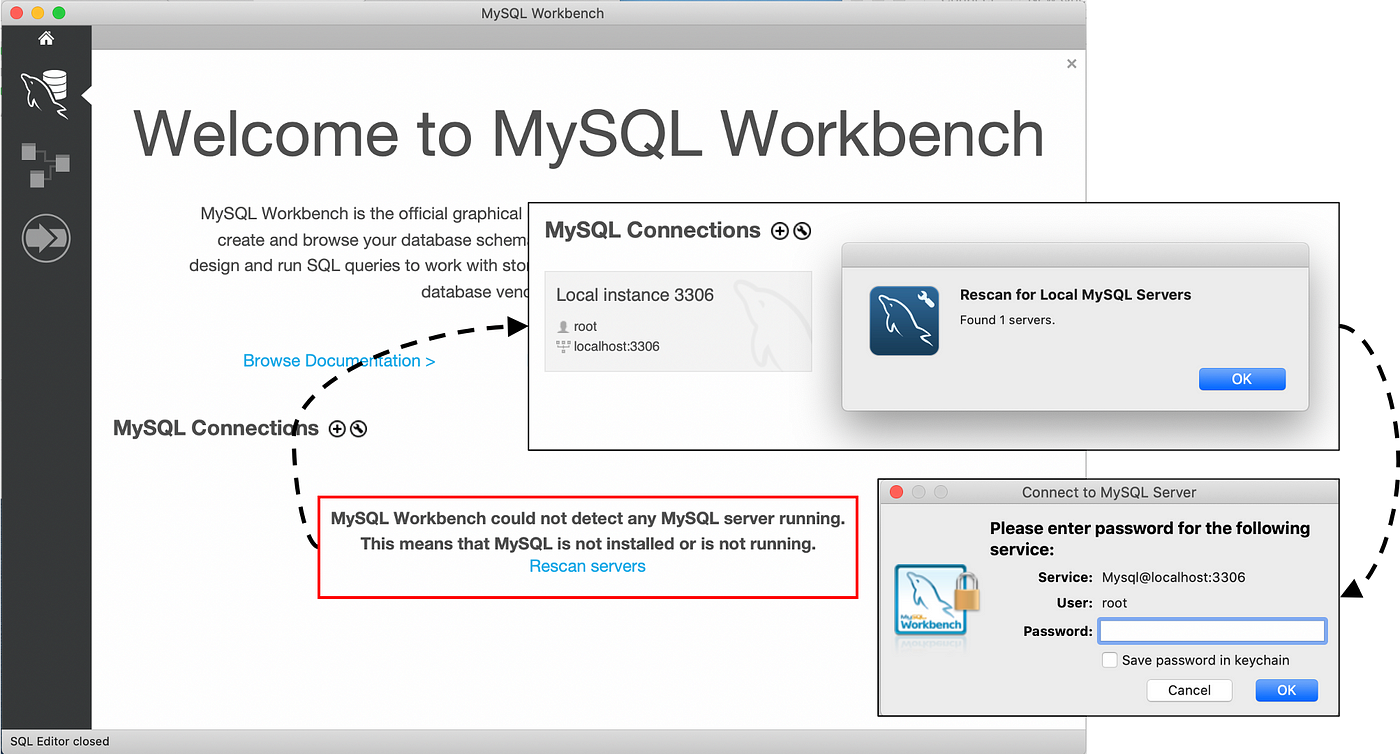
Mac Install Mysql And Workbench Tutorial Memphisgagas
Download Mysql Workbench Mac Os 2018 Polrematter

Mysql Workbench Mac Os Download Falaspearl
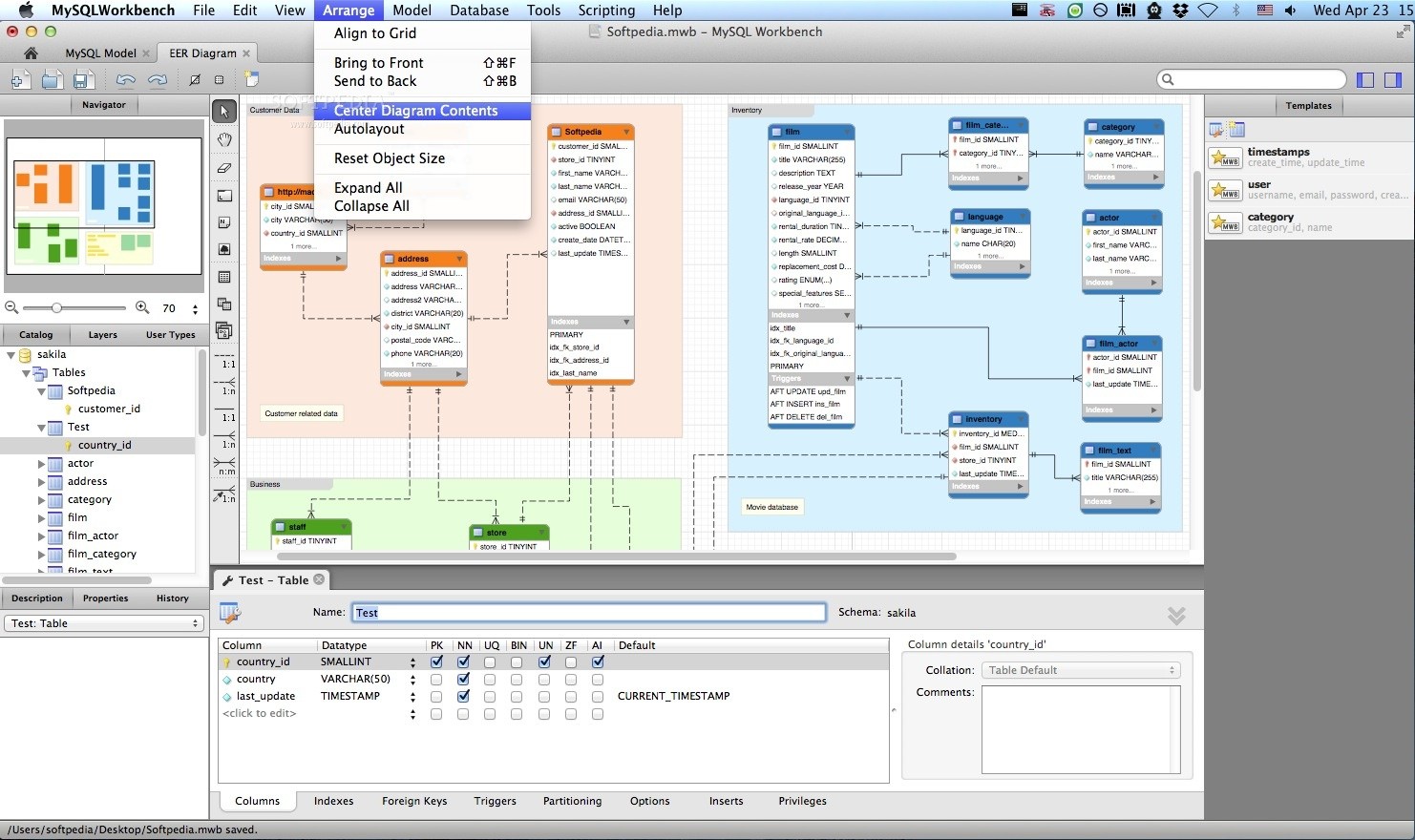
Mysql Workbench Mac 8022 Download

Web If you have forgot the MySQL root password can t remember or want to break in you can reset the MySQL database password from the command line in either Linux or OS X as long as you know the root user password of the box you are on 1 Stop MySQL sudo usr local mysql support files mysql server stop

Web Sep 2 2017 nbsp 0183 32 1 Answer Sorted by 18 From MySQL Dev Page Generic Instructions try these in comand line or mysql prompt MySQL 5 7 6 and later mysql gt ALTER USER root localhost IDENTIFIED BY MyNewPass MySQL 5 7 6 and earlier mysql gt SET PASSWORD FOR root localhost PASSWORD MyNewPass

Web Jul 4 2017 nbsp 0183 32 In a new terminal window sudo usr local mysql bin mysql u root UPDATE mysql user SET Password PASSWORD NewPassword WHERE User root FLUSH PRIVILEGES q 4 Stop the mysql server again and restart it in normal mode We found these steps https www variphy kb mac os x reset mysql root password

Web mysql u root 4 Run the following command with suitable new password on the mysql console mysql gt UPDATE mysql user SET Password PASSWORD password WHERE User root 5 mysql gt FLUSH PRIVILEGES 6 Quit from both terminals and open new terminal and connect to mysql with root user and new password mysql uroot p
Web Alternatively on any platform you can reset the password using the mysql client but this approach is less secure Stop the MySQL server if necessary then restart it with the skip grant tables option
Web Oct 13 2017 nbsp 0183 32 1 Answer On macOS keywords are stored in the keychain Hence you can open up the Keychain app go to the Password section and enter mysql in the search box A list of entries should come up with values of your MySQL connections you created in MySQL Workbench Web Save the script to an SQL file in MySQL Workbench Open a script file in the Editor with MySQL Workbench Settings Limit the number of rows in MySQL Workbench Change the font of the SQL editor in MySQL Workbench Adjust the panels left right bottom Search the table data for any value Clear the output window User Roles
Web Jul 21 2022 nbsp 0183 32 209 Share 15K views 1 year ago Reset MacOS Password Reset MySQL 8 Database root user password on MacOS Big Sur If you forgot MySQL root user password on your macOS