Reset Mysql Root Password Mac M1 Simplest Way To Reset MySQL Root Password How To Reset A Lost MySQL Root Password Simple Help MySQL Change Root Password NixCraft How To Reset Root Password In MySQL In Windows YouTube How To Reset MySQL Password Or Change MySQL phpMyAdmin Password Resetting MySQL Root Password on Mac OS tutorial Dev3 Use case You re logging into your MySQL Workbench app on your Mac OS and on the first startup Workbench requires a Root Password If you ve misplaced it there s a quick process to dig through Click the magnifying glass on the top right and search for it first
Download ZIP Reset mysql root password on Mac M1 Raw mysql8 m1 reset password md Make sure mysql service stopped mysql server stop or brew services stop mysql Create a text file somewhere ex Users iambudi reset pass txt and write this one liner sql to the file ALTER USER root localhost IDENTIFIED BY ReplaceNewPassHere For MySQL 5 7 5 and older as well as MariaDB 10 1 20 and older use SET PASSWORD FOR root localhost PASSWORD new password Make sure to replace new password with your new password of choice Note If the ALTER USER command doesn t work it s usually indicative of a bigger problem
How To Reset MySQL Password Or Change MySQL phpMyAdmin Password How To Change MySQL Root Password In WHM YouTube Reset MySql root User Password Forgot MySQL Root Password How To Change MySQL Root Password On Mac Delft Stack How To Reset MySQL Root Password YouTube How To Reset MySQL Root Password YouTube How To Reset Change MySQL Root Password Cloudbooklet How To Reset The MySQL Root Password On Mac OS X LEMP How To Reset Root Password In MySQL MariaDB YouTube
Reset Mysql Root Password Mac M1
 Reset Mysql Root Password Mac M1
https://proprogramming.org/wp-content/uploads/2017/05/reset-mysql-root-password.jpg
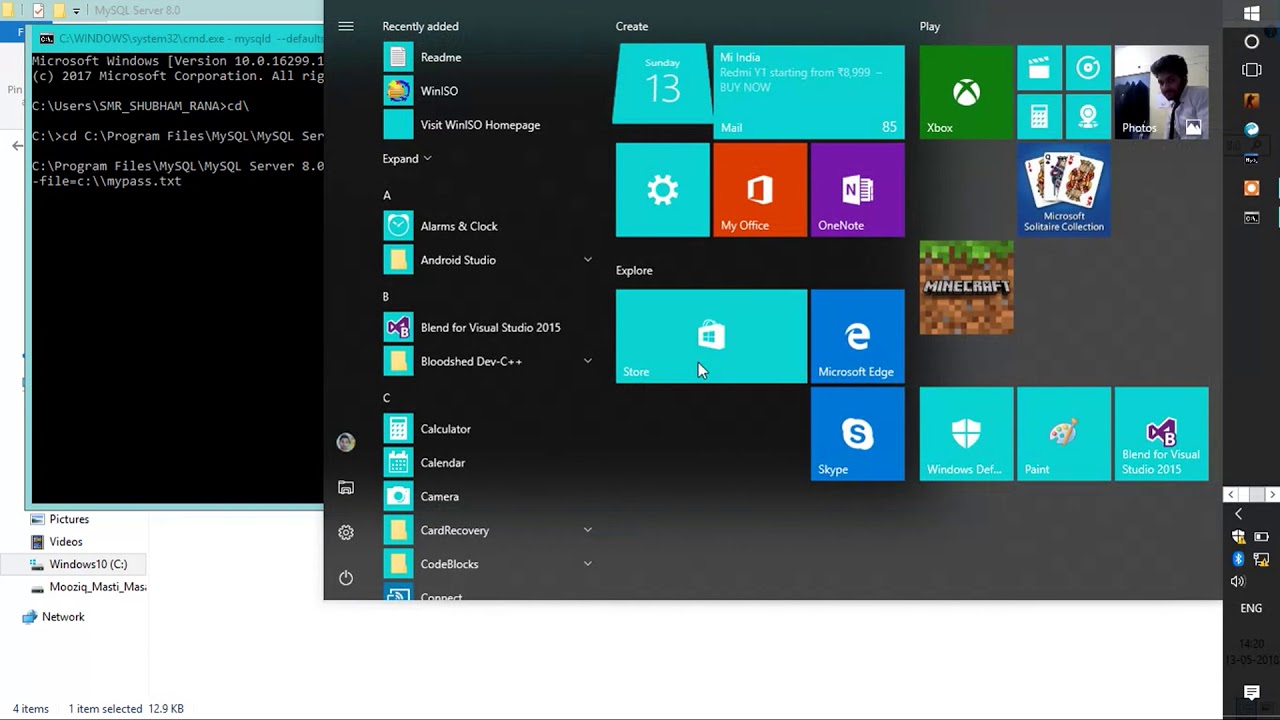
Replace the password with the password that you want to use ALTER USER root localhost IDENTIFIED BY MyNewPass Save the file This example assumes that you name the file C mysql init txt Open a console window to get to the command prompt From the Start menu select Run then enter cmd as the command to be run
Templates are pre-designed documents or files that can be utilized for numerous purposes. They can save time and effort by offering a ready-made format and design for producing different type of material. Templates can be used for individual or professional tasks, such as resumes, invites, leaflets, newsletters, reports, discussions, and more.
Reset Mysql Root Password Mac M1
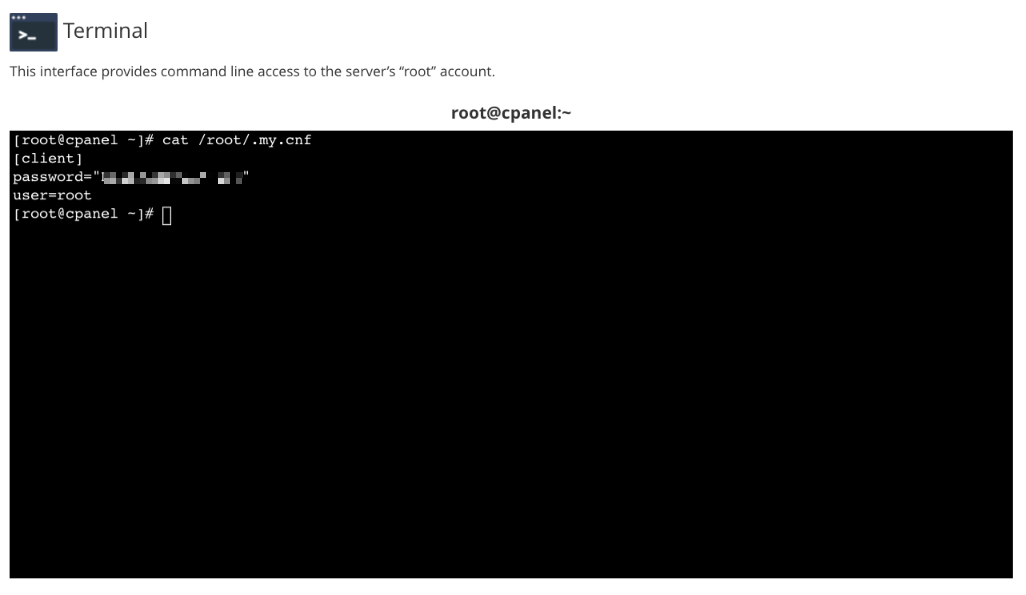
How To Reset The MySQL Root Password And MySQL User Passwords VAB

How To Change MySQL Root Password In WHM YouTube
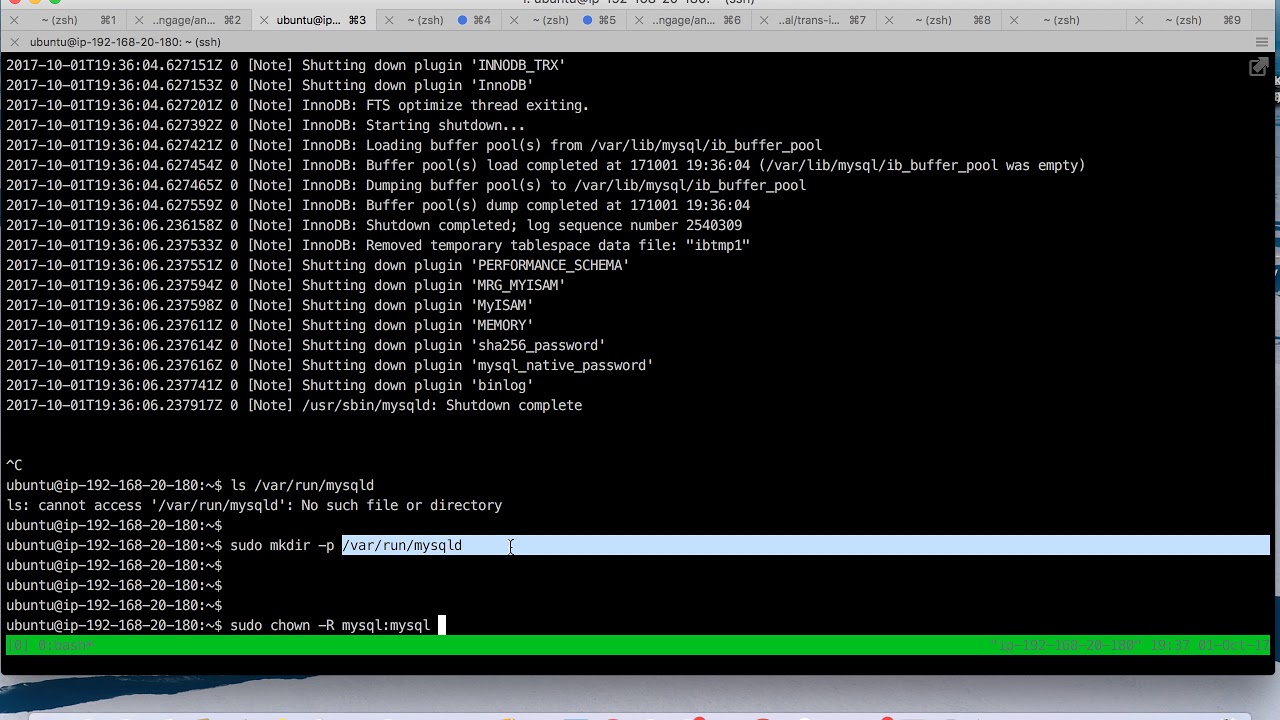
Reset MySql root User Password Forgot MySQL Root Password How To

Change MySQL Root Password On Mac Delft Stack

How To Reset MySQL Root Password YouTube

How To Reset Change MySQL Root Password Cloudbooklet

Open Terminal and type the following command mysqladmin u root password newpass Enter password Note that If you see the following mysqladmin connect to server at localhost failed error Access denied for user root localhost using password YES You need to follow the instructions below on how to recover your MySQL password

2 Answers Sorted by 3 Depending on what you re using to run MySQL you could take a look at the official instructions If you re using MAMP or something similar you need to find where mysqladmin is located Applications MAMP Library bin mysqladmin u root p password somepassword

STEP 01 Identify Database Version You can check your version with the following command mysql version The output depends on your database That MySQL or MariaDB MySQL output mysql Ver
Reset mysql root password in Mac OS First Stop MySQL Go to System Preferences MySQL and stop MySQL OR sudo usr local mysql support files mysql server start sudo usr local mysql support files mysql server stop sudo usr local mysql support files mysql server status Process to Reset MySQL Root Pass in Mac

4 1 Step 1 Create a Temporary Initialization SQL Script 4 2 Step 2 Start MySQL with the Initialization Script 4 3 Step 3 Login to MySQL with the New Password 4 4 Clean Up 5 Conclusion Introduction For MySQL 8 users on macOS forgetting the root password can be a common dilemma
Now we need to launch another terminal window Connect to MySQL server from the newly launched terminal window simterm mysql u root simterm Next we can set the root password The procedures for MySQL older than MySQL 5 7 are slightly different then those of more modern versions For MySQL older than MySQL 5 7 simterm To check if the MySQL server is running you can execute the following command mysql server status SUCCESS MySQL running 2633 If your server is running as shown in the sample snippet above you need to stop it using the command below mysql server stop Shutting down MySQL SUCCESS Making Connection to the MySQL Server in Safe Mode
To disable the root user choose Edit Disable Root User To change the root password In the Directory Utility window click the lock then enter an administrator name and password From the menu bar choose Edit Change Root Password Log in as the root user When the root user is enabled you have its privileges only while logged in as the