Reset Login Password Mac M1 How To Reset Apple M1 Login Password NEW YouTube 2021 Forgot Your Mac Password Here s How To Reset It NO DATA LOSS Reset Admin Password On Mac Mini M1 MacOS Bigsur WITHOUT DATA LOSS Imac Firmware Password Reset Polecube How To Reset Apple M1 Login Password NEW Password Wifi STC EDU Even with a really great Mac login password and clever password hint it s possible to totally forget what it was At that moment you could be locked out of your Mac or MacBook
Press and hold the power button Click Options Continue Here s how to reset password on Mac from Recovery Mode Access Utilities in the Apple menu Choose Terminal from the Utilities window Type resetpassword in one word and click Return Go to the main hard drive and choose your user account On the log in window select another administrator account 2 On the menu bar click on the Apple logo 3 Go to System Settings and select Users Groups 4 Click the i icon
How To Reset Apple M1 Login Password NEW Password Wifi STC EDU Change Mac Password Recovery Mode Eralasopa How To Reset Forgotten Login Password In Mac YouTube Top 4 Ways To Reset Forgot Lost Mac Book iMac Login Password Disable Login Password From M1 Mac Mini MacOS Big Sur YouTube Reset Login Password MacOS YouTube How To Reset Login Password Microsoft Teams Part 3 YouTube How To Reset Your Password On A Mac If You re Locked Out YouTube Reset Login Password AuctionStealer
Reset Login Password Mac M1
 Reset Login Password Mac M1
https://i.ytimg.com/vi/kYUKO72Hmzs/maxresdefault.jpg
1 To reset password for macbook m1 icloud password needed press power button until shut down then before the keyboard on and in case in turn on again before logo appeared or opening sound we press power button for long time until the logo appear and said continue holding for start up option For details have a look at the related support
Pre-crafted templates use a time-saving option for developing a varied variety of files and files. These pre-designed formats and designs can be used for different personal and professional jobs, consisting of resumes, invitations, flyers, newsletters, reports, discussions, and more, enhancing the material development process.
Reset Login Password Mac M1
How To Factory Reset M1 Mac MacBook Air Pro Mac Mini IMac
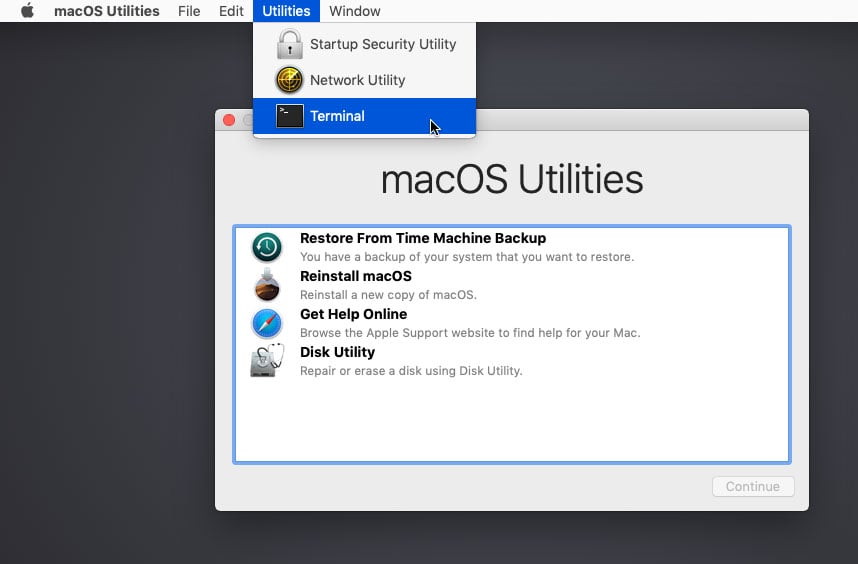
Change Mac Password Recovery Mode Eralasopa

How To Reset Forgotten Login Password In Mac YouTube
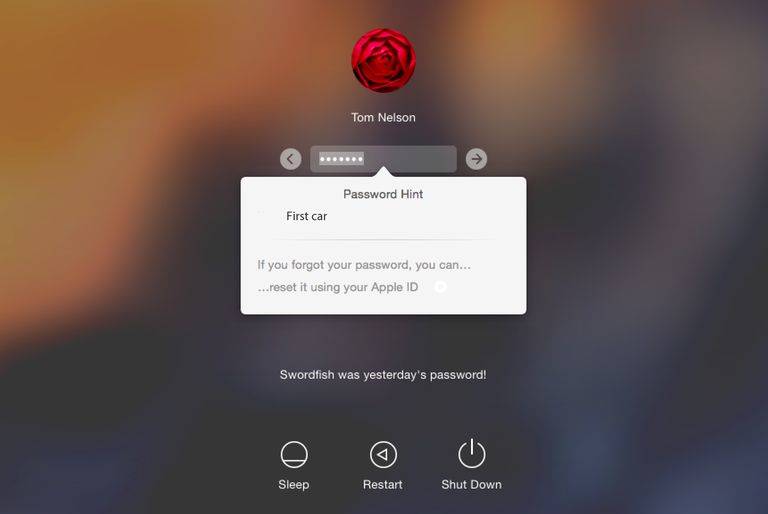
Top 4 Ways To Reset Forgot Lost Mac Book iMac Login Password

Reset Login Password MacOS YouTube
How To Reset Login Password Microsoft Teams Part 3 YouTube

Try these steps to reset your user account password Shut down your MacBook Air M1 2020 Press and hold the power button Touch ID until the screen says Loading startup options Choose Options then click Continue If you re prompted for an admin password choose Forgot all passwords

Choose Apple menu Restart Password reset is now complete You don t need to take additional steps If you re asked for your recovery key Enter your FileVault recovery key You received it when you turned on FileVault and chose to create a recovery key instead of allowing your iCloud account Apple ID to unlock your disk

If you ve forgotten your Mac login password If you ve forgotten the password you use to log in to your Mac user account or your password isn t being accepted choose a reset option from the login window These steps are for devices running macOS Catalina or later

For online accounts you can just click a few links enter your email address and then reset your password But what happens when you forget the password to log into your Mac After trying
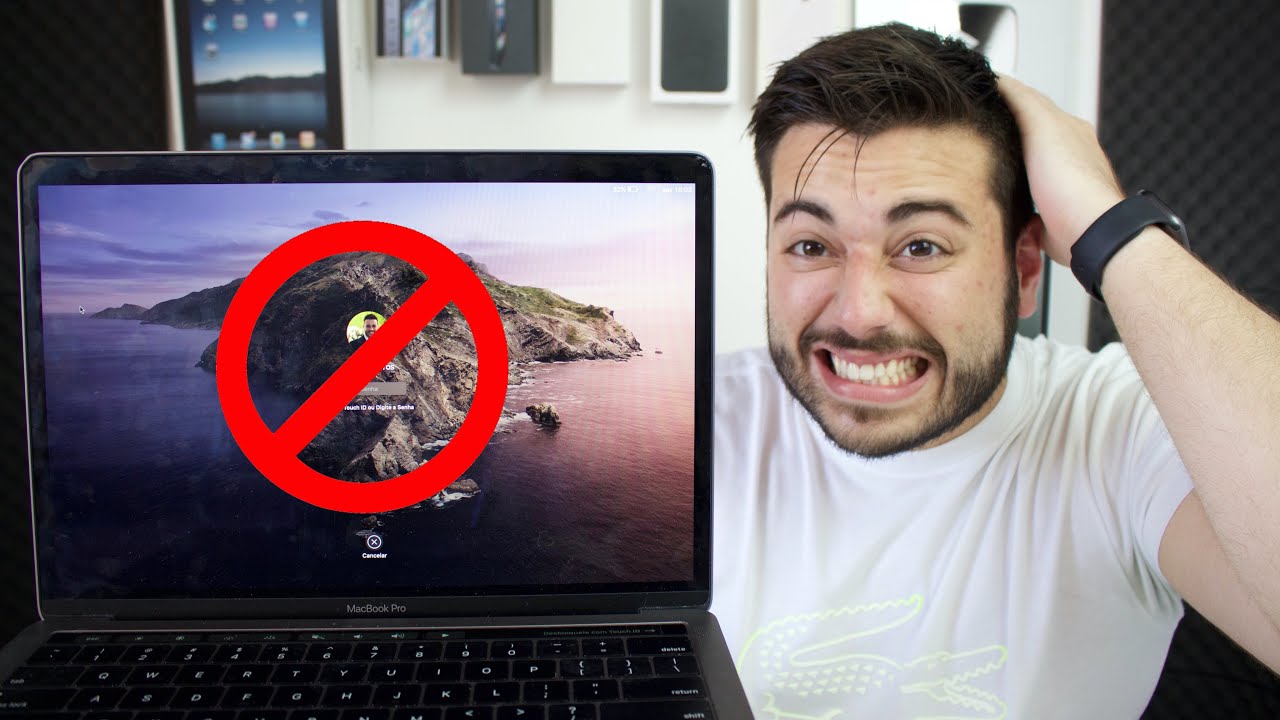
Restart your Mac When you are on the log in screen select the user you wish to log in as You should see a beside the Enter Password field Click on the and you might see a password
Option 1 Restart and show password options 1 If you see the option to restart and show password reset options click it to restart your Mac Then take one of these steps Sign in with your Apple ID if asked You might also be asked to enter the verification code sent to your other devices Enter your FileVault recovery key if asked Click the Info button next to your user name on the right Click Change Enter your current password in the Old Password field Enter your new password in the New Password field then enter it again in the Verify field For help choosing a secure password click the Key button next to the New Password field
If you forgot user login password on New Apple M1 M1 Pro M1 Max Mac here is the step by step guide to reset it How to Reset or Bypass Mac OS X Password h