Reset Keychain Password Mac Terminal Forgot Your Keychain Password Here re What You Should Do Reset Mac Keychain Access Stashokpanda Macos Excel Keeps Asking For Keychain Password Heavyplate What Is Keychain Access On Mac Where To Find It And How To Reset It Reset Password Mac Terminal TechnoWikis Web Table of Contents If your Mac keeps asking for your keychain password Your keychain may be locked automatically if your computer has been inactive for a period of time or your user password and keychain password are out of sync You can set a length of time that Keychain Access waits before automatically requiring you to enter your password again
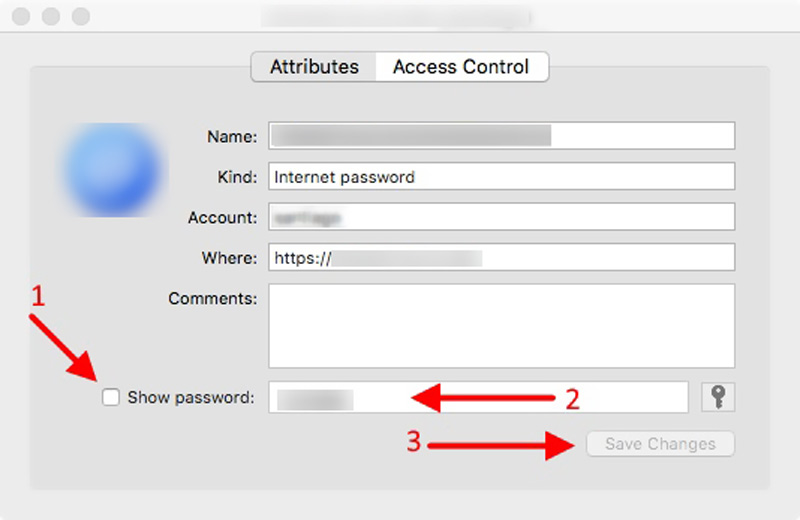
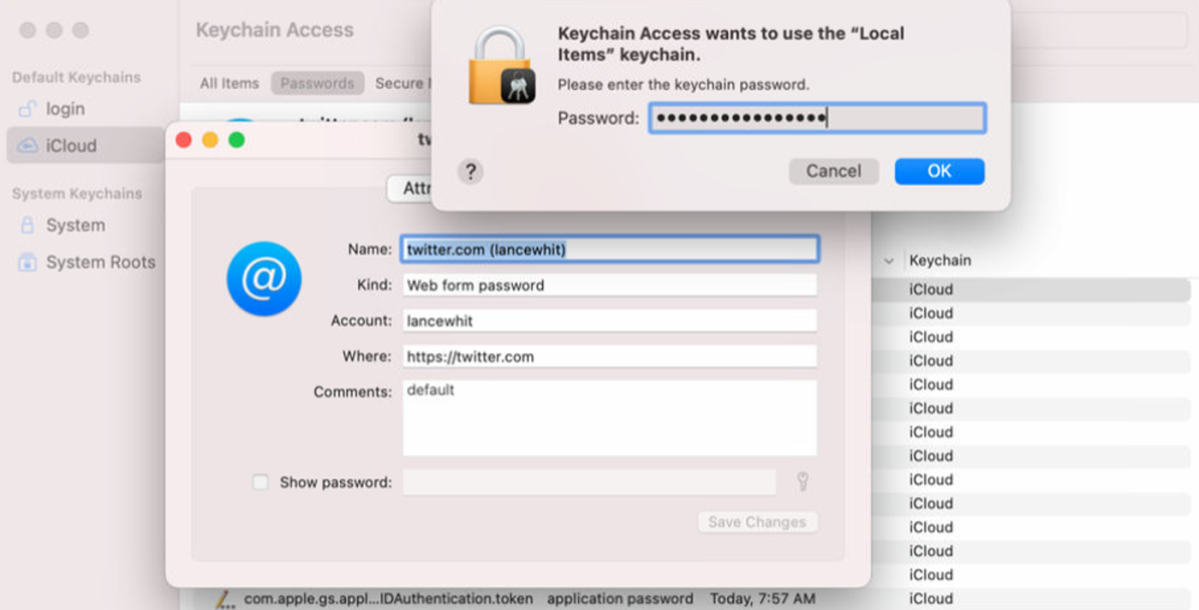
Web Jul 12 2021 nbsp 0183 32 To change the Keychain password using Keychain Access om macOS Catalina nad older follow the steps below 1 Open Keychain Access using Spotlight 2 Then click on quot Edit quot from the menu bar 3 From the pop up menu click on quot Change Password for Keychain quot login quot 4 Web If an administrator on your Mac resets your login password you need to reset your login keychain password Keychain Access You use the Keychain Access app on your Mac to view and manage your login and other keychains and also the items securely stored in the keychains for example keys certificates passwords account information and notes
Reset Password Mac Terminal TechnoWikis How To Reset Keychain On Mac How To Change Keychain Password On Mac Dial 18772320717 How To Recover Keychain Password On Mac How To Reset Keychain On Mac K r l K zl s Guggol s Restore Keychain Password Mac Felszerel s Er s t Megk zel t s How To Update And Reset ICloud Keychain Password On A Mac Reset Mac Password Recovery Mode Lasopahard How To Update And Reset ICloud Keychain Password On A Mac
Reset Keychain Password Mac Terminal
 Reset Keychain Password Mac Terminal
https://www.aiseesoft.com/images/solution/forgot-keychain-password/reset-keychain-password-forgotten.jpg
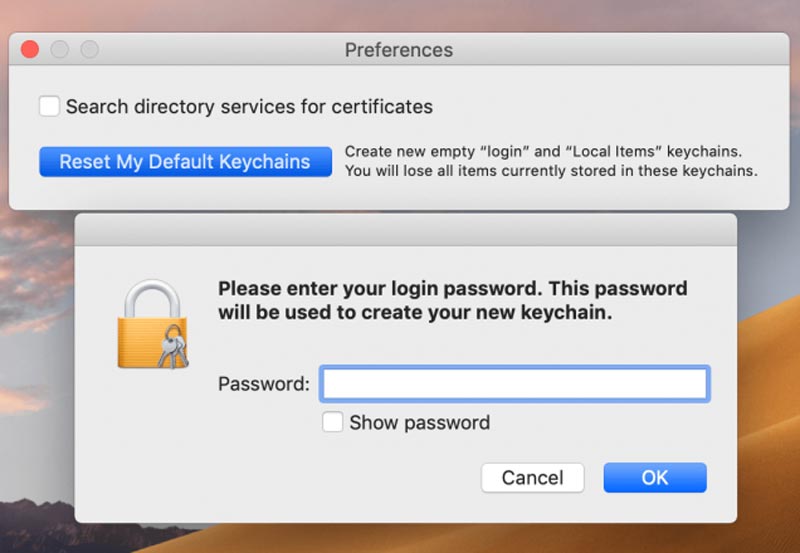
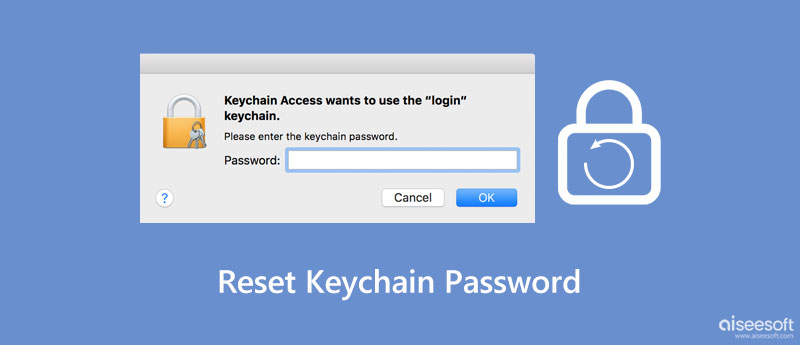
Web Aug 11 2023 nbsp 0183 32 Part 1 Reset Keychain Password on Mac There are four ways to reset the Keychain password on Mac Moreover the procedures are pretty simple and straightforward Plus you can get the job done with and without the old password on your Mac Way 1 How to Reset Keychain Password on Mac with Old Password
Pre-crafted templates use a time-saving service for creating a diverse variety of files and files. These pre-designed formats and designs can be utilized for numerous individual and professional projects, consisting of resumes, invites, leaflets, newsletters, reports, discussions, and more, enhancing the content creation procedure.
Reset Keychain Password Mac Terminal
How To Update And Reset ICloud Keychain Password On A Mac
How To Reset Keychain On Mac
How To Change Keychain Password On Mac
Dial 18772320717 How To Recover Keychain Password On Mac
K r l K zl s Guggol s Restore Keychain Password Mac Felszerel s Er s t Megk zel t s
How To Update And Reset ICloud Keychain Password On A Mac
Web Oct 30 2014 nbsp 0183 32 Synchronise your user account and keychain passwords The password of your macOS user account might not match the password of your login keychain To resolve this you can either replace your keychain and create a new login keychain or you can update the old keychain with your new password

Web Feb 16 2024 nbsp 0183 32 Using the Mac Terminal app one can easily change the Keychain password with a system command Go through the steps below Open Terminal via Launchpad or Spotlight Search Type security set keychain password and hit the return button Enter the requested passwords and verify The system has changed the

Web Jul 20 2016 nbsp 0183 32 1 There is not way that I knew of The default keychain is stored in Library Keychains and named login keychain You can try to run Keychain First Aid in Keychain Access in Applications Utilities after making sure in Preferences that all check boxes in the First Aid tab are checked

Web Apr 19 2016 nbsp 0183 32 1 Answer Sorted by 7 You may first try to find the credentials or better the blob security find internet password l quot github quot Users user name Library Keychains login keychain Then delete them with security delete internet password l quot github quot
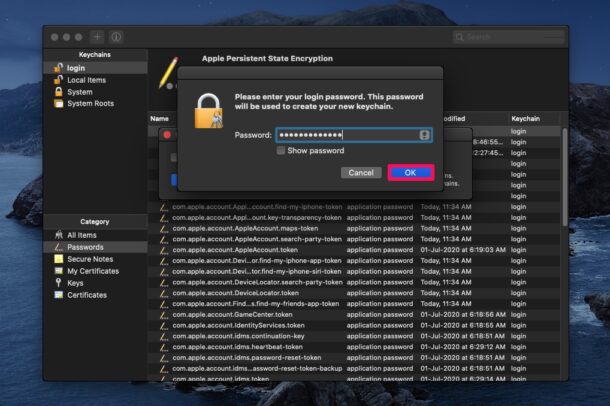
Web Jul 29 2020 3 Comments Did you recently lose reset or forget your Mac s user password If so you will no longer be able to access the existing Keychain login and passwords stored on your Mac This is because by default the Keychain password is the same as your Mac user password
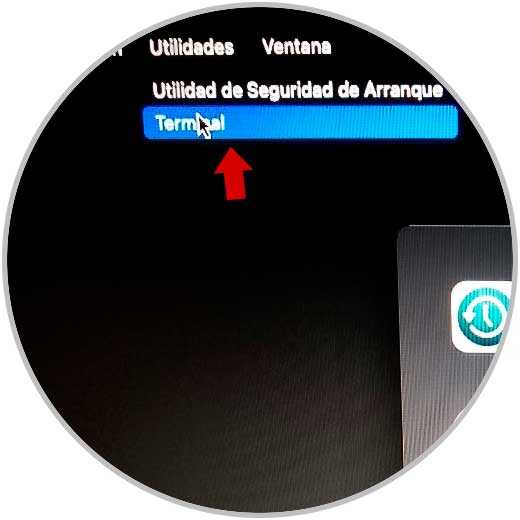
Web Jan 29 2024 nbsp 0183 32 How to reset the Keychain Password on Mac using your old password If you wish to change your keychain password simply follow these steps Start off with opening the Keychain Access app on your Mac You can find it in the Utilities subfolder of your Applications folder or just use the Spotlight Search to find it Web May 11 2021 nbsp 0183 32 Pull down the Utilities menu option then choose Terminal from the dropdown menu as shown in the screenshot below Once Terminal opens up type resetpassword without the quotes and hit the Return key This will launch the Recovery Assistant where you ll be able to reset your Mac s user password
Web If you do not know the old password i e the current keychain password then you have to quot Create a new login keychain quot Doing so erases all the passwords stored in the keychain This throwing away the keychain with all the data resets the slate and you won t have prompts with the new keychain that you can t unlock since you now know