Reset Forgotten Keychain Password Mac Reset Mac Keychain Access Stashokpanda Forgot Your Keychain Password Here re What You Should Do What Is Keychain Access On Mac Where To Find It And How To Reset It Reset Mac Keychain Access Stashokpanda How To Reset Keychain On Mac Web Dec 14 2018 nbsp 0183 32 Step 1 Click Here If you don t know the old one resetting Step 2 Click Here Here s is a screenshot of Keychain Preferences showing the quot reset quot button Resetting your keychain in Mac OS X Apple If you can t sign in with two step verification using your Apple ID Apple Keychain
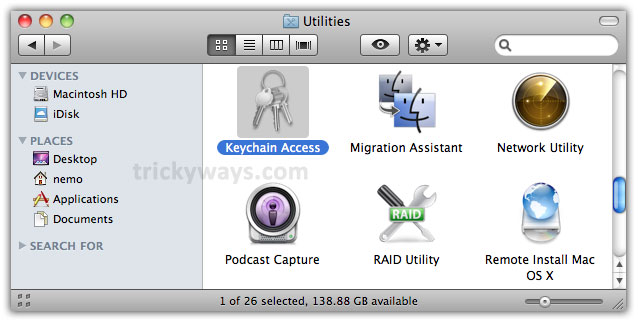
Web Oct 30 2014 nbsp 0183 32 Synchronise your user account and keychain passwords The password of your macOS user account might not match the password of your login keychain To resolve this you can either replace your keychain and create a new login keychain or you can update the old keychain with your new password Web Jul 13 2022 nbsp 0183 32 Step 1 Go to the Applications folder of your MacBook you can choose the Utilities folder to locate the Keychain Access icon After that launch the Keychain Access program to repair the password Step 2 Hover over the menu to choose the Keychain First Aid option Enter the user name and password you have changed
How To Reset Keychain On Mac Utilizing Your Mac Password Keychain MineBook me Recover Forgotten Passwords From Keychain Access Utility On Mac OS X How To Reset Keychain On Mac How To Change The Password In Keychain Access Mac 9 Steps Forgot Your Keychain Password Here re What You Should Do How To Update And Reset ICloud Keychain Password On A Mac Forgot Your Keychain Password Here re What You Should Do Forgot Your Keychain Password Here re What You Should Do
Reset Forgotten Keychain Password Mac
 Reset Forgotten Keychain Password Mac
https://eclecticlightdotcom.files.wordpress.com/2016/12/keychainrep5.png
Web May 8 2023 nbsp 0183 32 Find Passwords amp Keychain on the list and toggle it to off Quit System Settings Go to Applications gt Utilities and double click Keychain Access to open it Click Keychain Access in the menu bar and select Settings In the window that opens click Reset Default Keychains When you click Reset Default Keychains all the items in your
Pre-crafted templates provide a time-saving service for producing a varied range of files and files. These pre-designed formats and layouts can be used for various individual and professional jobs, including resumes, invitations, leaflets, newsletters, reports, presentations, and more, streamlining the content production process.
Reset Forgotten Keychain Password Mac
Dial 18772320717 How To Recover Keychain Password On Mac

Utilizing Your Mac Password Keychain MineBook me
Recover Forgotten Passwords From Keychain Access Utility On Mac OS X
How To Reset Keychain On Mac
Forgot Your Keychain Password Here re What You Should Do
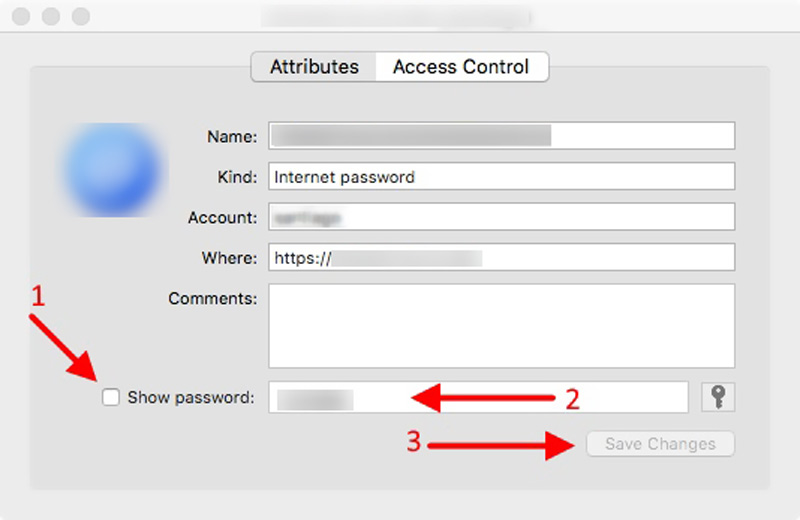
How To Update And Reset ICloud Keychain Password On A Mac

Web How to Reset Forgotten Keychain Password If you have forgot the password for your Apple keychain then the best course of action is making a new keychain There is no method to reset the forgotten password of keychain You can only reset the keychain and setup a new one
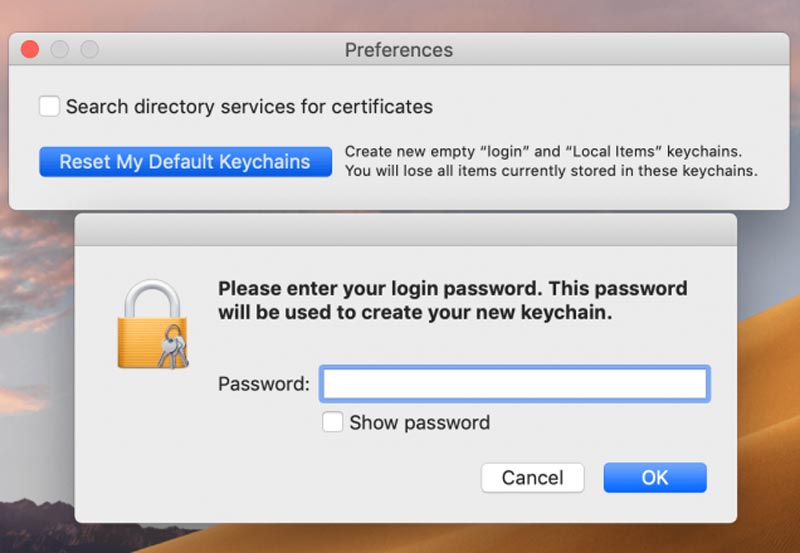
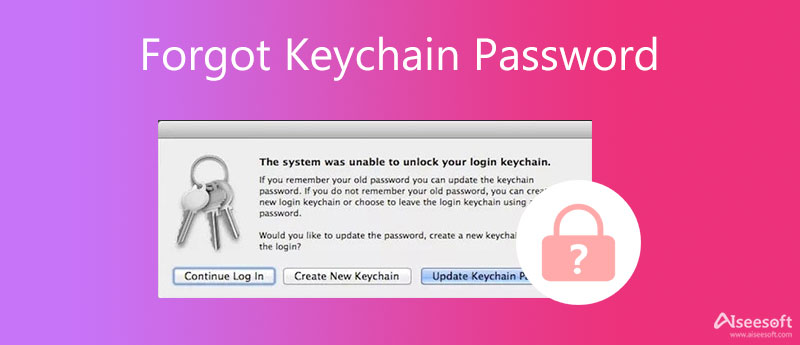
Web Sep 15 2023 nbsp 0183 32 If your Mac doesn t restart but immediately asks for your Apple ID enter that information and click Reset Password If you re asked to create a new keychain to store the user s passwords click OK to restart your Mac

Web Choose Edit gt Change Settings for Keychain login Select the Lock after checkbox then enter a number of minutes If you want to require a password each time the computer goes to sleep select the Lock when sleeping checkbox
Web Sep 1 2023 nbsp 0183 32 What is a keychain password How to reset the keychain password on a Mac using your old password How to reset the keychain password without the old password How to delete saved passwords on your Mac How to change a password on your Mac How to store your passwords safely with Funter

Web Jul 29 2020 nbsp 0183 32 How to Reset Default Keychain on Mac Resetting your Keychain is actually a pretty simple and straightforward procedure on macOS Just follow the steps below to get your Keychain password in sync with your user password Remember doing this will delete all stored passwords from the keychain
Web Manage passwords using keychains on Mac macOS uses keychains to help you keep track of and protect the passwords account numbers and other confidential information you use every day on your Mac computers and iOS and iPadOS devices You can use the Keychain Access app on your Mac to view and manage your keychains Web Jun 18 2020 nbsp 0183 32 Click the Apple icon and click Shut Down You should then be able to boot up your Mac and log in to your account with your new password As with the above method this will lock you out of your Keychain so when prompted click Create New Keychain to start from scratch
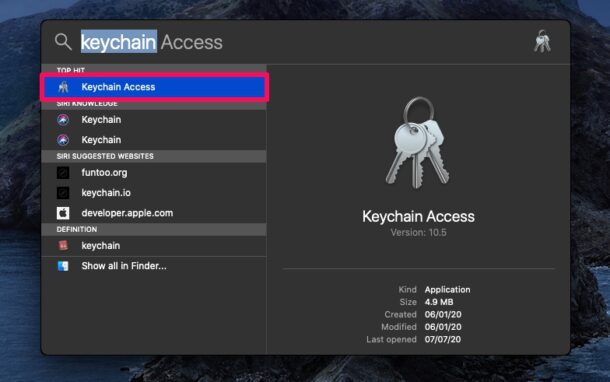
Web Jun 26 2023 nbsp 0183 32 Step 1 Open Keychain Access To begin the process of resetting your Keychain password open the Keychain Access application on your Mac You can find it by navigating to Applications gt Utilities gt Keychain Access