Reset Fitbit Charge 3 Black Screen How To Reset Your Litter Robot In 3 Easy Steps GoTechReset How To Reset Fitbit Charge 3 Black Screen Factory Reset How To Reset Fitbit Charge 3 Black Screen Factory Reset How To Reset Fitbit Charge 3 Black Screen Factory Reset How To Reset Fitbit Charge 3 Black Screen Factory Reset Update Restart andErase 41 RestartCharge3 41 3 EraseCharge3 41 UpdateCharge3 42 Troubleshooting 43 Heart ratesignalmissing 43 GPSsignalmissing 43 Screen Timeout Fitbit Charge 3 User Manual Fitbit
Here s how you can do it 1 First make sure your Fitbit Charge 3 is properly charged To reset your Fitbit Charge 3 and fix a black screen you ll need to follow a few simple steps First make sure that your device is charged Connect it to the charging cable and wait until it s fully charged before proceeding with the resetting process
How To Reset Fitbit Charge 3 Black Screen Factory Reset 2 Ways How To Reset Fitbit Charge 3 Easy Restart YouTube How To Factory Reset A Charge 2 Fitbit Shopperji Fitbit Charge 3 Has Black Lines On Screen Monitoring solarquest in FITBIT CHARGE 3 AND 4 BLACK SCREEN FIX YouTube kvrna Spojen Typ Fitbit Charge 3 Factory Reset Prenikavos James kvrna Spojen Typ Fitbit Charge 3 Factory Reset Prenikavos James kvrna Spojen Typ Fitbit Charge 3 Factory Reset Prenikavos James Which Fitbit Should You Get Yourself We Compared Them All Fitness
Reset Fitbit Charge 3 Black Screen
 Reset Fitbit Charge 3 Black Screen
https://gotechreset.com/wp-content/uploads/2023/06/How-To-Reset-Fitbit-Charge-3-Black-Screen-1-2.jpg
To do this plug the tracker into the charging cable and press and hold the button for 15 seconds The tracker will vibrate and the screen will go black Remove the tracker from the charging cable and plug it back in The tracker will reboot and the smiley face icon will appear on the screen Change the clock face
Templates are pre-designed documents or files that can be used for different functions. They can save effort and time by supplying a ready-made format and design for creating various sort of material. Templates can be used for individual or professional projects, such as resumes, invites, leaflets, newsletters, reports, presentations, and more.
Reset Fitbit Charge 3 Black Screen

How To Reset Fitbit Charge 3 Black Screen Factory Reset

2 Ways How To Reset Fitbit Charge 3 Easy Restart YouTube

How To Factory Reset A Charge 2 Fitbit Shopperji
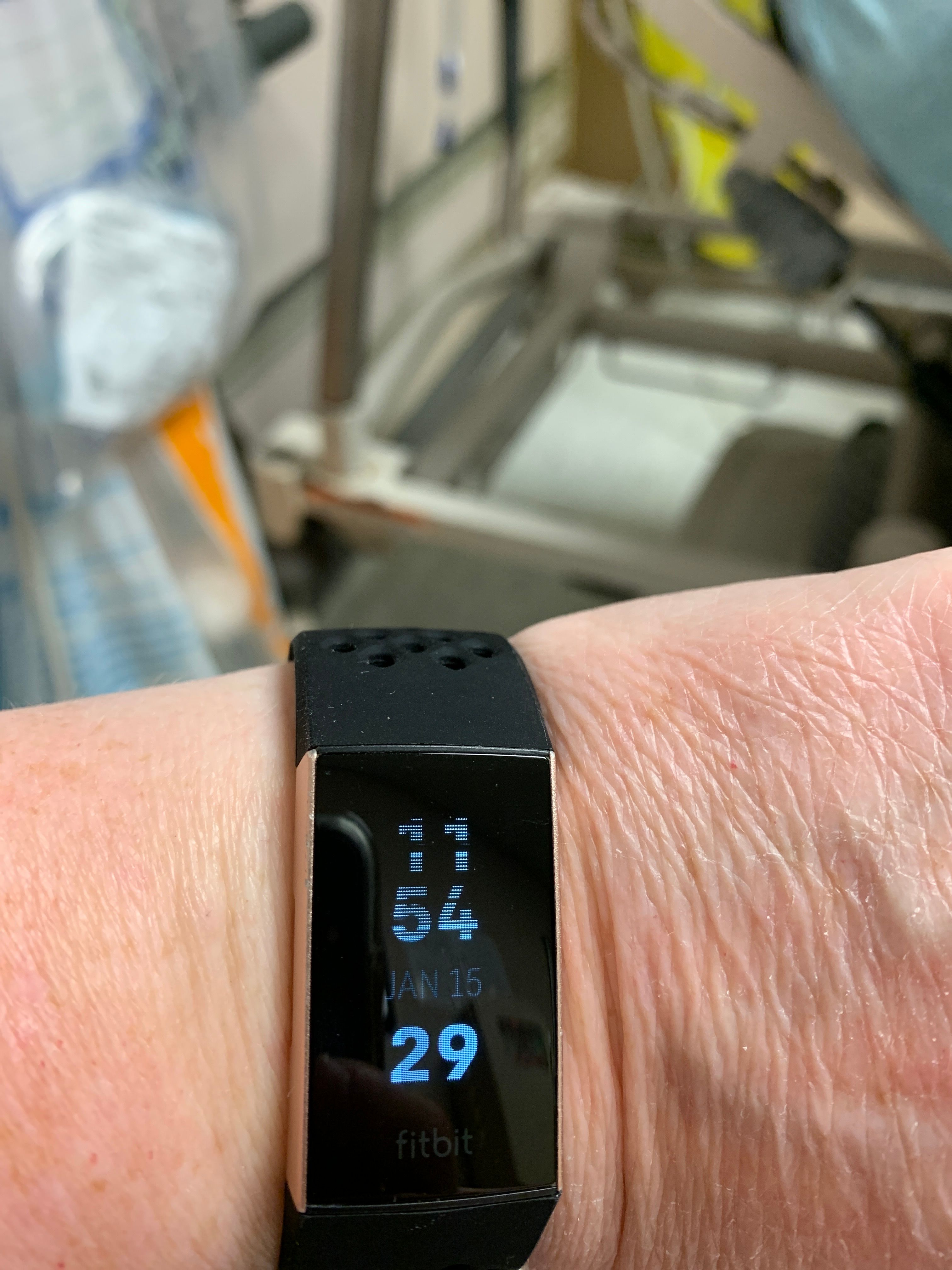
Fitbit Charge 3 Has Black Lines On Screen Monitoring solarquest in

kvrna Spojen Typ Fitbit Charge 3 Factory Reset Prenikavos James
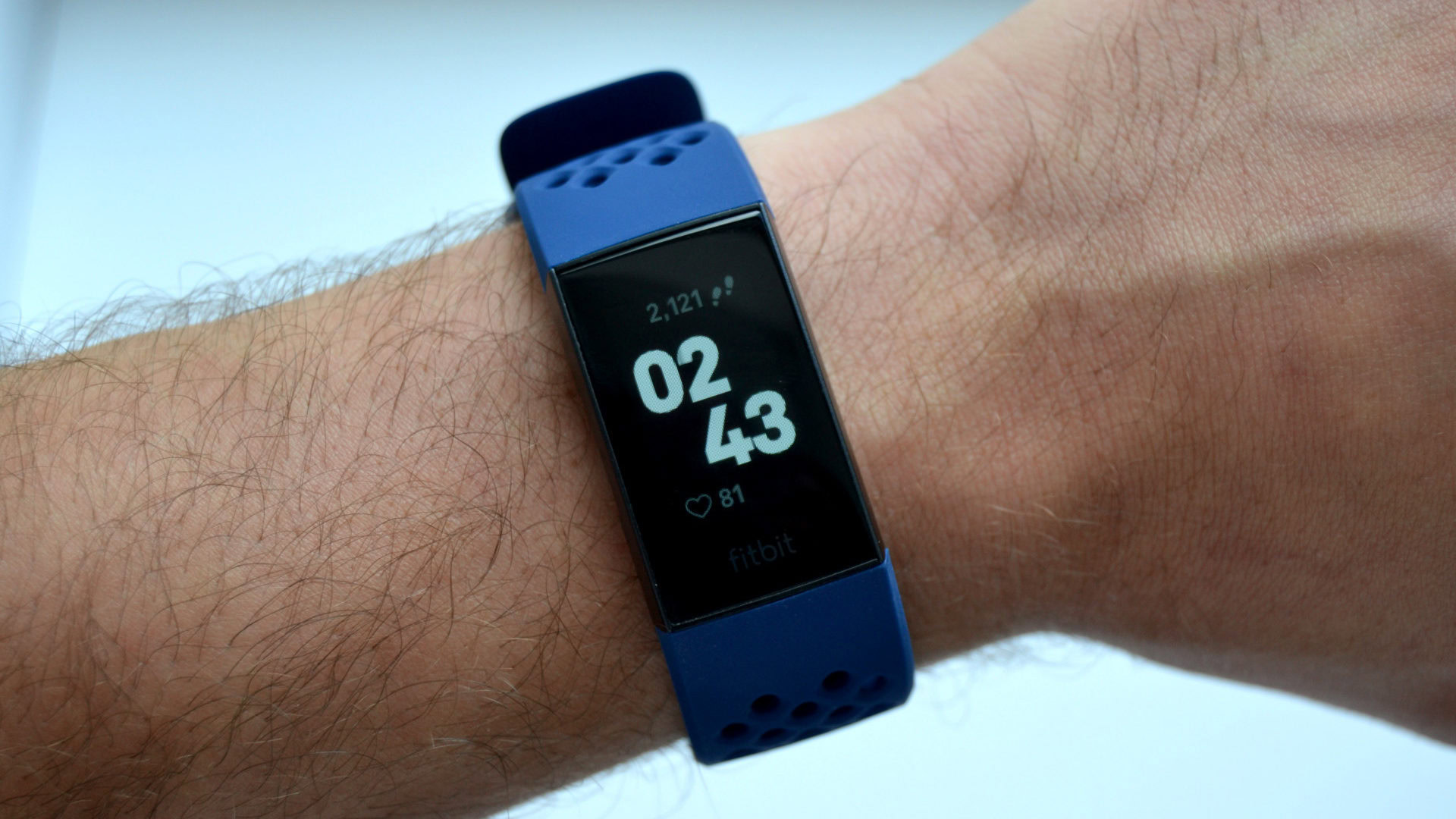
kvrna Spojen Typ Fitbit Charge 3 Factory Reset Prenikavos James

1 Force Restart Your Fitbit Charge 3 One way to troubleshoot a black screen issue is by forcing your Fitbit to restart This is an easy fix that won t eat up much of your time Additionally this method won t erase your stored data unlike a factory reset Follow the below steps to restart your Fitbit Charge 3

Charge 3 has the dreaded black screen issue Happens about once a month and the reset usually works This time the device refuses to reset following posted guidance attach to plugged in charging cable hold button down for 8 15 seconds remove from charging cable re attach to charging cable Does absolutely nothing

10 Sec Fitbit Charge How to reset the Fitbit Charge 3 Brenda Stolyar Digital Trends If you have a problem with your Fitbit Charge 3 it s always good to start off by simply

1 5K 420K views 3 years ago I show you two ways how to fix a black or blank screen on a Fitbit Charge 3 or Charge 4 Fitbit Charge 3 Fitness Activity Tracker

Fitbit Charge 3 4 How to Force a Restart Forced Reboot Fixes Black Screen or Frozen YouTube 2023 Google LLC I show you how to do a forced restart on the Fitbit Charge
One of the first troubleshooting steps to address the black screen issue on your Fitbit Charge 3 is to perform a restart Restarting the tracker helps resolve temporary software glitches that may be causing the screen not to wake up Use these steps Connect your Charge 3 tracker to the charging cable plugged into a USB charger Here s how Ensure that your Charge 3 is turned on by pressing the Side button or connecting it to a charger Swipe left on the screen until you find the Settings icon then tap on it Scroll down and select About Find the option that says Clear User Data and tap on it How To Factory Reset Fitbit Charge 3
Check out more info about FITBIT Charge 3 https www hardreset info devices fitbit fitbit charge 3 Interested in how to resolve issues with a frozen screen