Reset Filter Button Excel PHPRad Classic With Multiple Database Connections Suggestions Radsystems Forum I Replaced The Type 5 Water Filter On My KitchenAid Superba Model How Can I Reset The Red Light The Data School How To Create Reset Filters Button In Tableau Clear All Filter Selections Button Bootstrapped Ventures Knowledge Base Troubleshooting TIGA Online Help Use slicers to filter data Slicers provide buttons that you can click to filter tables or PivotTables In addition to quick filtering slicers also indicate the current filtering state which makes it easy to understand what exactly is currently displayed Windows macOS Web You can use a slicer to filter data in a table or PivotTable with ease
Thanks to AlexJ who shared this tip You can find more of AlexJ s Excel sample files on my Contextures site To make this a one click process Add a Clear button to the Quick Access Toolbar QAT Select a cell in a pivot table or an Excel table Click the Clear button and all the filters are cleared To remove all filters in an Excel worksheet click the Data tab In the Sort Filter section click Clear You can also use the keyboard shortcut Alt D F F To clear filters in one column click the down arrow next to the column heading Click Clear Filter from column name Method 1
Troubleshooting TIGA Online Help Chart Filter Excel 2016 For Mac Omgfasr How To Make Column Headers In Excel 2016 Engmusli How To Filter An Excel Spreadsheet Filter The Whole Worksheet Earn Excel How To Clear Filter In Tableau Brokeasshome Fix The Reset All Filters Button In Tableau LaptrinhX News Tableau Add Reset Clear Filter Button And Fix Filter Button Not Working YouTube Fix The Reset All Filters Button In Tableau Smoak Signals Data Analytics Blog Filter UI Element Resets When Actions Are Performed Issue 5965 Graylog2 graylog2 server
Reset Filter Button Excel
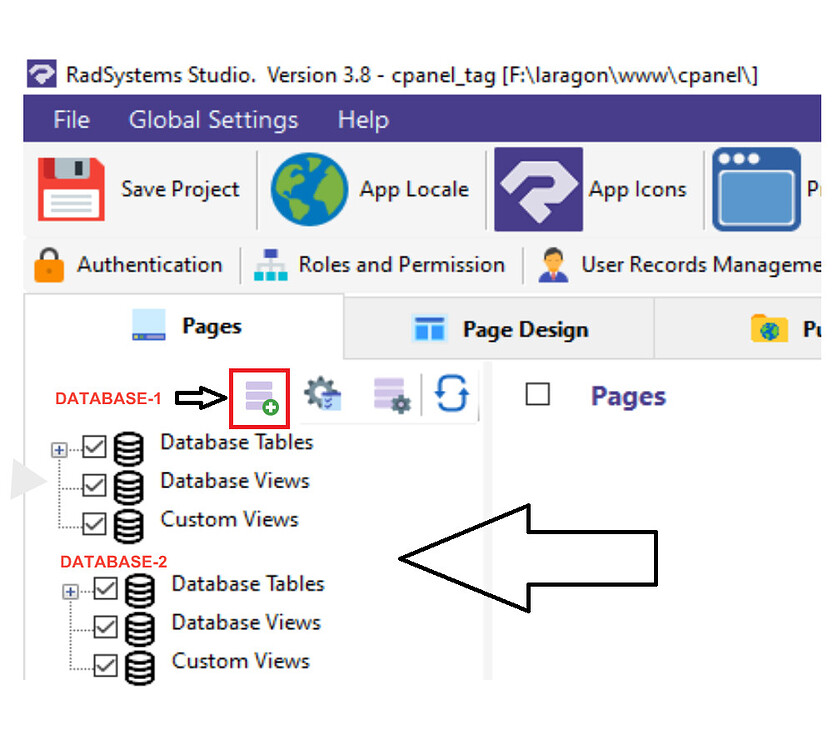 Reset Filter Button Excel
https://forum.radsystems.io/uploads/default/optimized/1X/18f7298bd8073452689e1d19d3c37591c0974360_2_832x750.jpeg
Filter data in a table When you put your data in a table filter controls are automatically added to the table headers Select the column header arrow for the column you want to filter Uncheck Select All and select the boxes you want to show Select OK The column header arrow changes to a Filter icon Select this icon to change or clear
Templates are pre-designed files or files that can be utilized for various purposes. They can conserve effort and time by providing a ready-made format and design for creating different sort of content. Templates can be utilized for personal or expert jobs, such as resumes, invitations, leaflets, newsletters, reports, discussions, and more.
Reset Filter Button Excel

Active State For Reset Button On Filter CMS Forum Webflow

Chart Filter Excel 2016 For Mac Omgfasr
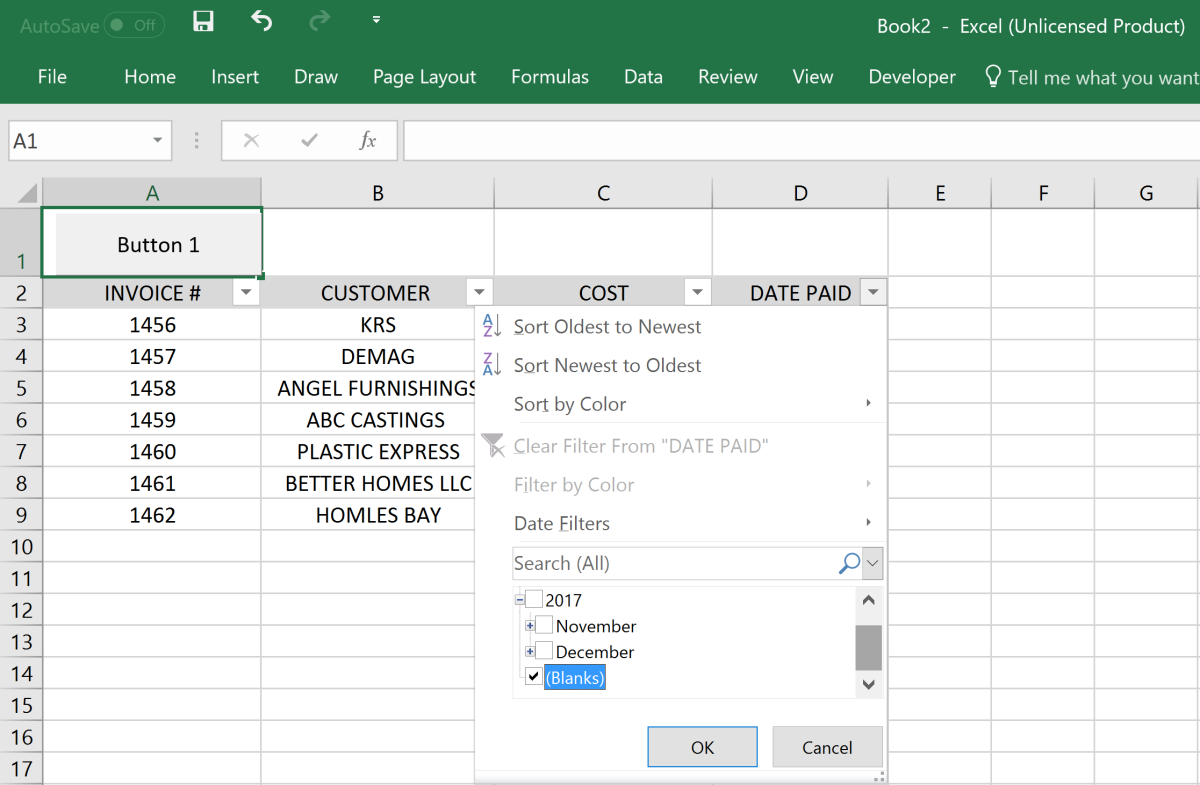
How To Make Column Headers In Excel 2016 Engmusli

How To Filter An Excel Spreadsheet Filter The Whole Worksheet Earn Excel

Fix The Reset All Filters Button In Tableau LaptrinhX News
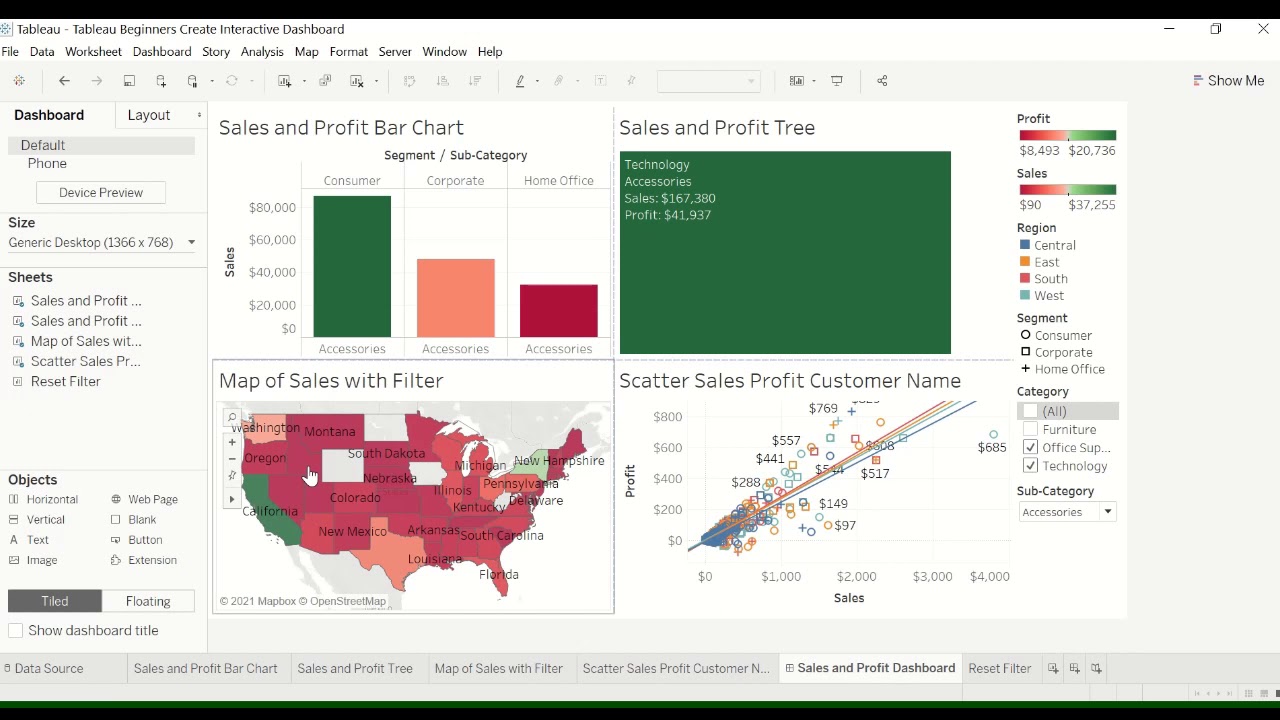
Tableau Add Reset Clear Filter Button And Fix Filter Button Not Working YouTube
You can make the macro smart enough to look for the presence of a filter If you want to show all data then Sub DisplayEverything If ActiveSheet AutoFilterMode Then ActiveSheet ShowAllData End If End Sub If you want to remove filtering completely then

Clear a filter from a column Click the Filter button next to the column heading and then click Clear Filter from Column Name For example the figure below depicts an example of clearing the filter from the Country column Note You can t remove filters from individual columns Filters are either on for an entire range or off
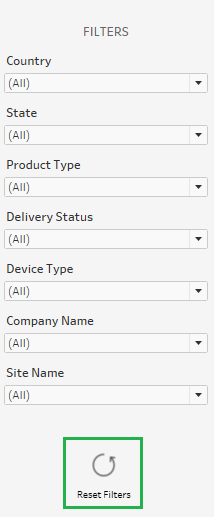
If you want to save sort criteria so that you can periodically reapply a sort when you open a workbook it s a good idea to use a table This is especially important for multicolumn sorts or for sorts that take a long time to create To reapply a filter or sort on the Home tab in the Editing group click Sort Filter and then click Reapply

There click the Sort Filter button to expand its menu Click Clear to remove all the filters applied to the table Turn off filtering The VBA script mentioned below will reset all the filters when you close an Excel file So the next time someone opens the workbook they ll see all the data of a table or dataset
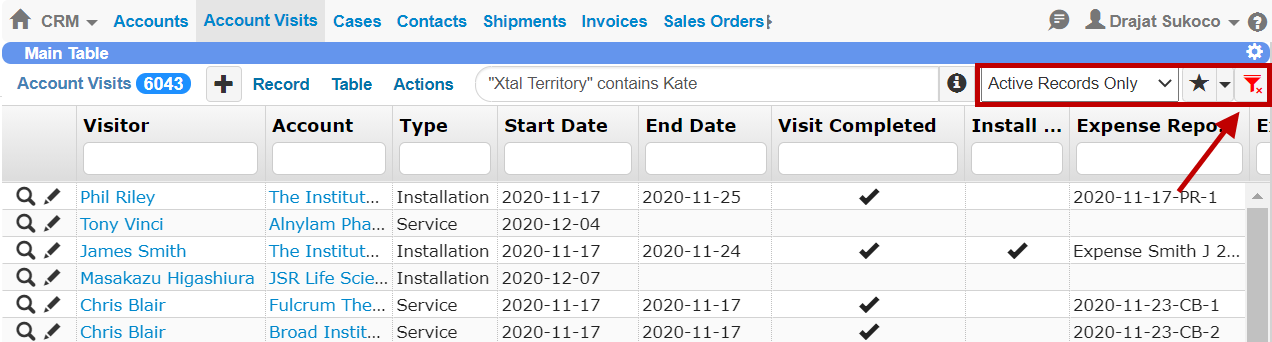
Step 1 Open your Excel workbook and navigate to the worksheet containing the filtered data Step 2 Click on the filter icon in the column header of the filtered data This will display the filter menu Step 3 In the filter menu click on the Clear Filter option
When you click the arrow in a column that has filtering enabled all values in that column appear in a list 1 Use the box to enter text or numbers on which to search 2 Select and clear the check boxes to show values that are found in the column of data 3 Use advanced criteria to find values that meet specific conditions 3 ways to add filter in Excel On the Data tab in the Sort Filter group click the Filter button On the Home tab in the Editing group click Sort Filter Filter Use the Excel Filter shortcut to turn the filters on off Ctrl Shift L
Here are the steps to create the macro button Draw a shape on the sheet Insert tab Shapes drop down Rectangle shape Add text to the shape Right click Edit Text or double click in the shape Assign the macro Right click the border of the shape Assign Macro Select the macro from the list Press OK