Replace Multiple Characters Power Automate Replace Special Characters In A String With Power Automate By Fredrik Solved Replace Multiple Values In Multiple Columns In One How To Use Power Automate Workflows Tutorial Guide For Beginners Power Automate Vs UiPath Power Automate Desktop Examples Pleexplorer Syntax Replace String StartingPosition NumberOfCharacters NewString String Required The string to operate on StartingPosition Required Character position to start the replacement The first character of String is at position 1 NumberOfCharacters Required The number of characters to replace in String NewString Required
String remove last character String to number 12 Power Automate String Manipulation Examples There is a set of operations you need to know to successfully work with strings You need to know how to concatenate strings join strings split strings convert strings and more Replace function identifies the text and replaces every occurrence of a given text with the substitute in Power Automate Here is the syntax of replace function in Power Automate replace Text OldString SubstituteString
Power Automate Desktop Examples Pleexplorer Level Up Social Media With Microsoft Power Automate Roseman Solutions LLC Replace Multiple Characters In Javascript CoderMen Web Development Power Automate Remove End Of Line Characters Create Sharepoint List Items In A Folder Using Power Automate About PowerAutomate QGate Replace Multiple Characters In A String With Help UiPath Microsoft Announces Power Automate Desktop October 2020 Update How To Power Automate Replace Function Explained Many Examples
Replace Multiple Characters Power Automate
 Replace Multiple Characters Power Automate
https://miro.medium.com/v2/resize:fit:1024/0*OBL9SYqlupOgZUgw.png
This video explains about how to use replace and trim expressions Also shows how to use multiple expressions in one compose action step Power Automate Commu
Templates are pre-designed files or files that can be used for different functions. They can conserve effort and time by offering a ready-made format and design for creating various type of material. Templates can be used for individual or professional jobs, such as resumes, invites, leaflets, newsletters, reports, presentations, and more.
Replace Multiple Characters Power Automate

5 Ways To Use Microsoft Flow Power Automate To Unleash The Time

Level Up Social Media With Microsoft Power Automate Roseman Solutions LLC

Replace Multiple Characters In Javascript CoderMen Web Development
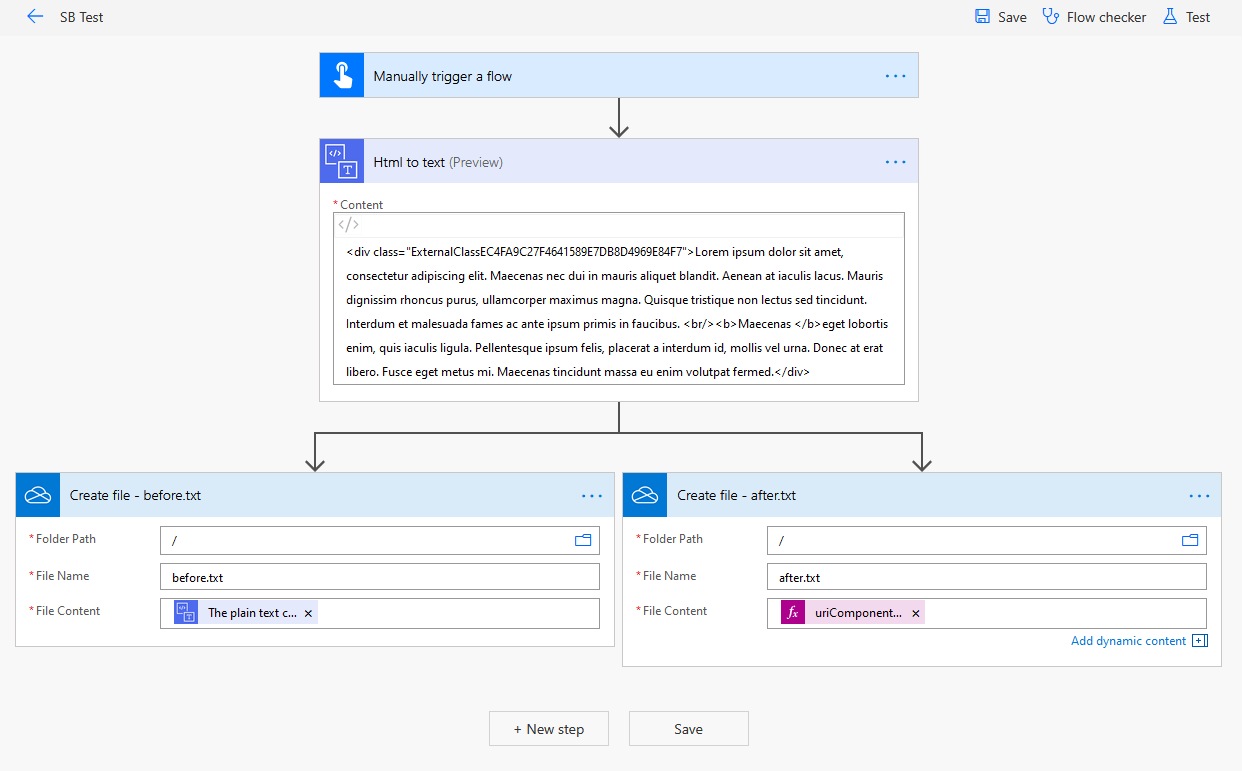
Power Automate Remove End Of Line Characters
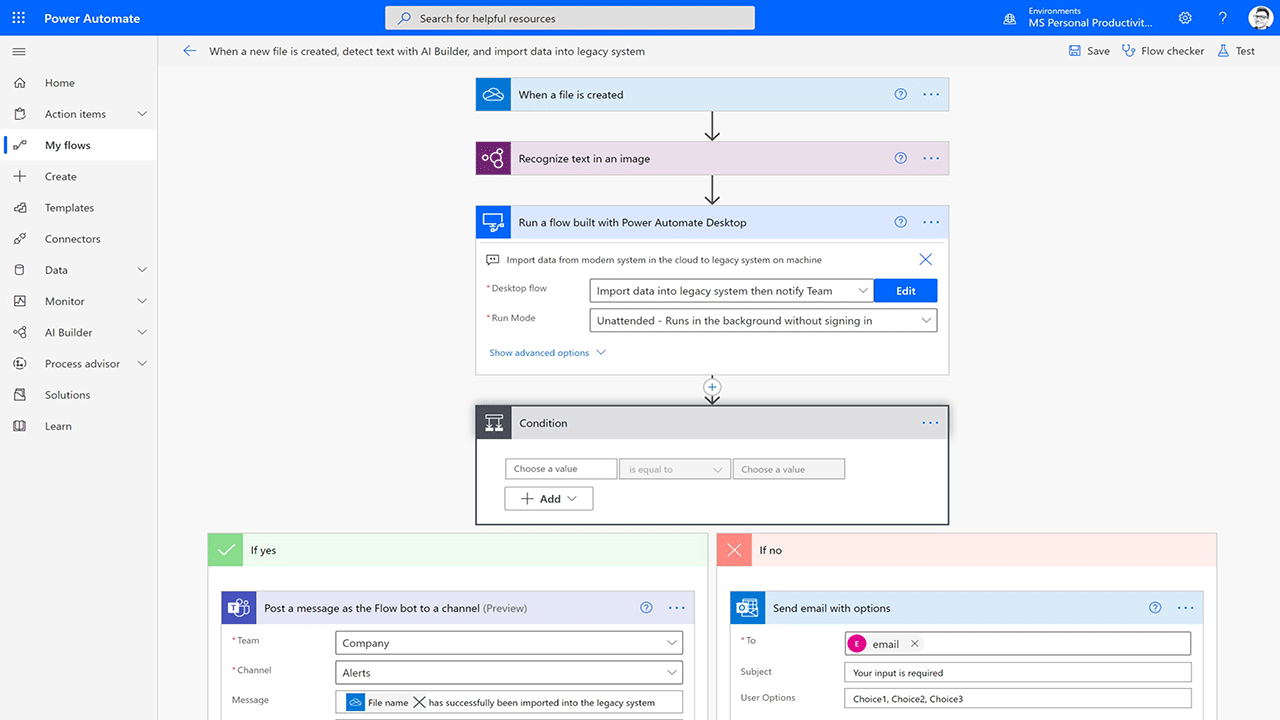
PowerAutomate QGate

Replace Multiple Characters In A String With Help UiPath
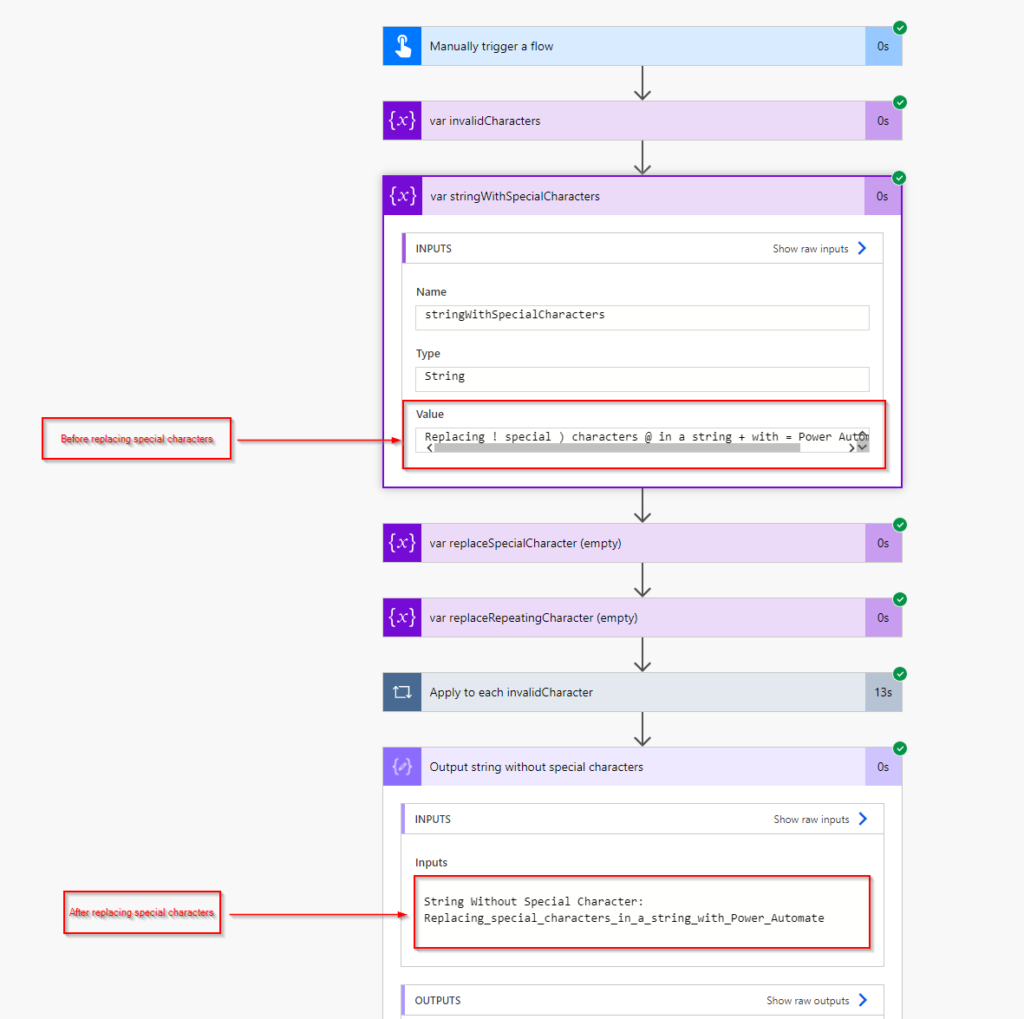
The replace function is an excellent way to replace all characters in a string with Power Automate It is easy to use and can help you quickly modify your strings If you need to replace multiple characters then you will need to use the replace function multiple times Replace Characters in a URL with the uriComponent Function

To replace multiple characters in a string you can nest replace function calls replace replace replace abc a 1 b 2 c 3 Replace multiple strings
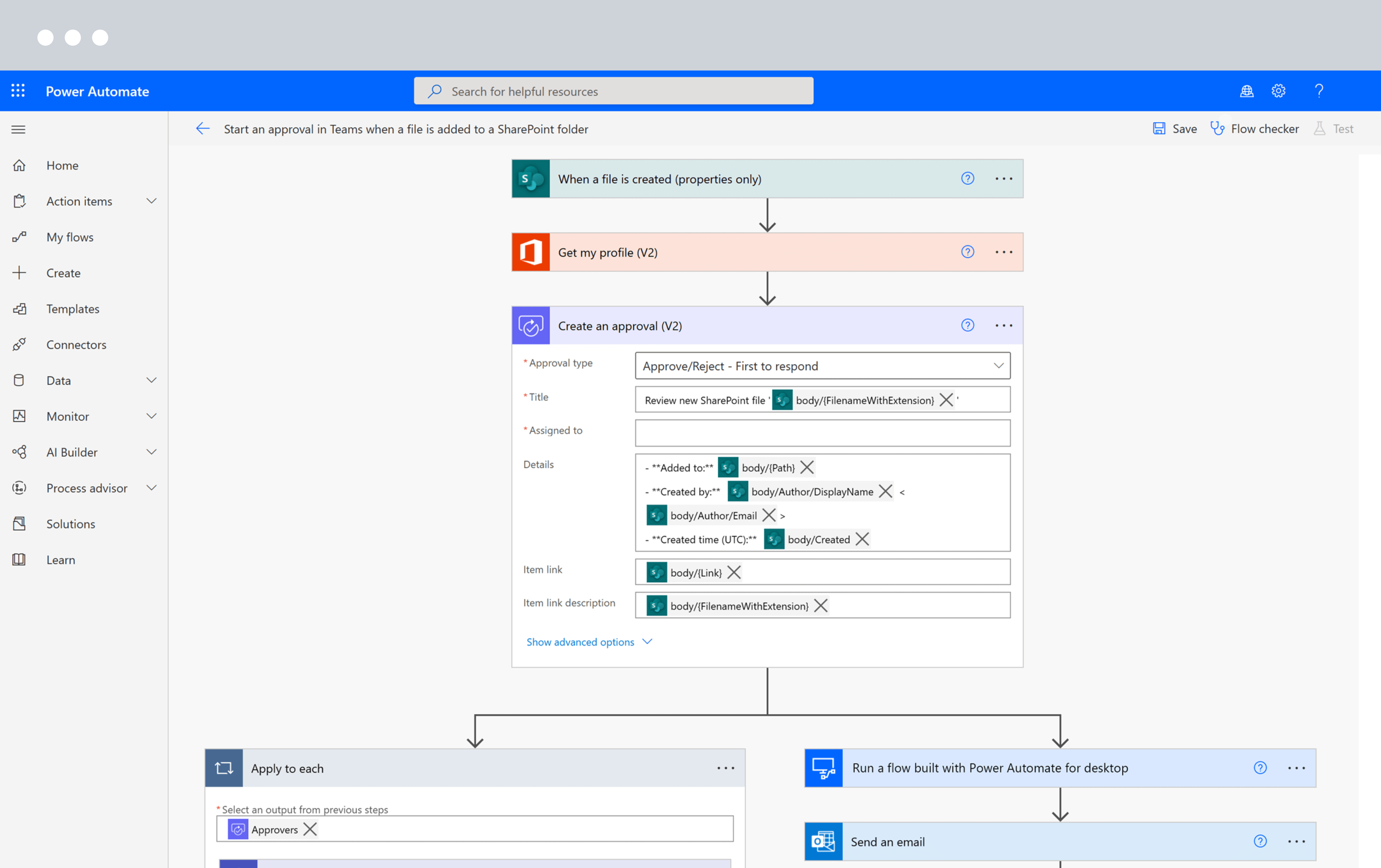
Power automate replace multiple characters Power automate replace value in array Power automate replace characters Power automate replace carriage return Power automate replace comma Power automate replace comma with carriage return Power automate replace double quote Power automate replace first character

body note The aim is to remove the apostrophes exclamation marks and the two non printable characters The non printable characters are visible in Notepad As you can see from the screenshot the non printable characters are the SOH Start of heading and BEL Bell

The replace function is one that shows up frequently in every programming language The usage is simple but extremely powerful Usage It follows a simple pattern Main string Old Text New Text Let s start with an easy one Example replace Hello World World Home will return Hello Home
To replace a subtext in a text use the Replace text action The following example replaces the text Product Characteristics with Characteristics Search a text value inside another text with the Parse text action Some text actions allow you to use regular expressions The trigger of the Power Automate flow This is a button trigger that is easy to use for testing things manually although any other trigger can be used Step 2 Variable contain invalid characters which is used later in the apply to each This variable can be updated with any characters that you want to replace with another character or value
Text to split Enter a value or a text variable as the input here The text should include recognizable delimiters that separate the items such as comma in the example down below The action will split the text separated by a comma and store them into a list Delimiter type You can choose between standard or custom