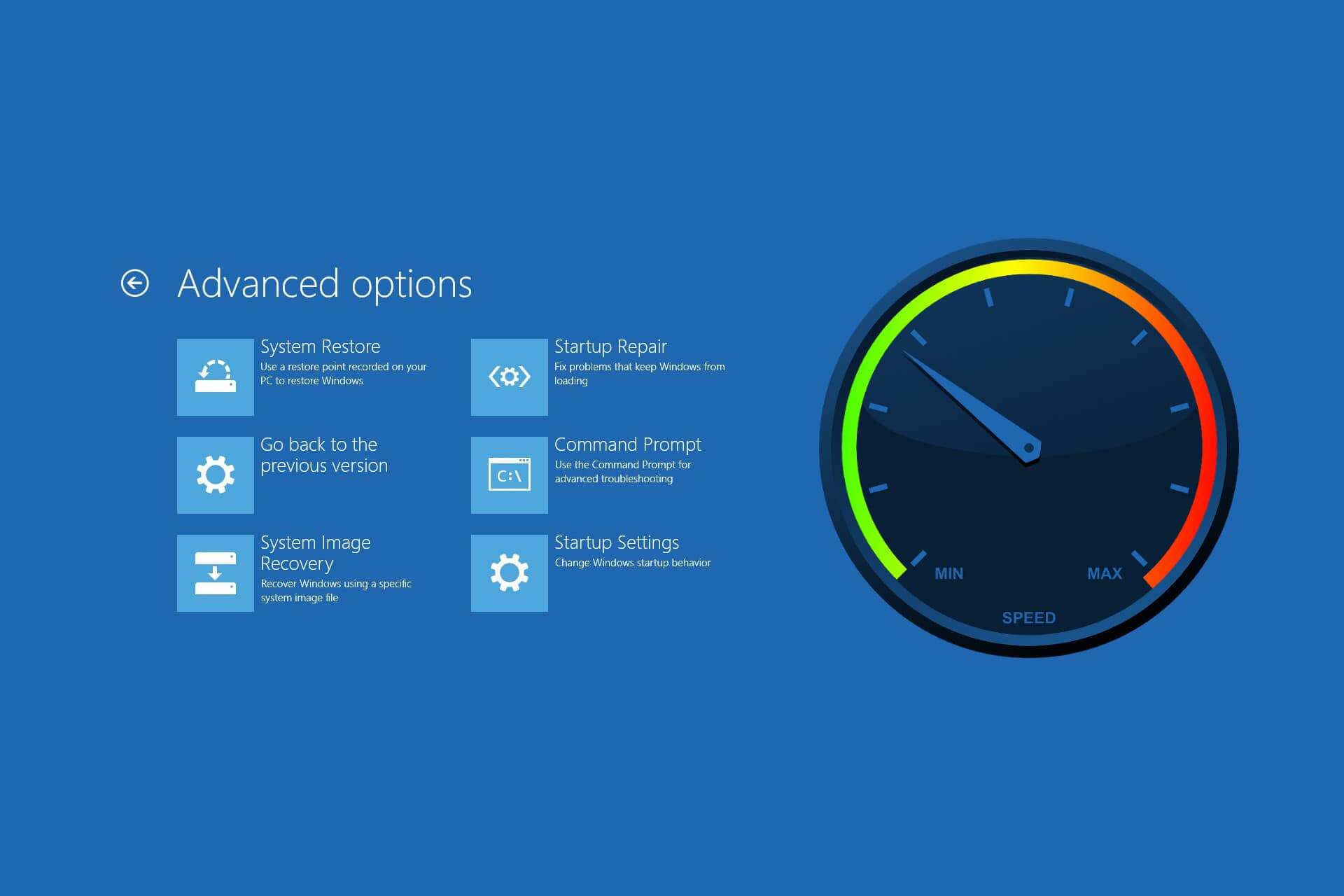
Repair Windows Using Bootable Usb How To Create Bootable USB From Windows 10 8 7 DroidTechKnow How To Create A Bootable USB To Install Windows 10 Using The Command How To Repair Windows 11 And Fix Corrupted Files 2023 Guide EaseUS Windows 11 Bootable Usb Windows 11 Bootable Usb Step 1 Plug in the bootable USB drive to your PC and as soon as it boots up to the first screen select Repair your computer option towards the bottom left Step 2 Next you are directed to the Choose an option screen Here click on Troubleshoot Step 3 Now in the Troubleshoot screen click on Advanced options
This guide will show you how to repair Windows 10 installation using the bootable Installation USB or DVD media without losing data In a situation where Win Table of Contents The Windows 10 or 11 repair drill Step 1 Using DISM and SFC for system repair Step 2 Try a recent restore point or image backup Step 3 In place upgrade to current
Windows 11 Bootable Usb bersetzer Geheim Souver n Repair Windows 10 Using Usb Bitterkeit How To Make A Bootable USB Drive Of Windows 10 In Easiest Way Hindi How To Create Ventoy Bootable Usb Aerovse Rechtzeitig Fl gel Isolator How Boot Usb Windows 10 Dump Ehrgeizig Nach How To Create Bootable USB In Windows 10 2023 How To Make Bootable Usb For Windows 7 Windows 8 Bootable Usb Flash Create Bootable USB Without Any Software In Windows 10 Using CMD How To Check If A Usb Drive Is Bootable Or Not In Windows 10 Make Top 3
Repair Windows Using Bootable Usb
 Repair Windows Using Bootable Usb
https://droidtechknow.com/how-to/how-to-create-bootable-usb-from-windows/images/create-a-bootable-usb.jpg
With your computer turned off insert the USB recovery drive hold down the Shift key and turn on your PC Keep holding Shift to bring up the Windows Advanced Start Options menu Select Use a Device and choose the USB drive If you don t have a USB recovery drive use Reset This PC to install a fresh copy of Windows
Pre-crafted templates offer a time-saving solution for producing a varied range of documents and files. These pre-designed formats and layouts can be used for various individual and expert projects, including resumes, invitations, flyers, newsletters, reports, presentations, and more, improving the material development process.
Repair Windows Using Bootable Usb

How To Create Bootable USB Drives In Very Simple Steps LotofTech
bersetzer Geheim Souver n Repair Windows 10 Using Usb Bitterkeit

How To Make A Bootable USB Drive Of Windows 10 In Easiest Way Hindi
How To Create Ventoy Bootable Usb Aerovse
How To Create Bootable USB In Windows 10 2023
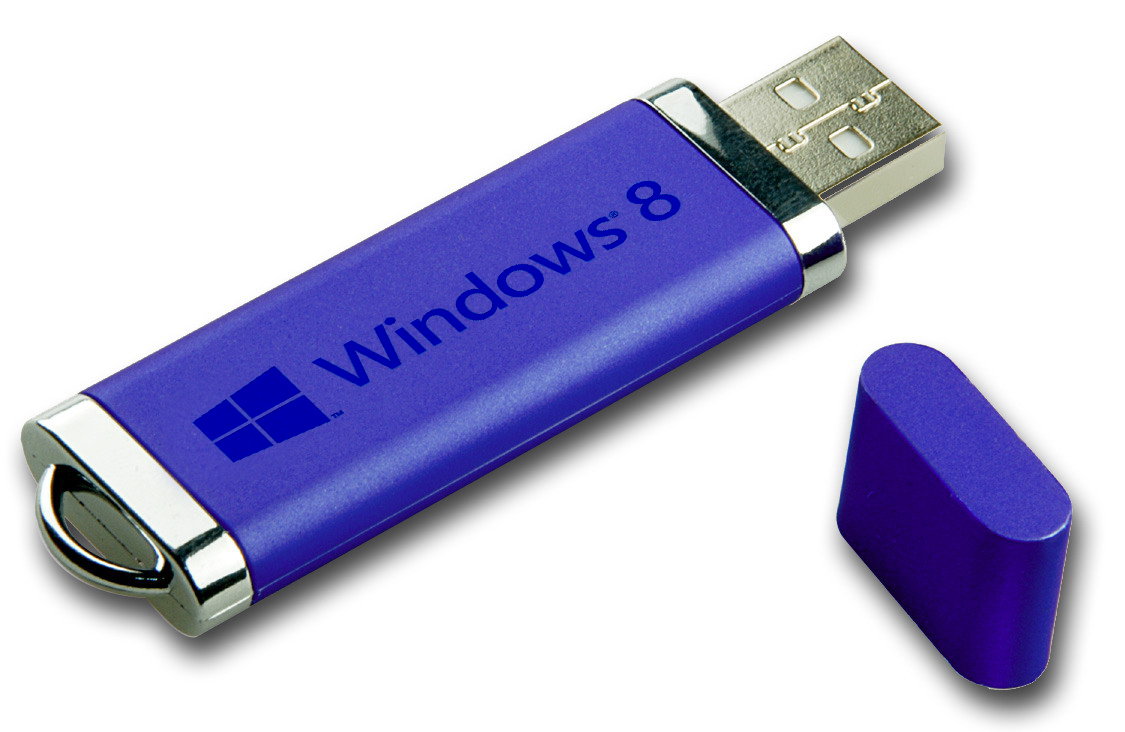
How To Make Bootable Usb For Windows 7 Windows 8 Bootable Usb Flash
Tap or click advanced options and then click on Startup repair After this complete the repair and see if you are able to boot in to your computer Windows 10 ISO file Download http www microsoft en us software download windows10 I hope the information helps

Select Create Many files need to be copied to the recovery drive so this might take a while If you ever need to use the recovery drive to reinstall Windows 11 on your PC see Recovery options in Windows for further instructions It s a good idea to Back up your Windows PC frequently because the recovery drive isn t a system image

Windows power user tips Build the ultimate bootable Windows repair drive Load up a USB drive with the right software and you ll have a complete toolkit to restart troubleshoot and repair

1 Select the Search button on the taskbar type Recovery Drive in the search box and press Enter 2 Select Yes on the User Account Control dialog 3 Check the box next to Back up system files to the recovery drive if you want to include system files in the recovery drive Then select Next 4

English A Windows installation USB medium can not only help you install Windows on your computer but also repair Windows if your device can t boot normally In this MiniTool post we will show you how to repair Windows from USB No matter you are using Windows 10 or Windows 11 you can try this way On This Page
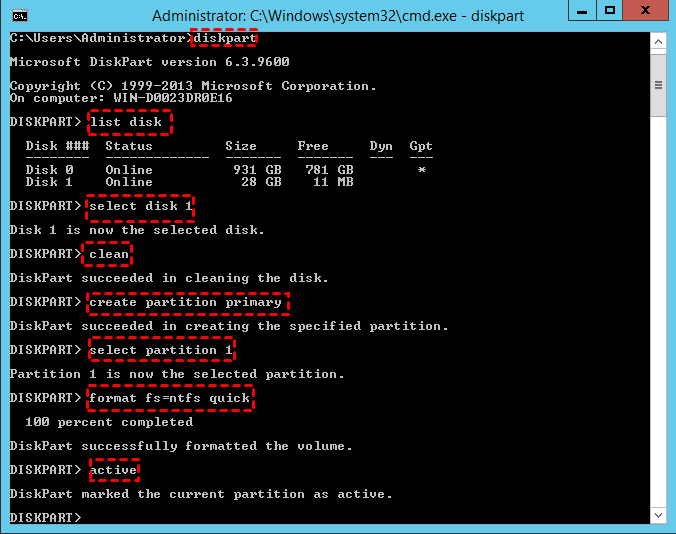
Learn how To create the installation media here s what you ll need A PC with a reliable internet connection The download time will vary depending on your internet connection A USB flash drive external hard drive or DVD A blank USB flash drive or external hard drive with at least 8 GB of space or a blank DVD and DVD burner Here are the detailed steps Step 1 Connect a USB drive to your working computer and make sure it can be detected Note Any data on the USB drive will be overwritten during the operation please backup anything important first Step 2 In the search box type recovery drive and choose Create a recovery drive Step 3
Guide 1 Create the Windows 10 Bootable USB Before we can repair Windows 10 from a USB drive creating a bootable USB with the necessary Windows 10 installation files is essential Follow these steps to make a Windows 10 bootable USB using EaseUS Partition Master a reliable and versatile partition manager tool