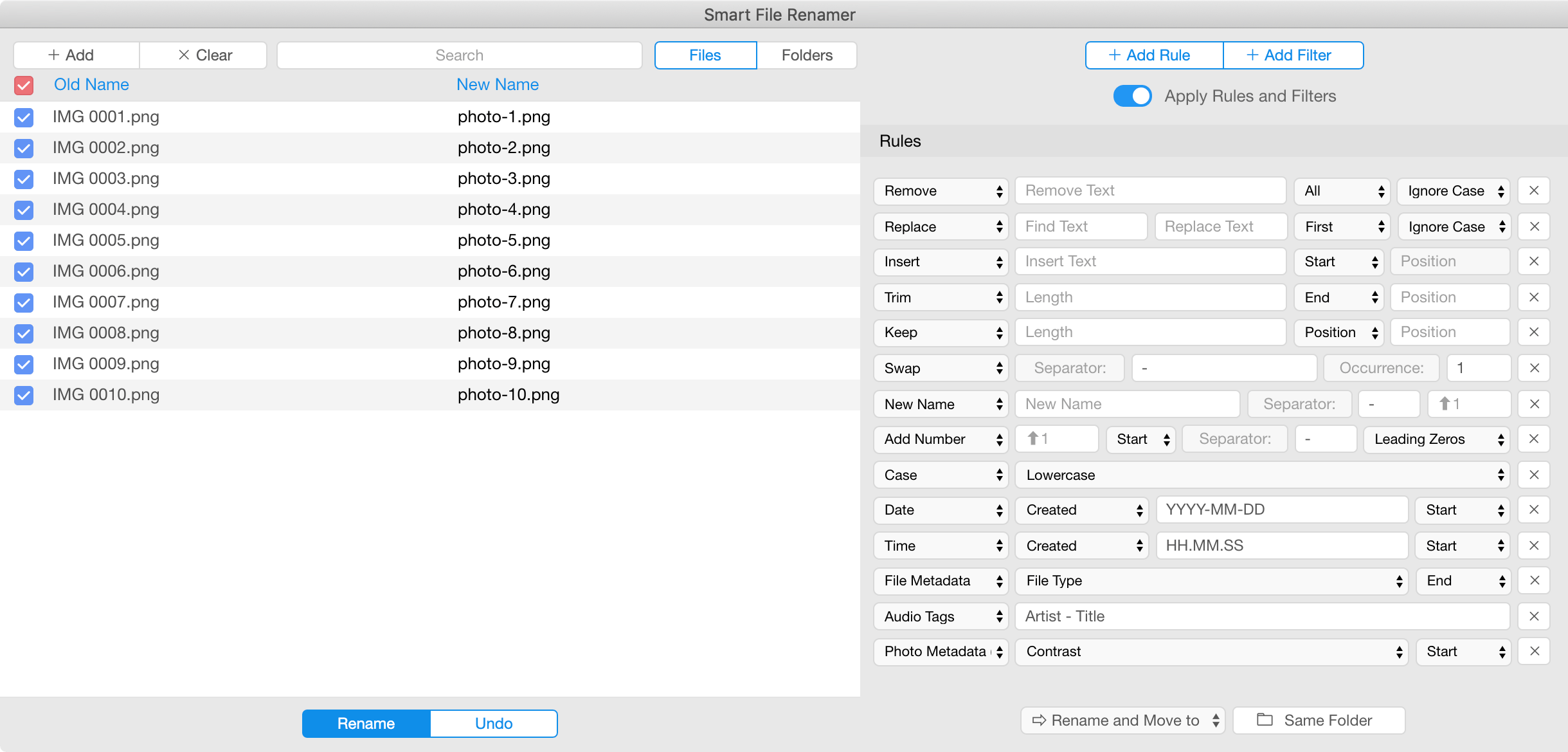
Rename Command Button Excel HOW TO USE COMMAND BUTTON IN WORD 2016 INSERT COMMAND BUTTON IN MS How To Rename The File Using Command Prompt YouTube Smart File Renamer Rename Multiple Files Easily Windows Terminal Tips And Tricks Microsoft Learn Aufr umen Anzahlung Kiefer Excel Filter Button Erstellen Modisch To rename a tab group or custom command carry out these steps On the right side of the Customize the Ribbon window click on the item you want to rename Click the Rename button below the list if tabs In the Display name box type the name you want and click OK Click OK to close the Excel Options window and view your changes
405 Rename Command Button Hi guys I am creating new worksheets using a macro that imports external data On these sheets i am putting in new command buttons I need to rename these buttons using a macro how can i do this Regards I m trying to execute a very simple procedure in which I would like all the buttons copied from a worksheet to another to be renamed as Button number Somehow all the buttons which are non active x except the first 2 are renamed The code I wrote is Dim button As button i 1 For Each button In ws Buttons button Name Button i i
Aufr umen Anzahlung Kiefer Excel Filter Button Erstellen Modisch How To Set Shortcut For Rename Command Technical Support Sublime Forum How To Rename Default Primary Key In Access New Update Rename Command In Linux Rename Multiple Files Macro Using VBA Editor Command Button Excel Unlocked Excel VBA Auto Enable Or Disable Command Button On Userform YouTube How To Assign Macro To A Command Button In Excel YouTube How To Create Command Buttons In Excel Riset Rename All File Names From Uppercase To Lowercase Characters Linux
Rename Command Button Excel
 Rename Command Button Excel
https://i.ytimg.com/vi/NKo-68J0vtI/maxresdefault.jpg
2 You will see your cursor in the button name set the name you want and click anywhere outside the button your button should be renamed Let me know if there is anything else you require Thanks Bhavik An Independent Advisor Was this reply helpful Yes No How do I rename a button in excel
Templates are pre-designed files or files that can be utilized for various purposes. They can save effort and time by supplying a ready-made format and layout for developing different sort of content. Templates can be utilized for personal or professional jobs, such as resumes, invitations, leaflets, newsletters, reports, discussions, and more.
Rename Command Button Excel

Rename Sheet In Excel Addin Change Sheet Name Excel C
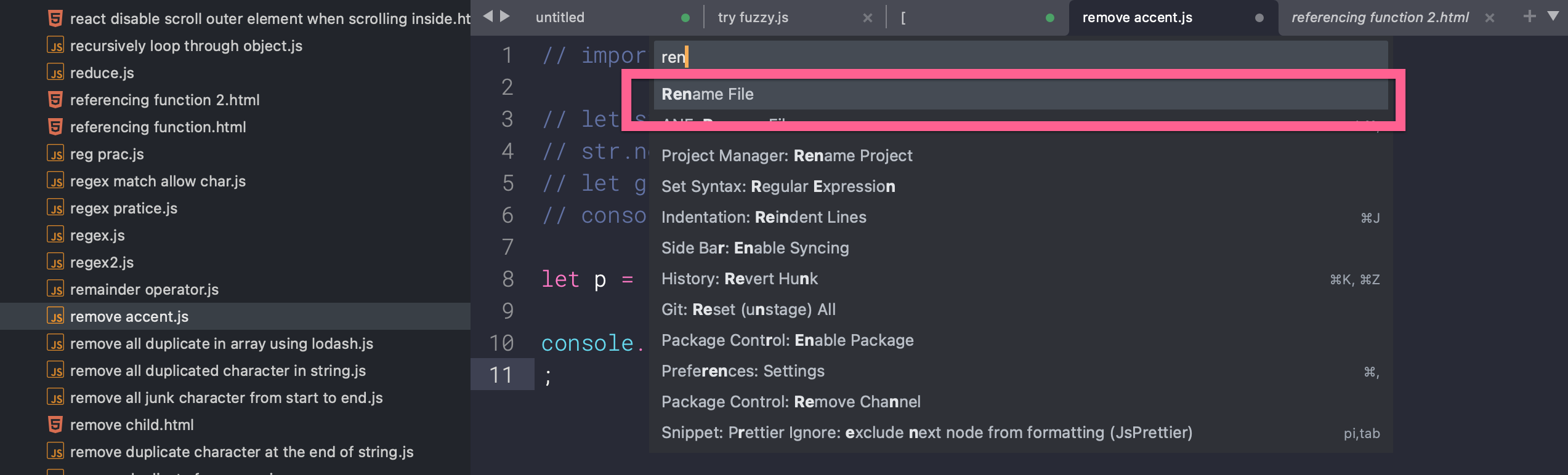
How To Set Shortcut For Rename Command Technical Support Sublime Forum
How To Rename Default Primary Key In Access New Update

Rename Command In Linux Rename Multiple Files
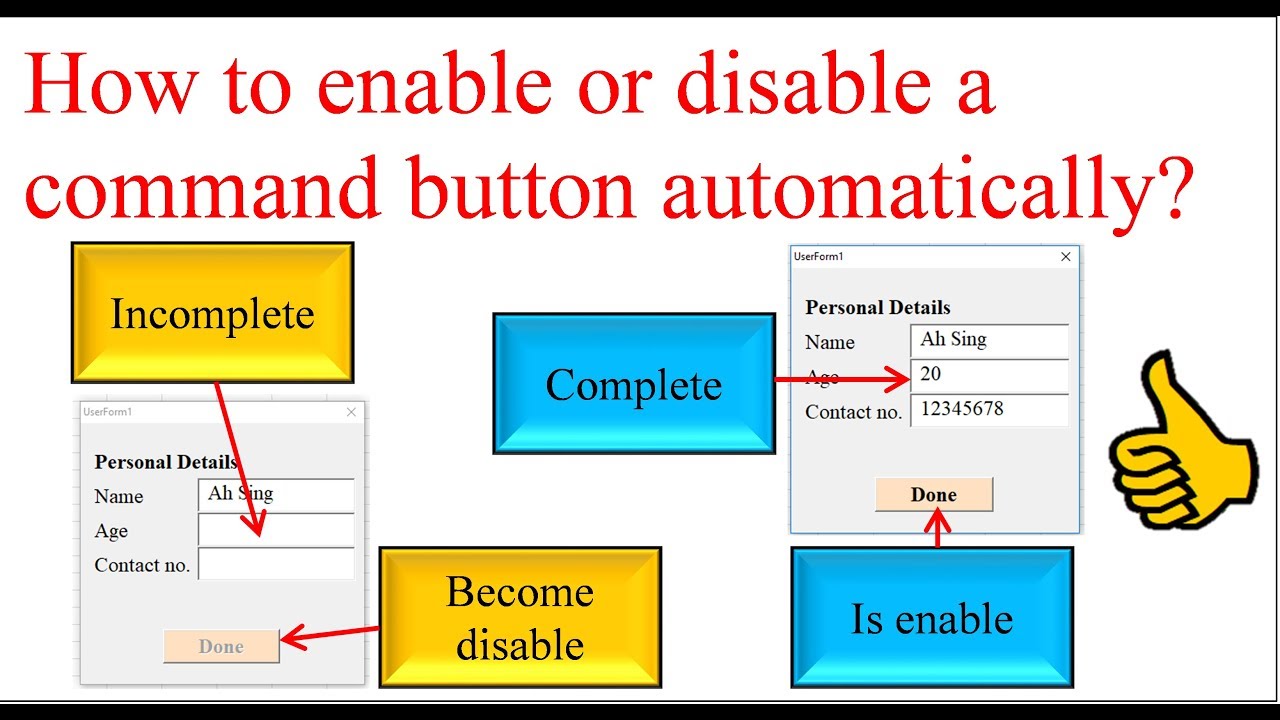
Excel VBA Auto Enable Or Disable Command Button On Userform YouTube
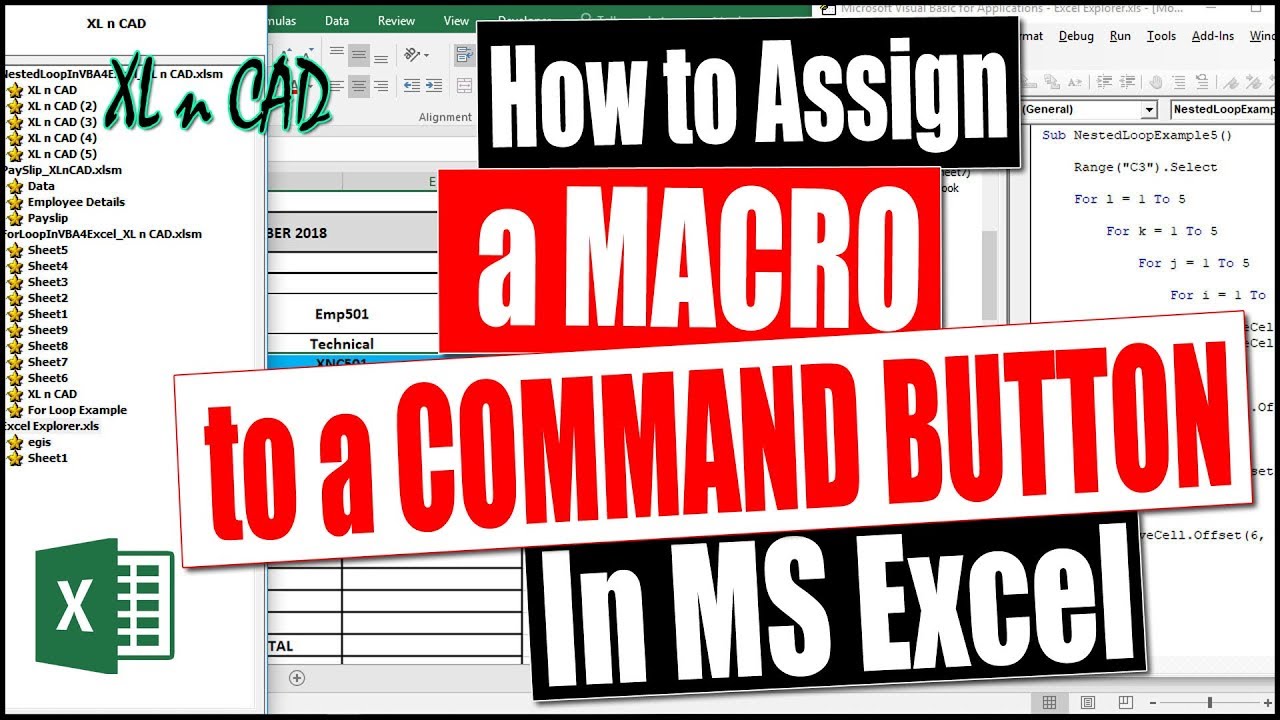
How To Assign Macro To A Command Button In Excel YouTube
1 In VB I have a command button with the name CommandButton I copy the button and try to rename the button using the following code ActiveSheet Unprotect CommandButton Copy Range C Format i Select ActiveSheet Paste CommandButton1 Name btn1 but I get the error message Run time error 424 Object required

1 Answer Sorted by 8 Is this what you are trying Set shp ActiveSheet Shapes Selection Name shp Name Node Str NumNodes With shp OLEFormat Object Object Caption Node Str NumNodes End With FOLLOWUP Just tried this and it works
This article is talking about making the name of a Command button changed dynamically with a specified cell value changes For example when value in cell A1 has been changed to test the name of a certain Command button will be changed to test automatically Make Command Button name dynamic with cell value by VBA code

Command button ActiveX control In the sections below learn how to add a macro to a button in Excel for Windows or the Mac Note ActiveX controls are not supported on the Mac Windows macOS Macros and VBA tools can be found on the Developer tab which is hidden by default The first step is to enable it
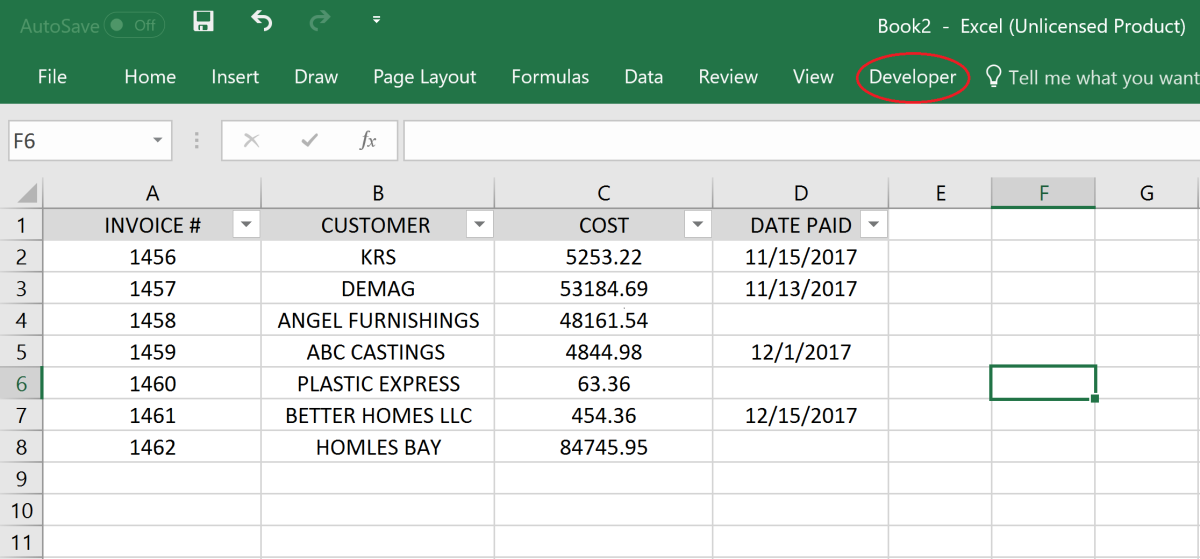
I have a Word 2010 Macro enabled document that contains two sets of ActiveX Command Buttons One set of buttons performs a spell check on specific sections of the document and then prints those same sections The other buttons add new pages to the document During the month of November all the buttons worked perfectly
June 11 2012 2 Re Rename ActiveX control command button With the sheet in Design Mode right click on the Button Select Properties from the drop down list and change the text in the CAPTION property Please find the following steps and example code it will show you how to add dynamic Command Button control on the userform Add command button on the userform from the toolbox Right click on the command button click properties Change the command button caption to Create CommandButton Double click on the command button
Trichard0987 Beginner Points 40 Posts 7 March 17 2008 1 I m having a problem with some of the command buttons in a dynamic spread sheet that I am creating I add the command button to the page and it has the name commandbutton1 I would like to rename it to something more meaningful