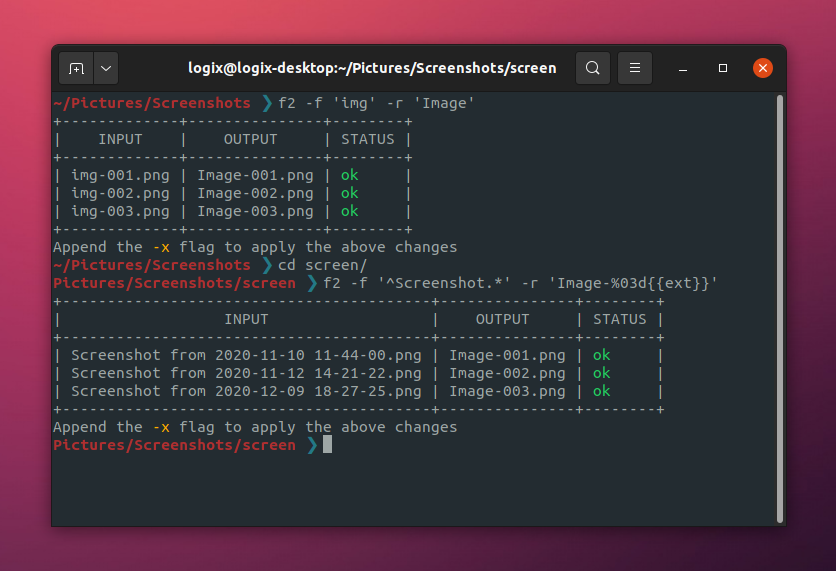
Rename Batch Command Example How To Rename The File Using Command Prompt YouTube How To Rename A File In Linux 2 Ultimate Solutions SLECK Batch File Rename Free 5 0 28 Review And Download How To Rename Multiple Files On Linux Linux Tutorials Learn Linux F2 Fast And Safe Batch Rename Tool For The Command Line Cross Web Apr 3 2022 nbsp 0183 32 To batch rename files just select all the files you want to rename press F2 alternatively right click and select rename then enter the name you want on the first file Press Enter to change the names for all other selected files
Web Feb 3 2023 nbsp 0183 32 Syntax ren lt drive gt lt path gt lt filename1 gt lt filename2 gt Parameters Expand table Remarks You can t specify a new drive or path when renaming files You also can t use this command to rename files across drives or to move files to a different directory Web 3 Answers Sorted by 40 A FOR statement to loop through the names type FOR for help and string search and replace type SET for help echo off setlocal enableDelayedExpansion for F in 120x90 jpg do set quot name F quot ren quot name quot quot name 120x90 67x100 quot
F2 Fast And Safe Batch Rename Tool For The Command Line Cross Batch Rename Multiple Files Extension On Windows YouTube Images Of Re NAME JapaneseClass jp Giveaway Of The Day Free Licensed Software Daily Batch File Renamer Download Batch File Rename For Windows 11 10 7 8 8 1 64 Bit 32 Bit Download Batch Rename EXE 2 0 0 6 Batch File Rename Command Ladegpearl How To Batch Rename Files Or Folders Using Bulk Rename Utility How To Batch Rename Mass Delete Files In Windows
Rename Batch Command Example
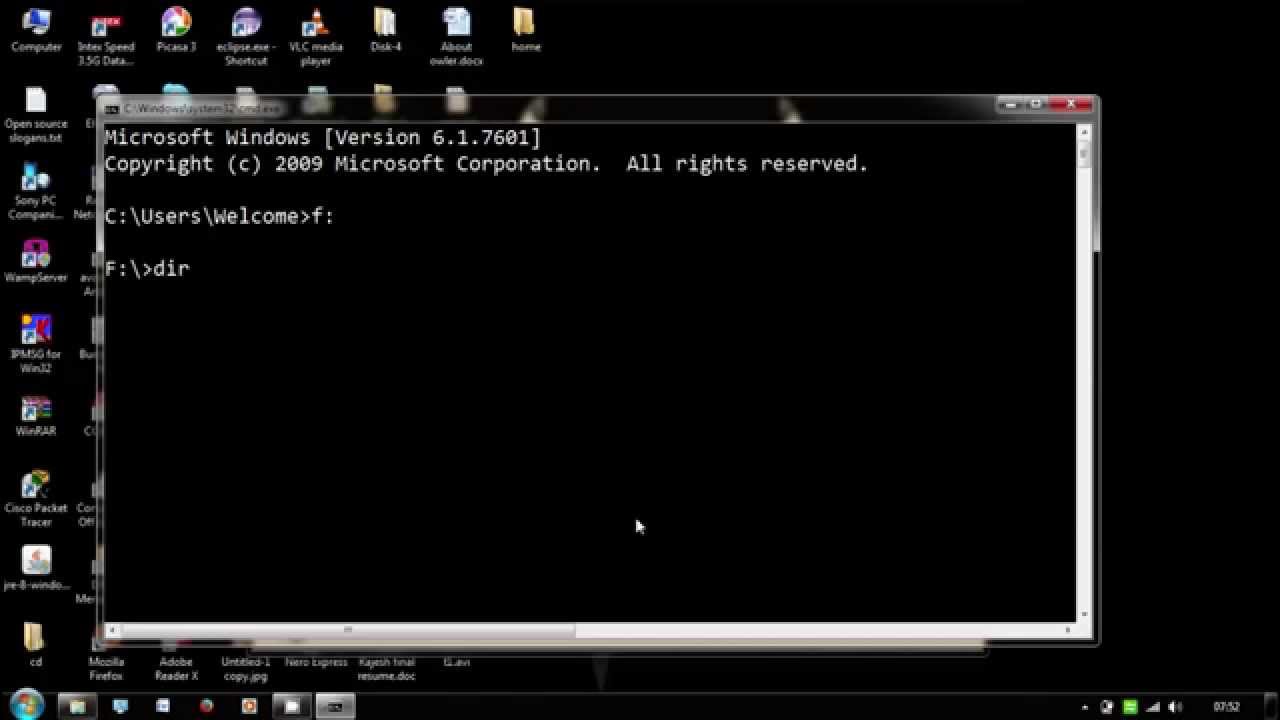 Rename Batch Command Example
https://i.ytimg.com/vi/NzHFlY2Y6Cw/maxresdefault.jpg
Web 1 I need to rename all of the files in a folder with the following filename format itemID straight bottle png TO itemID bottle png How can i accomplish this with a cmd script or in the command line example REDHI20806 straight bottle png TO REDHI20806 bottle png
Templates are pre-designed documents or files that can be used for numerous functions. They can conserve effort and time by offering a ready-made format and design for developing different kinds of content. Templates can be used for individual or expert jobs, such as resumes, invitations, leaflets, newsletters, reports, discussions, and more.
Rename Batch Command Example

Batch Commands Rename YouTube

Batch Rename Multiple Files Extension On Windows YouTube

Images Of Re NAME JapaneseClass jp
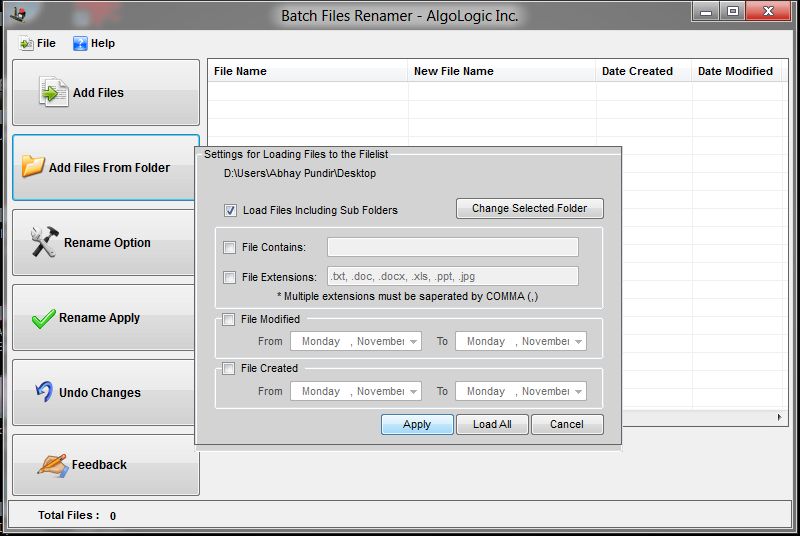
Giveaway Of The Day Free Licensed Software Daily Batch File Renamer
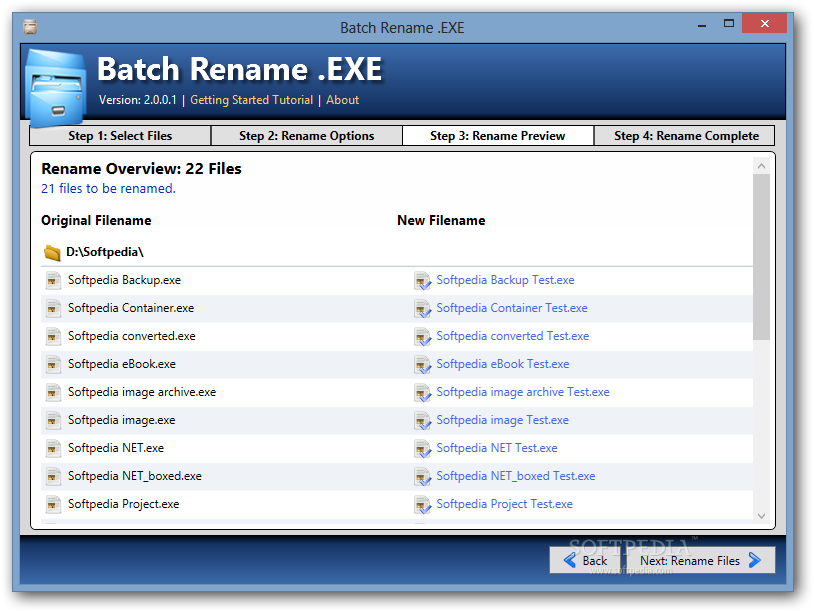
Download Batch Rename EXE 2 0 0 6

Batch File Rename Command Ladegpearl

Web Dec 7 2023 nbsp 0183 32 Type the following command to rename multiple files in bulk and press Enter ls Rename Item NewName quot NEW FILE NAME 0 EXTENSION quot f nr In the command replace
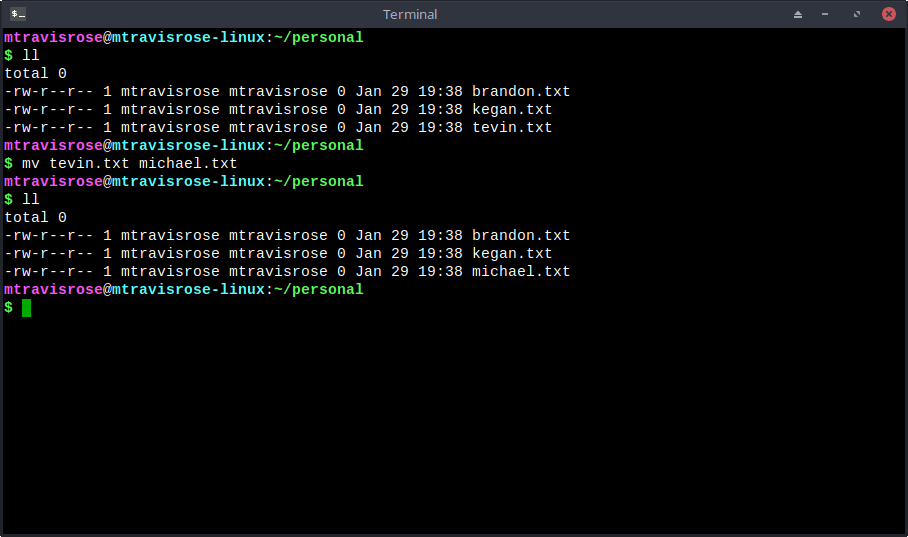
Web Sep 12 2023 nbsp 0183 32 Examples Extra Related Commands The rename command is used to rename a single file or folder from the Command Prompt Rename and ren can be used interchangeably They re the exact same command Rename Command Availability

Web Aug 13 2020 nbsp 0183 32 Renaming 1 file in cmd is very easy In this example we have a sample1 txt and we want to change its name to sample2 txt in command prompt type c temp gt ren sample1 txt sample2 txt enter Let s say the filename is sample1 some unwanted text 1234 txt and we want to change it to sample1 txt in command prompt type c temp gt

Web Nov 1 2016 nbsp 0183 32 To rename a single file you can use the following command syntax ren quot current filename ext quot quot new filename ext quot The quotes are important if your file names contain any spaces If they don t you won t need the quotes So for example to rename a file from quot wordfile 1 docx quot to quot my word file 01 docx quot you would use the following
Web Nov 30 2021 nbsp 0183 32 Using the last example you can use PowerShell to rename all the files so that the first word of the file name is quot Our quot instead of quot My quot Select the Start menu type Powershell and select Windows PowerShell to open the app Navigate to the directory where your files are stored by using the cd command to navigate folders
Web For renaming files Batch Script provides the REN or RENAME command Syntax RENAME drive path directoryname1 filename1 directoryname2 filename2 Let s take a look at some examples of renaming files Examples rename txt bak The above command will rename all text files to files with bak extension rename quot TESTA txt quot Web 5 days ago nbsp 0183 32 In the below example we will rename a file named Test txt to Rename txt The code for our example will be RENAME quot Test txt quot quot Rename txt quot In the example above we have renamed a single file Now we will discuss how we can rename multiple files with just one Batch script
Web Aug 23 2022 nbsp 0183 32 After that apply the methods below depending on how you want to batch rename the files Rename Extension The Windows PowerShell command to batch rename extension is Get ChildItem lt ext 1 gt Rename Item NewName Name replace quot lt ext 1 gt quot quot lt ext 2 gt quot Similarly you can put just quot quot in place of quot lt ext 2 gt quot to