Remove Windows Service Dependency Command Line How To Check Dependencies Of A Package In Ubuntu 22 04 Resolve The Service Dependency Directly In The Action Method ASP NET Magento Tips List All Modules Install And Uninstall Windows Service Using Command Prompt Services Dependency Graphs For Web Services Composition Modeling We use the Windows service for long running processes that you typically do not want to run inside a web server The Windows service is installed the first time you start the website When it s installed we add a dependency to the NetLogon service This prevents the Provisior service from starting before the NetLogon service We did this
The first step to being able to add or remove Windows servicing dependencies through a Command Prompt CMD is to open and run Command Prompt CMD as an administrator Note that the depend command parameter will overwrite the list of existing dependencies not add Should You Delete a Windows Service Find the Name of the Service You Want to Delete Delete the Service Key Takeaways To delete a service on Windows identify the service in the Services utility Then open up PowerShell or Command Prompt as administrator and run sc delete ServiceName to delete the service
Services Dependency Graphs For Web Services Composition Modeling Maven Install Dependencies How To Install Dependencies For Maven Dependency Analyzer Command Line MMX Code Explorer Delphi PRAXiS en Wsl Service Wsl Service Service Dependency Graph Plugin For Grafana Grafana Labs Stop Start Restart Windows Service Command Line How To How To Check Dependencies Of A Package In Ubuntu 20 04
Remove Windows Service Dependency Command Line
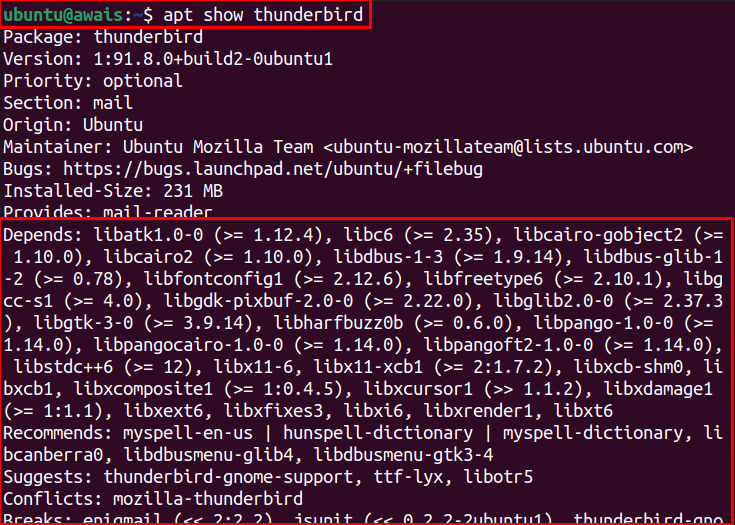 Remove Windows Service Dependency Command Line
https://linuxhint.com/wp-content/uploads/2022/05/How-to-Check-Dependencies-1.png
Run InstallUtil exe from the command prompt with your project s executable as a parameter Console
Pre-crafted templates use a time-saving solution for developing a diverse series of documents and files. These pre-designed formats and designs can be used for various personal and professional projects, consisting of resumes, invitations, flyers, newsletters, reports, presentations, and more, simplifying the material creation procedure.
Remove Windows Service Dependency Command Line
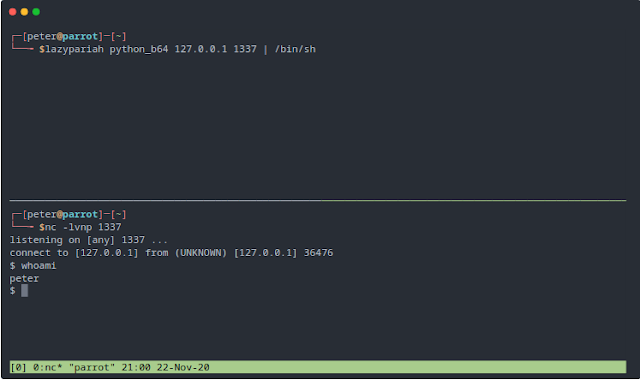
LAZYPARIAH A Tool For Generating Reverse Shell Payloads On The Fly

Maven Install Dependencies How To Install Dependencies For Maven

Dependency Analyzer Command Line MMX Code Explorer Delphi PRAXiS en
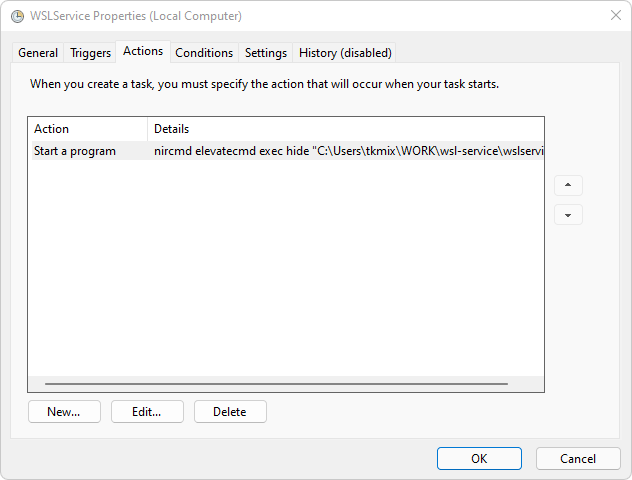
Wsl Service

Service Dependency Graph Plugin For Grafana Grafana Labs

Stop Start Restart Windows Service Command Line How To

3 Answers Sorted by 39 NOTE You ll likely need an elevated command prompt right click Run as Administrator to execute this command the sc command is what you want specifically sc delete C Users Jeff sc delete DESCRIPTION Deletes a service entry from the registry

Description The Remove Service cmdlet removes a Windows service in the registry and in the service database The Remove Service cmdlet was introduced in PowerShell 6 0 Examples Example 1 Remove a service This removes a service named TestService PowerShell Remove Service Name TestService Example 2 Remove a service using the display name

If you have Windows Vista or above please run this from a command prompt as Administrator sc delete your service name as shown in service msc e g moneytransfer For example sc delete moneytransfer Delete the folder C Program Files BBRTL moneytransfer Find moneytransfer registry keys and delete them

Windows Commands Command Line Syntax Key Reference Commands by Server Role append arp assoc at atmadm attrib auditpol autochk autoconv autofmt bcdboot bcdedit bdehdcfg bitsadmin bootcfg break cacls call cd certreq certutil change chcp chdir chglogon chgport chgusr chkdsk chkntfs choice cipher cleanmgr clip cls cmd

Uninstall the service Reboot the system so Windows releases it s hold on the file Deploy the new exe Reinstall the service Start the upgraded service I d like to avoid the reboot so that this can be a fully scripted automated upgrade Is there any way to avoid rebooting
139 You can use net stop service name to stop it and net start service name to start it up again basically restarting the service To combine them just do this net stop service name net start service name There is also a command built specifically for messing with services sc Disable a Windows service from the command line Ask Question Asked 11 years 5 months ago Modified 5 years 4 months ago Viewed 374k times 86 I want to disable a Windows service but I don t want to Open the Services management console Scroll to the name of the service Right click Properties or double click Change the Startup Type to disabled
Type SC at a command prompt to see the extensive set of options available DESCRIPTION SC is a command line program used for communicating with the Service Control Manager and services USAGE sc server command service name option1 option2