Remove White Background After Image Trace Illustrator Remove White Background From Photo Tools And Techniques Image Trace Illustrator Lockqpussy How To Image Trace On Adobe Illustrator How Do I Remove The White Background From An Image In Illustrator WebsiteBuilderInsider Adobe Illustrator Trace Line Art Illustration Arts Ideas Web Feb 21 2017 nbsp 0183 32 1 Answer If you have an image to trace which consists of white on transparent background invert the pixels by going to Edit gt Edit Colors gt Invert Colors which will turn the white parts to black Now you can trace it
Web Mar 9 2023 nbsp 0183 32 1 Open Your jpeg File in Adobe Illustrator Open Illustrator Select File then Open and locate your jpeg file Open the image file you would like to remove the background from 2 Activate the Transparency Grid To make it easier to see if you re actually making the background of your jpeg transparent do the following Web May 18 2018 nbsp 0183 32 Illustrator Tip How to Remove White Background in Live Trace dezign Musings I sort of used this tutorial but I am using Illustrator CC and the steps are a little different but you have to fin the image trace panel then click Advanced and make sure the ignore white box is checked
Adobe Illustrator Trace Line Art Illustration Arts Ideas How To Remove Background Image Illustrator Step By Step Tutorial How To Convert Bitmap Textures To Vector Format Ray Dombroski Remove Background Illustrator Image Trace Illustrator Converts The Image To Black And White Image Trace Image Trace In Adobe Illustrator 42 YouTube Image Trace Illustrator Lockqpussy How To Vectorize Your Lineart In Live Trace Illustrator YouTube Vector Removing White Background After Tracing A Logo In Illustrator CC Graphic Design Stack How To Use Live Trace In Illustrator Image Trace Illustrator Halongpearl vn
Remove White Background After Image Trace Illustrator
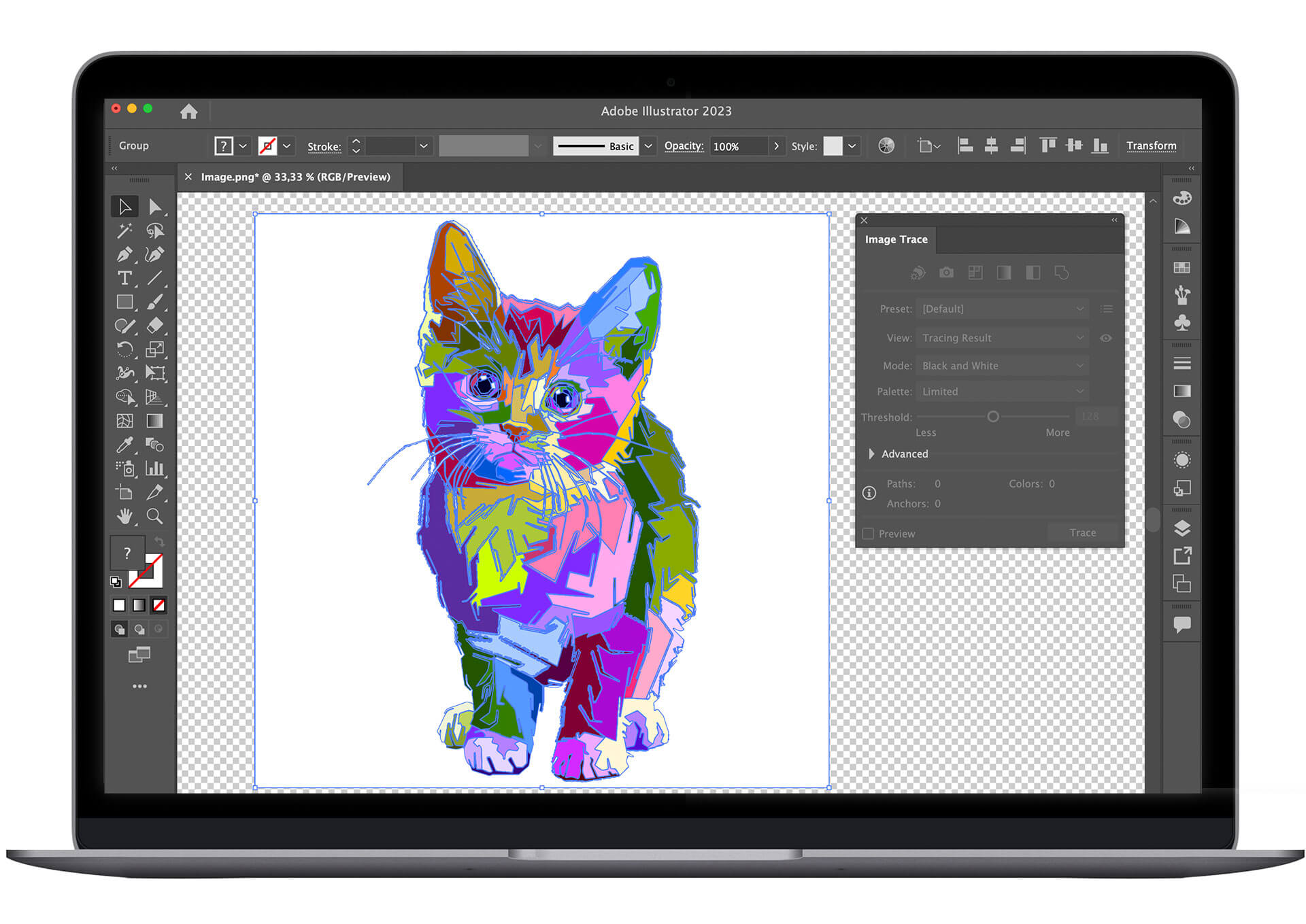 Remove White Background After Image Trace Illustrator
https://sb.kaleidousercontent.com/67418/1920x1359/dc009a378c/image1-3.jpg
Web 3 Answers Sorted by 13 What is happening is when you trace your image Illustrator is making your quot transparent background quot into quot white space quot What you need to do is remove this from your trace 1 Menu gt Window gt Image Trace
Pre-crafted templates offer a time-saving solution for developing a varied variety of files and files. These pre-designed formats and layouts can be utilized for numerous personal and expert jobs, including resumes, invitations, leaflets, newsletters, reports, presentations, and more, enhancing the material development process.
Remove White Background After Image Trace Illustrator

Online Course Image Trace In Adobe Illustrator CC By CreativeLive
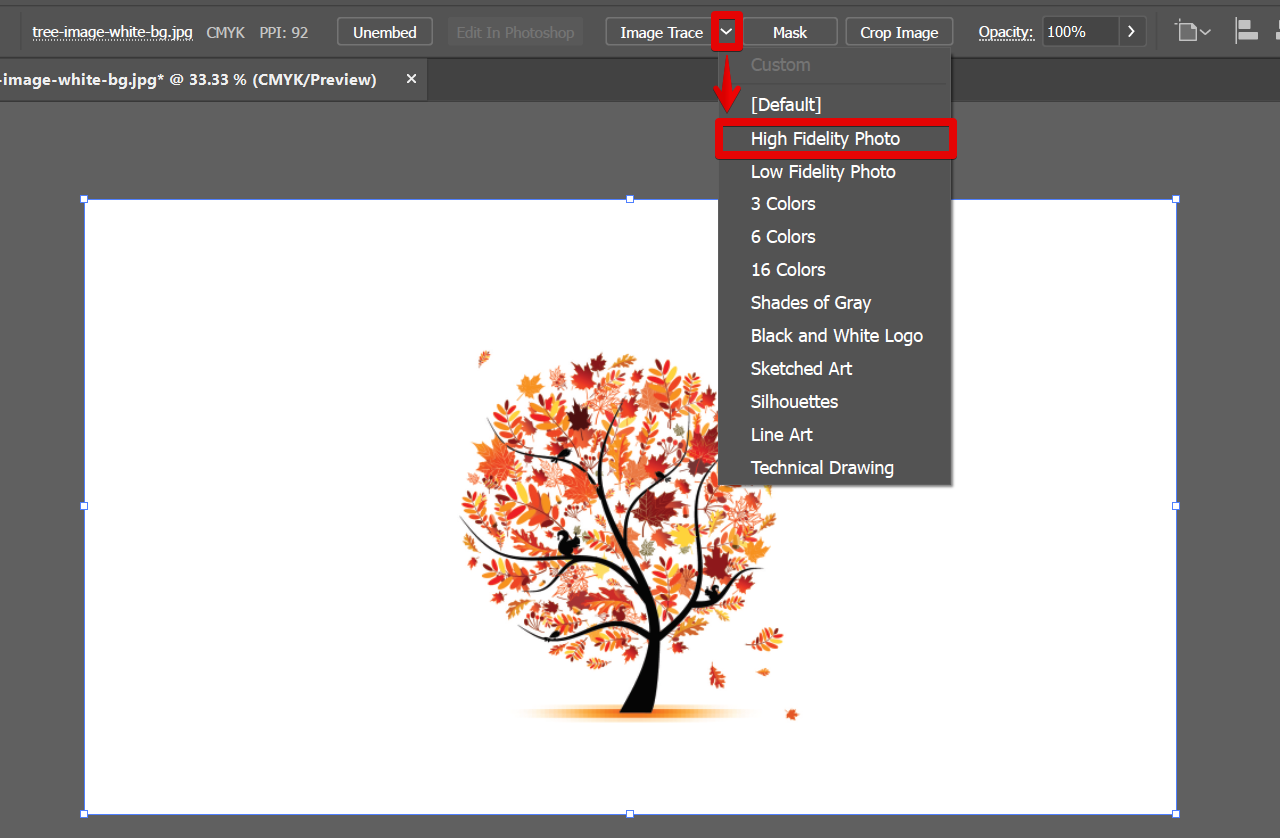
How To Remove Background Image Illustrator Step By Step Tutorial
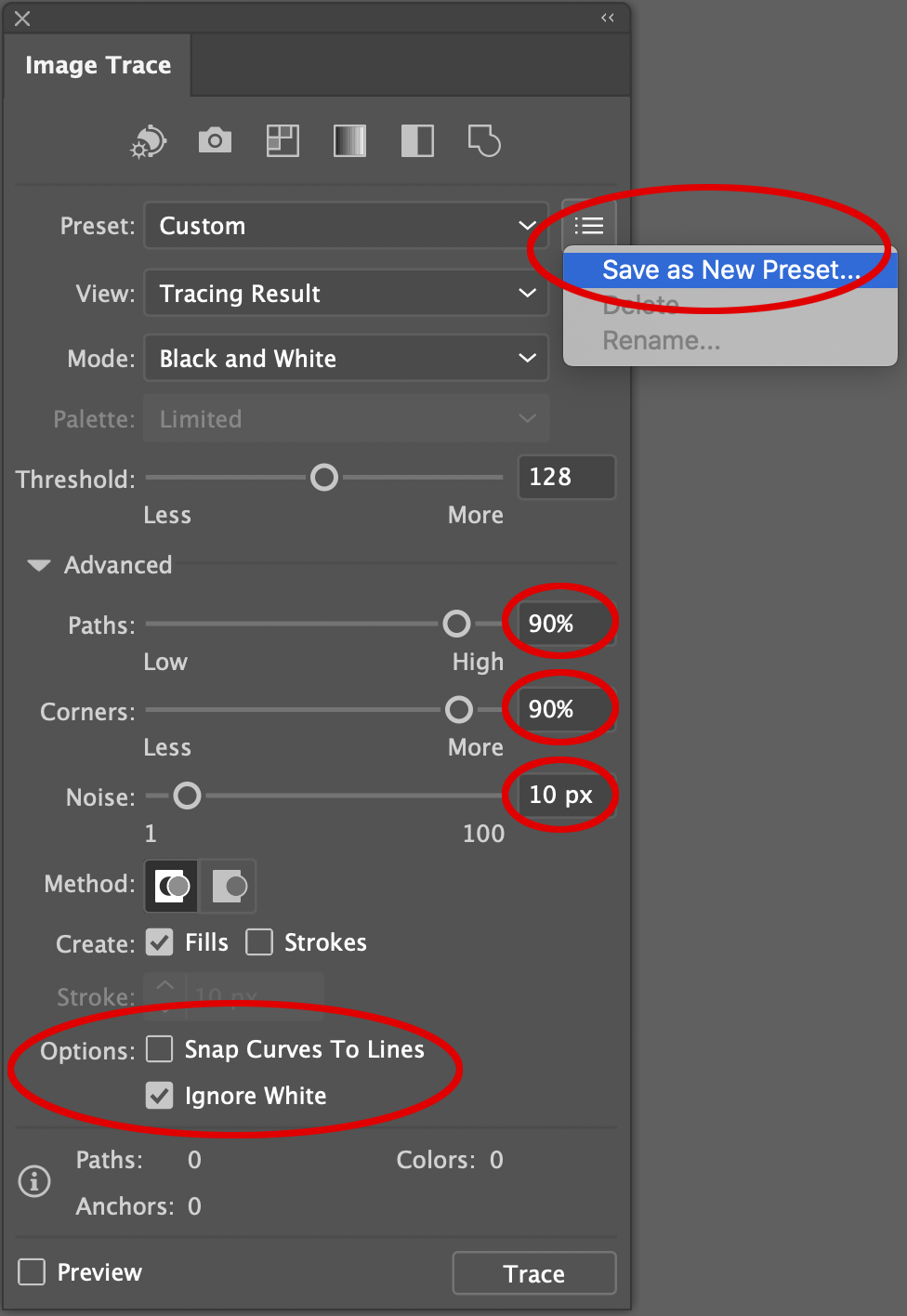
How To Convert Bitmap Textures To Vector Format Ray Dombroski
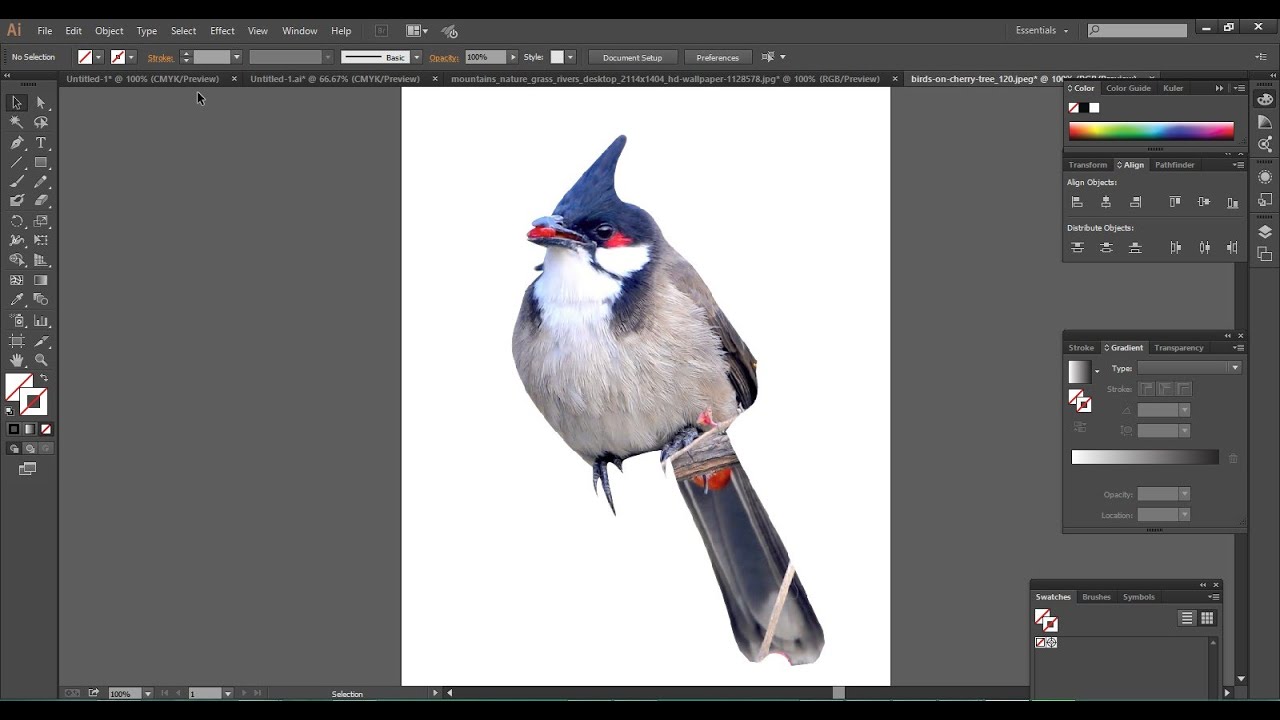
Remove Background Illustrator Image Trace Illustrator Converts The Image To Black And White

Image Trace Illustrator Lockqpussy
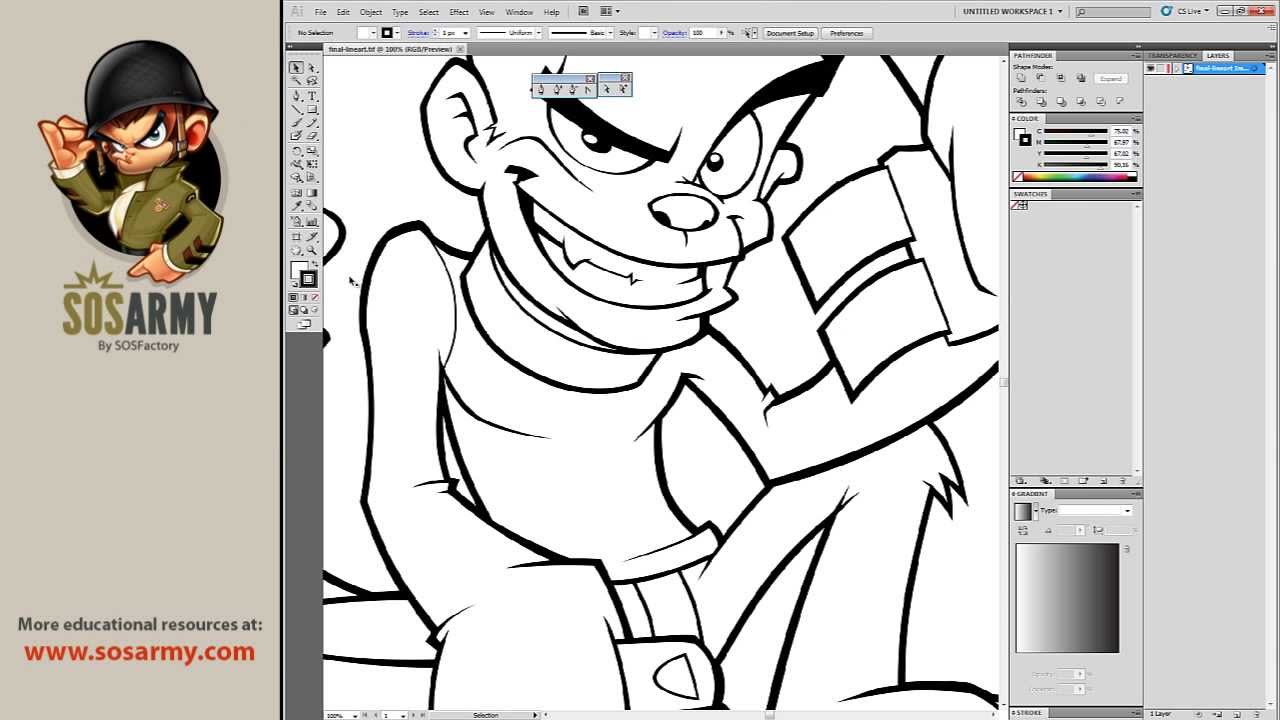
How To Vectorize Your Lineart In Live Trace Illustrator YouTube
Web Aug 12 2019 nbsp 0183 32 When I trace it in Illustrator the Image trace function makes white greyish fills of some parts of the background that in the original png are already transparant Deleting them manually or with Select gt Same Fill Color is too time consuming Other things like making the background red also don t work Someone has a solution
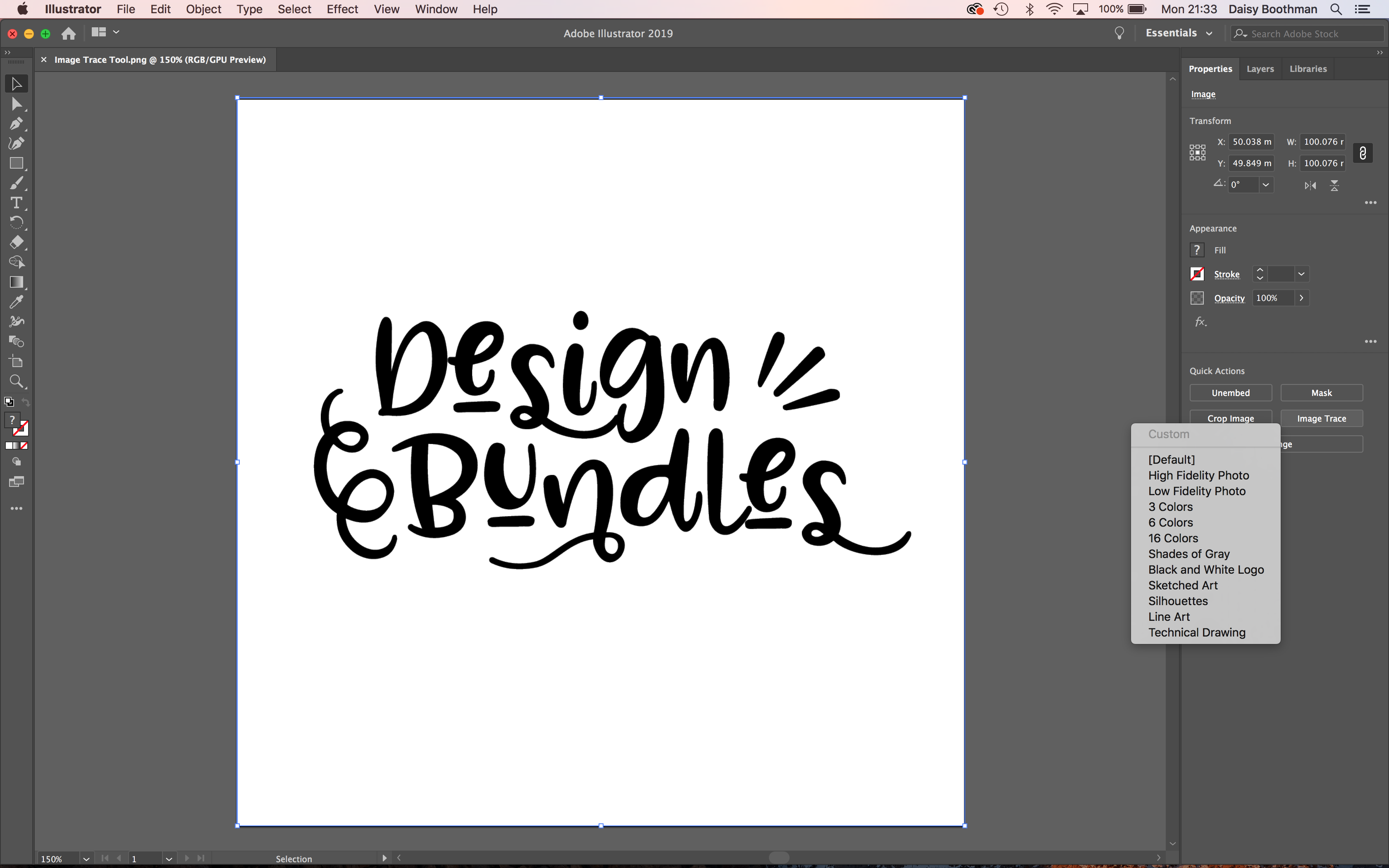
Web Aug 24 2020 nbsp 0183 32 IMAGE TRACE TUTORIAL REMOVE A WHITE BACKGROUND FROM A JPG or PNG IN ADOBE ILLUSTRATOR How to remove white backgrounds from JPGs and PNGs in Adobe Illustrator when using

Web Jul 23 2022 nbsp 0183 32 617 views 9 months ago Someone asked how I remove the white background after I image trace a PNG file in Illustrator Simply ungroup the design deselect select the white and
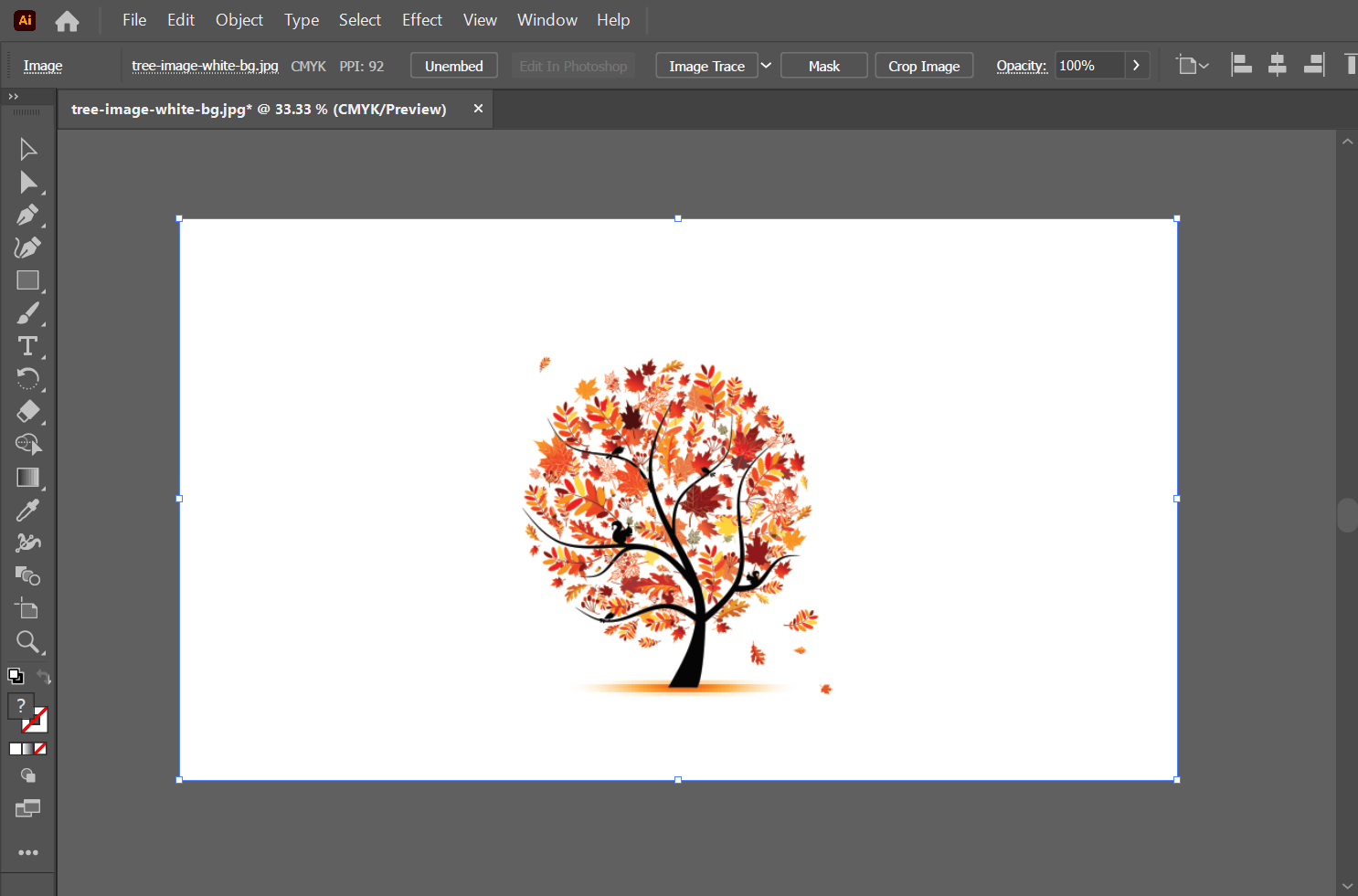
Web May 12 2023 nbsp 0183 32 You can use Adobe Illustrator to easily remove the white background Adobe Illustrator has a wonderful tool called Image Trace This tool allows you to convert traditional bitmap images to vectors Bitmap images are created from rows of pixels whereas vectors consist of shapes and lines

Web May 9 2022 nbsp 0183 32 How do I get rid of the white background behind the letters after I have image traced I just want the letters to put on top of another background I have tried everything I xan think of I have the attached in AI and can copy it but I can t make the white behind the letters go away TOPICS Draw and design mountains docx Preview 481
Web Oct 18 2022 nbsp 0183 32 To remove the background of an image in Illustrator you can either use a clipping mask to isolate your foreground object or use Illustrator s Image trace feature Here are two ways to remove the background of an image using Adobe Illustrator Web Sep 15 2023 nbsp 0183 32 How to Remove a White Background in Illustrator Simply go to View gt Show Transparency Grid Shift Control D to remove the default white background Go to File gt Document Setup Alt Control P whenever you wish to adjust the settings of your transparent background 2 How to Change the Color of the Background in Illustrator
Web Sep 29 2023 nbsp 0183 32 Step 1 Open the Image Firstly you need to open the image from which you want to remove the white background File gt Open gt Select your image Step 2 Unlocking the layer Next you will need to unlock the layer containing your image By default Illustrator locks the first layer of a file