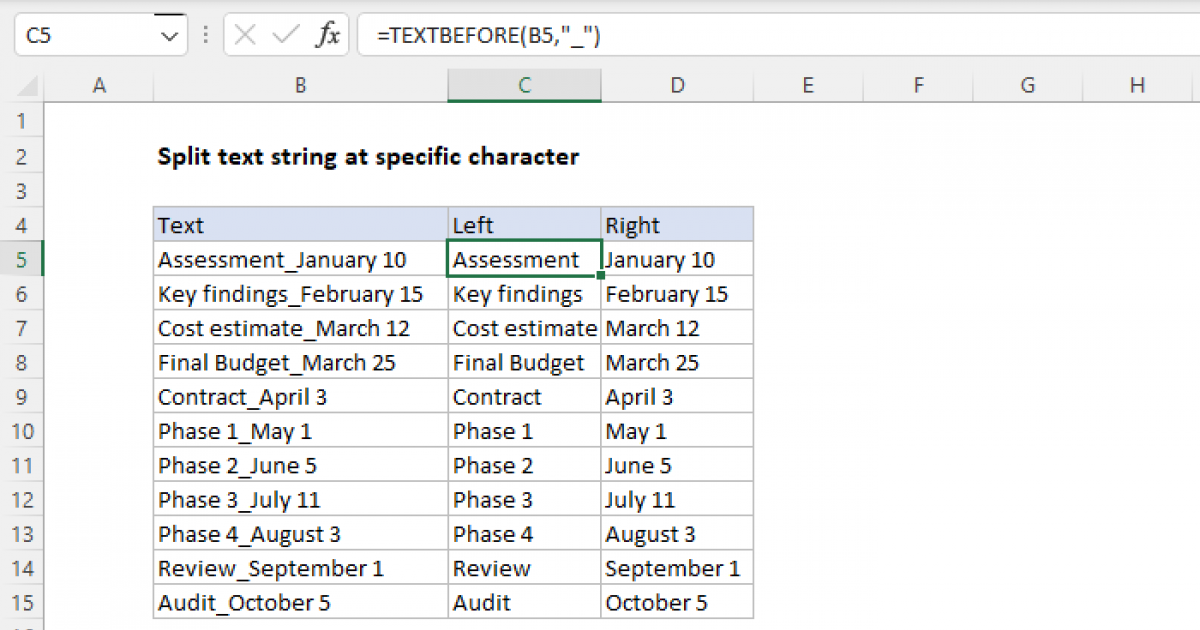
Remove Specific Character From Excel Cell Split Text String At Specific Character Excel Formula Exceljet How To Remove Specific Character From String In Excel Remove Characters Riset Excel Remove Specific Text From Cell Specific String Specific How To Remove Text Or Character From Cell In Excel Web To remove text from a cell by position you can use the REPLACE function In the example shown the formula in C6 is REPLACE B6 1 24 quot quot which replaces the first 24 characters in the text with an empty string quot quot
Web Feb 7 2023 nbsp 0183 32 To find and remove specific text in Excel we can use the SUBSTITUTE function Let s say we have hyphen signs in a text and we want to remove it We can do this with SUBSTITUTE function by Web Sep 26 2023 nbsp 0183 32 How to Remove Specific Text from Cell in Excel Easiest 11 Ways 1 Using Find amp Replace Option to Remove Specific Text from Cell in Excel For this method I will use the first column 2 Removing
How To Remove Text Or Character From Cell In Excel How To Remove The First Characters In Excel Basic Excel Tutorial My Riset How To Remove Text Before Or After A Specific Character From Cells In Sum If Cells Contain Specific Text Excel Formula Exceljet MS Excel Remove Specific Character When Leaving Cell Stack Overflow How To Remove First Character 5 Ways From A Cell String In Excel EXCEL Eliminar Primer Caracter TRUJILLOSOFT How To Extract Specific Characters From Excel Cell YouTube Remove Unwanted Characters In Excel
Remove Specific Character From Excel Cell
 Remove Specific Character From Excel Cell
https://exceljet.net/sites/default/files/styles/og_image/public/images/formulas/split text string at specific character2.png
Web Mar 10 2023 nbsp 0183 32 You can easily remove specific characters with the Find and Replace feature in Excel Usage Guide Step 1 At first select the cell range A2 to A10 Step 2
Templates are pre-designed documents or files that can be used for numerous functions. They can conserve effort and time by supplying a ready-made format and design for developing different sort of material. Templates can be utilized for individual or expert tasks, such as resumes, invites, flyers, newsletters, reports, presentations, and more.
Remove Specific Character From Excel Cell
Prevent Special Characters In Excel Cell Printable Templates
How To Remove The First Characters In Excel Basic Excel Tutorial My Riset
How To Remove Text Before Or After A Specific Character From Cells In
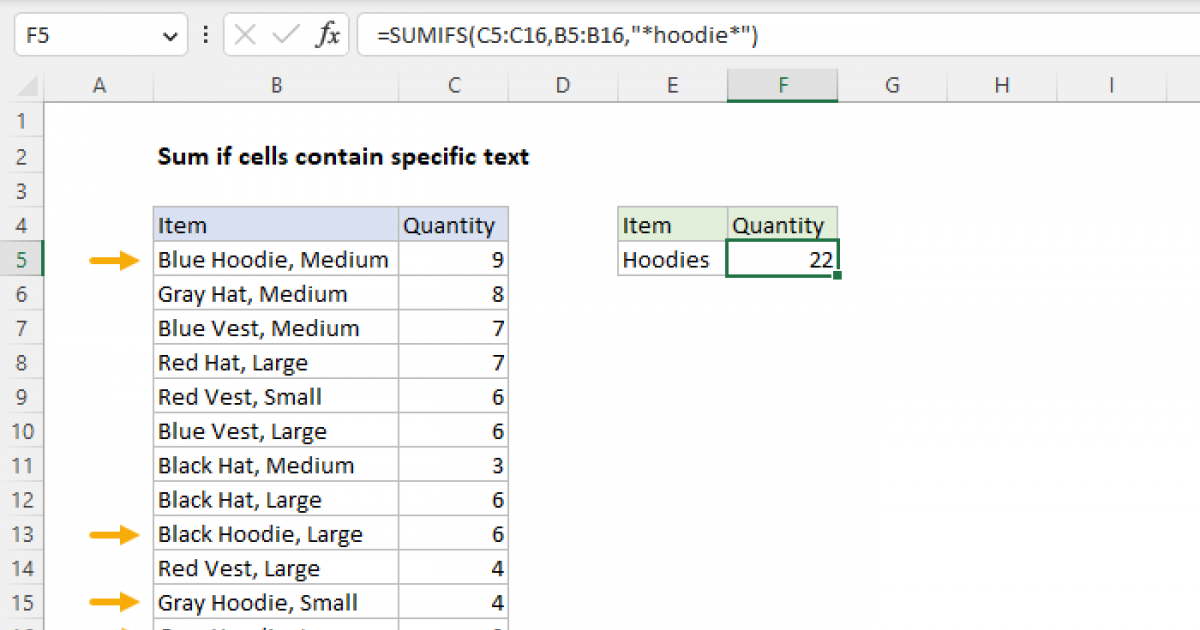
Sum If Cells Contain Specific Text Excel Formula Exceljet

How To Remove First Character 5 Ways From A Cell String In Excel

EXCEL Eliminar Primer Caracter TRUJILLOSOFT
Web Summary To remove specific unwanted characters in Excel you can use a formula based on the SUBSTITUTE function In the example shown the formula in C4 is SUBSTITUTE B4 CHAR 202 quot quot Which removes a

Web Removing a Specific Character with the SUBSTITUTE Function The SUBSTITUTE function can be used to remove a specific character

Web Apr 12 2023 nbsp 0183 32 With the Ultimate Suite installed this is what you need to do On the Ablebits Data tab in the Text group click Remove gt Remove Characters On the add in s pane pick the source range select

Web Mar 13 2023 nbsp 0183 32 Delete text before after or between 2 characters with Find amp Replace Select all the cells where you want to delete text Press Ctrl H to open the Find and Replace dialog In the Find what box enter one of
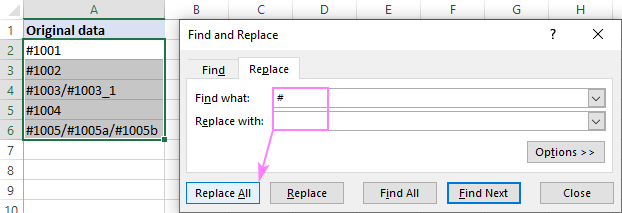
Web One of the fastest ways to remove a particular character or text from multiple cells is through the use of Excel s Find and Replace function The logic behind this method is quite simple find the character to remove
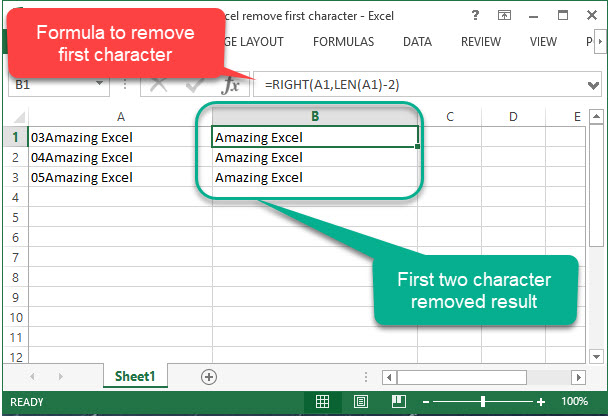
Web In Excel you can use the RIGHT and LEFT functions to remove the certain number of characters from the beginning or the end of the strings please do as this 1 Type or Web May 31 2023 nbsp 0183 32 The cells in column B contain the phrase from each corresponding cell in column A with the special characters removed Note that you can easily modify this
Web Mar 13 2023 nbsp 0183 32 To remove leading characters from the left side of a string you also use the REPLACE or RIGHT and LEN functions but specify how many characters you want to