Remove Read Only Pdf Iphone How To Make PDF Read only WPS PDF Blog Maps From Dmg Read Only CloudXtra Software cloudxtra Twitter Can t Remove Read Only From Folder In Windows 10 Techilife Remove Read Only On Excel File Mzaerauctions Save a PDF attachment on your iPhone or iPad Tap the PDF to open it Tap the Share button Swipe left over the app icons and tap Books If you don t see Books tap the More button Then tap Books Your PDF opens and automatically saves in the Books app You can find it later in the Library tab To access your files on any of your other
1 First you need to find your PDFs These will quite likely be in the Downloads folder of the Files app the one with the blue folder icon but through Files you can check other locations like Listen to subscriber only content Change download settings Reminders Add or remove accounts Sell give away or trade in your iPhone Erase iPhone Install or remove configuration profiles Safety handling and support Important safety information Read PDF documents in Books on iPhone In the Books app you can open and save PDFs
Remove Read Only On Excel File Mzaerauctions How To Save Fillable PDFs As Read Only PDF How To Convert Fillable Paideutika 11 Shattered School Digital Ibis Edizioni Why Nelp Read Only PDF Hydrocarbon Exploration Hydrocarbons How To Remove Read Only MS Word File YouTube Make A Read Only Pdf Searchable Canadian Manuals Cognitive Guide Alleen lezen Verwijderen Uit Een Excel document Tutorials Voor How To Remove Read Only On A Excel 2019 For Mac Microsoft Office For How To Download Read Only PDF Files From Google Drive Download Locked
Remove Read Only Pdf Iphone
 Remove Read Only Pdf Iphone
https://wpsstrapicms.cache.wpscdn.com/2_799b457afa.png
On your iPad Open the Files app Under Locations in the sidebar tap the location of the files that you want to delete If you don t see the sidebar tap the Show Sidebar button Tap Select Select the files that you want to delete then tap Delete To delete a single file you can also touch and hold the file then tap Delete
Pre-crafted templates provide a time-saving solution for developing a varied range of documents and files. These pre-designed formats and layouts can be utilized for different personal and professional tasks, including resumes, invitations, leaflets, newsletters, reports, presentations, and more, streamlining the content creation procedure.
Remove Read Only Pdf Iphone

How To Remove Read Only From PowerPoint Without Knowing The Modify
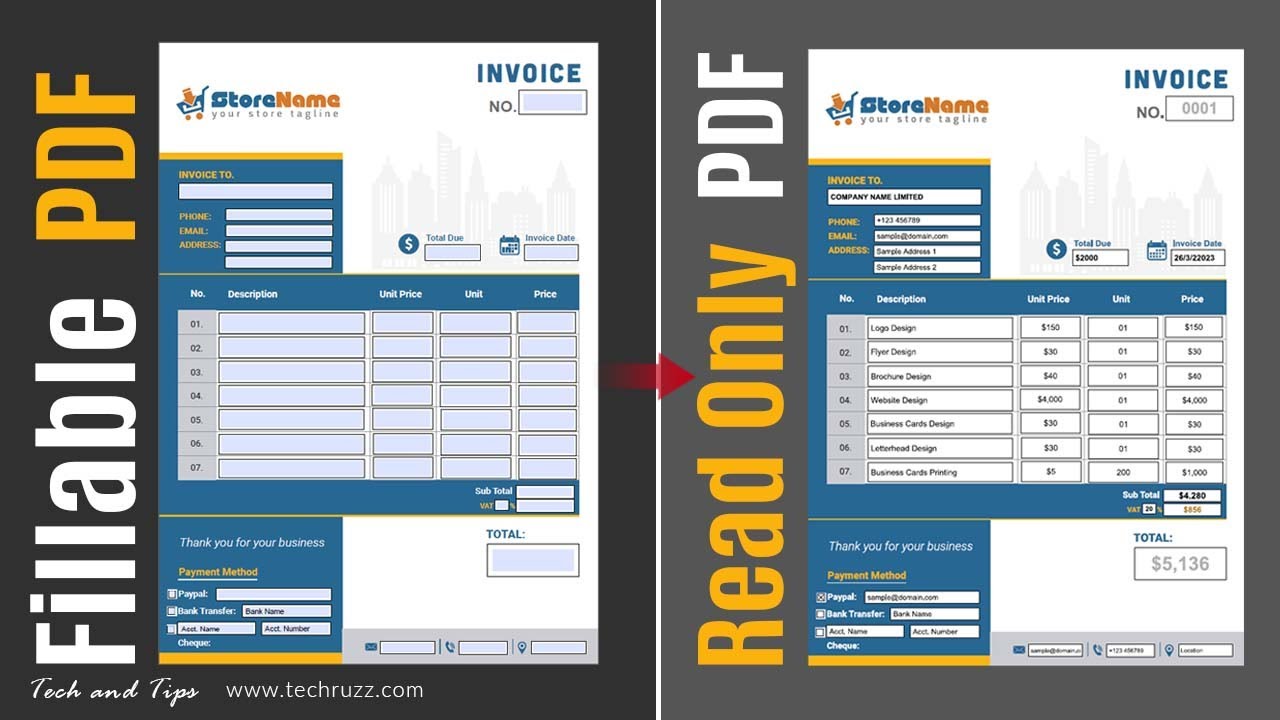
How To Save Fillable PDFs As Read Only PDF How To Convert Fillable

Paideutika 11 Shattered School Digital Ibis Edizioni
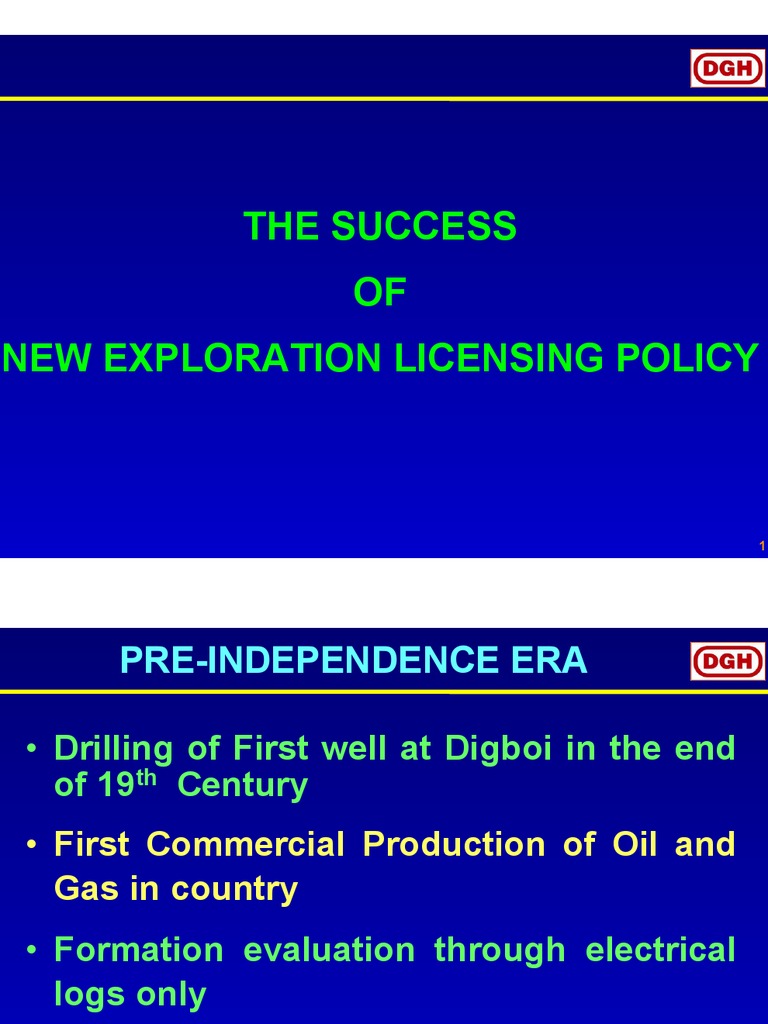
Why Nelp Read Only PDF Hydrocarbon Exploration Hydrocarbons

Make A Read Only Pdf Searchable Canadian Manuals Cognitive Guide

Alleen lezen Verwijderen Uit Een Excel document Tutorials Voor
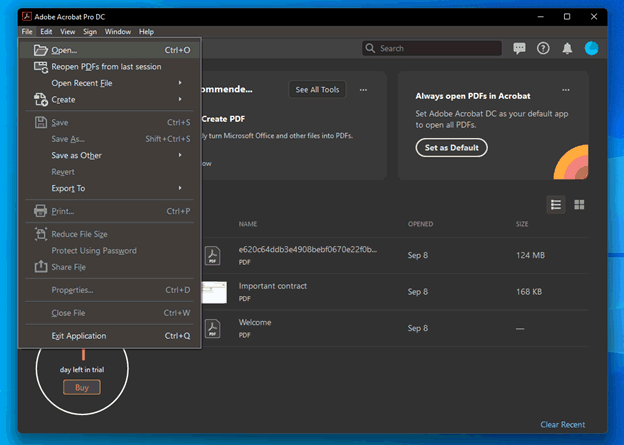
Jan 16 2018 hello everyone I use my Ipad to read and edit documents Recently I updated the software to the latest version IOS version The problem is that ever time I use the reader the app will prompt me by saying that the document was a read only version and requires me to create a local copy

Case 1 Read Only Mode Set by Built in Tool Some native tools on Windows and Mac can change the edit restrictions of PDF They protect the documents by turning on the read only mode in file properties To allow modifications in PDF again you can try removing the read only status

May 30 2022 I have upgraded to Acrobat Pro which told me I can edit PDFs on mobile devices every PDF that is NOT read only on my MacBook is read only on both devices I have been hung up on by customer service twice now Why is there no easy solution for this

The iPhone does not support Acrobat Pro you can only install Acrobat Reader for Mobile free If you have Adobe Acrobat Pro for desktop and have signed in with the same login then it includes editing capabilities on the iPhone The exception is if the PDF is read only If the creator locked the file for editing then you cannot edit it

Step 1 Open your read only PDF document in Adobe Acrobat and click Protect from the right sidebar Now tap Advanced Options and select Remove Security Now enter the password and press OK Step 2 After removing the password click Edit PDF from the right sidebar to start editing the PDF You can edit text
How to Edit PDF on iPhone Using Files App Step 0 Make sure your iPhone has iOS 15 Step 1 Open PDF in Files app Step 2 Tap on the marker icon Step 3 Press the to do more Step Replied to bobbychen Feb 21 2021 12 48 AM bobbychen This seems to have been introduced by a recent update to the OneDrive iOS app Exported file permissions used to be 606 and now they are 555 I am an app developer and I use the Files app extension DocumentBrowserViewController I am able to programmatically alter the file permissions
On Windows just right click your PDF and select Properties Read only OK On a Mac computer the process is a little more complex Select the PDF and click File Get Info You can then set access rights under the Sharing Permissions tab This is an easy method to protect your PDFs but it can also be unreliable