Remove Protection Password Pdf Document How To Remove Password Protection From PDF Files Using Google Chrome How To Remove Protection Password From Pdf Document Linux Tutorials How To Remove Password From Microsoft Word Document Protection Easy How To Edit A Protected Word Document Without Password How To Remove Password Protection From A PDF Enter the password of the PDF Click on Set Password Click on Start PDF File Unlock Online Service for free and wherever you want How To Unlock PDF Files It s simple All you need is the PDF that you want to unlock and of course its password We can only unlock your PDF if you know the password Upload your protected PDF using the
Try Sejda Desktop Contact Support Unlock PDF Online Remove restrictions and password from PDF files Online no installation or registration required It s free quick and easy to use Meet the fastest way to remove password protection from PDF Simply locate the file drag it into the tool provide the password if you know it click Unlock PDF and the task is done Cloud processed operations The Unlock PDF tool is entirely cloud based This guarantees high speed conversion
How To Remove Password Protection From A PDF Remove Protection From MS Word 2013 Document With without Password How To Permanently Delete Files From Dropbox CNET 39 Best Password List Templates Word Excel Pdf Template Lab For 5 Methods To Remove Read Only From Word Document Three Options To Remove Protection Password From Word 2016 Document How To Remove A Password From A PDF In Windows 10 Microsoft Word How To Unlock A Password Protected Word Document Without Password How To Remove Password Protection From Microsoft Excel File 2017 2016
Remove Protection Password Pdf Document
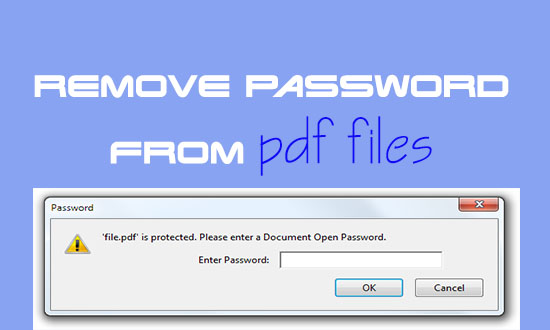 Remove Protection Password Pdf Document
http://www.technotrait.com/wp-content/uploads/2017/03/Remove-PDF-Password-Protection.jpg
How to remove password from PDF Open the PDF in Adobe Acrobat Pro on your Windows PC or Mac Choose Tools Protect Advanced Options Remove Security If the document has a Document Open password click OK to remove it If the document has a permissions password type the correct password in the Enter Password box and then
Pre-crafted templates provide a time-saving solution for developing a varied variety of files and files. These pre-designed formats and designs can be used for various individual and professional tasks, including resumes, invitations, flyers, newsletters, reports, discussions, and more, streamlining the content development process.
Remove Protection Password Pdf Document
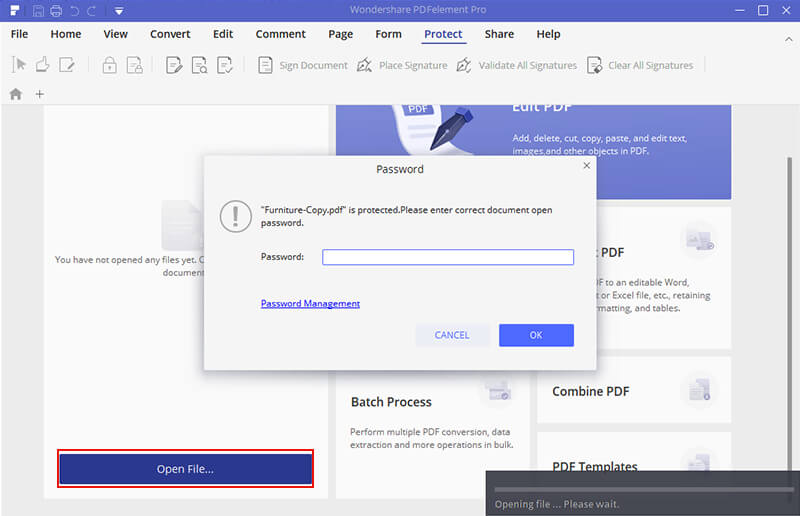
How To Remove Password From PDF File Updated For 2019
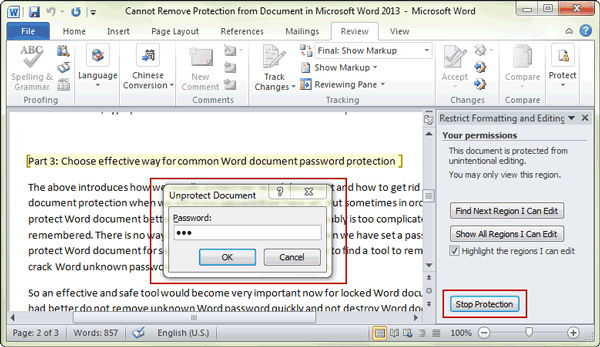
Remove Protection From MS Word 2013 Document With without Password
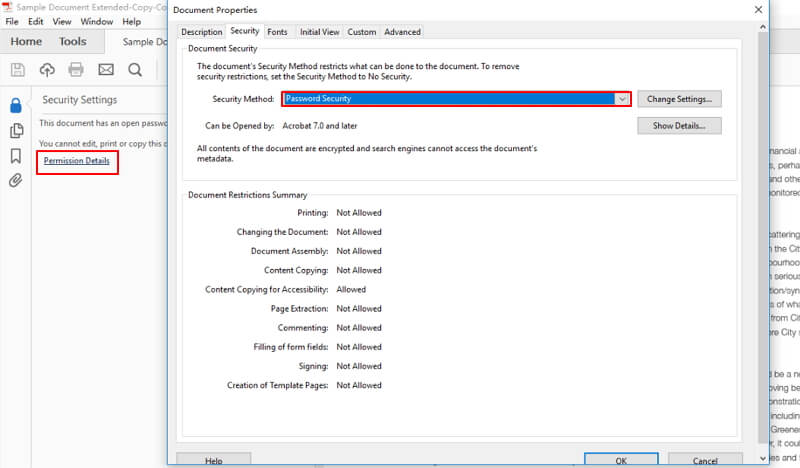
How To Permanently Delete Files From Dropbox CNET

39 Best Password List Templates Word Excel Pdf Template Lab For
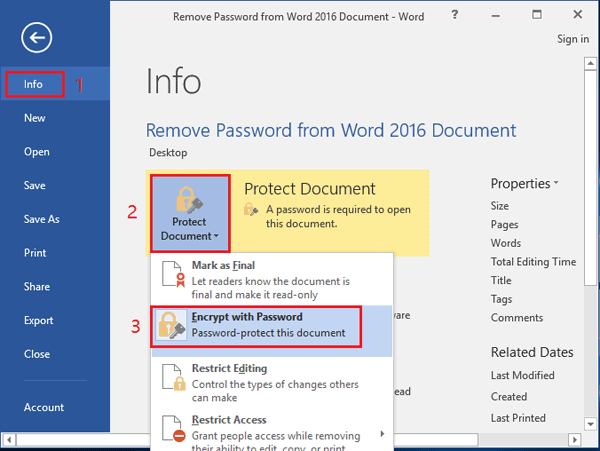
Three Options To Remove Protection Password From Word 2016 Document

How To Remove A Password From A PDF In Windows 10 Microsoft Word

How to remove password from PDF files Drag and drop your document in the PDF Password Remover Confirm that you have the right to the file and click Unlock PDF The decryption process should start right away Modify your PDF further or click Download File to save the unlocked PDF Unlock PDF Blog Articles How To Unlock PDF

First open the PDF document and provide the password it requires Click the Print button on the PDF toolbar while viewing the password protected document Click the Change button under Destination and select Save as PDF Click the Save button and you ll be prompted to provide a name and location for your new PDF
Explore Adobe Acrobat JUMP TO SECTION Why remove a password How to remove passwords Editing restrictions for PDFs Passwords protect encrypted PDF files Password protection is one of the first lines of defense for a document that contains sensitive information If you regularly handle private forms or documents passwords are essential

1 Open the password protected PDF in Adobe Acrobat Enter the password when directed 2 Click File in the menu bar then choose Properties 3 In the Document Properties window click
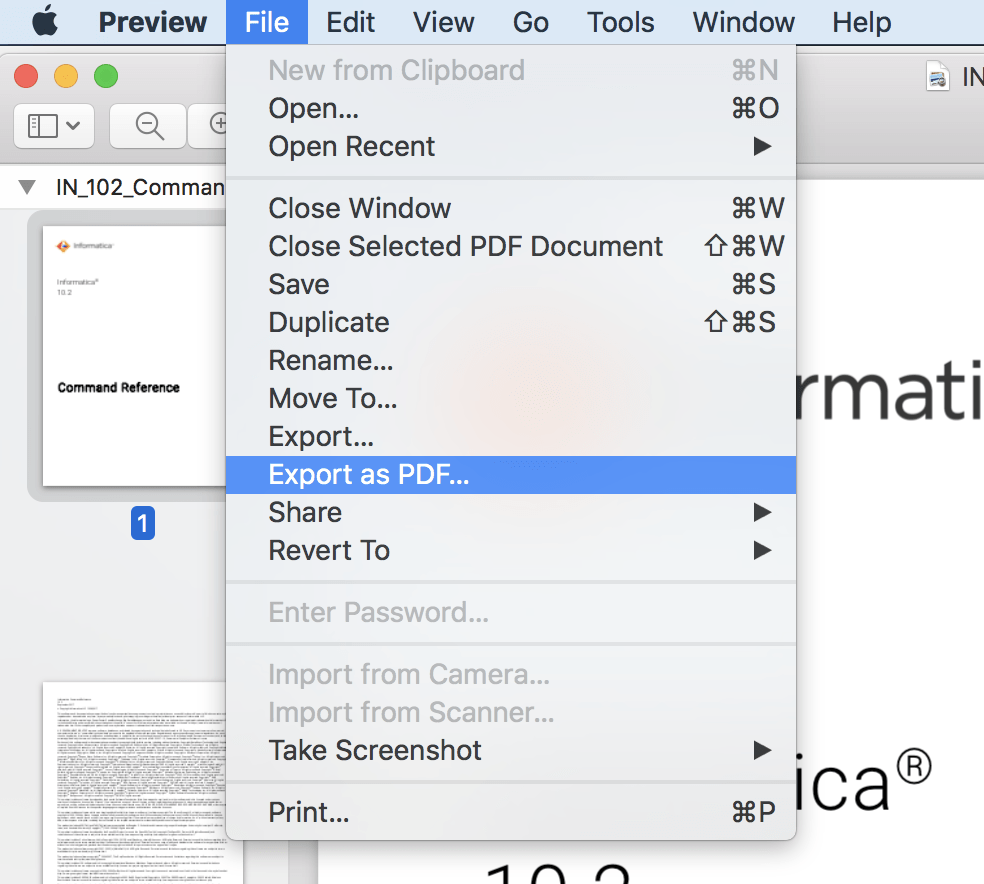
Select your protected files that you want to remove the password from or drop them into the file box and start the process A few seconds later you can download your unlocked PDF files Password for unlocking The password enables our system to read the protected PDF file and to convert it to an unlocked one
No need to download an app simply upload the file here in the browser type in the correct password and then the password can be removed How to remove a password from a PDF Click on Choose file or drag and drop the file from which you want to remove the password Here s a CliffsNotes version of the steps above Open the password protected PDF file in Google Chrome Enter the password when prompted Open the print menu select Save as PDF and click the Save button Rename the file if you want to and save it somewhere that s secure And with that you should be able to quickly and easily remove
Step 1 Load a Password Protected PDF Launch PDFelement then drag and drop a password protected PDF file in the program window to open it If the PDF file is protected with an open password you ll need to enter the open password before opening it Step 2 Remove Password Protection from PDF