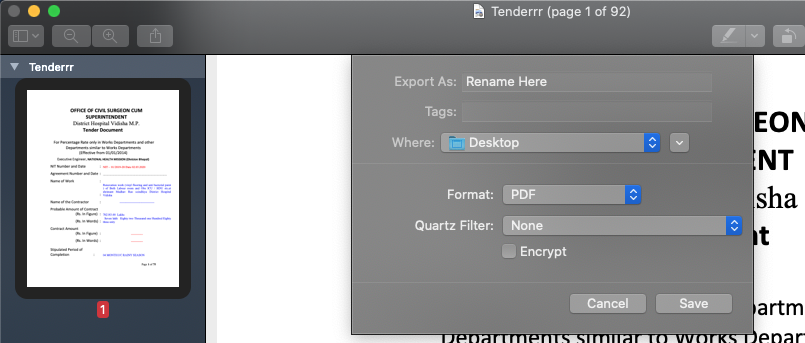
Remove Password Protection From Pdf Mac How Do You Remove Password Protection From PDF Mac Best Solution How To Remove Password Protection From PDF Files Remove Highlight From Pdf Mac Deluxe Web Log Navigateur How To Remove Password Protection From PDF Files How To Remove Password Protection From PDF Unlock PDF Password WEB May 24 2016 nbsp 0183 32 Follow these steps to remove the password from a PDF using the Safari browser 1 Open Safari on your Mac and press Command O 2 Select the password protected PDF and click Open 3 Enter the PDF password to unlock it 4 Press Command P 5 Click the PDF dropbox and choose Save as PDF
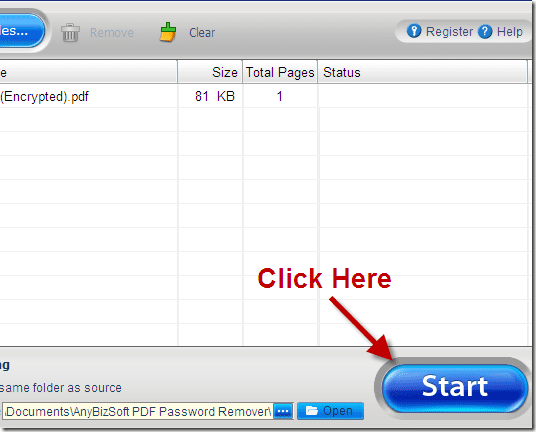
WEB Open the PDF in Acrobat Use the Unlock tool Choose Tools gt Protect gt Encrypt gt Remove Security Remove Security The options vary depending on the type of password security attached to the document If the document has a Document Open password click OK to remove it from the document WEB Remove PDF password in one click Meet the fastest way to remove password protection from PDF Simply locate the file drag it into the tool provide the password if you know it click Unlock PDF and the task is done
How To Remove Password Protection From PDF Unlock PDF Password Remove Password Security From PDF On MAC Delete PDF Protection How To Remove Password Protection From PDF Unlock PDF Password TOP 10 Best PDF Reader 2022 EaseUS 2022 How To Remove Password Protection From PDF In 7 Ways EaseUS Remove Password Protection Form PDF Unlock PDF How Do You Remove PDF Password Protection 3 Best Methods PDF Password Remover Guide How To Remove Password Protection From A PDF How To Remove Password Protection From PDF Unlock PDF Password
Remove Password Protection From Pdf Mac
 Remove Password Protection From Pdf Mac
https://www.datarecovery.institute/wp-content/uploads/2020/04/unencrypt.png
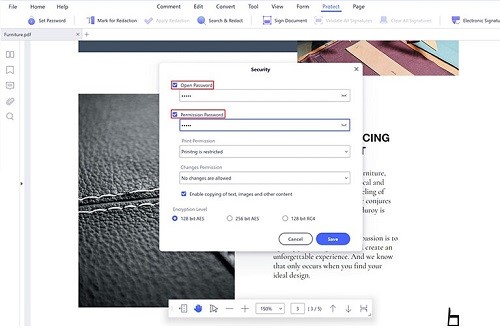
WEB 1 Open the PDF in Acrobat Pro on Windows or Mac 2 Choose Tools Encrypt Remove Security 3 If the document has a Document Open password click OK to remove it 4 If the document has a permissions password type the correct password in the Enter Password box and then click OK After those steps congratulations you ll have an
Pre-crafted templates provide a time-saving service for producing a diverse variety of documents and files. These pre-designed formats and designs can be utilized for different individual and expert jobs, including resumes, invites, flyers, newsletters, reports, presentations, and more, enhancing the material development process.
Remove Password Protection From Pdf Mac
How To Remove Password Protection From PDF Files
Remove Password Security From PDF On MAC Delete PDF Protection
How To Remove Password Protection From PDF Unlock PDF Password
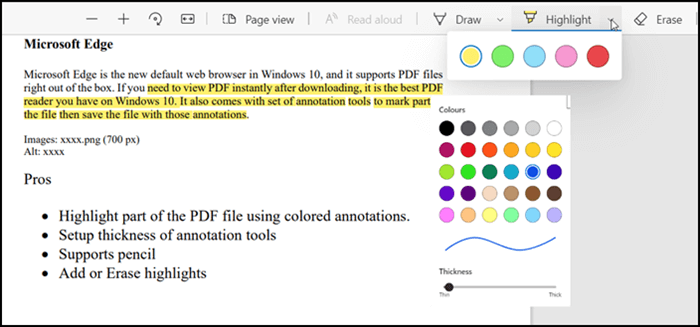
TOP 10 Best PDF Reader 2022 EaseUS
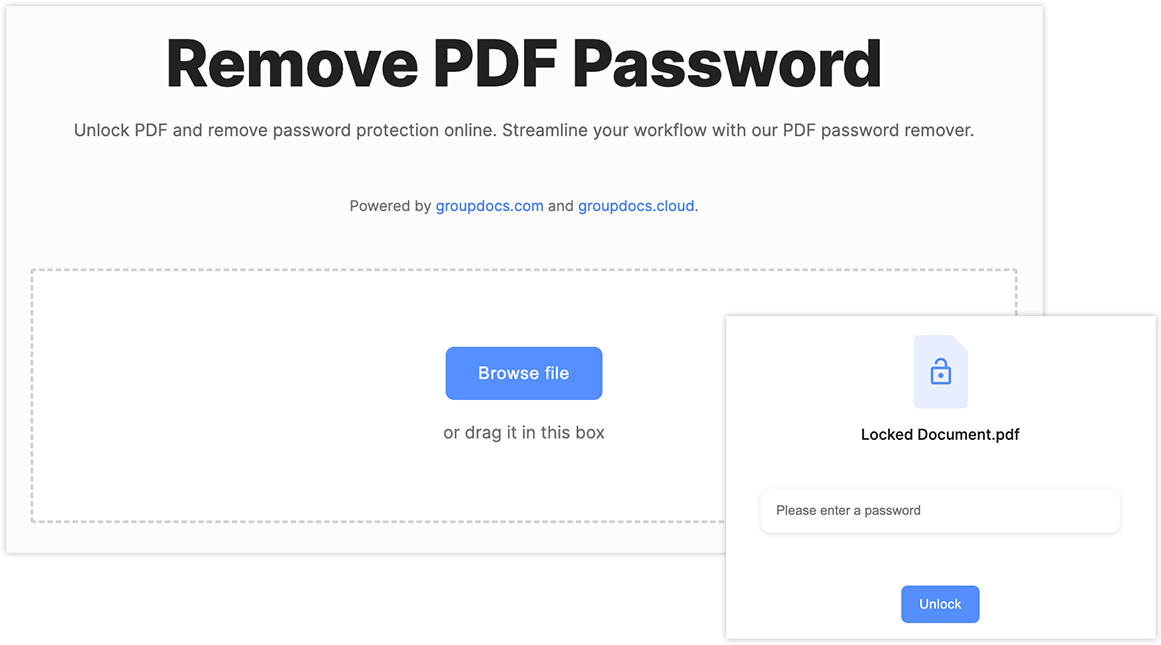
Remove Password Protection Form PDF Unlock PDF

How Do You Remove PDF Password Protection 3 Best Methods

WEB To remove a password from PDF file on Mac the simplest way is using Preview app First open password protected PDF with Preview app Then input the password to unlock the file From the File menu select Export and choose a location to store the PDF Make sure the Encrypt option is unchecked

WEB Aug 17 2021 nbsp 0183 32 Cisdem PDF Password Remover is a standalone application to remove both user and owner password protection from PDF on Mac and Windows It removes user password directly auto detects if the PDF is protected with a user password and offers 2 solutions remove with password decrypt without password
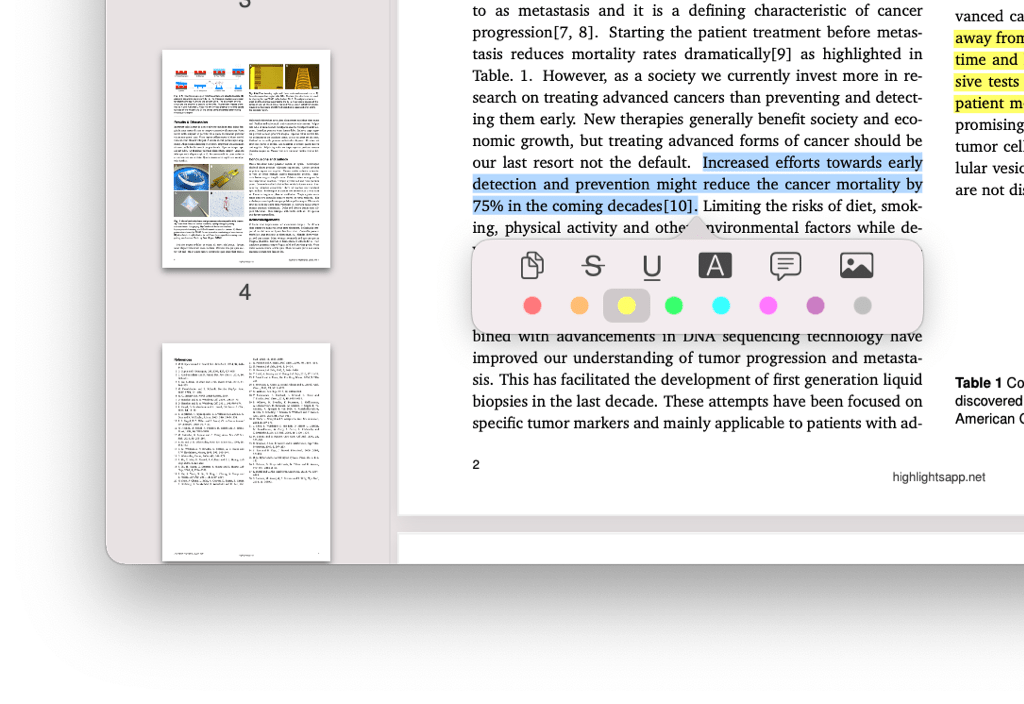
WEB Apr 10 2024 nbsp 0183 32 To remove a password from a PDF file on your Mac using Adobe Pro download install and launch the software on your Mac Choose Tools gt Protect a PDF Select Remove Security to remove the password

WEB Remove passwords from PDFs online easily for free No size limits and no ad watermarks Unlock PDFs without sign up or installation Remove the password from your PDF in seconds TLS encryption for secure document processing

WEB Dec 4 2023 nbsp 0183 32 Removing a password from a PDF is much easier if you know what the password is And if you don t you shouldn t try to crack it However there is a workaround printing the document as a PDF in a browser will allow you to create a
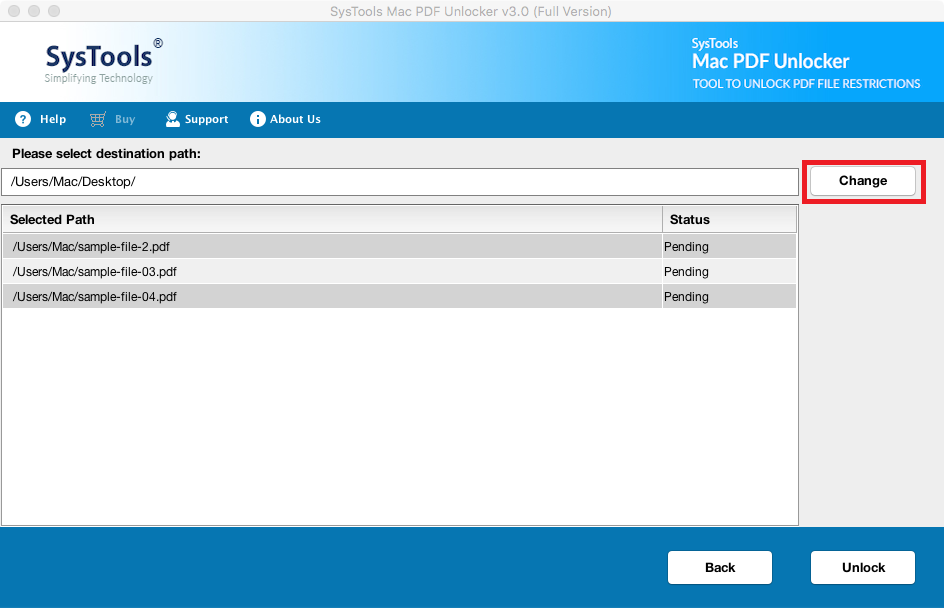
WEB Oct 14 2023 nbsp 0183 32 Want to remove password from a PDF file on your mac Here are five ways to remove password from your PDF and unlock them on mac for free WEB Download and Install the PDF Password Remover for Mac Import user Password Protected PDF Files to the program Drag amp Drop user password encrypted PDF files into the main interface it will show the PDF with a lock icon and a
WEB May 22 2024 nbsp 0183 32 PDF Password Remover for Mac On the Wondershare product page there is PDF Password Remover for Mac This software is tailored made to remove open and user passwords of PDF files on macOS By removing these passwords you will be able to view edit copy and print your PDF files anytime